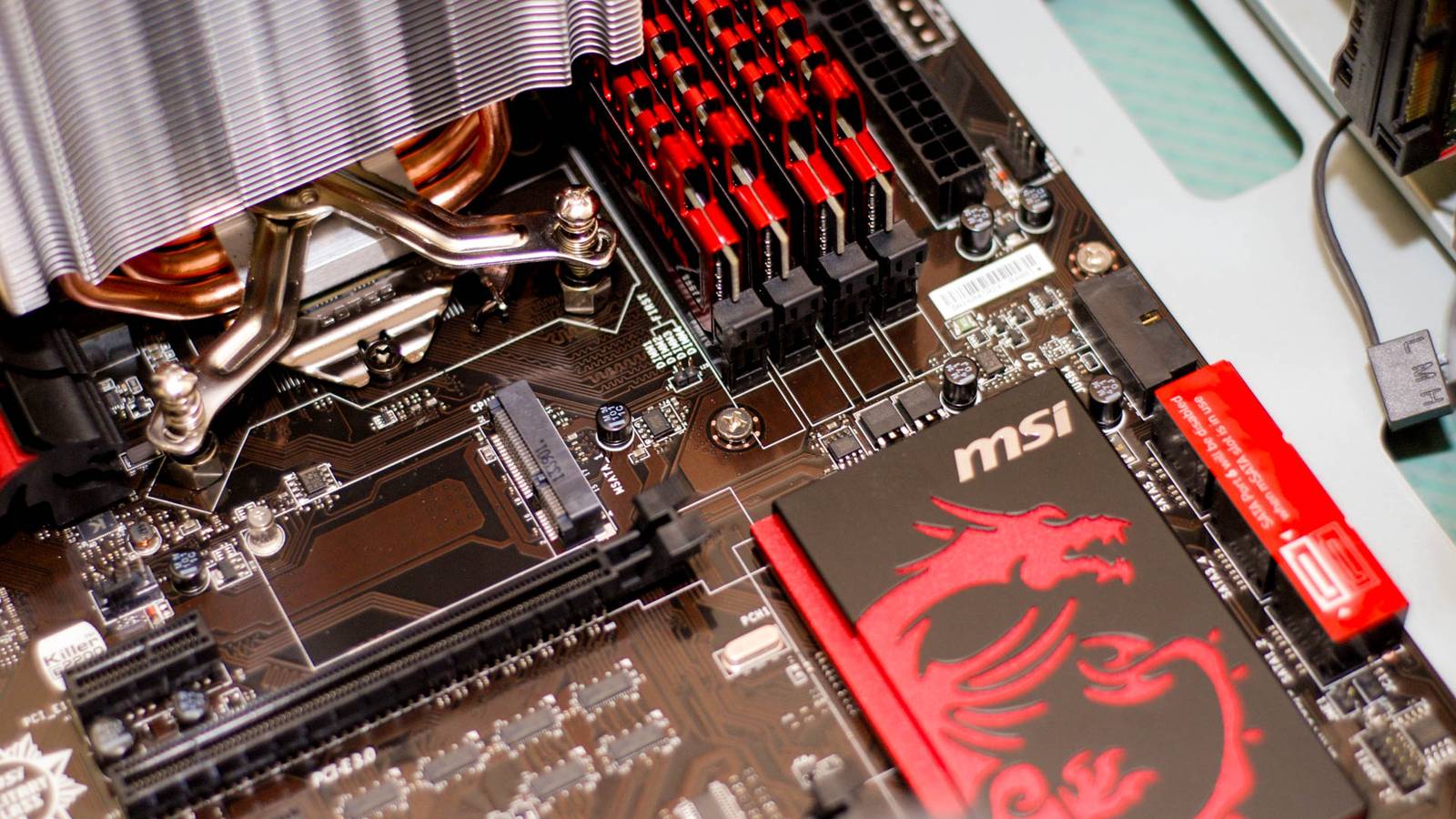
Proxmox is one of the most popular distros among homelabbers and self-hosting enthusiasts because it allows you to convert almost any PC into a server in the amount of time it takes you to install the operating system.It is flexible, lightweight, and incredibly useful.These are some of the ways I used Proxmox to put my old PC to good use.
I created my own multimedia streaming service Goodbye expensive streaming subscriptions Most streaming services cost a minium of $15 per month these days.Across a few music, TV, and movie streaming services, you can easily start to get close to the price of a cable subscription.One of the best ways I've put Proxmox to use is by setting up a music streaming service on my local network, which has allowed me to cut out music streaming subscriptions.
I began by creating a new LXC container (which is similar to a virtual machine) running a headless version of Ubuntu, then installing Navidrome, a music streaming server program.From there, all I had to do was transfer over the music files I'd copied from my ever-growing collection of CDs and install a media player that supports Navidrome on my PCs and phone.Related How to Rip an Audio CD on Windows Just like the good old days.
Posts 4 By Corbin Davenport Now, I can be sure that I actually own the music I'm streaming, and that a change in licensing won't result in the majority of a Spotify playlist getting removed when I didn't expect it.I own my CDs, and I control the digital copies of their contents.The entire setup process took less than 20 minutes.
The longest part of the process was waiting for the music to transfer, since it was being copied to a mechanical hard drive.Hosting games is a breeze Who doesn't enjoy a modded Minecraft playthrough? Game servers were actually the original reason I started self-hosting in the first place, but Proxmox brought them to another level completely.Instead of trying to host multiple game servers on the same computer—which causes issues—Proxmox allows me to quickly create a new container or virtual machine for every game server I want.
I can specifically allocate a certain number of CPU cores, RAM, and storage to a virtual machine or container to ensure that each server has the right amount of resources.If I decide to add more mods and the server needs more resources, I can just come back and increase the amount of available RAM with a few clicks.Running game servers in Proxmox containers also ensures that conflicting dependencies—which is a problem more often than I'd like—won't cause one server to crash while another runs perfectly.
I saved on buying a NAS Cheaper than buying a Synology A network attached storage device (NAS) is basically a miniature cloud service that you attach to your local network.NAS units can cost anywhere between a few hundred dollars and a few thousand depending on what you buy.A NAS can be an invaluable part of a robust backup solution, but I wasn't willing to buy one.
Once again, Proxmox provided the solution.I created a low-power VM running TruNAS, plugged in a few 8TB mechanical hard drives, and then set the TruNAS VM to use those as additional storage.In about an hour, I had 8TB of storage (fully redundant) available to every device connected to my local network, and the only added cost was the price of the drives themselves.
It is also much more flexible than a normal NAS.You can use any file system you want, set up any backup solution you want, and you're not pushed to pay for a subscription to access any additional features.At the time I set up my NAS with Proxmox, I bought used drives from ServerPartDeals for about $11 per terabyte, which was an excellent deal.
If you're trying to build your own DIY NAS out of an old PC in 2026, I'd recommend shucking your drives instead.It is the best value since the hard drive pricing crisis came into full swing.Productivity apps are now hosted at home Goodbye Cloud-based productivity apps An increasing number of productivity apps are cloud-based, or at least require an internet connection to function properly.
After my success with game servers, music streaming, and a NAS, I decided that I may as well migrate as many of my productivity apps over to my Proxmox server too, since LXC containers are lightweight and easy to set up.I've been running 4 services full-time, and experimented with many more.Joplin—For note taking and writing drafts NextCloud—For a mix of MS365-like tools and a calendar TrueNAS—For a OneDrive replacement Glance—A self-hosted start page that feeds me information relevant to my work and interests In 2025, my self-hosted services actually experienced less downtime than several paid options, since they don't rely on Cloudflare to function.
I've also set up a few Raspberry Pi Zeros on battery backup to ensure that absolute essentials—like Joplin—are never down.Proxmox makes it easy to try new things These four uses only begin to scratch the surface of what you can do with self-hosting, and Proxmox makes the entire process easier.If you accidentally make a mistake while configuring a new service, the only real risk is to that container.
Everything else remains safe.Now that I've been using Proxmox, I'll never host anything bare metal again unless I absolutely have to, and you shouldn't either.WD Red Pro NAS Hard Drive Storage Capacity 2 - 26TB Workload 550TB/yr Suitable for NAS Western Digital's Red Pro NAS hard drives come in sizes from 2TB to 26TB.
$360 at Amazon Expand Collapse
Read More