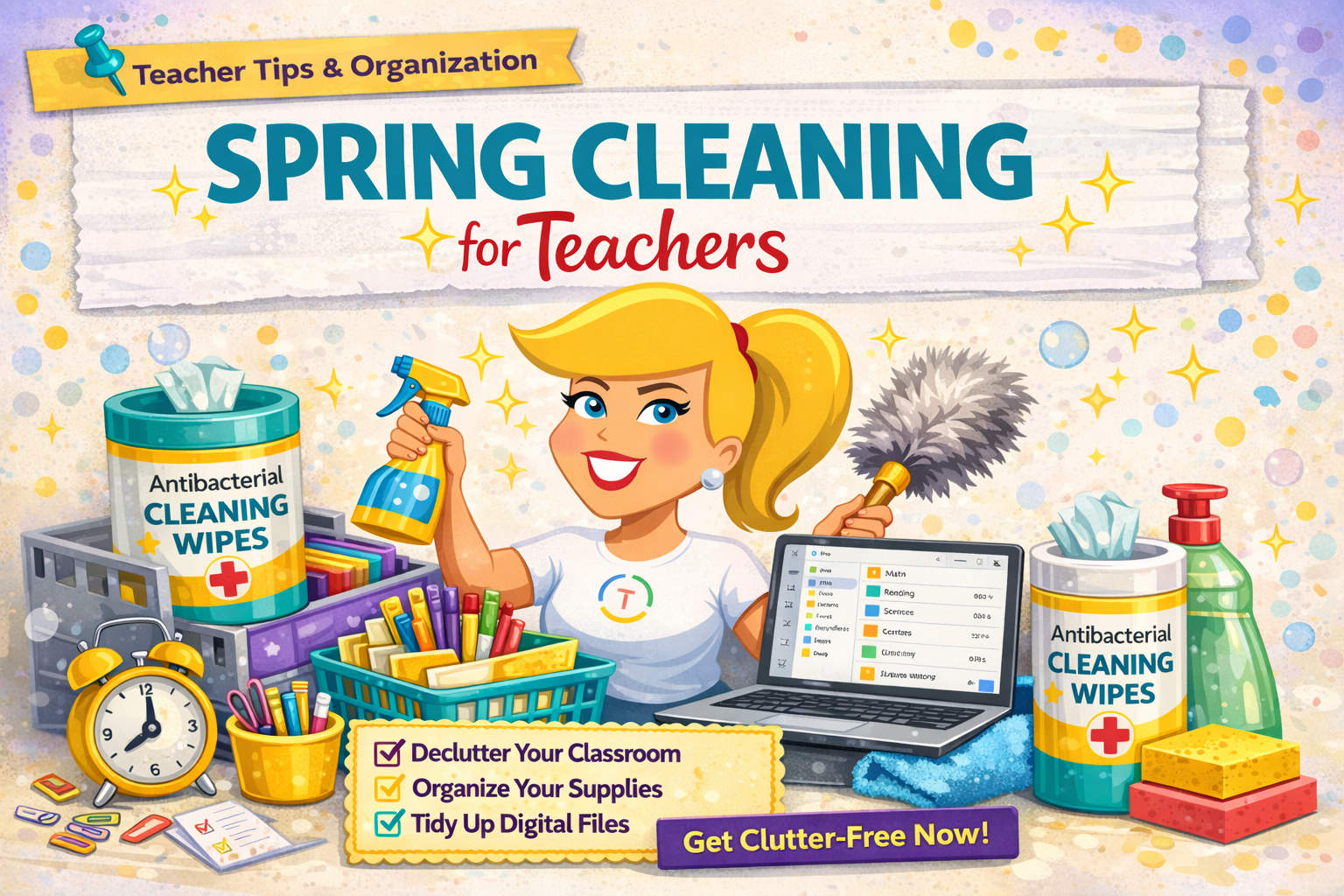
Today we’re not chasing lucky charms—we’re going after something better: a little more breathing room.If your teacher desk has become a landing zone, your cabinets are overflowing, and you’re constantly moving the same piles from one spot to another… you’re not alone.This time of year is busy, and clutter has a way of piling up quietly until it starts creating stress.
The good news? You don’t need a total classroom makeover.You just need a realistic reset—small wins that make your classroom easier to manage right now, and set you up for a smoother finish to the year.Listen to this podcast episode: Spring Cleaning for Teachers: Declutter Your Digital Files, Classroom, and Systems This post is your step-by-step guide to physical spring cleaning for teachers, with plenty of room to add your favorite organization tools (I’ll include spots where Amazon recommendations make the most sense).
Step 1: Digital Spring Cleaning (Desktop, Downloads, Drive) Let’s start with the kind of clutter most of us don’t notice until it starts causing stress: digital clutter.Here’s what I want you to hear clearly: You are not organizing every file you’ve ever touched.We’re hitting the three places where teacher clutter piles up the fastest: your Desktop, your Downloads, and your Drive.
The 15-Minute Rule (This is the whole strategy) Set a timer for 15 minutes.That’s it.Not two hours.
Not all Saturday.Fifteen minutes.And when the timer goes off, you stop.
Teachers don’t need another project that eats their time.We need boundaries.Use 3 simple categories Inside those 15 minutes, every file goes into one of these buckets: Keep (you use it now) Archive (you might want it later) Trash (delete it—outdated, duplicated, done) Permission slip: If you don’t know what to do with a file, don’t spiral.
Put it in your Archive and move on.You’re creating order.*Related: 13 Tips to Organize Your Google Drive Folder structure should match how your brain searches This is where teachers get stuck.
You don’t need a complicated system.You need a system that matches how you look for things.Ask yourself: when you’re searching, what do you type first? “I need my fractions stuff.” “I need that argument writing unit.” “I need my lab directions.” “I need my centers.” That’s your system.
Light grade-band note (without overdoing it):Elementary teachers often think in terms of subject/skill/season, while secondary teachers often think in terms of course/unit, and neither is better.The only wrong system is the one that’s so complicated you stop using it.If your folders are 12 layers deep, it’s not organization…It’s a maze.
File naming that future-you will thank you for “Untitled document” is a cry for help.And “final_final2” is a lie we tell ourselves.Try this naming formula:Grade/Course + Unit/Skill + Resource Type + Year Examples: Elementary-style: 3rdMath_Fractions_Game_2026 Secondary-style: USHistory_Unit2_NewDeal_DBQ_2026 Why the year matters: if you revise year after year, it helps you quickly identify the most current version.
Quick “Do It Right Now” Challenge Before you leave this post: Rename 10 files Delete 10 things from your Downloads folder That’s 20 tiny actions that will immediately lighten your digital space.*Related: Top 15+ AI Tools for Teachers Step 2: Classroom Declutter (Without a Weekend Overhaul) Digital clutter is one kind of chaos.But classroom clutter can drain you before the first bell even rings.
Pick ONE zone Rule #1: Do not try to do the whole room.Pick one zone that annoys you every single day: Your teacher desk The cabinet you avoid opening That paper pile that you keep moving around Your supply drawer that has become chaos Your turn-in spot that isn’t really a turn-in spot anymore Even if you only have five minutes, you can start—and you can come back.Progress matters.
Use the Keep / Toss / Move method Three piles (boxes, bags—whatever you’ve got): Keep = you actually use it Toss = broken, dried up, outdated, haven’t used it in forever Move = belongs somewhere else (return it, donate it, relocate it) Here’s the hard part: teachers keep things out of guilt.“I might use this.”“This was expensive.”“A parent gave me this.”“I saved this for a project and never did the project.” So use this filter question: Does this support my students’ learning right now or in the next month? If not, it doesn’t need to live on your desk or in your prime storage space.Clear one surface + create “homes.” Want a quick win you’ll feel immediately? Clear one surface.Desk.
Counter.Small group table.Biggest landing zone.
If clutter keeps returning to the same surface, it’s usually because things don’t have a home.Ask: “Where does this live?” “Where will I put it so I don’t have to think about it next time?” This is where simple labels help—not labels everywhere, just labels for the things you use constantly.And yes… label makers are way cheaper now than they used to be.
Here’s a great (and affordable) label maker! Bonus (especially helpful in elementary + for multilingual learners): Add picture labels.Visuals help all learners, and they’re especially supportive for pre-readers, struggling readers, and English language learners.*Related: Classroom Organization That Actually Works Step 3: Fix the Leaks (Because Clutter Usually Comes Back) Here’s the truth: most clutter is a symptom.
The real problem is a workflow that stopped working—and you’ve been coping ever since.So ask: Where does mess show up again and again? turning in work missing work papers to grade copies and masters supplies never returned digital assignments scattered in six places That repeat mess is your clue.That’s the leak.
Pick ONE system to simplify Not five.One.And ask: How can I reduce the steps? Because the more steps a system has, the more it falls apart when you’re tired… and teachers are tired.
Here are a few simple system resets that work across the board: One turn-in spot (physical or digital) One missing/absent work procedure One needs-action basket + a boundary for when you process it One place for copies and masters One weekly reset routine (Friday 10-minute reset or Monday 10-minute reset) You’re not trying to create the perfect system.You’re trying to create the system that survives a Tuesday in April.Step 4: Tiny Maintenance Habits (How This Actually Sticks) Here’s what makes spring cleaning stick: a tiny maintenance habit.
If you do a big reset and never maintain it, the clutter comes back and you feel like you failed.You didn’t fail.You just didn’t build a maintenance rhythm.
Pick one: 5-minute Friday desk reset 10 minutes once a week to tidy Google Drive End of day: clear one surface End of week: delete downloads (And yes… you can add email cleanup too.) Tiny.Sustainable.This is how teachers win.
*Related: Forget About Goals, Focus on Systems Instead Shop My Spring Cleaning Favorites Want to make this easier? I’ve rounded up my favorite classroom organization tools—bins, labels, paper systems, and teacher desk solutions.️ Shop Teacher Organization on Amazon Some links in this post are affiliate links, which means I may earn a small commission if you purchase through them—at no additional cost to you.Thanks for supporting Shake Up Learning! Shake Up Learning 2025.
Unauthorized use and/or duplication of this material without express and written permission from this blog’s author and/or owner is strictly prohibited.Excerpts and links may be used, provided that full and clear credit is given to Kasey Bell and Shake Up Learning with appropriate and specific direction to the original content on ShakeUpLearning.com.See: Copyright Policy.
Read More