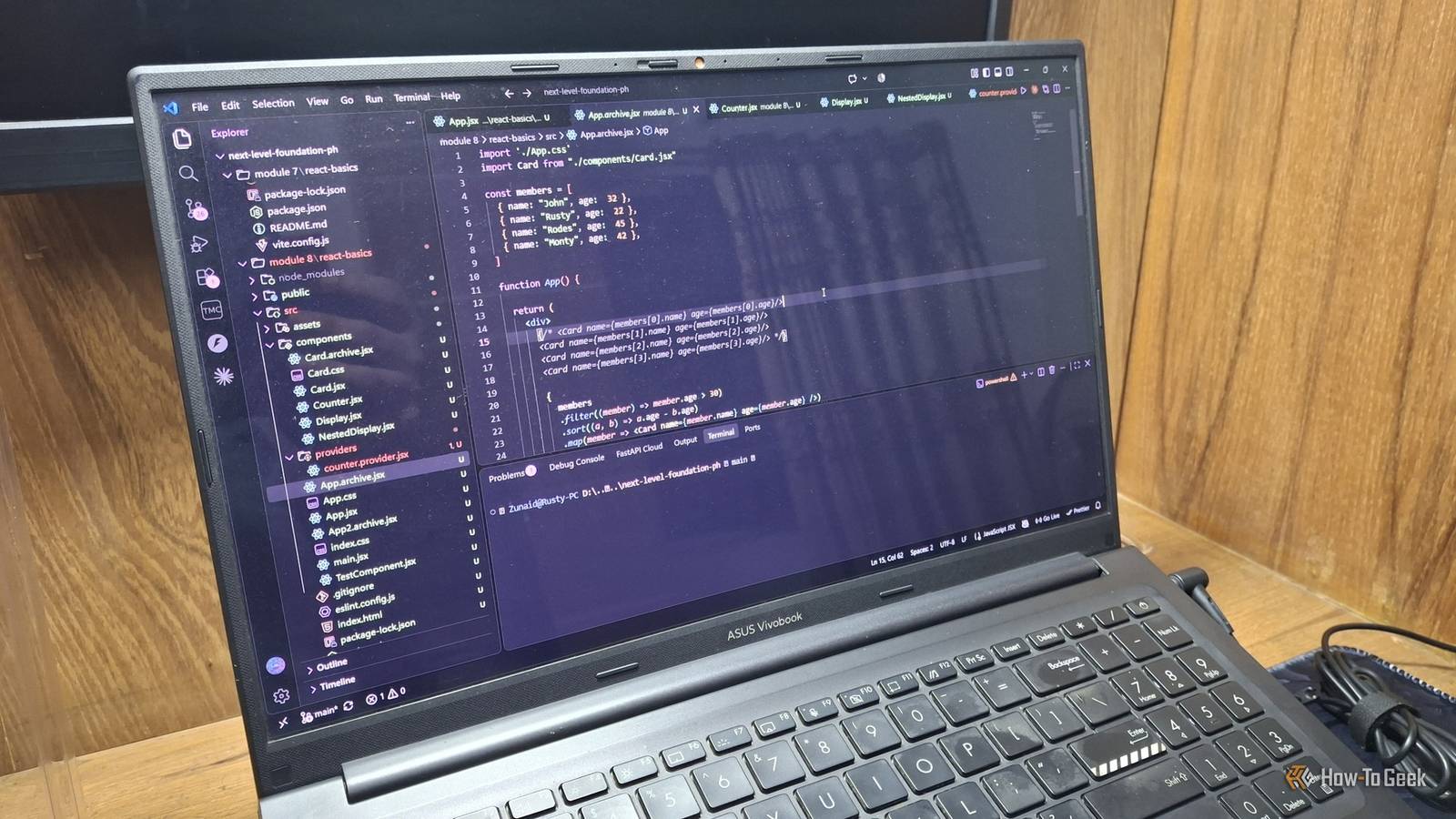
I can't count how many side projects I've killed so far.Some never even saw the light of day.Others were abandoned at the initial stage.
There were many reasons, but one common reason was my fear of breaking the rules professional software engineers follow.When I tried to get everything perfect from day one, it only created more overhead and caused burnout.Then I decided to do something many programmers would consider disgraceful.
I started writing bad code on purpose.By bad code, I mean code that's rushed, messy, or sometimes even wrong.When I stopped worrying about how my code looked and stopped cleaning it up, it drastically reduced the time it took me to finish writing code.
A project that used to take a month to reach somewhere meaningful now takes two weeks or fewer.However, it's a double-edged sword, and I learned it the hard way.Breaking code on purpose teaches you what not to write Wrong code today saves debugging time tomorrow This is a habit I built whenever I decide to learn something related to programming.
Some of you probably do it too.When I'm learning a new programming language, a framework, or even a new concept, I purposefully write wrong, broken code to see what happens.I do this so the concept clicks into place.
It's a great way to experiment with how a tool works and behaves.That way, you can learn about the common traps you might face in the future and avoid them.This is also backed by research.
In a 2022 study, learners who deliberately wrote wrong definitions and then corrected them did better on later tests than learners who simply copied the right ones.To be fair, a 2024 replication attempt didn't find the same effect, and none of this research was about code.Still, it matches my experience.
When I was learning some intermediate JavaScript concepts, I did this a lot because it can be cranky sometimes.For example, this example of destructuring: const { name } = null;// TypeError: Cannot destructure property 'name' of 'null' as it is null.JavaScript stops you right away.
The error message even tells you what went wrong.Honestly, these are friendly bugs.You can't miss them.
But here's one that surprises a lot of beginners: [10, 1, 2, 25].sort();// [ 1, 10, 2, 25 ] No errors or warnings.By default, sort() compares values as text, so "10" lands before "2." Once I saw this, I never forgot to pass a compare function like (a, b) => a - b.The tutorial I was following passed those, but I still experimented with it without passing them to see what happened.
Close As you may have noticed.Silent errors are troublesome to deal with.So, learning those traps prepares you for any sudden surprises you may face when writing serious code.
Rules matter most when other people depend on your code For practice and personal projects, you have the freedom to break them When beginner coders listen to software engineers online, they learn many fancy words, such as SOLID principles or the Factory method.This is, of course, genuine advice.The thing is, you have to understand who the advice is for.
These are meant for people writing production code and working in a team on large codebases.Most new programmers start their journey with to-do apps or calculators.You don't need to apply any of those rules to your 100 lines of code.
In fact, sometimes clean code can hold you back when you follow it too strictly.If no one else is going to read and work with your code, then a lot of those rules suddenly matter much less.Take prototypes, for example.
In The Pragmatic Programmer, the author says prototyping generates disposable code.Though it also mentions the "tracer code", which remains in the final project.So, the real trick is knowing which one you're writing.
If it's going into the actual system, it deserves real care.In my case, whenever I'm working on some weird project on a weekend, I totally turn off my engineering mindset and go wild.I'd probably get kicked from any software team if they ever saw that code.
AI tools also have a role in this For better or for worse When AI and LLMs were getting better at coding tasks, I also got pulled into vibe coding and AI-assisted development.This is when my habit of writing bad code reached its peak.On one hand, I generated a lot of code using AI and didn't even bother to clean it up.
When giving the prompts, I kept them minimal and didn't ask it to follow any of the rules or principles.So, naturally, the code those AI tools wrote "worked" but had poor quality.On the other hand, if I wrote any bad code myself, I always delegated the cleanup to AI tools.
Knowing they had my back, I didn't bother following strict rules when writing the first version of the feature.Though, as you might expect, this was never a foolproof plan.Related Why I'm learning to code in the age of vibe coding I'm not giving in to the vibes yet.
Posts By Zunaid Ali Writing more code doesn't always mean being productive You still have to read the bad code you write Now for the part I learned the hard way.On many of my AI-assisted projects, I kept generating code blindly until I had multiple files with thousands of lines.Now I develop features one by one and test each as I go.
But reality hit when I ran into a bug.The first thing I did was, like any other vibe coder would do, explain the bug to the AI tool and ask it to fix it.That failed miserably.
For the first time, I had to open the files and read the code myself.Boy, was I in for a surprise.Since I had some programming knowledge, I understood the code snippets.
But the whole flow of data, how everything was woven together, what role each component was playing, I had no idea.So, ultimately, while writing bad code did save me some time, if I ever have to read that code later, I'd rather write it well from the beginning.Finish first, polish only what survives "If it works, don't touch it" is a well-known meme in the programming community.
I'm glad that it's just that.A meme.Bad code didn't make me a worse developer.
It made me faster, because I learned when to use it.It also taught me why it's a habit of elite programmers to write organized code.
Read More