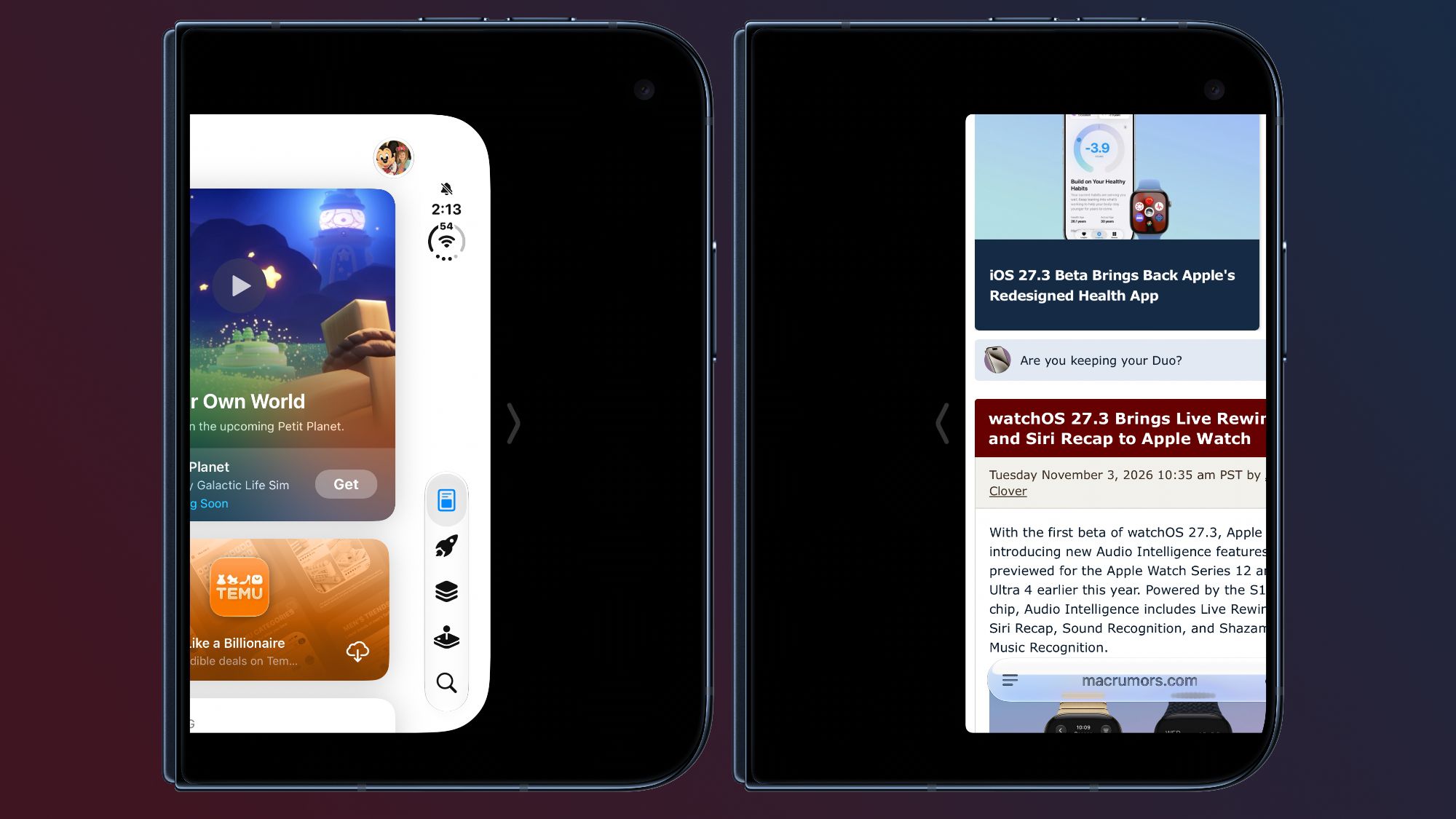
With today's iOS 27.3 beta, Apple expanded Reachability to the iPhone Duo.Reachability lets iPhone Duo users shift the content on the left or right side of the outer screen to make it easier to reach with a thumb.Reachability can be turned on or off by going to Settings > Accessibility > Touch > Reachability.
It is on by default after updating to the new software.When the iPhone Duo is closed, a short swipe left on the left edge or a short swipe right on the right edge will shift the outer display's content left or right.
Read More