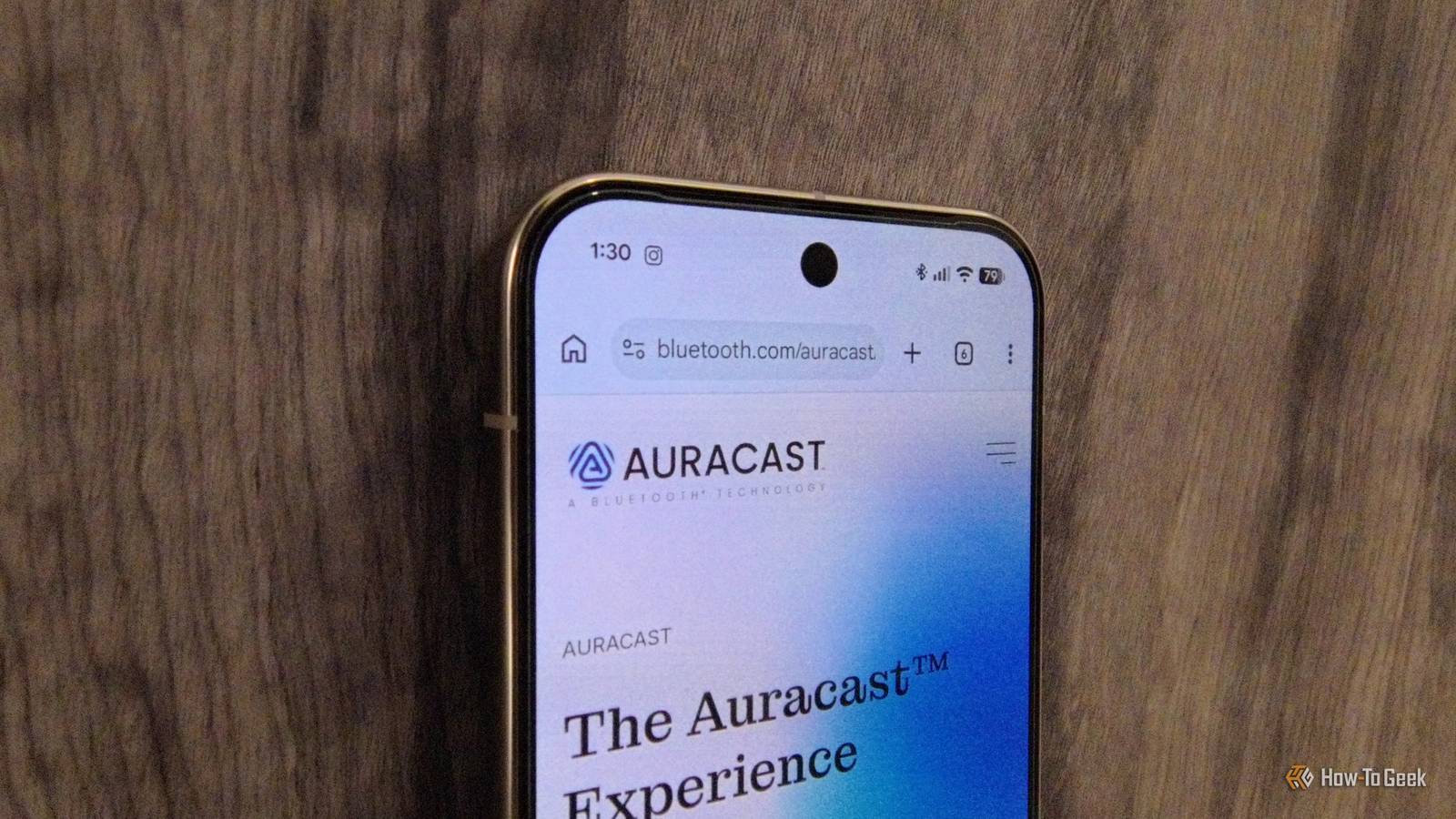
Four years have passed since Bluetooth SIG announced Auracast, and we now have it readily available on the latest Android smartphones.Yet somehow, the average smartphone owner barely uses it.Most folks I know or socialize with haven't even heard of the feature.
Add How-To Geek on Google Add as Preferred Source Follow on Google Discover You would think that all Bluetooth 5.2 and later devices with Bluetooth LE would support Auracast, as those are the hardware requirements on paper.But unfortunately, that's not the case.In fact, many brands that launched Bluetooth audio devices with so-called Auracast support haven't actually enabled the feature yet.
This includes very big names in the industry, such as Marshall.Flagship phones from the Samsung Galaxy S25 series and Google Pixel 9 series, or later models from the brands, are Auracast-ready.Similarly, a few reliable audio accessory brands like JBL and EarFun have enabled Auracast usage on their devices.
With the right combination of compatible phones and audio accessories, you can take advantage of Bluetooth Auracast.It solves a multitude of audio sharing problems on Android in an elegant, easy-to-execute manner.What is Bluetooth Auracast? And why is it so important? Auracast was touted as the next evolution of Bluetooth as we know it.
Conceptually speaking, the idea is beautiful.One creates a password-protected Bluetooth Auracast broadcast, and anyone with access and compatible Bluetooth Auracast audio devices can join.Imagine having your own personal radio station.
Your friends would never pay for Spotify again because it would replace features like Spotify Jam.Hooking up multiple Bluetooth speakers at a party would take a matter of seconds.You could host a silent rave in your own home, and attendees could bring their own audio gear.
The possibilities are endless! I fully expected Auracast to be up and running by this year, since it was publicly released in June 2022.It isn't that the feature hasn't seen a mass rollout.Ironically, the problem is that most Bluetooth audio devices can't use it yet, even if the packaging on the box says they can.
If you do have all the right gear, though, here's how you can utilize Auracast on your phone.How to use Bluetooth Auracast to create a broadcast Start sharing audio in a matter of seconds Close I used a Pixel 10 Pro running Android 17 and a pair of the EarFun Air Pro 4+ earbuds for this trial run.You don't have to use the same devices, obviously.
Just make sure everything is compatible with Auracast and is actually able to use it.I wasted hours with my beloved Marshall Monitor III over-ear headphones trying to figure out why the audio-sharing option wouldn't work despite being "future-ready." It took me embarrassingly long to realize Marshall never rolled out the over-air firmware update needed to use Auracast, even though the brand lists the feature as compatible on its website.Related Android quietly unlocked better wireless audio—but only some phones can use it You'll need to embrace Google to get the best sound.
Posts 3 By Jon Fingas Tweak your Bluetooth settings for best results Dot the i's and cross the t's Close Creating a broadcast to share audio is simple, but work needs to be done beforehand for it to work smoothly.First, connect your Bluetooth audio device to your phone.Head into the accessory's settings and disable codecs like LDAC and Qualcomm aptX.
You should also disable the gaming mode if your headphones or speaker has one.This was recommended to me by the EarFun app, which was super helpful to know as I couldn't get Auracast to work initially.Once you have disabled all these features in your Bluetooth audio device, it will restart.
Reconnect your phone to the accessory.Sometimes, it helps to forget the Bluetooth device from your smartphone and establish a fresh connection.I found this to work for me.
After that's done, enable the Bluetooth LE audio option from the audio accessory device settings.This is found in the Bluetooth settings menu.Tap on "Device details" within the Bluetooth settings menu and enable the Bluetooth LE toggle.
The audio sharing button should also be clickable once you scroll above the Bluetooth LE button.You should also see another option that lets you find and listen to nearby Auracast broadcasts.If you still don't see it, open the main settings menu on your Android phone.
Search for the audio sharing option and enable it from there.To start your own audio stream, click the audio sharing button in the Bluetooth settings menu or the main Android settings menu.It's all the same, though I find it quicker and easier to tap the audio sharing button from the Bluetooth tile in the Quick Settings menu.
The final step before starting a broadcast is essential for your privacy.Set a name for your audio stream, such as your device name or whatever feels appropriate, and then create a secure password.Once that's done, you'll get a QR code that can be scanned to connect to your Auracast audio stream.
If someone has trouble finding your broadcast through Bluetooth Auracast on their phone, they can scan the QR code as a shortcut.Make the most of Auracast now that you can use it There are many excellent scenarios where Bluetooth Auracast can come in handy.Many modern hearing aids support Bluetooth Auracast, so it's much easier to communicate with hearing-impaired people.
School or work announcements could be made using Auracast streams.You could introduce key moments at dinner parties or family gatherings via Auracast.It could even be used as a potential personal safety alarm to broadcast an SOS.
Road trips, friend hangouts, and parties become more exciting with Auracast.You can create an Auracast broadcast when sharing a long bus or train journey with friends and family, so you can all listen to the same playlist on your phones and headphones without bothering the other passengers.This is also applicable to flights.
It's still a work in progress, though.The number of compatible devices, or devices that are compatible but can actually use the feature, is incredibly limited right now.I also really wish there was a way to connect a bunch of Bluetooth speakers or earbuds to one smartphone instead of having to connect different devices to Auracast-compatible phones and then join an audio stream.
Hopefully, Bluetooth SIG will build on this and add this improvement, especially if they see more people using and appreciating the feature.Related Your phone's Bluetooth audio quality depends on one hidden setting nobody knows about Setting up Bluetooth audio can be hit or miss, but there's one setting that makes a big difference Posts 5 By David J.Buck
Read More