I'm going to be honest with you: I don't like Android's old three-button navigation bar.I moved on to gestures as soon as they were added, but I can't deny they're not perfect.Far from it, actually.
Some things still work better with the good ol' buttons.Gestures have been a part of Android since version 9 Pie in 2018.That was an odd middle ground between gestures and buttons, though.
The full-fledged gesture navigation that we know today was added in Android 10.Pretty much all Android phones use it these days — so what are we missing? Plays nicer with third-party launchers It's a long-standing problem Those who have tried gesture navigation with a third-party launcher — Niagara, Lawnchair, etc — know that the experience isn't quite as smooth as they'd like.This is a common complaint, and has been for a long time.
It goes back to Android 9 and the introduction of gesture navigation.When Google added gesture navigation to Android, it also merged the Recents screen into the stock launcher.This could be the Pixel Launcher, One UI Home, or whatever the manufacturer ships.
This means when you use a third-party launcher, the stock launcher is still responsible for bringing up the Recents screen.So, with gesture navigation, there's essentially an extra handoff that happens every time you swipe up.The system doesn't immediately know if you're trying to go Home or to open the Recents screen.
Once it decides the gesture is indeed for Recents, the stock launcher takes over.This is why it can feel a bit choppy.With three-button navigation, that Home-or-Recents split-second decision isn't necessary.
The Home button is hardwired to go to whichever app is set as the default launcher, and the Recents button directly opens the Recents screen.Related I'm still using 3-button navigation on Android—Here’s why It's better, especially Samsung's layout.Posts 32 By Cory Gunther Easier to open sidebar menus This wasn't thought through As much as I love gesture navigation, there's one thing that I've never fully gotten over.
For years, Google encouraged developers to design their apps with slide-out menu drawers on the left side of the screen.These menus could be opened with the "hamburger menu" button, or by simply swiping inward from the edge of the screen.Close Well, gesture navigation pretty much ruined that.
It was super easy to swipe to open sidebar menus.Many apps didn't even make you swipe from the exact edge — just a horizontal swipe anywhere on the screen would do it.That all still works with three-button navigation, and it's much easier than gestures.
You're forced to reach to the top of the screen to tap the hamburger icon or perform an incredibly unreliable diagonal gesture.In my opinion, it's the worst thing about gesture navigation.Extra space for more buttons It doesn't have to be only three One of the main reasons people give for preferring gesture navigation is that it frees up more screen real estate.
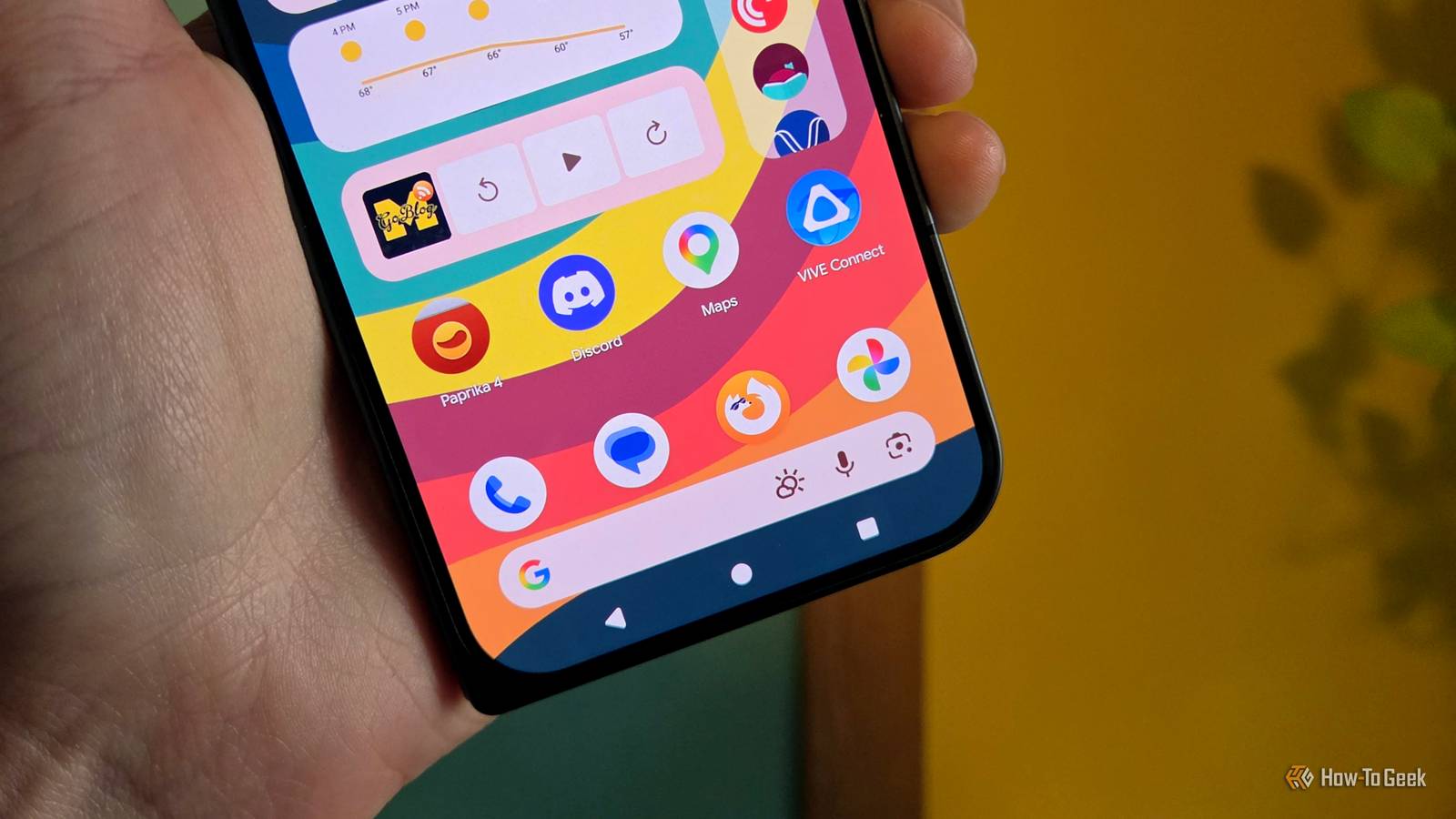
The thing is, the navigation bar can be used for more than just navigation.You can add extra buttons to the nav bar, keeping them off the main viewing area.For example, Android's Accessibility Button is a nifty way to add extra functionality to your phone — tons of apps take advantage of it.
When you use gesture navigation, the Accessibility Button floats on the screen, and you have to constantly drag it out of the way.That's not the case with three-button navigation.Close You can choose to put the Accessibility Button in the navigation bar.
It's always in the same place and never in the way.There are also third-party apps that take advantage of the navigation bar space.This is something you simply can't do with gestures.
I still prefer gestures I'll admit there are a few things that work better with three-button navigation.The sidebar menu is particularly annoying to me, and it's long overdue for the third-party launcher situation to have been solved, but that's a pretty short list in the grand scheme of things.Still, I appreciate that Android still has both options — choice is what it's all about.
You don't have to listen to me go on about how much I like gestures.Three-button navigation is alive and well, and I hope it stays that way.Related It's Time to Stop Using Three-Button Navigation on Android Following in the steps of the iPhone, Google added gesture-based navigation to Android in 2018.
It's been a while since then, yet many people still cling to the old three-button navigation system.Allow me to make the case for gestures.A big reason why so many people still use three-button navigation is Samsung.
Despite Galaxy devices having gesture navigation built-in, Samsung defaults to three-button out of the box.You have to manually switch to gestures yourself---not everyone will know they can do that.Posts By Joe Fedewa
Read More