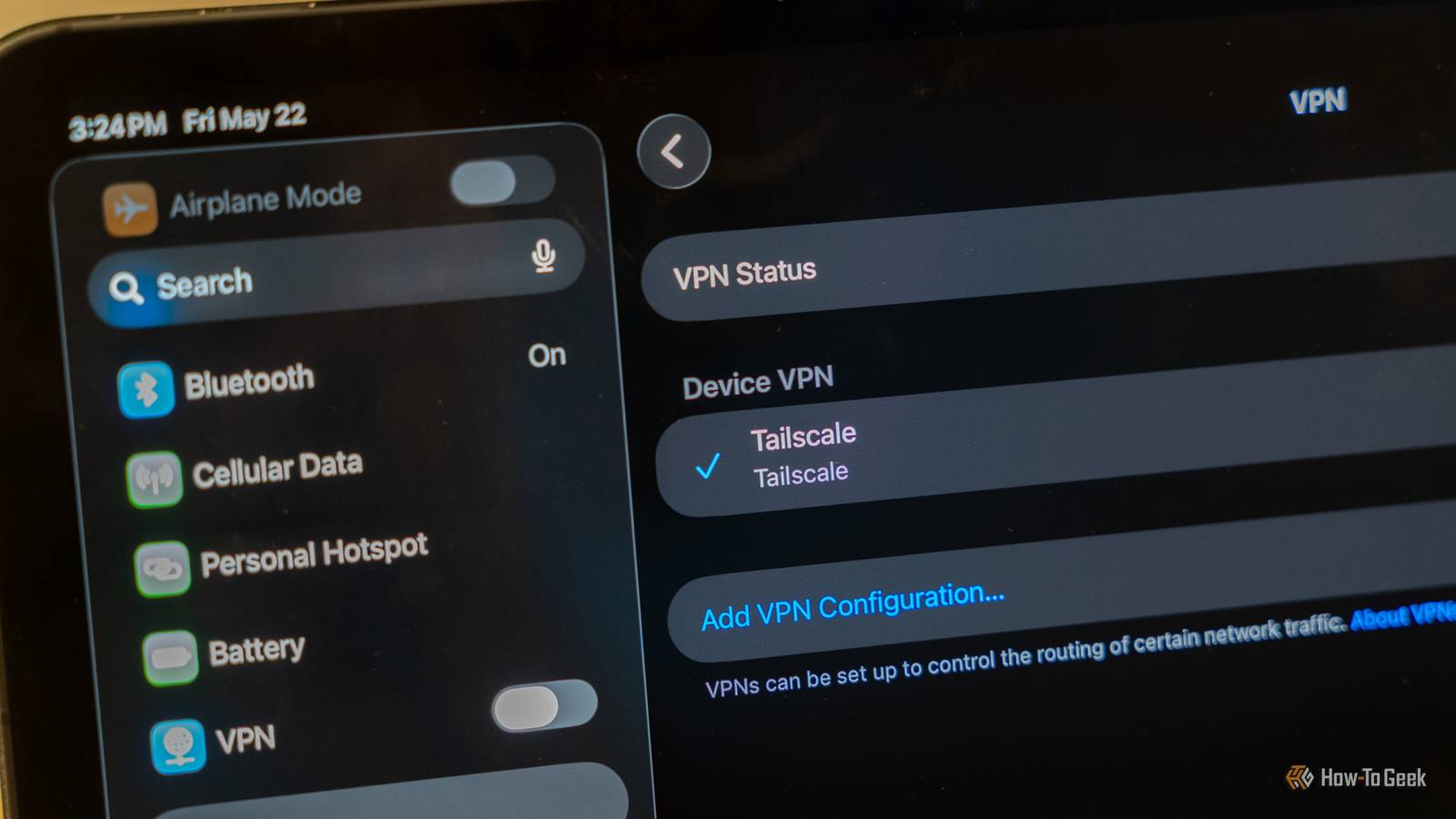
By default, many self-hosted apps are only accessible over your home network.There are plenty of ways to provide remote access, and Tailscale is a popular option.It creates a secure private connection between your devices, even when they're on different networks, and plenty of self-hosted apps can benefit from remote access using Tailscale.
Vaultwarden Access your passwords from anywhere Bitwarden is a popular password manager that allows you to save usernames, passwords, and other credentials in an encrypted vault, and access them using Bitwarden apps or browser extensions.The data is synchronized through Bitwarden's own servers.Vaultwarden is an unofficial, open-source server that works with Bitwarden's apps and extensions.
Instead of saving all your sensitive passwords on a third-party server, you can keep them on your own hardware.By default, you can only access your Vaultwarden server on your local network.By adding the server and your devices to your Tailscale network, you can securely access your passwords remotely, even if you're on the other side of the planet.
Related 6 self-hosted apps that are better with Proxmox The "just use Docker" crowd isn't going to like this one.Posts 2 By Umair Khurshid Immich Back up your photos even when you're away Immich is a self-hosted photo and video management system designed to offer many of the features of cloud services such as Google Photos and Amazon Photos.Instead of storing your photos and videos in the cloud, Immich lets you store them on your local server.
Immich doesn't just let you access the photos and videos, but it can also automatically back up photos and videos from your devices, such as smartphone photos.By default, this will only work when your phone can connect to the Immich server over your local network.By using Tailscale, you can allow your devices to remotely access your Immich server.
Immich can then back up your photos and videos to your local server, even when you're away from home, reducing the risk of losing photos before you've had a chance to back them up.It also enables you to view the photos and videos stored on your Immich server no matter where you are.Jellyfin Stream your own shows and movies wherever you are Close Jellyfin is free, open-source media server software that you can use to stream shows and videos stored on your own local server.
It's similar to Plex, but with some significant differences.One of the biggest benefits of Plex over Jellyfin is that it offers built-in remote streaming, so that you can stream a show or movie from your home server even when you're away from home or let other people access your media collection remotely.One of the biggest benefits of Jellyfin is that Plex charges you for remote video playback, while Jellyfin is free to use.
You can solve Jellyfin's lack of native remote access by using Tailscale.By adding your Jellyfin server and phone or tablet to Tailscale, you can securely stream from your home server to your devices, even when they're on different networks.You get Plex-style remote video access without Plex's fees.
Nextcloud Your private cloud can follow you around Immich lets you store your photos and videos on a local server and access them on your devices, but it's limited to specific types of files.Nextcloud is a more generic option that allows you to store all kinds of files and documents.If Immich is an equivalent to Google Photos, then Nextcloud is an equivalent to Dropbox or Google Drive.
As with Immich, when you set up a Nextcloud server, it's only accessible via your local network.If you want to access your stored files when you're away from home, you can't do so.Tailscale enables your devices and your Nextcloud server to communicate securely regardless of which network they're on.
You can then access your files from wherever you are.Home Assistant Control your smart home from wherever you are Home Assistant is a free, open-source smart home platform that allows you to control and automate smart home devices from a wide range of different manufacturers and protocols.You can control devices using your phone, a wall-mounted tablet, voice commands, and more.
Since Home Assistant is self-hosted, by default, you can only control devices from your local network.If you're away from home, you can't turn off your lights or check the feed from your security cameras.Home Assistant does offer a Home Assistant Cloud subscription, which gives you secure remote access and other useful features for a small monthly fee.
It's not the only option for remote control; Tailscale is another popular option.By connecting your Home Assistant server and your phone to Tailscale, you can control your smart home devices from the Home Assistant Companion app the same as you can over your local network.Proxmox Make your entire homelab accessible remotely This final option isn't really a self-hosted app, but it's something that can definitely benefit from remote access via Tailscale.
Proxmox Virtual Environment (Proxmox VE) is software for running virtual machines and containers on a computer such as a mini PC.It allows you to run separate containers for different apps, effectively isolating different services running on the same machine; you could run all the other apps on this list in individual VMs or containers in Proxmox.If something goes wrong with a VM or container running on Proxmox when you're at home, you can easily access the user interface in a browser over your local network.
When you're away from home, however, it can't be reached.Tailscale has specific documentation for installation on Proxmox so that you can reach the Proxmox UI remotely and securely.If one of your containers has an issue when you're away from home, you can try to fix it or restart it from wherever you are.
Tailscale gives remote access to the apps that need it most All of the apps on this list are more useful when you can access them remotely.This isn't necessarily true for every app that you self-host, but for those that are, Tailscale gives you a secure way to remotely connect to your self-hosted services.
Read More