When I first planned out my home theater setup, I knew there was one thing I didn’t want: a bunch of wires running all over the room.Having fewer wires reduces the tripping hazard and the chance of them getting caught on something and pulling what they are connected to down.Other than the wires needed to power each aspect of my home theater setup—such as the projector, streaming device, and speaker—I did not want them used for anything else.
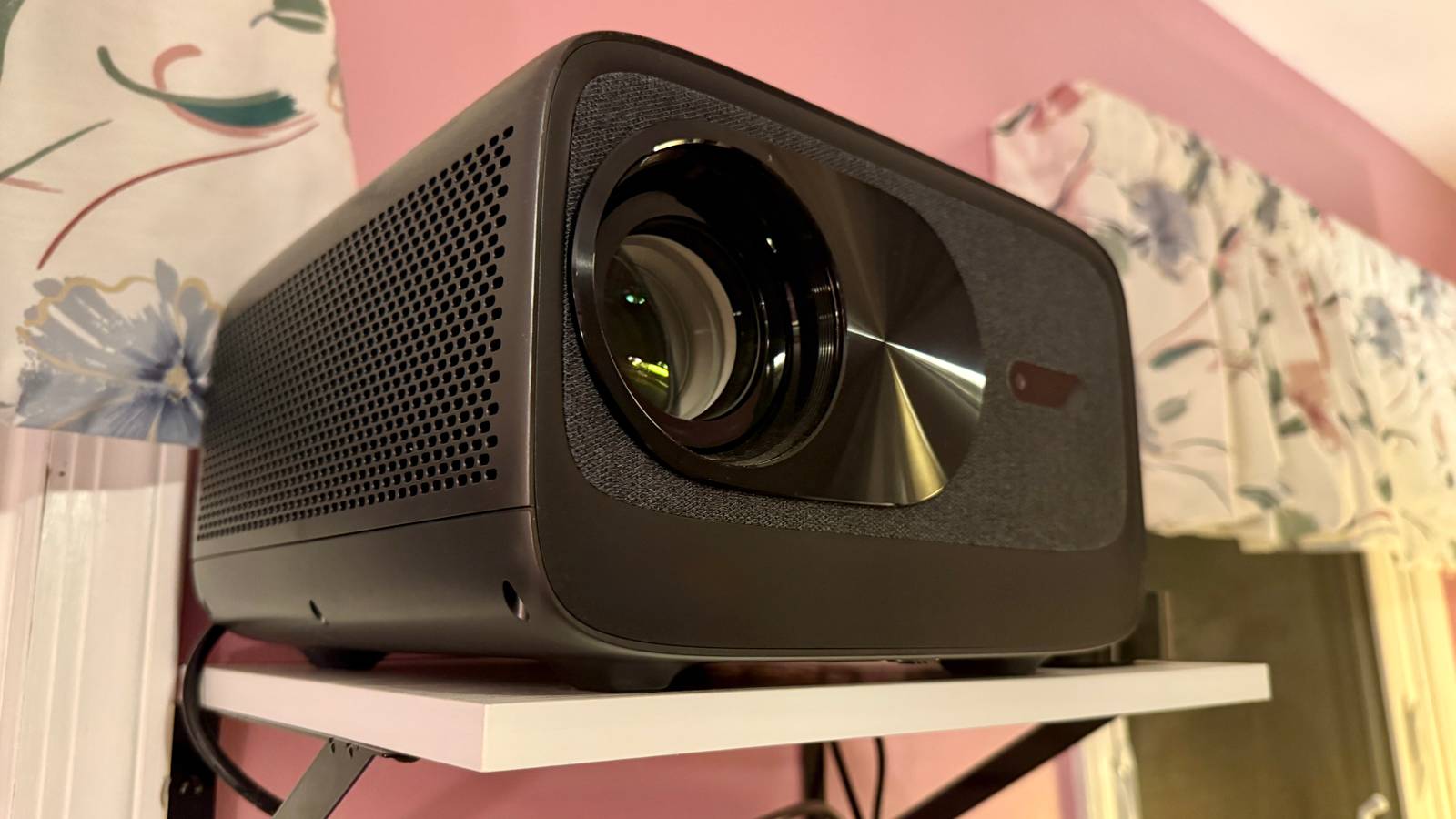
I am happy to say that I have achieved that goal, and I plan to never resort to unnecessary wires.Less cable clutter No cables to clutter up the setup When putting together my home theater, I went with a 4K projector aimed at a blank wall on the other side of the room.It was then connected to an Apple TV 4K through one of the two HDMI ports.
Honestly, the projector comes with an operating system that connects to various streaming services, so there is technically no need to connect a streaming stick or box to it.While this would eliminate more wires, I decided to connect one because the operating system is not always the best at streaming and handling Wi-Fi, as a separate device would be.Apple TV 4K Operating System tvOS Resolution 4K Audio codecs Dolby Atmos RAM/storage 64GB or 128GB Connectivity Wi-Fi or Wi-Fi and Ethernet Immerse yourself in stunning 4K HDR with Apple TV 4K.
Stream your favorite content with exceptional clarity and color, powered by the A15 Bionic chip.Enjoy seamless access to apps, games, and Apple Originals, all with the convenience of Siri voice control and personalized recommendations.$199 at Apple See at Amazon $199 at Best Buy Expand Collapse Apple HomePod Mini Connectivity Bluetooth, Wi-Fi Voice Assistant Siri Buttons Play/Pause, Touch, Volume Wireless capabilities Yes Weight 0.76 The Apple HomePod Mini is a Siri-enabled smart speaker for those invested in the HomeKit ecosystem.
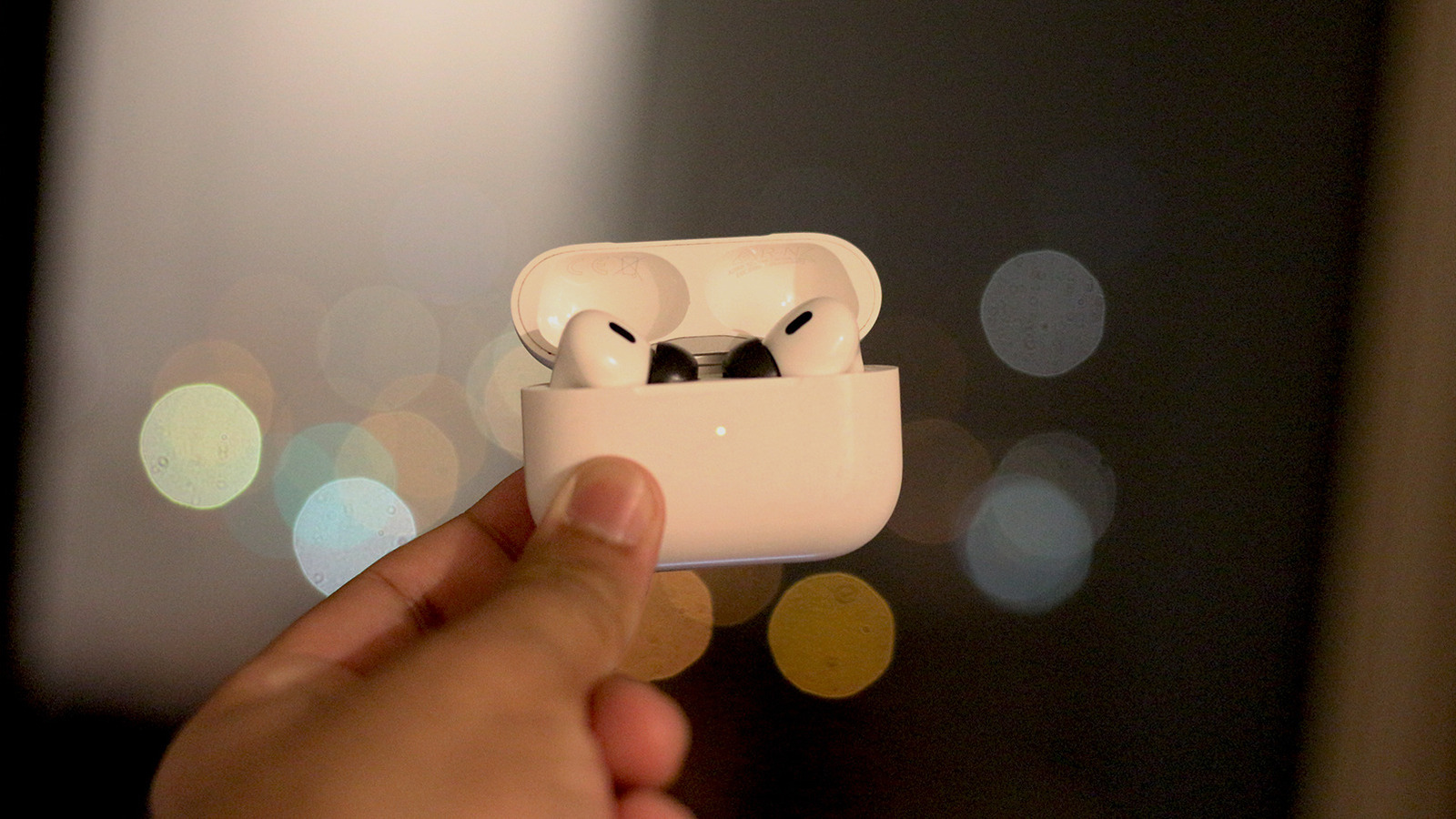
Compact and discreet, the HomePod Mini is available in five different colors, too.$99 at Apple $99 at Best Buy $99 at Staples Expand Collapse I also paired the Apple TV and projector with a HomePod mini on the other side of the room, underneath the projected screen.For me, it allows the sound to seem to come from the screen rather than the projector behind me.
With this layout, wires would most likely have to run across the room to get the audio from the projector to the speaker.This would either have to be on the ground or attached to the ceiling, which would either be a tripping hazard or just look horrible with the setup.Close Having the wires positioned against the wall that its connected device is on has kept my setup clean and tidy.
There is no cable clutter running across the room or in an unfashionable way from point A to point B.Additionally, keeping most of the setup wireless helps the room look more like a relaxing, welcoming home theater rather than a tech setup.It's easier to change the setup I’m not locked into one setup One thing about setting up a room is that it may not stay like that forever.
I have had many room designs that have changed multiple times throughout their lifespans.While there are no plans right now, I do not see my home theater setup staying the same forever.This could be because additional furniture would require a new layout, or I just want something fresh if the layout gets too stale.
I don't want to be stuck with one layout because everything is physically connected to one another, and that is another reason I prefer a wireless setup.I am not stapled down to one design due to cable restrictions.For example, if I had my speaker physically connected directly to my projector, I would have to plan the wire layout before declaring the setup complete.
Now, if I wanted to rearrange the layout, I would first have to come up with a plan on how to organize the wires if my electronics were moving too.This results in me having to disconnect each wire, move each item, plug them back in—and hope they reach as they did in the previous setup—and try to hide the wires again.This can be very time-consuming, and in some cases, a nightmare.
With a wireless setup, I do not have to worry about all of that.Since the only wires I really need to worry about are the ones to power the devices, connecting them together is mostly not an issue.If I want to move where the audio comes out, I can just move my HomePod mini to another section of the room, as long as there is an outlet to plug it into.
Since the connection to the Apple TV is over AirPlay, I do not need to worry about wires.On the same topic, if I wanted to add another speaker to enhance the audio, all I would need to do is plug the additional speakers into an outlet and place them nearly anywhere in the room.All the connection happens in the Apple TV Settings app, so there are no physical wires to deal with.
Now, this wireless audio connectivity is available not only via AirPlay but also via Bluetooth—as long as your projector supports it.This means there are other setup variations that can achieve the same wireless connectivity.Not being locked down to one layout is so freeing, and a wireless setup helps achieve that.
I just pick up my items, move them around, and enjoy my new setup.Cut the cord and go wireless There is nothing wrong with having a wired setup; it can achieve a great home theater experience.However, the wires can be a mess.
I have had a wired setup, and there were wires everywhere.I tried hiding them with covers, but it never looked as clean as I wanted.I also tried mounting the wires, but then the room looked more like a circuit board than a home theater.
A wireless setup has helped me here and made my setup more flexible to rearrange, both now and down the line if I want to switch it up.Since I cut the cord, I do not think I will ever reattach it.
Read More