
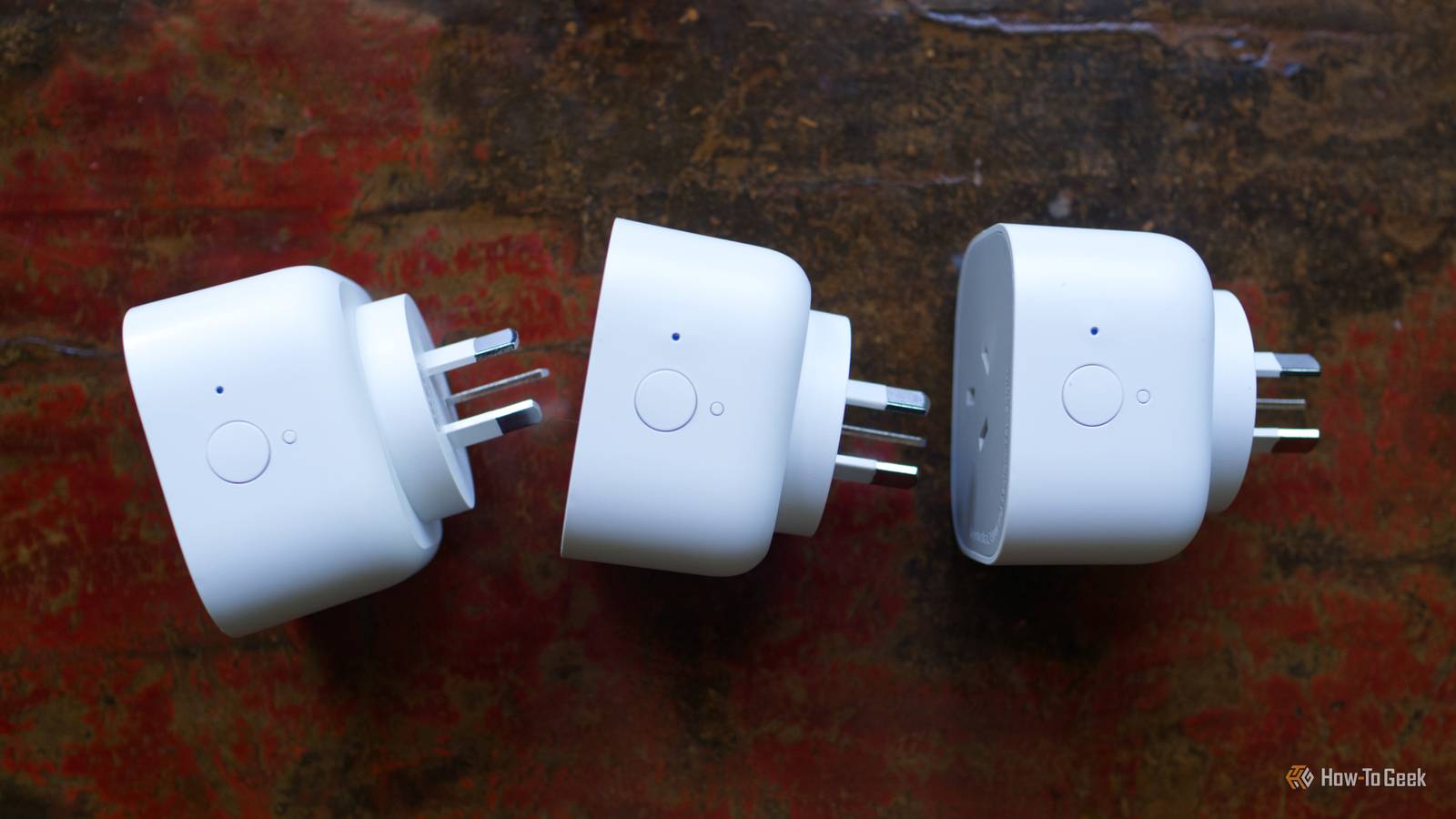
Every smart home is a work in progress, though some aspects need a little more attention than others.The reality is that your smart home probably has a few problems that you can solve right now, and others that you can at least acknowledge and start to fix.High power-draw devices in regular smart plugs This one is urgent Most smart plugs can only handle a maximum load of 10A, which in a standard North American power socket means a total power load of 1200W (Amps x Voltage).
Exceeding this rating is incredibly dangerous since it can cause your smart plugs to overheat, melt, and catch fire.You can also damage whatever they’re connected to.Run, don’t walk, to fix this one.
If you’ve got a clothes dryer, electric heater, pool, or other pump, air conditioner, or other similar high-power-draw item plugged into a standard smart plug, remove it right now.You can replace it with a heavy-duty plug, relay, or appliance switch that can handle loads of 16A or more.The “always on” wall switch problem Who turned off the light? Using smart bulbs instead of smart switches is a problem in and of itself, largely because you forego simple wall-based control.
This can trip up everyone, from you to guests who aren’t used to your Frankenstein smart home system of never turning off certain lights.There are some quick and dirty fixes for this, like setting the bulb’s start-up value to being “on” in Home Assistant (assuming you use it) or breaking out the duct tape and preventing the switch from being flipped off.A more practical solution is a 3D printed light switch cover, which blocks the switch altogether, or a cover that allows you to slip a remote control on top and use that instead.
A long-term solution is to invest in smart switches, which can work in addition to your smart bulbs or (better still) remove the need for them entirely.Using a different app for every connected device The smart home was never supposed to work like this Using a whole menagerie of apps to control different aspects of your smart home isn’t something you can fix overnight, but you can acknowledge the problem and start your smart home’s healing journey right now.While any temporary solution that works well enough is likely to become a permanent one, limping on with different apps that control your lights, heating or cooling, doorbell, security system, and more has gone on long enough.
While you might have a Google Nest or Amazon Echo device running bits of the show, you might want to look at something like Home Assistant, Homey, or Hubitat to bring everything together.Home Assistant is particularly powerful in this regard; it runs on just about anything (even a cheap, low-powered mini PC or single-board computer) and it’s completely free to use.There’s never been a better time to give Home Assistant a shot, and the best way to start out is to install it and have a play.
For other platforms, you can use Matter where supported.Relying on Wi-Fi for everything A healthy smart home uses a variety of technologies I actively try and avoid Wi-Fi as much as possible in my smart home.Though I have no issues with my own personal network, I’m very aware that this might not always be the case.
Wi-Fi networks can become congested, routers can become unreliable, and something as innocuous as a new neighbor moving in next door can trigger a weeks-long troubleshooting process.My own smart home runs on Zigbee as much as possible, via a Home Assistant server.But even Apple, Amazon, and Google smart homes now support Matter over Thread.
Zigbee, Thread, and Z-Wave are mesh networks that operate entirely independently of your main wireless network.They’re low-power, responsive, and expandable simply by adding more powered devices.But even a mesh network can’t solve every problem.
If you want a rock-solid security camera setup (which includes a video doorbell), you’re going to want to lay some Ethernet cable.Having a strong backbone of Cat6a running the length of your home guarantees reliability, speed, and can even be used to power most smart home devices using Power-over-Ethernet.Trusting every smart home device that you add to your network You gotta keep ‘em separated Even if you install a rock-solid mesh network for your sensors, plugs, and switches, there are going to be some devices that rely on Wi-Fi.
It’s not always possible to purchase only from trusted brands, and even established brands shouldn’t be trusted implicitly.That’s where network security policies come in.Subscribe for Practical Smart-Home Fixes and Tips Join the newsletter to learn practical smart-home safety and reliability tips: spot high-power plug hazards, replace always-on switches, simplify app chaos, and secure devices with network segmentation.
Practical guidance to improve your setup.Get Updates By subscribing, you agree to receive newsletter and marketing emails, and accept our Terms of Use and Privacy Policy.You can unsubscribe anytime.
There are two routes you can take here.You can spend big on network hardware and buy a router that supports virtual local area networks or VLANs.You can then move your smart home Wi-Fi devices to one specific VLAN, separated from devices like your laptops, NAS drives, and other servers.
The other route you can take is to move your smart home devices onto a guest network, which works similarly to a separated VLAN and is available on most consumer-grade routers.You’ll get less control, but the goal here is to put a barrier between mission-critical devices and those that don’t explicitly need access to everything on your network.Remember that a compromised device can mean a compromised network.
Not all of these are instant fixes, but they’re all something you can start today.Creating a robust and reliable smart home is a journey, so keep moving and constantly improving.
Read More


