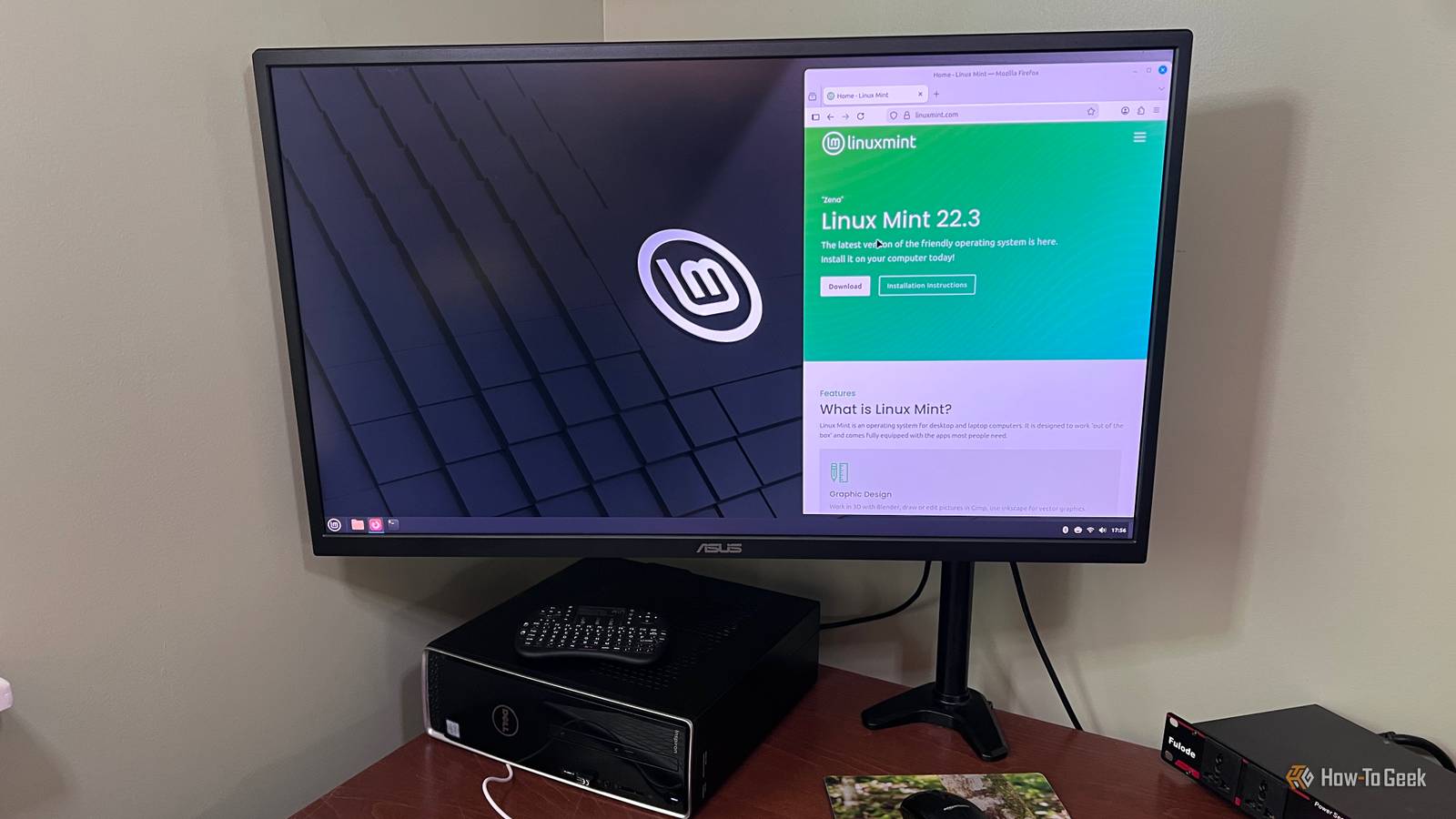
Linux Mint has a reputation for being the friendly face of Linux and the perfect first step.The one people point to when they say switching from Windows is easier than you'd think.I believed that for a while.
I installed it on my Lenovo IdeaPad Y70, got comfortable, and figured I'd finally made the jump for good.What followed was about a year of regretting that choice entirely, and I would take it back if I could.I wish more people told you what to expect when you switch from Windows to Linux.
Older laptops really struggle with Linux Mint Older hardware will give you a lot of headaches I have a Lenovo IdeaPad Y70, and it took Linux poorly.On some machines, Mint just reads the laptop wrong, and that happened on mine.The first big problem was when my laptop just decided wireless was off, so Wi-Fi and Bluetooth died completely, even when everything was fine.
The thing about Linux is that nothing on screen tells you how to fix it if it’s an issue like this.You're going to have to go through forums to figure it out.The issue is that the wireless chips in a lot of older laptops were built with Windows in mind, not Mint.
Mint's built-in drivers are generic, so they get shaky with those chips.You might run Wi-Fi and Bluetooth together and watch the connection drop every few minutes.Or you close the lid, open it, and the card just doesn't wake up.
Getting it stable usually means installing a driver from outside Mint's normal sources or messing with startup settings.It isn't hard, but a new Linux user would never think about trying it.What I think killed my laptop started with Mint defaulting to a free open-source driver for NVIDIA cards.
It works, but it can't run the card at full speed, so it sits in its slowest mode in games.Switching to NVIDIA's official driver in Driver Manager fixes the speed, but it leads to another problem.Basically, every time Mint updates its core software, that driver has to be rebuilt to match.
On older cards, the rebuild sometimes just fails because the driver isn't being kept current for newer Mint versions anymore.You reboot after a routine update and get a black screen, which is exactly my situation right now.I'm too lazy to just rebuild it, but this would never have happened if I hadn't installed Mint to begin with.
It took almost a year to happen, but it didn't come out of nowhere.Games and creative apps just run worse on Mint Creative apps and games will give you a hard time Close Switching to Linux Mint is not a great idea if you work with creative tools.The software you need just doesn't work there, and you'll need to find alternatives.
For example, Reallusion's iClone, Character Creator, and Cartoon Animator have no Linux versions at all.A virtual machine doesn't save you either, since virtualized graphics can't tap into real GPU acceleration.There are ways around this, but none are easy, and that's the biggest issue with creative apps and Steam.
Using them is either a hassle or just not as good as it is on Windows or Mac.Steam's Proton does a solid job translating Windows games, but Mint's desktop environment is not helping.The default Cinnamon desktop runs on the older X11 display system, and its Muffin compositor gets in the way of smooth gaming.
If you've ever run a game full screen through Proton, you'll feel the difference from Windows if you play enough games.You might not notice anything in a turn-based game, but don't even think about a first-person shooter or any competitive game.This really bothered me because everyone pushing Linux glosses over this.
While you can play games or work on creative apps on Mint, it's just not as good right out of the box, and it's a big issue if that's something you care a lot about.Getting new gear to work is a huge gamble Your extra gear won't work as you expect Gaming peripherals on Linux Mint are a pain, and most people don't find that out until they try it.If you buy a nice mouse from Logitech, Razer, or Corsair, you'll likely need drivers.
That's where the issue starts.These companies write their software for Windows and macOS, not Linux.The mouse itself works fine for basic pointing and clicking, but everything that makes it worth the money is locked away.
You can't rebind buttons, change the DPI, adjust the polling rate, or set up lighting profiles.Trying to run the Windows installer through WINE usually goes nowhere because those programs depend on Windows-specific drivers and background services that just don't have an equivalent on Linux Mint.So you're stuck hoping a community tool like Piper or OpenRGB supports your specific mouse.
Those tools aren't a real fix, since they can be flaky and can actually brick your device if something goes wrong.This is pretty much the issue with every new device that needs drivers.Streaming mics lean hard on their companion apps for the features they're advertised with.
So you can record audio just fine, but you pay extra for features that only work through the companion app.If you want compression, separate mixes for your stream and headphones, or a dialed-in mic curve, you build that yourself with PipeWire and whatever open-source plugins you can string together.Fixing problems takes way too much research You have to do all the digging yourself The worst part is that when something breaks on Linux Mint, you're completely on your own.
Usually, the problem isn't your app.It's the OS itself, so there are no clear answers.On Windows or Mac, you can at least call someone or walk into a store.
If the app is acting up, you can get help from the creators.If you're on Mint, it's just you and whoever you're willing to hire or listen to.So you're googling, digging through old forum posts, scrolling Reddit, hoping somebody hit the same bug and actually wrote it up.
Every tiny issue will become an investigation that could eat up hours.And the answers you find almost never say, "go to Settings and click this." They tell you to open the Terminal or something complicated.That's pretty much why I tell people not to believe the hype; it's a lot more work.
While there are great reasons to learn Linux Mint, I decided it wasn't worth the trouble anymore.Linux isn't always the best option Linux Mint isn't bad software, and I know it's great for a lot of people.It's well-built for what it is, and people who use it as a basic desktop for browsing and documents will probably never run into most of these issues.
The problem is the gap between how it's marketed and what you actually get when you bring real hardware, gaming, and other kinds of apps over.Don't switch on a whim because it's a big decision.
Read More