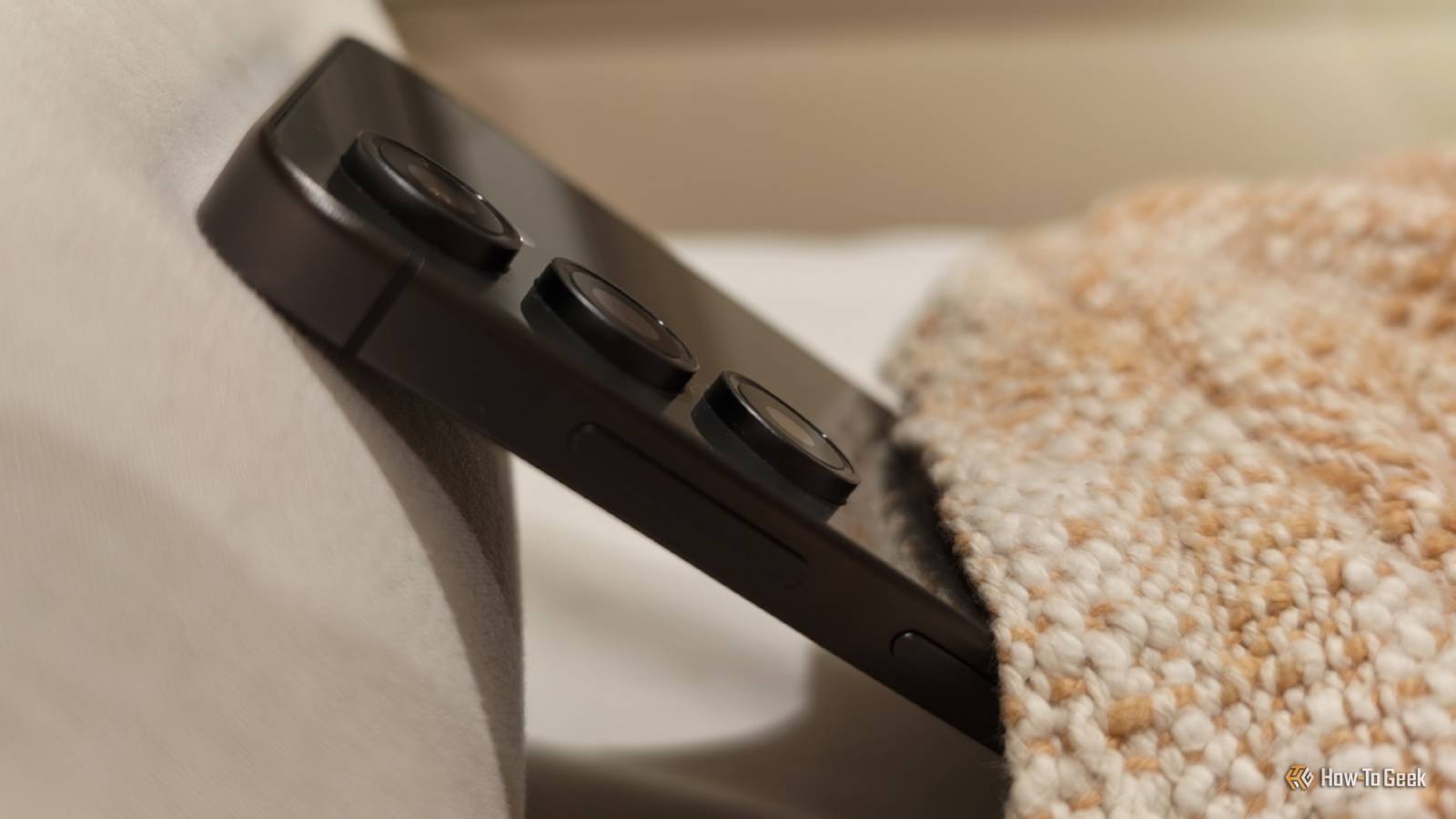
Our phones spend much of the time idle, but they can't get up to too much during that time, because it's vital that they make it through the day.That's why many tasks are saved for overnight while we're asleep.But just what is your phone getting up to while your face is buried in a pillow? Nighttime is the time for updates You may have a new version of Android waiting for you in the morning Updates change things.
They can also break things, especially if they're interrupted — though Android has safeguards in place to mitigate that risk.More than anything, updates can be disruptive.Unless I'm eagerly awaiting a new version of Android, I'm rarely happy to get an update that prompts me to restart my phone.
This is why many Android phone updates take place overnight.Your phone may even restart on its own after automatically applying the new software.If all goes well, you will simply have a splash screen in the morning introducing you to what's new.
Top off your battery at just the right time Your phone wants to protect its battery Close Crawling into bed at night is often the best time to recharge our phones, but it's also the hardest on the battery.It's not good for a lithium-ion battery to spend extended amounts of time at 100%.A phone plugged in overnight can recharge in an hour and then spend one third of the day fully maxed out.
This is why Android now takes steps to protect your battery.Most phones can stop charging when they're 80% full.Since this reduces how long a phone lasts each day, another option lets your phone learn your behavior and fully charge itself at just the right time each night.
Your phone can charge up to 80% as soon as you plug it in, then wait until shortly before you wake up to fully charge to 100%.If you suspect you've had poor charging habits for years, it doesn't hurt to check your phone's battery health.Back up your files Best not to drain your battery during your day Our phones are our most personal devices, but they're also fragile.
One accidental drop while walking across the parking lot and everything is gone.That's why Google and Apple nudge us to automatically back up our photos to their clouds.Depending on the app you use and your settings, these backups will run overnight when you're likely on Wi-Fi, and it's okay to put extra strain on your battery.
The files on my phone sync to my NAS using the UGREEN app.You can also set this to run only overnight.The same is true of apps like Syncthing.
Your phone doesn't need to be explicitly set to only upload files at night for this to happen.Some apps default to uploading only when connected to Wi-Fi and charging.For many, that means overnight.
Google Play Services is always doing something in the background Nighttime is no different Close Android may be an open-source operating system, but much of what the Android ecosystem depends on is actually baked into Google Play Services instead.This proprietary background service manages everything from delivering push notifications to verifying that your phone's bootloader hasn't been unlocked.It handles features you want, like the ability to pay for apps.
It handles things you may not want, like the telemetry app developers use to see how you're using the software they've made.Google Play Services is what scans your apps for malware and verifies that you're installing the intended version of each app.You don't need to be awake for this.
This happens when the Play Store automatically updates apps while you're asleep.Ping nearby cell towers Unless your phone's in airplane mode, it still needs a signal Most of what I've said so far relies on my internet connection.In order to download updates and run security checks, your phone needs access to the web.
That means it's still checking for the nearest signal.If you have a reliable Wi-Fi connection, this is typically a nominal hit to your battery.The story is different if your phone is roaming.
If your phone isn't charging overnight, your battery life may take a hit just from the strain of searching for a signal.There are many reasons your phone drains overnight You may be sleeping, but your phone is not.People are still texting you.
Email is still coming in.Apps are pinging you for all the things that apps like to ping you for.Even if your phone is set to Do Not Disturb, it still has to receive the incoming notifications and decide whether now is the time to let you know.
In other words, your phone is still very much awake.
Read More