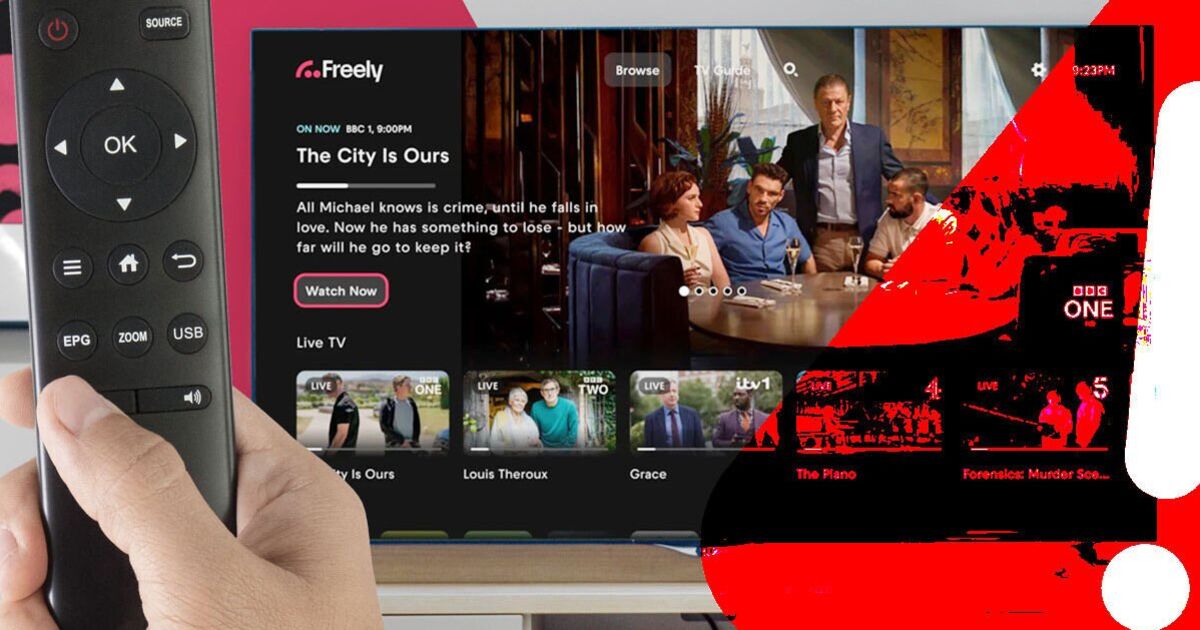
Freely is being tipped as the future of television, with some experts expecting it to eventually replace Freeview within the next decade.However, some users may have felt they were firmly stuck in the past after a severe glitch caused the popular streaming service to go offline.The problems began late last week, with almost all live channels disappearing from screens and homes being greeted by an error message.
Forget the Fire TV Stick, Argos dishes out cheap Roku rival and it’s selling fast Virgin offers lowest ever Sky Sports price, but there's a cheaper way to stream Tech news, reviews and latest gadgets plus selected offers and competitions Subscribe Invalid emailWe use your sign-up to provide content in ways you've consented to and to improve our understanding of you.This may include adverts from us and 3rd parties based on our understanding.You can unsubscribe at any time.
Read our Privacy PolicyThe only services not affected by the outage were those broadcast by the BBC.Article continues below ADVERTISEMENTFreely, which is operated by Everyone TV, the same organisation behind Freeview, has now issued some important advice that users would be wise to follow.“If you are seeing error Error Code ETV6056, or black screens, across multiple Freely channels, please first try resetting your Freely device and checking your internet connection," Freely explained.“If you are still experiencing the problem, you may need to carry out a factory reset on your device.This should make all channels available to you again.” Article continues below ADVERTISEMENTAlthough this should resolve the problem, Freely says there is a chance the issues could return and it is currently working on a permanent fix.
Article continues below ADVERTISEMENTThe company is also keen to point out that anyone needing to perform a full factory reset will lose data stored on their TV or streaming device.This could include recordings, login information and saved settings.If you're having issues with Freely, here's how to reset your device:Visit the Settings menu on your TV or streaming device.Freeview introduce their Play streaming service in 2021 You will usually find the Reset to Factory Default option under menus such as System, Support or Device Preferences.Select it and follow the on-screen instructions to complete the reset.What is Freely? UK’s new free rival to Sky TV explainedFor those not already aware, Freely launched in 2024 and offers more than 65 live channels without the need for an aerial.Instead, content is beamed to screens via an internet connection, making the service much easier to install.Freely also offers features including the ability to pause live TV and receive personalised recommendations for things to watch.It was recently announced that around two million people are now watching TV via Freely, highlighting the rapid growth of the service.
In fact, it's on track to become the UK’s biggest TV platform by 2030.Let's just hope Freely can iron out these bugs before another major glitch leaves homes facing more disruption.
Read More