I used to think I didn't spend a lot of time on my phone—then I saw the harsh reality.I wanted to fix this, so I did some research and found a tool that helped me decrease my phone use when it's at its worst: late at night.The solution I found is surprisingly easy and requires no third-party apps.
Related The Easiest Way to Reduce Your Screen Time (and Turn Your Phone Into a Second Brain) Save 7 years of your life.Posts By Faisal Rasool Doom scrolling and social media aren't the only distractions Having the Internet in your pocket isn't what it's cracked up to be I learned something very important this year: just because you're not on social media, it doesn't mean you can't be addicted to your phone.I'm just as guilty of doom-scrolling and falling down a rabbit hole as much as anyone.
I get distracted reading or , and don't even get me started on how much time I spend listening/curating music or watching sandwich videos.I spend a lot of time on the Internet Archive, Neocities, and reading my favorite websites.I have RSS feeds on both newsboat and FreshRSS.
In fact, I have six terminal windows open in Termux on my phone and 37 tabs in Firefox.My phone says I'm spending a lot more time on it than I probably should.Lucky for me (and you), my phone also has a feature that can help.
Digital Wellbeing is great for reducing screen time I used several different settings to accomplish my goal While Digital Wellbeing is certainly not hidden in the Android settings, it's very often overlooked.I know because I had no idea my phone had something like it until I actually opened the settings.Apparently, it's been a thing on Android for a long time, but it was never on my radar.
I guess I just thought I didn't need it.I was wrong.When I first thought about this in a serious way, my initial thought was to set up a timer to put everything in grayscale.
I like (and sometimes prefer) grayscale, so I knew that wouldn't work.But Digital Wellbeing was exactly what I was looking for.A version of these steps should work on any Android device that has Digital Wellbeing, but your device may be configured differently or have different settings than my Moto G.
On my phone, I went to Settings > Digital Wellbeing and parental controls (some devices split these two things into separate sections).In the settings, you have four basic tools that can be categorized as: App timers Bedtime mode Focus Screen time reminders Search these settings by name if you can't find them easily.If you navigate to App timers, you can select certain apps to be inaccessible during a particular time range.
When the time you specify rolls around, the apps gray themselves out, and you can't use them without overriding the sleep mode.It's helped me so much, and I don't have the temptation to bypass my own settings to use those apps.I also use Bedtime mode and Screen time reminders.
As I was working on this draft, I got a pop-up notification saying I'd already spent 20 minutes in the app.So I took a break.Related Tempted to get a dumbphone? Try this first The best feature phone may already be in your pocket.
Posts By Bertel King My screen time has decreased by almost two hours Free time to pursue other hobbies again In the time since I started using Digital Wellbeing more frequently, not only has my phone use decreased by about 2 to 4 hours per week from what it was before, but I've had time to revisit other hobbies I used to enjoy.I watched the entirety of the first season of .I wrote a new song for my album.
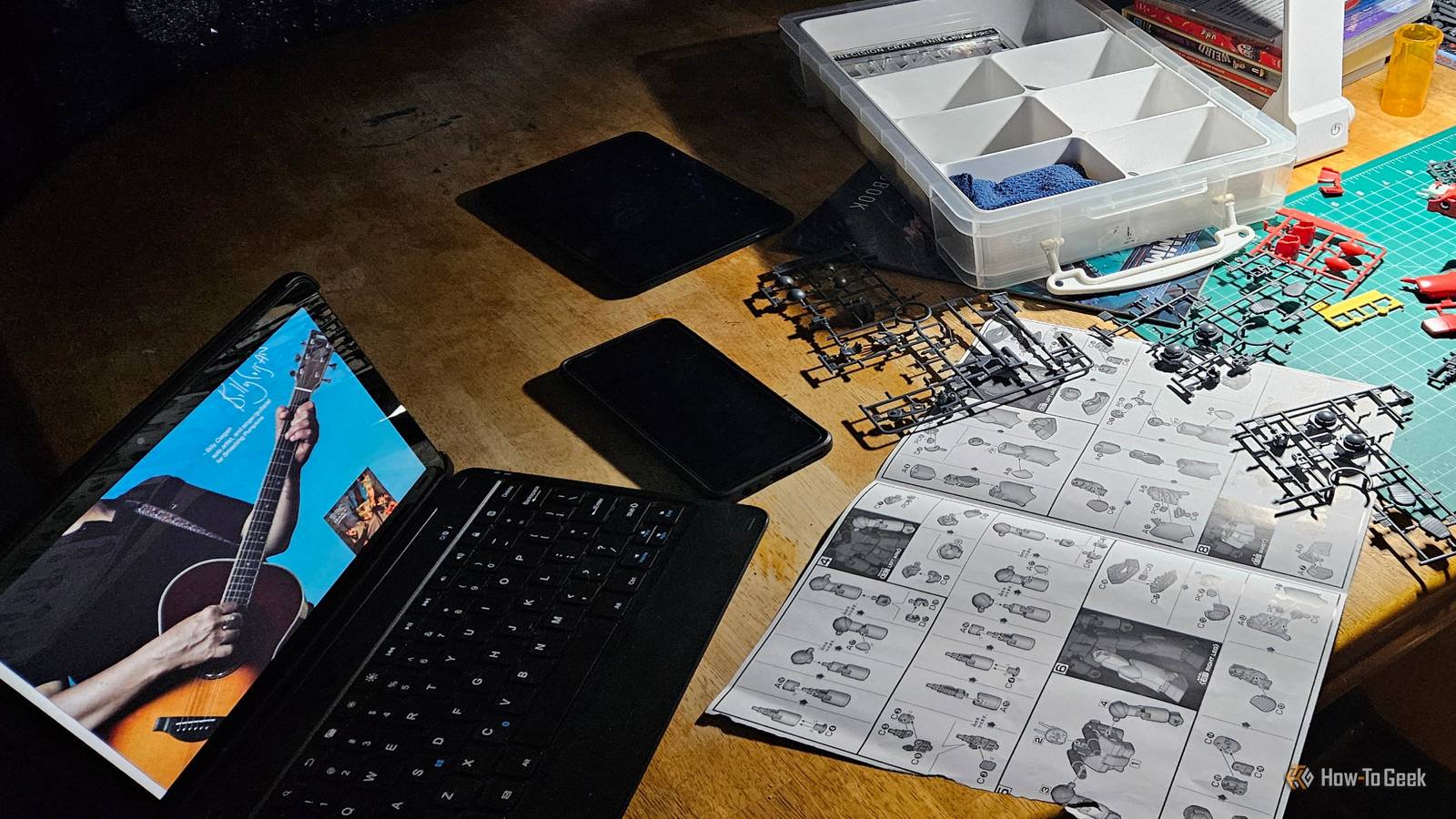
And I built a Gunpla model (plastic model kits of the robots from ) all in the first week after setting it up.Every week now, I have more time to work on home lab projects, spend time with my wife, and do other things, largely because I'm limiting my screen time.I'm glad I put the phone down for a while and will keep using Digital Wellbeing on any daily-use Android device in the future.
Related I removed Motorola's bloatware from my phone, and now it feels brand-new again I found a way to remove the bloatware from my budget Motorola phone.Here are the two apps I used and what I purged.Posts By David J.
Buck A more fun, less automated method I found as well A mobile app helps me focus when I need it While having an automated digital well-being setting has been helpful, there are times when I do need access to specific apps.But I found a focusing app that actually helps me more than I thought it would.I'm talking about Internet personality/author/musician Hank Green's It's a passive focusing app where you set an amount of time that you want to focus while an anthropomorphic bean knits things.
If you drop your focus or touch the phone, it stops knitting, and you lose the progress.It's a cool, charming idea for gamifying not touching your phone during mealtime, meetings, or films.It complements my Digital Wellbeing settings nicely.
It's also charming with a calming soundtrack and is 100% free.Stepping away from the screen doesn't have to be painful Screen time and phone obsession have been issues for some time.Modern life just demands it sometimes.
It's 2026, and I never stop marveling at the fact that I have a powerful computer in my pocket at all times and can do so many useful and cool things with it.But I've learned to step away from it for a time.And that's a pretty good thing.
Read More