Ethernet cables seem like the most straightforward thing in the world.Plug one in, get steady internet.But then, you have these little caveats, such as having to worry about whether a cable is too long and what that means for your connection ...
the caveats that make Ethernet more mysterious than it perhaps needs to be.Another thing you have to worry about is the cable itself, or rather, how you route it.Doing it wrong could damage the cable and make your connection an endless source of frustration.
Your Ethernet connector shouldn't be holding up the cable That little boot isn't meant to be a load-bearing structure Close I'll go a little off topic for a second here.You may remember hearing about Nvidia's GPU connectors, and how they resulted in some graphics cards and PSUs actually burning up.The blame was placed largely on the user, because hey, it turns out that bending a connector that's meant to be fully seated is not good.
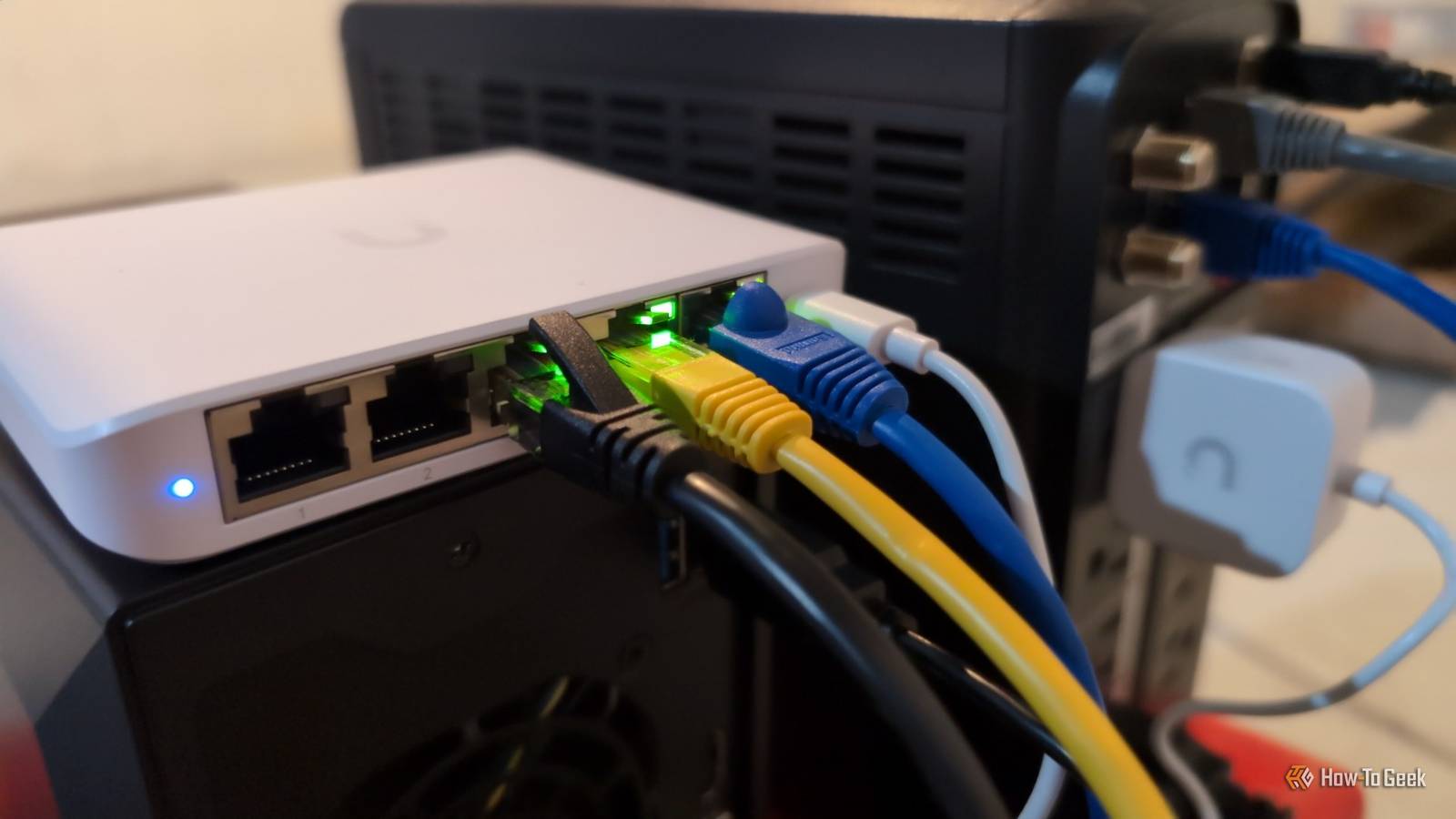
In the case of Nvidia, the problem was larger.But when it comes to Ethernet, yup, it really does just come down to "please don't bend the cable." You plug an Ethernet cable into the back of a router, switch, PC, or access point, then immediately pull it downward or off to one side so it can follow the rest of your route.And if the run is tight enough, the connector is forced to support some of the cable's weight while the section directly behind the plug remains bent under tension.
That's not good.That little boot behind an RJ45 connector is supposed to help with that.It provides strain relief by spreading movement and pulling forces over a larger section of the cable, saving individual connectors from having to carry the brunt of it all.
What that so-called boot isn't meant to do is turn the plug into a mounting point for the rest of the run.If the cable keeps tugging downward, to the side, or flexing every time you move the device, you're basically doing a speed run on the wear-and-tear process.And Ethernet cables are sturdy, but they're not immortal; being careless now might come back to bite your cable later on.
Related I upgraded to fiber and my Wi-Fi still lagged: How to find the hidden bottlenecks in your home network Your fiber internet is fast, but your home network probably isn't Posts By Monica J.White A sharp bend can cause problems before the connector physically breaks Ethernet cares about geometry more than an ordinary power cable does I'll be honest and admit that I'm not exactly super gentle with my Ethernet cables.They're really affordable, and for better or worse, mostly sturdy.
But the problem here is that you don't need to experience some catastrophic failure for things to still go wrong with your internet connection.The cable may not break or come loose, but your internet might still suffer for it.Ethernet relies on several pairs of copper wires twisted together in a very specific way, and that geometry is important.
If you crush the cable into a tight corner or kink it sharply, you may distort those pairs enough to affect how cleanly the signal travels.That's why most cabling advice will tell you that you need to leave some room between your cable and the wall.For a Cat6 cable, the rule of thumb is around four times the cable's outside diameter.
If you ignore the guidelines and still force your Ethernet cable to live an uncomfortable life, you may spot things like packet loss or errors, unstable links, or even speed negotiation dropping lower.If you're anything like me, you'll be calling your ISP to ask them to fix it, only to find out the problem is not even on their end.(Just this once.) But a cable that looks tightly bent isn't automatically doomed The bend radius is the key So, yes, if you can avoid torturing your Ethernet cable, please do.
But if you start eyeing yours with some suspicion now and find them less-than-perfect, don't worry, because they're not necessarily doomed.An Ethernet cable can make a fairly tight turn and still be completely fine, so long as it stays within the bend radius it was designed for.In fact, Leviton tested Cat6A high-flex patch cords bent 180 degrees at their minimum permitted bend radius and kept them that way for 250 days.
The cables didn't backfire; more than that, they didn't even show any significant performance drops.It all comes down to whether your'e forcing your cable into a tighter curve than it can actually handle, which is why bend radius is so important.A smooth 180-degree loop can be fine, while a much smaller 90-degree bend might ruin your cable.
I don't use patch cables for long permanent runs anymore The flexible part should only handle the last stretch to the device All of the above is why I think it's worth separating the cable that runs through your home from the cable that actually plugs into your devices.The section right next to the end device is also the one where it's most likely that the cable will get bent.In an ideal world, you'll just give all your devices plenty of space and call it a day, but I know that's not always easy.
The other option is making those sections of cable short and easy to replace, which is where patch cables come in.Those cables generally use stranded conductors, which makes them flexible enough to survive being moved around behind your gear and mistreated in various ways.But for longer runs, I'd rather use solid-core Ethernet cable, terminate it at a wall jack or keystone, and then use a short patch cable for the final stretch.
Give the cable somewhere to go before you plug it in Whichever type of cable you're dealing with, be it Ethernet or a GPU connector, the easiest way to make it through unscathed is to simply use it the way it was intended.I know, easier said than done, but your internet will thank you.Related 6 weird things you can do with an old Wi-Fi router that nobody seems to talk about Your old router can do way weirder things than extend Wi-Fi Posts 1 By Monica J.
White
Read More