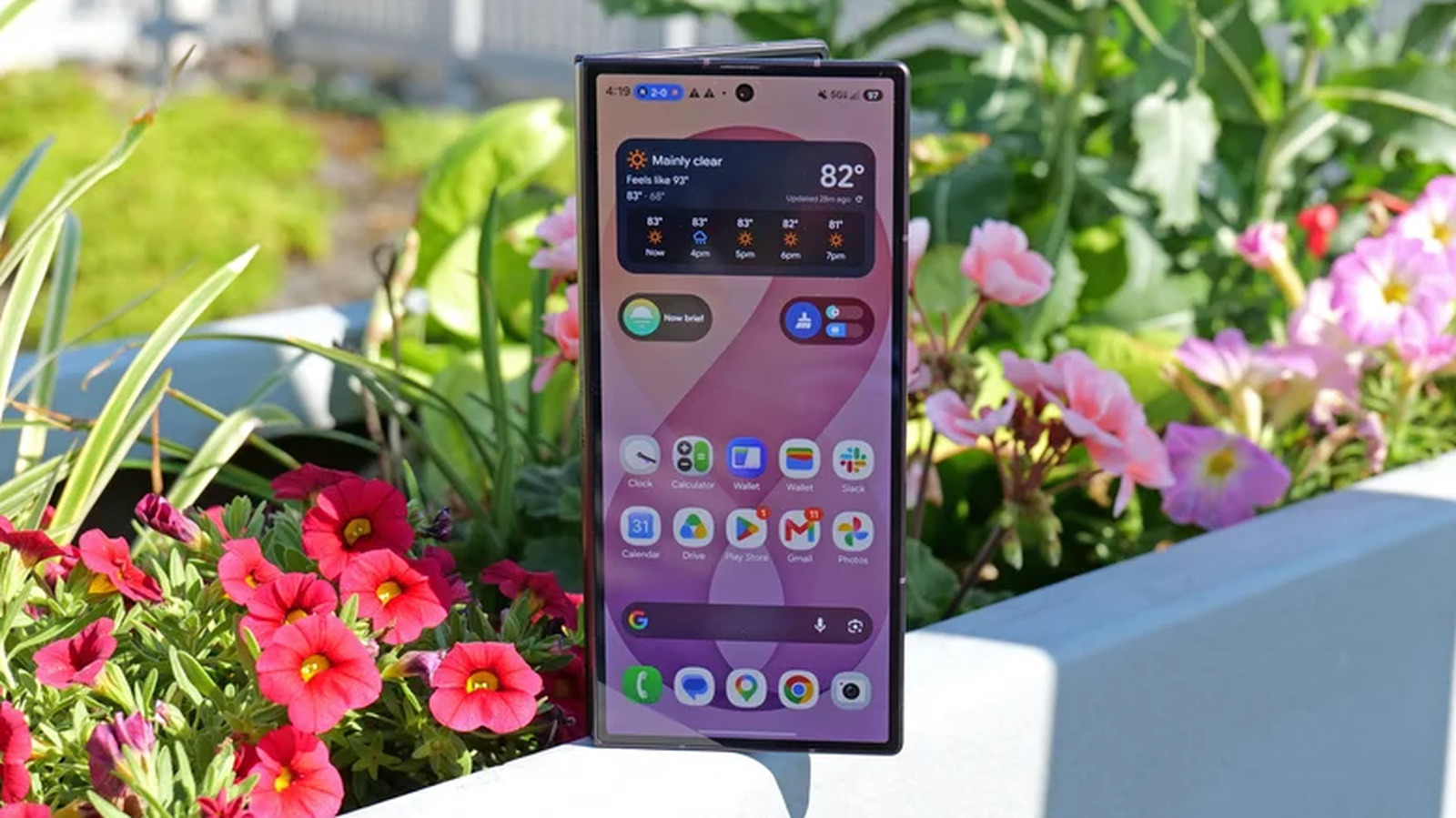
Samsung phones are among the most ubiquitous cameras in the world, and most of them also happen to be good ones—but don't expect to capture a good shot just by shooting from the hip.I've taken many of the photos I've published for How-To Geek directly on Galaxy phones, and here's how I pull it off.Don't zoom out or zoom in The main lens is your best one Close Most smartphones come with more than one lens on the back, but it's not immediately obvious when or how to switch between them.
While these lenses largely look the same from the outside, they often vary wildly in quality, especially on Samsung phones.My Samsung Galaxy Z Fold 6 had a 50MP main camera, and it took great shots.But if I zoomed out by tapping a zoom option lower than “1” in the camera app, I switched to the much lower quality 12MP ultrawide sensor.
If I zoomed in by tapping the "3" button, I switched to the even lower resolution 10MP telephoto camera.Sticking with the main camera is your best bet even if you purchase the latest Galaxy Z Fold 8 Ultra, whose massive 200MP main camera is joined by a competent 50MP ultrawide—but quality still plummets when you zoom in thanks to the meager 10MP telephoto.Keep very still Make sure your subjects do the same This, quite frankly, is a rule that applies to any camera.
After all, the most important thing to do when posing for a group photo is to make sure not to move (even more important than remembering to smile).But the motion blur that results from movement is easier to trigger on some phones than others, and Samsung phones have developed a reputation for struggling in this area compared to iPhones and Google Pixels.Unfortunately, this blurry camera problem goes back years.
I've personally accepted that if I'm attempting motion photography, my Samsung Galaxy phone isn't the best tool for the job.Better to focus on making my still photography the best that it can be.It may even be worth giving your phone's optical image stabilization an assist by investing in a tripod, especially if you tend to have shaky hands.
The fundamentals of photography still apply to phones—you can do more to improve a photo by reducing motion and adjusting the lighting than by reaching for a better camera.That said, there is no getting around the fact that many of us use our phones primarily to take photos of kids and pets that won't keep still.In such cases, you may see some improvement by reducing your shutter delay.
But to do that, you’ll need to download an additional piece of software.Download Camera Assistant Gain full control over your camera's software If you take issue with a few of the processing decisions that Samsung has chosen, you can change some of them by installing an app from Samsung that is secretly one of the best things about Galaxy phones.You need Good Lock.
Inside Good Lock, you will find various modules for customizing your phone.Look for "Camera Assistant," which will provide options for prioritizing focus over speed, making the shutter button capture images faster, and enabling photo softening.You can also turn off some of Samsung's added processing, like HDR and distortion correction.
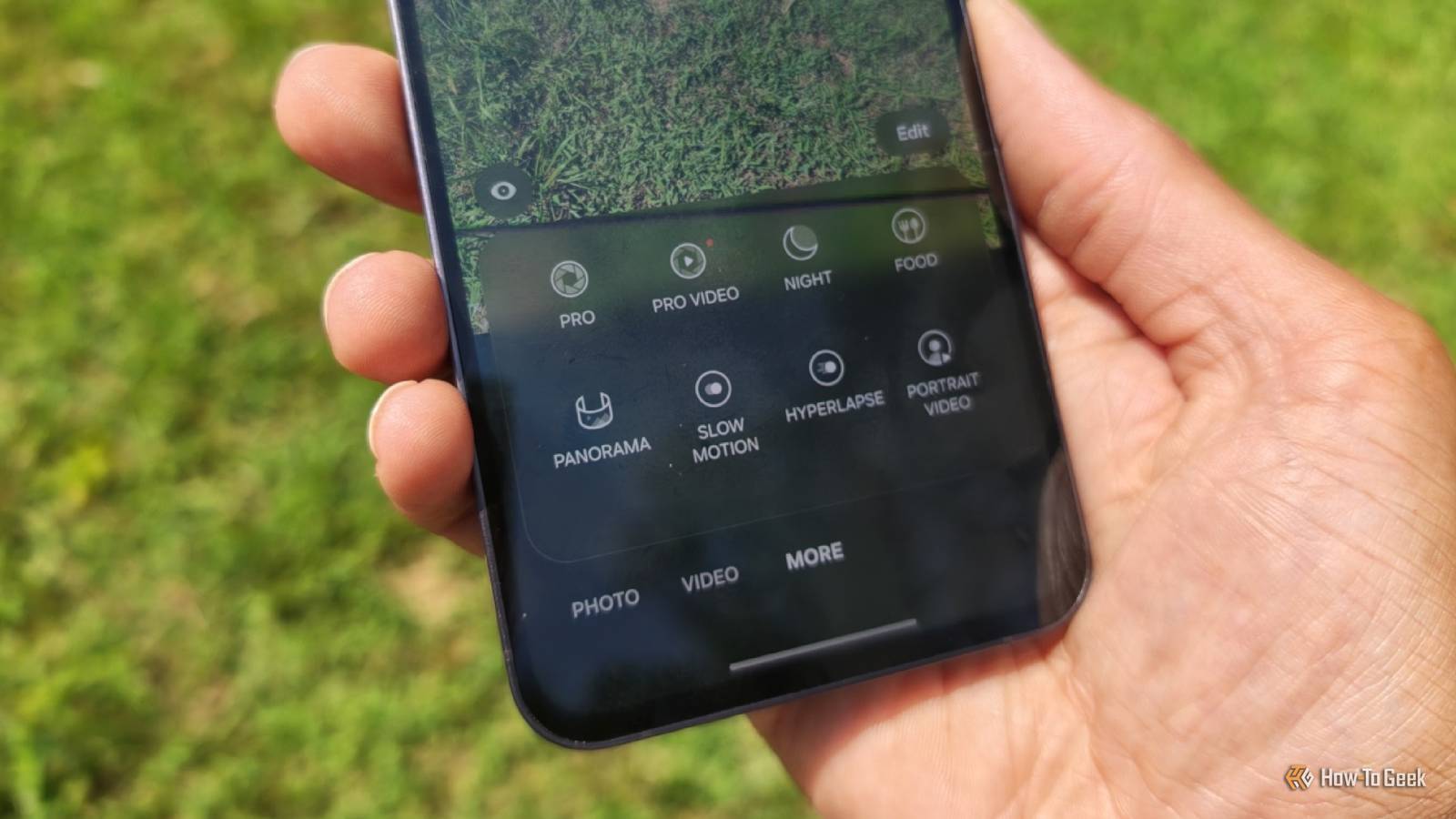
You can even choose to disable optical image stabilization if you're the kind of person who also prefers to drive manual.Yet even if you aren’t, it’s still worth switching away from the “automatic” default camera mode if you really want to get the best shots.Learn how to use the camera's pro mode Control your phone like a mirrorless camera Smartphone cameras hide away most camera controls.
They are designed for anyone to get a decent shot simply by aiming their phone and tapping the shutter button.Yet the plain reality is that the smartphone's best guess is sometimes wrong.If a photo is too dark, you may be able to still capture the moment by increasing the exposure.
Another way to reduce motion blur is to adjust the ISO.If the camera is focusing on the wrong aspect of a shot, you can switch from auto-focus to manual focus and select the target yourself.In other words, your smartphone may not be the problem.
Just as you would take the time to learn the controls on a dedicated camera and watch tutorials on how to take good photos, it's worth doing the same with your phone.You still might benefit from switching phones No one phone has the best camera for all situations, and there may be a phone with a better camera for your specific needs or tastes.I switched from a Samsung phone to a Motorola one in part due to the camera.
Likewise, you may find the camera to be the primary reason to consider a Pixel instead.And the video camera in particular happens to be why nearly every influencer refuses to ditch their iPhone.
Read More