Google has a bit of a problem when it comes to supporting old Pixel phones.They were promised to get five years of support, but the reality of that promise isn't what people expected.Thankfully, GrapheneOS exists as a simple way to extend the life of an old Pixel phone.
The device I upgraded with GrapheneOS was the Pixel 7 from 2022.It's certainly not as powerful as more modern Android flagships, but it's still a great phone.I wanted to breathe some new life into it as an open-source Android machine.
In other words, it's the exact perfect situation for GrapheneOS.The de-Googled OS made for Pixel phones And it's super easy to install There are two key things to know about GrapheneOS.First, the team doesn't like it to be called a "custom ROM" because they claim it's not customized.
GrapheneOS is based on AOSP just like Google's Pixel UI, Samsung's One UI, and every other Android OS shipped by a vendor.However, anyone who has used those "skins" knows they are very different from each other, and even further from AOSP.Clearly, some customization is happening, but let's not get lost in semantics.
The simplest way to understand GrapheneOS is to imagine the Pixel phone software without any Google apps and services.The look and feel is close to what you're used to, but there's no Play Store, Google Photos, Google Maps, Google Drive, etc.The second key thing to know is that it's extremely easy to install on supported devices.
In my opinion, this is where GrapheneOS differentiates itself from what I think of as a "custom ROM." The process takes only a few minutes, and you don't even have to download anything.Just plug in your phone to a computer, follow the instructions, click a few buttons, and you're done.Currently, Pixel phones and tablets are the only supported devices, but GrapheneOS will soon be available on Motorola phones, too.
At the time of writing, the Pixel 10 through Pixel 6 are supported, though the Pixel 7 and 6 are no longer "recommended." The full list can be found here.Old Pixel phones are still "supported" Emphasis on the quotation marks The Pixel 7 was released during a bit of a transitional period for Google.It was the last Pixel phone to launch with only five years of software support — the Pixel 8 started the seven-year trend.
However, it was originally only three Android upgrades and two more years of patches.Google later changed it to five upgrades.Now, my Pixel 7 should be supported until October 2027.
Indeed, it has continued to receive updates, including Android 17 in June.The problem is that the updates have been sporadic at best.Since last November, the Pixel 7 has missed 5 of the promised monthly updates.
The same goes for the Pixel 6 series.So, while Google talks a big game for long-term software support, the reality is a bit different.This makes old Pixel phones perfect for GrapheneOS.
Not only will you get consistent monthly updates, but you'll also get multiple updates each month.It's an easy way to keep an aging Pixel fresh.Related Google promised seven years of Pixel updates, but the Pixel 6 shows the reality We're seeing what Google's long term support looks like, and it's not great.
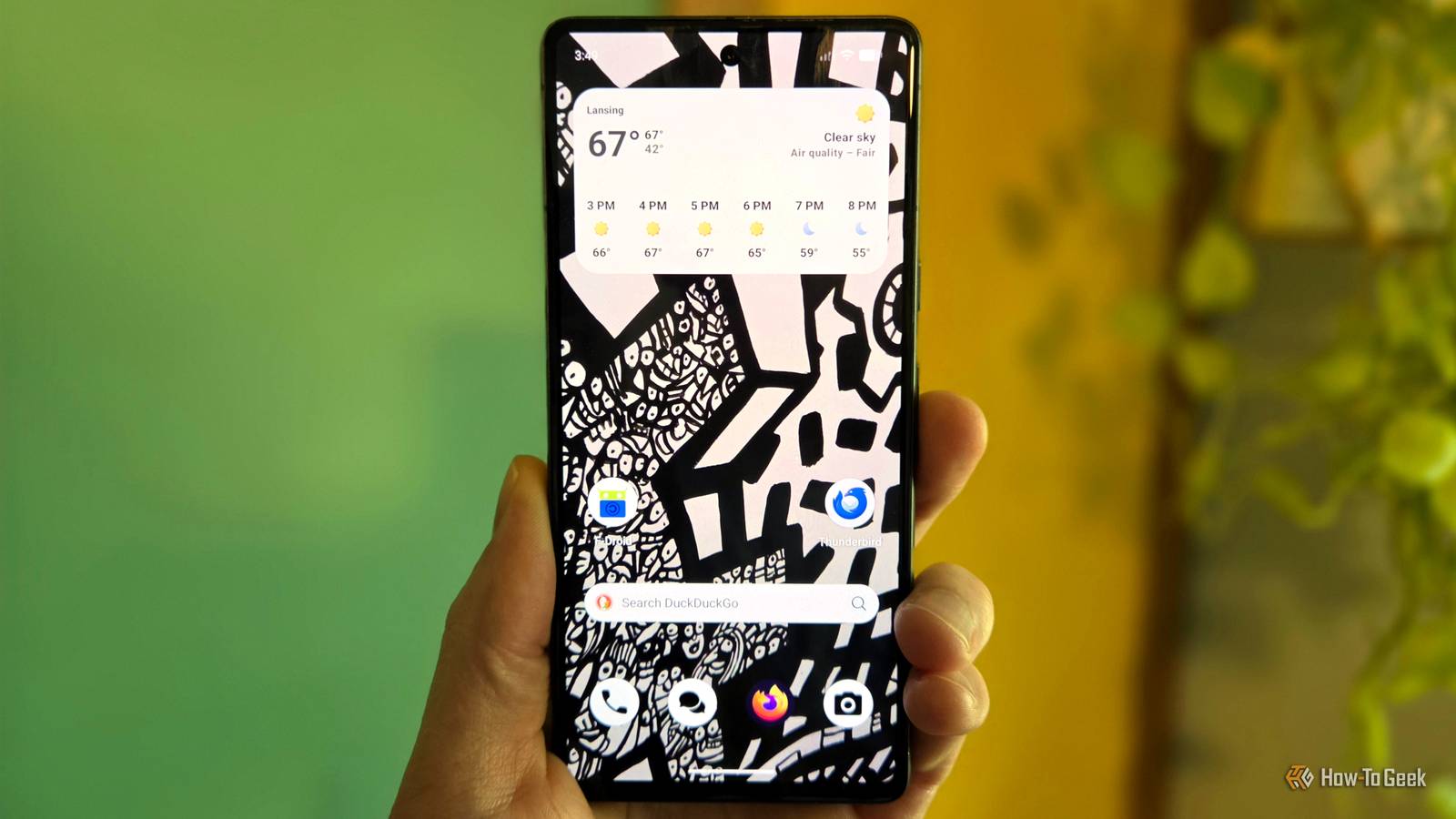
Posts 4 By Joe Fedewa What's it like to actually use GrapheneOS? Google is available if you need it As I said, GrapheneOS should feel pretty familiar to Pixel owners.At first glance, it just looks like Pixel software with a black and white theme.Of course, it's when you go hunting for Google apps that the difference is made clear.
A fresh install comes with fewer than 15 apps.You get a phone app, messaging app, gallery app, contacts app, Chromium-based browser, calculator, file manager, clock, and a few others.It doesn't even include a basic email app, but that's where third-party app stores come in.
You can sideload F-Droid, Aurora Store, Obtanium, or GitHub, and download apps from wherever you want.Close GrapheneOS has its own app store as well, but it's mainly for keeping its own apps up to date.However, this is where you can dip your toes into Google a bit.
The Graphene app store allows you to install Android Auto, the Google Play Store, and Google Play Services — but not like normal.See, in GrapheneOS, Google apps are sandboxed.This means they run like any other app without all the special access and extensive privileges that they have in regular Android software.
It's a system that makes it possible to use Google apps and services without giving up your entire phone to Google.Close This is where GrapheneOS really shines.I've always liked the idea of using a less Google-fied version of Android, but there are certain niceties I don't want to give up — Android Auto being a big one.
I'm able to pick and choose which Google apps and services I want to use in a way that's not possible on other phones.You don't have to make an all-or-nothing decision, and that's what we need.
Read More