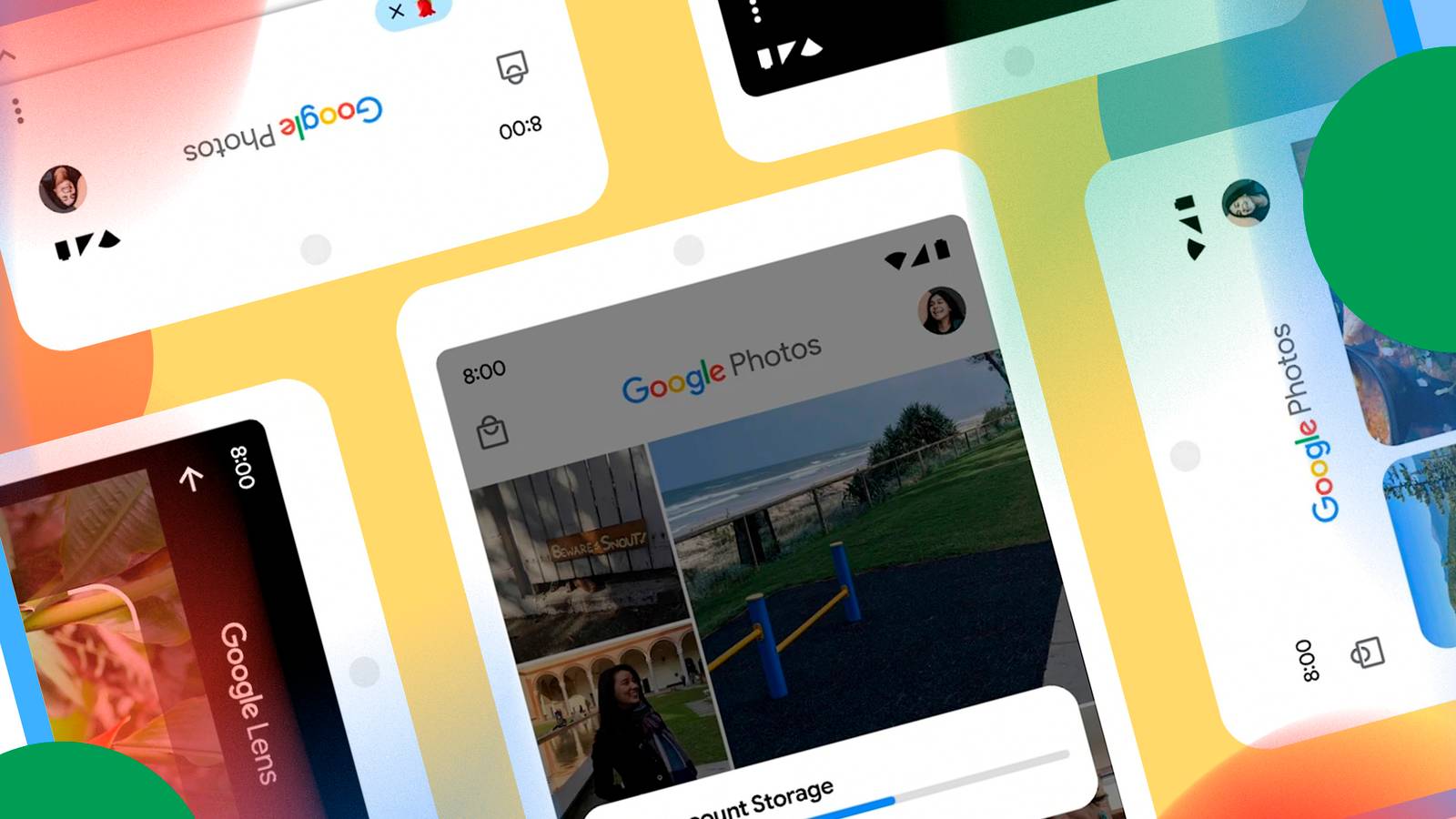
Like most people, the way I mainly share a photo with friends and family is by texting it to them.This works fine if you just quickly want to share a moment.However, it's a very fragmented situation, and there is a better way—more than one, in fact—built into Google Photos.
The issue with throwing photos in an SMS chat thread or messaging app is that it becomes a blip in time.If you want to come back and find that photo, you'll have to scroll to get it, or go rummaging around your phone's photo gallery.Instead, it makes more sense to create a shared repository of photos that automatically shares images with the right people once you've set it up.
Google Photos has features that can fulfill this need: Partner Sharing and Shared Albums.Partner Sharing means I don't have to send photos in the first place This could help you dodge a relationship bullet Partner Sharing is a one-to-one sharing setup, where you can designate someone as your "partner," and then any photos that are backed up to your Google Photos account will be automatically shared with them.The only real limitation here is that you can only have one person set up for partner sharing.
So, as the name suggests, the ideal target is your life partner, but there are other uses.For example, if you're a secret agent snapping photos, but are caught, those photos still automatically go to your handler.I'm sure there are some other ways to use partner sharing besides these two examples, but I can't think of any right now.
To set up partner sharing, open Google Photos and go to Profile picture > Photos settings > Sharing > Partner sharing.From here, you can invite someone using their email address, though, of course, they need to have a Google account.Close If you go to Google Photos > Profile picture > Photos settings > Sharing > Partner sharing and select the "[Partner Email] can access" option, you can then choose to share all your photos, or only photos that have certain people in them.
So when you take a photo of your children, that gets sent, but if you take a photo of the excellent burrito you're about to eat, that stays private.You can also choose to include photos from Android apps other than Google Photos, and you can limit photos by date, so that photos before a certain time period don't get retroactively shared.Shared albums solve the family group problem Don't forget your third cousins again But Partner Sharing only works for one person at a time.
The solution to sharing photos automatically with a group is album sharing.All you have to do is create an album in Google Photos, then share that album with a group of people.When you want to share a photo, instead of texting it, add it to the album.
Everyone in the group can easily see which photos are new by sorting them according to date.It's also handy because you don't need to stick to just one album.For example, if you're attending a birthday party for your grandmother, you can create an album called "Grandma's Birthday" and add all the photos you take to it.
You can change a shared album's settings to allow for commenting or for other people to add photos too.That's especially useful for events, because people can contribute to a central pool of photos without fragmenting them across text messages, emails, or other communications channels.To share an album, do this: Open Google Photos Tap the "+" button and create a new album (you can also share an existing album, but we're going to assume you're making a new one) Fill in all the details, such as the album's name and a description of its contents Add photos either by selecting people or pets for an auto-updating album, or manually add photos using the search function To share the album, open it and tap the sharing icon Choose how you'd like to share it, and complete the process for that sharing method.
Close Google Photos quietly handles the annoying parts The biggest difference between Google Photos and texting photos is that Google Photos treats sharing as an ongoing collection rather than a series of individual messages.This means I only ever have to send a text message when I have something to say.If I have something to say about a specific photo, I can always text someone to check the album, but since people can get notifications or search Google Photos, I don't have to be in the middle of that.
The most useful part of all of this might be that I don't have to remember all the people who might want to see a photo every time I take it.By centralizing photos and sharing them with a fixed group, it becomes a hands-off process, and I can concentrate on other things.
Read More