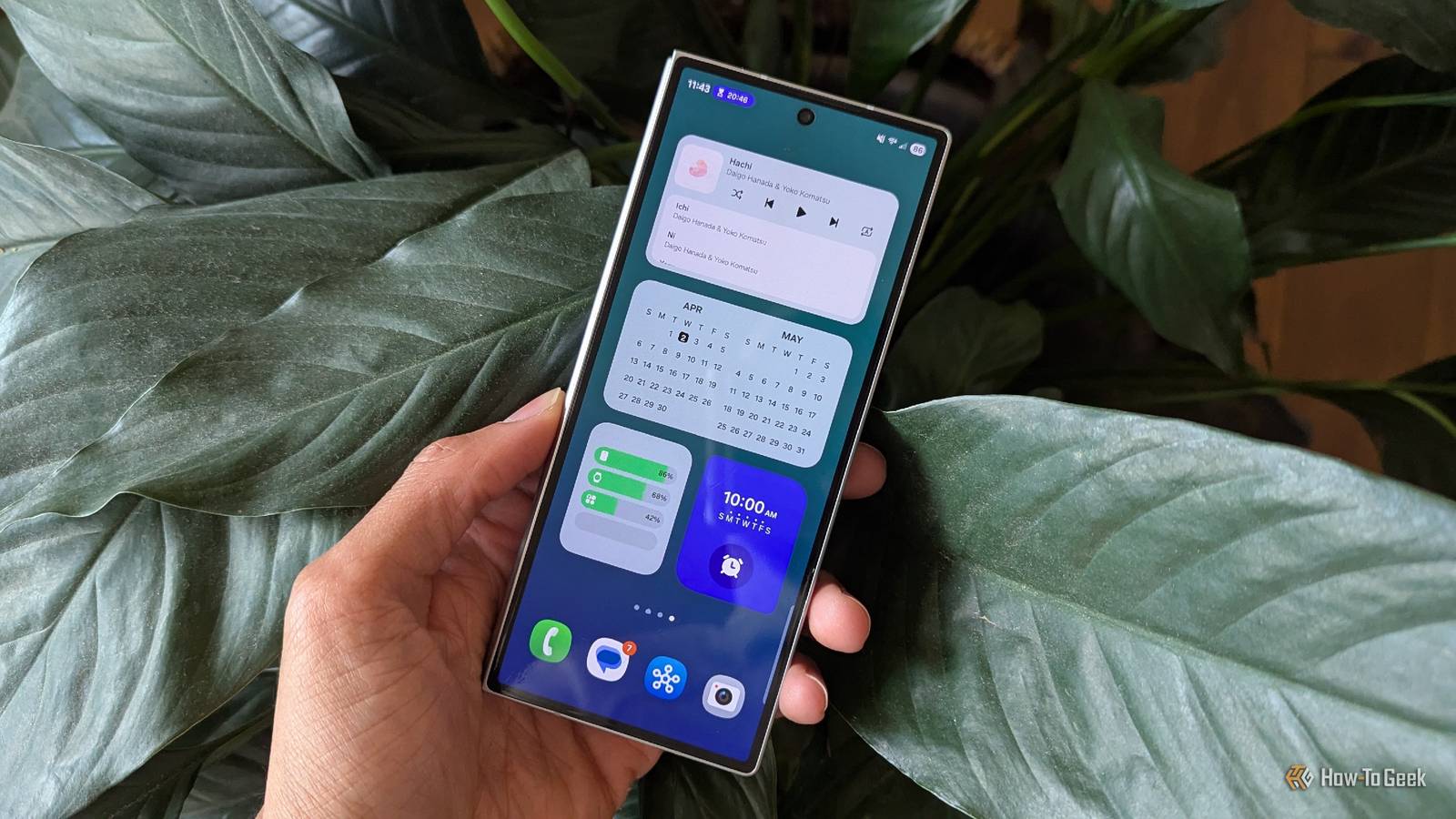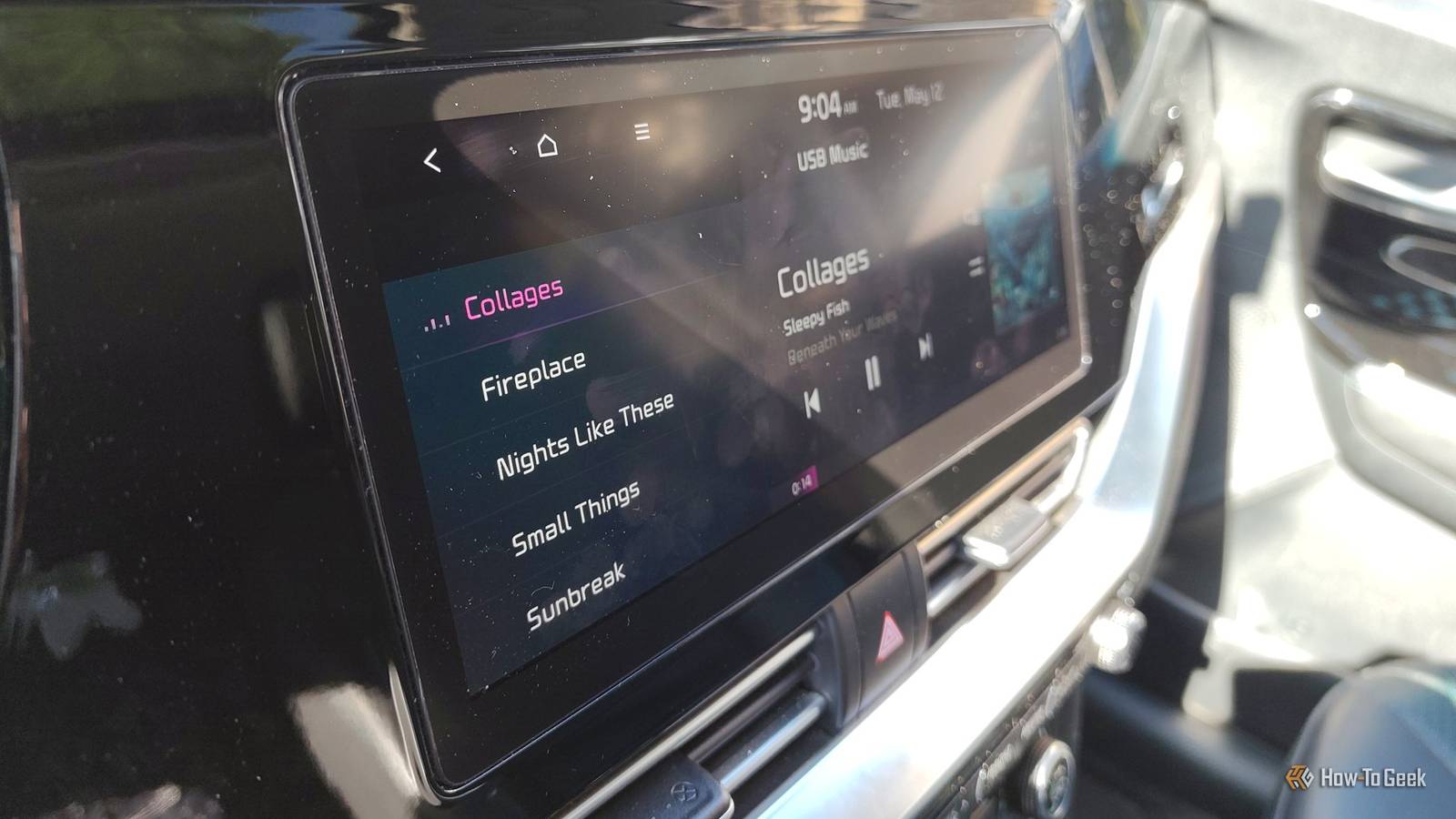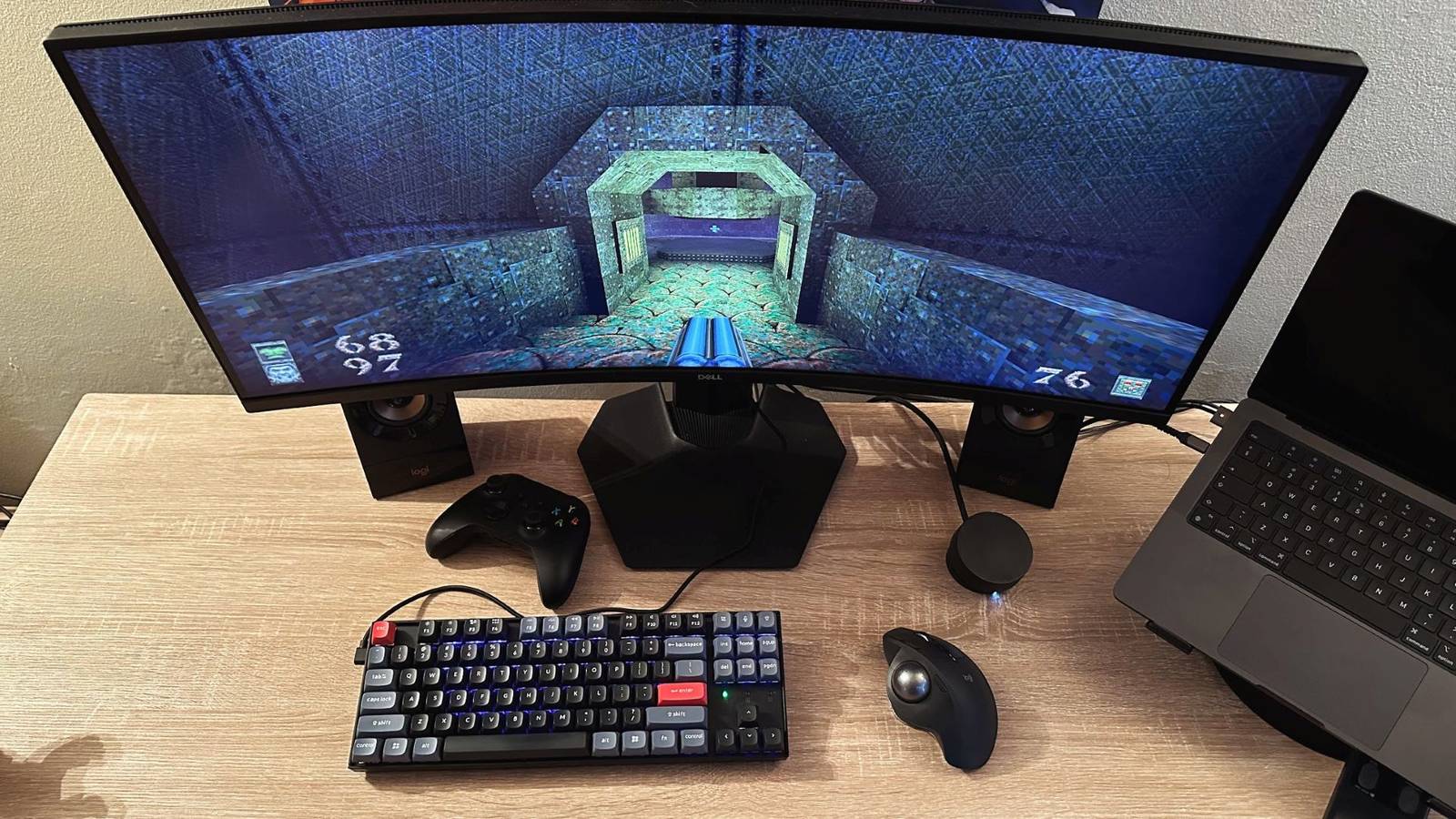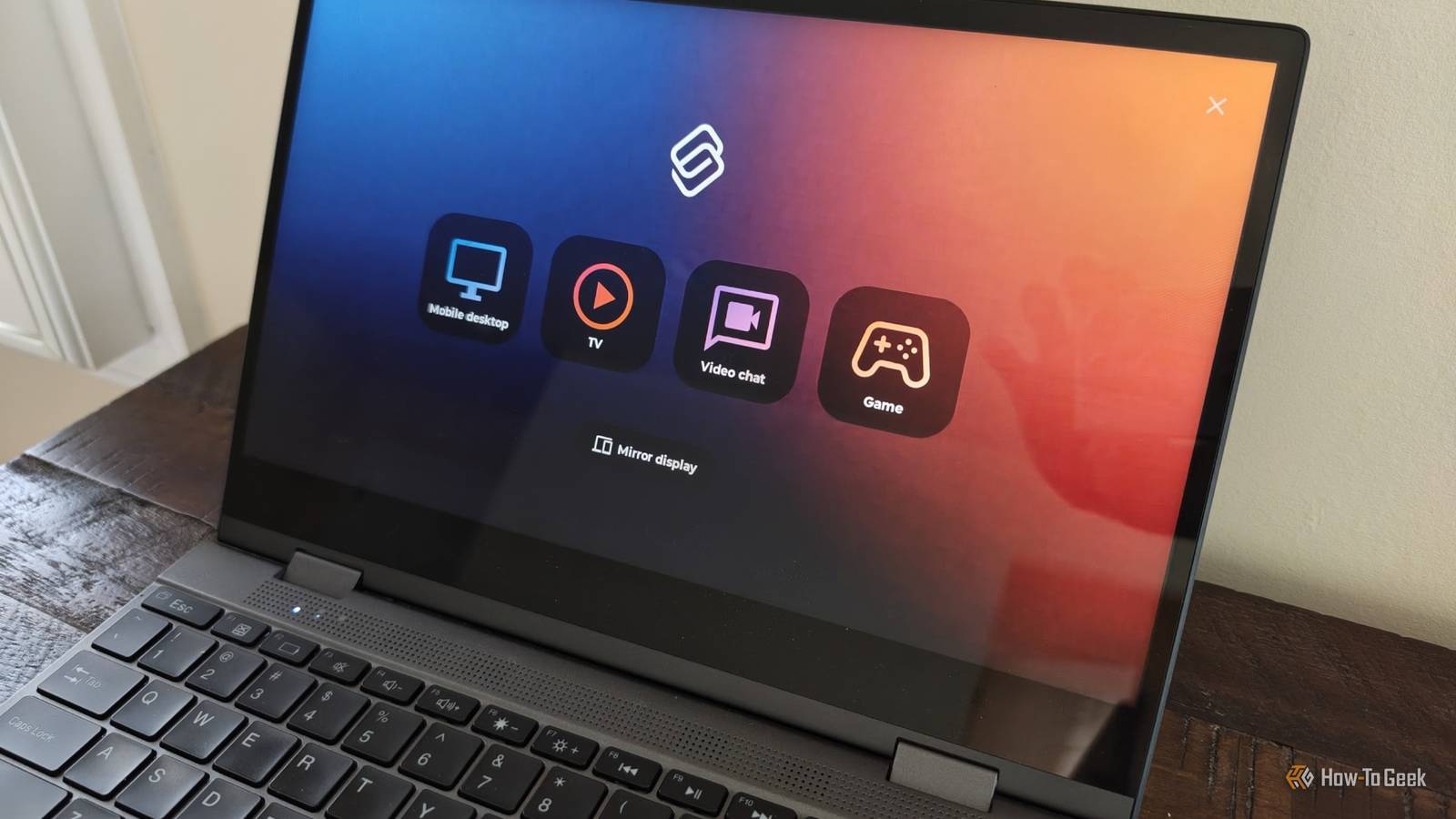
Samsung DeX is the oldest and most popular Android-based desktop, but it wasn't my first, and it's not necessarily the best.Depending on how you want to use your phone with an external display, you would be wise not to sleep on Motorola's Smart Connect.Smart Connect is better for streaming and games Motorola jumps straight to the apps that matter Close If you want to use your phone exclusively as a PC replacement, then Samsung DeX is the most mature and feature-rich tool for the job.
It has the fewest bugs, and it does the best job of feeling like a traditional desktop operating system.But if you want to activate a phone's desktop mode primarily because you're looking to turn your phone into a TV streaming box or a gaming console, then it's worth looking beyond DeX.Having to open a full desktop and manage floating windows is an unnecessary step that you might as well skip.
Motorola provides you with another option.While Samsung DeX is a desktop mode that launches whenever you connect a compatible Samsung phone or tablet to an external display, Motorola's desktop mode is merely one of the four options available when you plug a portable monitor or XR glasses into supported devices like the Motorola Razr Fold, Signature, and Edge Pro.Motorola Razr Fold Motorola's Razr Fold (2026) is its first book-style foldable Android phone, offering high-end performance and cameras.
$1900 at Motorola Expand Collapse Instead of opening Motorola's desktop mode, you can select a video category that is automatically populated with apps like YouTube, Netflix, and Hulu (assuming you already have them installed).It's easy to add other apps manually.I've added Flux, an open-source app that accesses the local video files on my device and presents them as though they were part of an online streaming library.
I can also add the Ugreen NAS app so that I can more quickly stream shows from my Ugreen DXP4800 Pro (which is not all that different from the Ugreen DXP4800 GT).This faster accessibility matters more than you’d think.When I'm connecting my phone to my XREAL One Pro XR glasses, I don't always have a keyboard and mouse on hand.
I instead rely on the virtual touchpad that appears on my phone.With DeX, I have to awkwardly maneuver the cursor through a full desktop just to resume where I left off in .With Smart Connect, I can quickly tap a large video category, barely move the mouse to open Ugreen Theater, and immediately start enjoying my large virtual display as I stare up at the ceiling in bed.
All USB-C ports aren't created equal Surprisingly, Motorola's are better If you want to use your phone for an external display, you need a model with USB 3.0 ports that support video out.Phones with USB 2.0 ports can't transmit video over a USB-C cable no matter how many software updates they get.This is why a Samsung Galaxy S25 supports Samsung DeX but a Samsung Galaxy S25 FE does not.
While this information is easy to find on a spec sheet, it doesn't tell the whole story.When I first started buying portable monitors, all I had to do was plug them into my Moto Edge+ 2023 and a desktop mode would appear.I was surprised to find that the same thing didn't happen when I later connected the same monitor to a Samsung Galaxy Z Fold 5.
With Samsung's phones, I need to connect my monitor to a second power source.They apparently don’t supply enough power to turn on the monitor.The story didn't change when I later swapped out my Z Fold 5 for the Z Fold 6.
This ultimately led me to consign my portable monitor to a desk drawer during my time with Samsung phones.Using it became much less practical when I not only needed a cable connected to my phone, but I also needed another one plugged into the wall or a battery bank.Now that I'm using a Razr Fold, I can again power a portable monitor directly from my phone.
Not only that, but Motorola phones charge much faster.My Razr Fold charges at 80W, faster than the 45W on the newer Galaxy Z Fold 8.Even my three-year-old Motorola Edge+ still charges faster than the most expensive Samsung devices.
Using your phone to power an external display drains its battery quite quickly, but this is not a big deal when you can top your phone most of the way back up in 15 minutes.It is a bigger deal when charging your phone takes closer to an hour.Samsung DeX made me miss all the things Motorola does better I originally switched from Motorola's desktop mode to Samsung's because the latter is ultimately a more stable work computer.
Yet for entertainment and gaming, I truly missed Motorola's way of doing things.Now that I do most of my work directly on my phone's inner screen, I primarily connect to external displays for entertainment, and that has made me glad to be back on a Motorola phone.
Read More