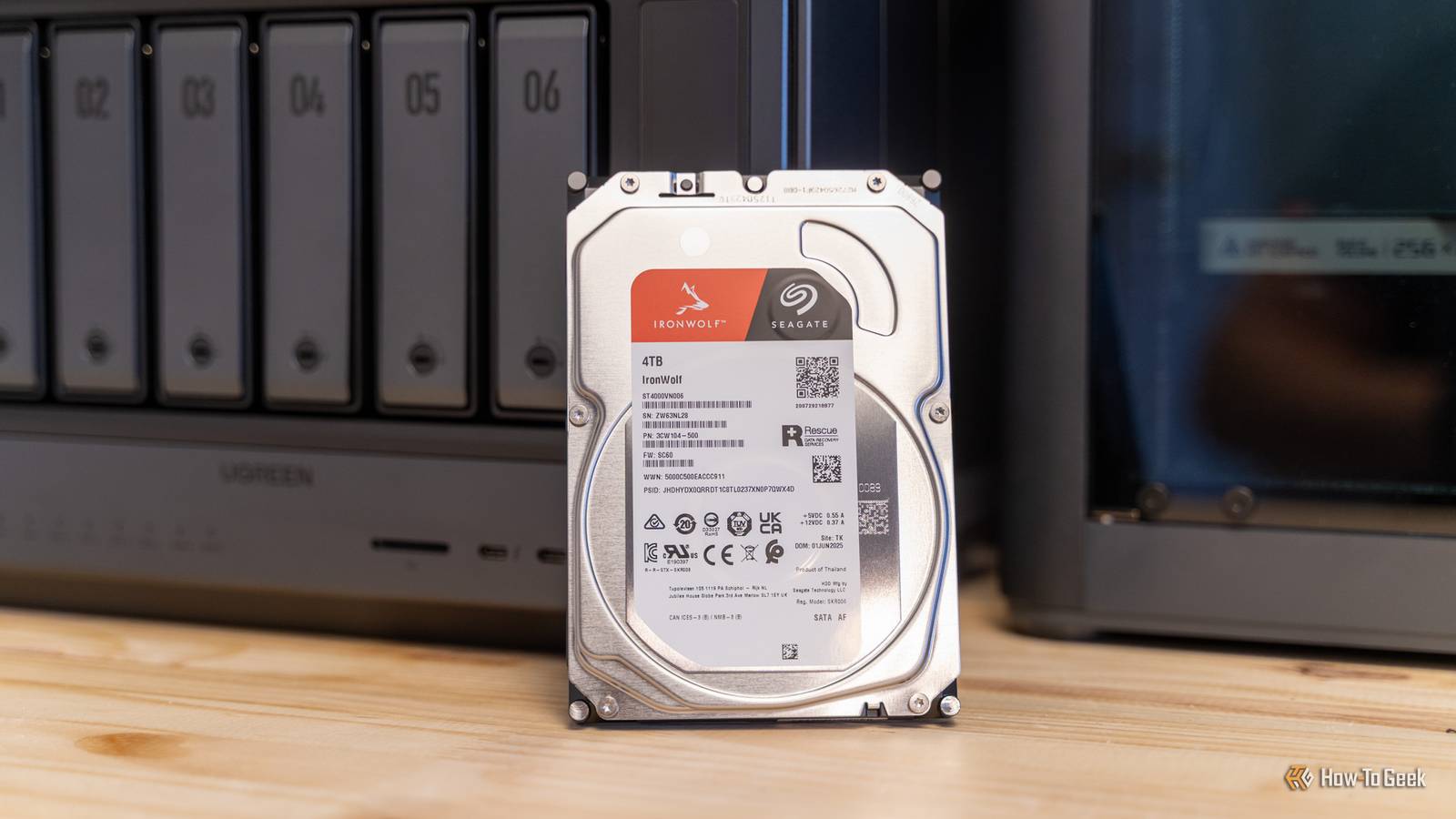
HDDs are reliable, but do they live forever? Nope.In fact, while modern drives are highly reliable, unexpected mechanical failures can still strike early in a drive's life span.And of the ones that fail, half fail within their first year of operation, according to a recent Secure Data Recovery study.
Aging HDDs can live on for many years, though.Some of mine are older than a decade.Before you decide to throw yours out on account of being officially too old, there's one free tool I'd like you to check out first.
Your old HDD may be slow without being dead I mean, they're all slow, but you get what I mean Close HDDs have never been famous for their speed, and even a cheap SSD will run circles around an HDD.(Cheap SSD? Does such a thing even exist anymore?) Still, there's a marked difference between the usual mechanical sluggishness of an HDD and a drive that suddenly takes ages to do the simplest tasks.If opening folders, file transfers, etc.
make your entire PC freeze up, that's not just an HDD being an HDD, it's a sign that something is wrong.And that something could indeed be the hard drive itself, but they don't have to mean that the HDD is absolutely done for.There are options to explore, still.
An HDD can slow down without being past help.It may be nearly full, badly fragmented, stuck handling lots of tiny files, or connected through a good-for-nothing USB enclosure, and that's just off the top of my head.An aging HDD will also feel painfully slow by modern standards, even when its platters, heads, and sectors are all still A-OK.
(Anyway, even brand-new HDDs can die at any given time, oh, joy.) What I'm getting at is that age and performance alone aren't enough, or at least shouldn't be enough, to condemn an HDD and get rid of it.Before you banish it to the back of a drawer, you need a better look at what's happening underneath, and my favorite tool for that is GSmartControl.Seagate Exos 22TB $649 $2713 Save $2064 A recertified drive is a good example of an old HDD that's still got a lot of life in it.
Plus, the huge discount is nice.$649 at Amazon Expand Collapse GSmartControl shows you what your OS keeps hidden This is the tool I would trust in 2026 GSmartControl is a free graphical interface for smartmontools, and its whole job is to pull up the health data your hard drive has been collecting in the background.And yes, HDDs can and do fail at 100% health, but it's still the best metric you can keep track of.
Instead of having to dig through command-line tools, GSmartControl lays out the drive's SMART attributes, error logs, temperature history, and self-results all in one place.It's really handy.It can also flag suspicious values for you, which is helpful when a screen full of raw numbers is making you wonder what you've done to deserve this.
More importantly, GSmartControl is still actively maintained and available for Windows in 2026, which is more than can be said about some older alternatives.It works with internal SATA drives, NVMe SSDs, and many external drives, although some USB enclosures block access to SMART data.This tool won't fix whatever might be wrong with your HDD, but there's a chance it'll let you know if something wrong with it.
Related Half of failed hard drives die in year one—here is the one thing you must do before trusting yours Your new hard drive is hiding a fatal flaw, and SMART data won't save you Posts 25 By Monica J.White Back up the drive before you do anything else Sensible advice for all kinds of storage-related shenanigans Before you start poking around in any tool, copy anything important off the drive and onto a completely separate storage device.A diagnostic test is usually safe, but an HDD that's already on the brink of a breakdown won't take much to be pushed over the edge.
Prioritize irreplaceable files first, then worry about everything else.If you already follow the 3-2-1 rule for backups, this is less of a problem.Start with the short self-test A few minutes can expose the obvious problems You can download GSmartControl and get started right away.
I use the portable (non-installer) version, but either way works.Once you're in the app, double-click the HDD you want to check, and head to the Self-Tests tab.Select the short self-test, hit Execute, and let the drive run through its built-in checks.
It only takes a few minutes, and you can keep using your PC while it runs; just don't hammer your HDD with busywork at that time.Once it's done, check the self-test log to see whether it completed without errors.A clean result is reassuring, but it's not a guarantee.
The short test only checks a small part of the drive and looks for the most obvious electrical, mechanical, and read-related problems.If it fails, reports a read error, or stops mid-way, don't keep rerunning it; the HDD might be headed for the graveyard as we speak.The extended test makes the drive prove itself This is where weak sectors begin to show up If the short test comes back clean, you can try the extended test next.
This one can take hours, depending on the drive's capacity and condition, because it checks way more of the disk surface instead of just giving it a quick once-over.Leave your PC connected to reliable power and go watch Netflix instead; this will take a while.When this test is done, check the self-test log again and pay attention to any read errors or incomplete results.
This is also a good time to look at attributes such as Reallocated Sector Count, Current Pending Sector Count, and Offline Uncorrectable Sector Count.A nonzero value doesn't mean a death sentence, but it's not good news, either.I'd be careful with any drive that has some errors or fails to complete this test.
More life means giving the HDD a smaller job Passed the test? Still not new, though Both tests came back clean? The drive may still have some useful years left in it.Still, if your HDD is super old and you're not sure how much you can trust it, don't make it your only backup of anything that matters.Use it as a junk drive, or simply as one part of a longer chain of backups.
That way, even if it fails, you won't have to worry about losing anything important.A dying HDD just needs an honest diagnosis GSmartControl is a fantastic tool, but it can't repair a dying HDD.All it can do is give you an honest, in-depth, easy-to-understand report that should give you some insight as to how much life your HDD might still have left in it.
If anything looks off, don't be afraid to move on, or at the very least, re-assign said HDD to some insignificant work instead.WD Elements Portable HDD - 2TB $149 $165 Save $16 If you need a portable HDD you can trust, the WD Elements is a solid pick that doesn't break the bank.$149 at Amazon Expand Collapse
Read More