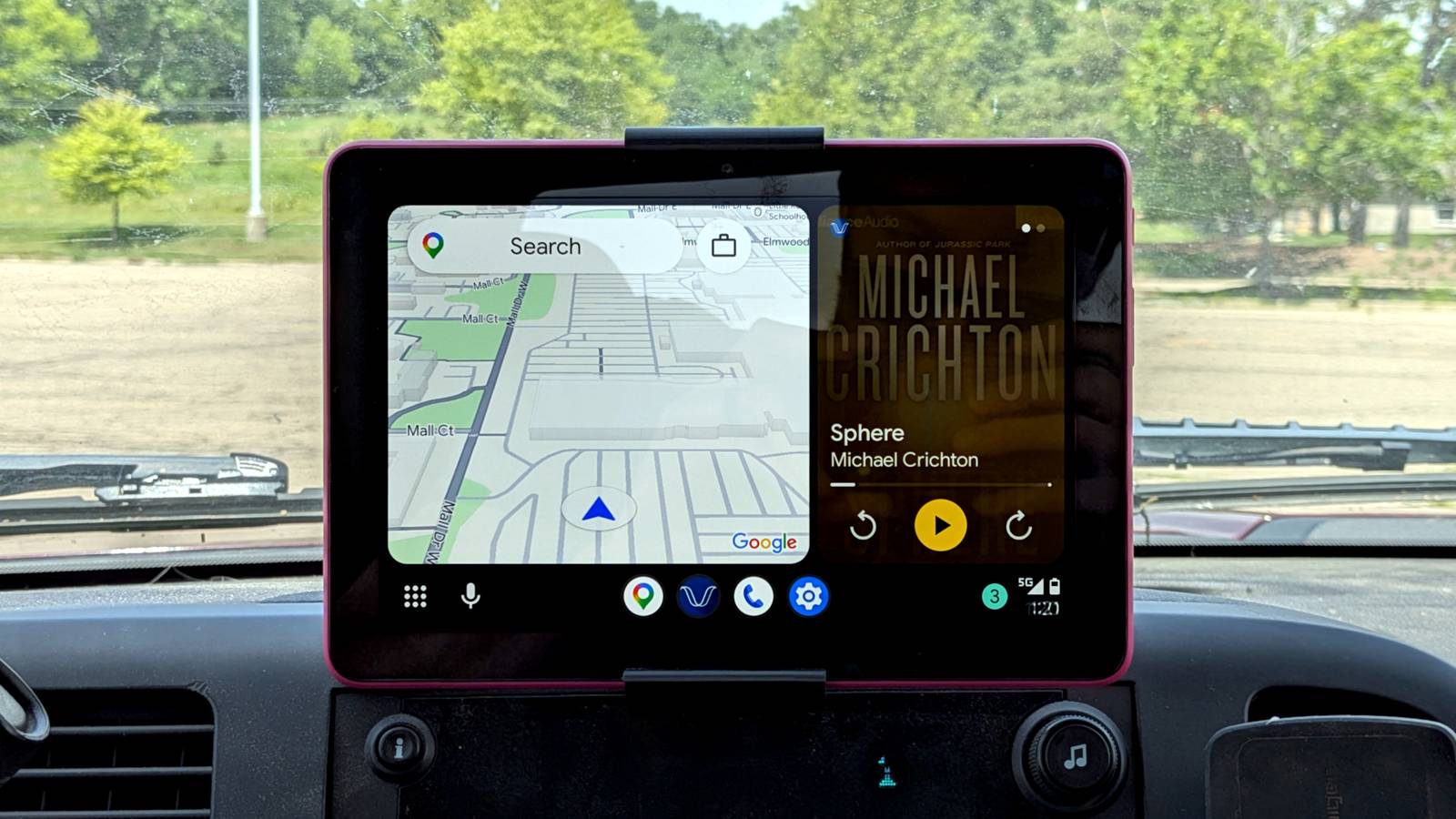
Android Auto puts your phone under an incredibly heavy workload, and summer heat only makes things worse.After only a couple of hours on the road, you've probably picked up your phone and noticed that it isn't just warm—it gets almost too hot to hold.That's not unusual.
Your phone is tasked with handling navigation, music, cellular data, GPS, keeping apps in sync, and Android Auto, all while sitting in a hot car.While some heat is inevitable, there are a few simple things you can do to keep the temperature of your phone under control.Here are the tricks I rely on whenever I'm heading out on a long drive.
Avoid wireless charging and only charge when necessary Charging is one of the biggest sources of heat Close There are only a few times in our day-to-day lives when our Android phones get noticeably warm or hot.Aside from using Android Auto and playing games, one of those times is when the phone's charging.This is because charging already generates a lot of heat.
Fast charging when the battery is nearly empty generates even more heat, but it only lasts for 20–30 minutes on most phones.Wireless charging, however, might just be the worst offender.It's an incredibly inefficient process that loses a lot of electricity as heat, so even if you're only charging at 15W, keeping your phone on your car's built-in or aftermarket charging pad can make it incredibly hot when it's also running Android Auto.
Now, I'm not saying you should stop using wireless charging in your car altogether—it's a popular aftermarket accessory and comes standard in cars for a reason.Wireless offers a super convenient way to charge your phone for a few minutes while driving around town.But if you're heading out on a long trip, make sure your phone is charged before leaving the house, and if you must charge it as the battery drains, just use a cable.
UGREEN 130W Car Charger $23 $35 Save $12 Brand UGREEN With 100W power delivery via one of its USB-C ports, the UGREEN 130W Car Charger can juice up most mobile devices, including laptops, at their top speed. Output 24 Volts Color Black Cable included Yes Charging Ports 1 USB-A and 2 USB-C $23 at Amazon Expand Collapse Plug your phone into Android Auto before the trip starts Wireless Android Auto puts a massive strain on your phone Wireless Android Auto is one of the best parts of the experience—within a few seconds of switching on the ignition, your car's head unit loads your phone's Android Auto interface, immediately giving you access to your music, maps, and everything else you need.However, as it runs continuously in a hot car, that wireless connection adds another source of power consumption.Your phone has to maintain a constant high-bandwidth Wi-Fi connection with your head unit while simultaneously handling navigation, music, and everything else Android Auto is doing, all of which generates additional heat.
Fortunately, there's a simple fix: just plug your phone into your car's USB port and switch to wired Android Auto.Your phone's already working hard to render the Android Auto interface and process background tasks, so the least you can do is remove the wireless data link to reduce its workload.Remove your phone from its protective case Help your phone get rid of heat more easily I love phone cases, and I'm willing to bet you do too.
Whether it's silicone, TPU, leather, or some other material, a case adds valuable protection to our pricey devices while giving us something more comfortable to hold.While you generally never have to take your case off in day-to-day use, the car is one notable exception.Depending on the material and thickness, cases can trap a surprising amount of heat, making overheating problems in your car even worse.
Fortunately, one of the few places where a case is almost certainly unnecessary is inside your car, because if you drop your phone, it's likely to land on a soft surface like the seat or floor mat.So, if you're heading out on a long drive, take a few seconds to remove the case.Download offline maps and disable demanding features Reduce the amount of work your phone has to do Navigation apps are one of the most resource-intensive tasks your phone has to handle while running Android Auto.
It has to constantly report its location, process GPS data, update changing traffic information, load new parts of the map as you move, use cellular data to connect to the internet, and so on.While some of this is inevitable, especially if you use high-accuracy location mode, you can reduce how often your phone has to pull data from the internet by downloading maps for offline use before your trip.All of the major navigation apps, including Google Maps, support this feature.
Aside from downloading maps, think about the other ways you can reduce your phone's workload when running Maps.For instance, 3D buildings and satellite view add additional strain that you likely won't benefit from much while driving.Stick to offline music Minimize cellular activity while Android Auto is running Just like navigation, downloading your Spotify playlists or relying on good old local music files is an easy way to reduce how much work your phone has to do.
A weak cellular connection, especially as you drive through areas with inconsistent coverage, forces your phone to work harder to stream music.But if you download your music ahead of the trip, you're removing yet another task from the list of things your phone has to handle during your drive.Mount your phone in front of an A/C vent Sometimes, it's the only way to keep it cool You probably saw this one coming: mounting your phone directly in front of your car's vent and turning on the A/C is one of the best ways to keep it cool while running Android Auto.
In fact, a steady stream of cool air could offset most of the heat generated by things I've covered above, like wireless Android Auto, streaming audio, active navigation, wireless charging, or keeping your phone in a thick case (though you should still take it off if you can).The one important caveat here is that your car needs to be blowing cold A/C air or, at the very least, fresh air.While you might be concerned that the A/C could damage your phone through condensation, the air coming out of your car vents is generally quite dry.
The only potential issue is that extremely cold air blowing on your phone for extended periods isn't ideal for the battery, although this is unlikely to be a problem during normal driving.Your phone doesn't have to suffer in the scorching heat It's completely normal for your phone to get warm when running Android Auto, but it doesn't need to suffer.Think about ways you can minimize the strain on your phone beyond just projecting maps and navigation onto your car's head unit, and if you still notice it's running hot, simply pop it into a phone holder in front of your car's vent and turn on the A/C.
Related Summer heat is silently killing your phone's battery—here's how to keep it safe this summer Sometimes, your phone can be too hot to handle.Posts By T.M.Amrita
Read More