Docker is a mainstay in the self-host community because it provides a quick, easy way to set up containers and self-host services.However, there are a few things about Docker that pushed me to look for an alternative.Ultimately, I stopped using Docker in favor of Podman, a fully free and open-source container engine.
What is Podman? A container engine like Docker Close At its most basic, Podman is a container engine much like Docker.It is compatible with OCI images, which means it can fetch and run images from Docker Hub.The similarities don't end there either.
The command-line tools are pretty similar too.Podman run, podman ps, and podman build will all seem very familiar to anyone that has used Docker before.However, it is the differences between Podman and Docker that pushed me to switch completely.
The big one is that, unlike Docker, Podman doesn't run a root daemon.By default, each container runs under the user account that started it.Podman also has "pods," which let you launch groups of containers together.
Rootless Podman sidesteps a big firewall problem Docker publishes ports around UFW Unlike Docker's default setup, Podman runs rootless you're logged in as root or use sudo.That prevents one serious issue with Docker: It ignores your firewall settings.Docker's root daemon will bypass UFW and write its own NAT and forwarding rules in iptables.
Because those rules are applied UFW is in the loop, Docker functionally ignores UFW completely.You could even run ufw deny 8080 (a common port people use with Docker) and the port would still be open.There ways to prevent that issue, but I don't like that the default behavior is unsafe.
On the other hand, Podman doesn't normally have the permissions to edit the firewall rules.If you do something with a port using Podman, it'll be treated like a socket created by an ordinary user process.UFW rules apply exactly as you'd expect.
Rootful Podman will still bypass a firewall like Docker, but that only happens when you run as root or with sudo.Rootless is safer in general Besides the specific issue with the firewall, rootless is a better security practice in general.If ever the container is compromised somehow, not running as root gives an attacker one more obstacle to overcome.
Quadlets and systemd replace the Docker daemon Every container is an ordinary systemd service One of the biggest problems people encounter when leaving Docker is the loss of the daemon that keeps containers running.Podman has a solution for it: Quadlets.A Quadlet is a small configuration file that tells systemd how to handle the container.
Once the file is written, you can use systemd to manage your Podman containers exactly like any other application on your server.You can set up autoboot and define auto-restart policies.As with most applications, logs are handled by journalctl.
Related 4 systemd tools that make everyday Linux troubleshooting much easier Control services, read logs, profile boot time, and inspect crashes with these four built-in systemd tools.Posts 1 By John Wachira Automatic updates are as easy as adding a line to the Quadlet (AutoUpdate=registry) and enabling the Podman auto update timer.You should run loginctl enable-linger for your user so that your containers start at boot without you logging in and continue running after you log out of your SSH session.
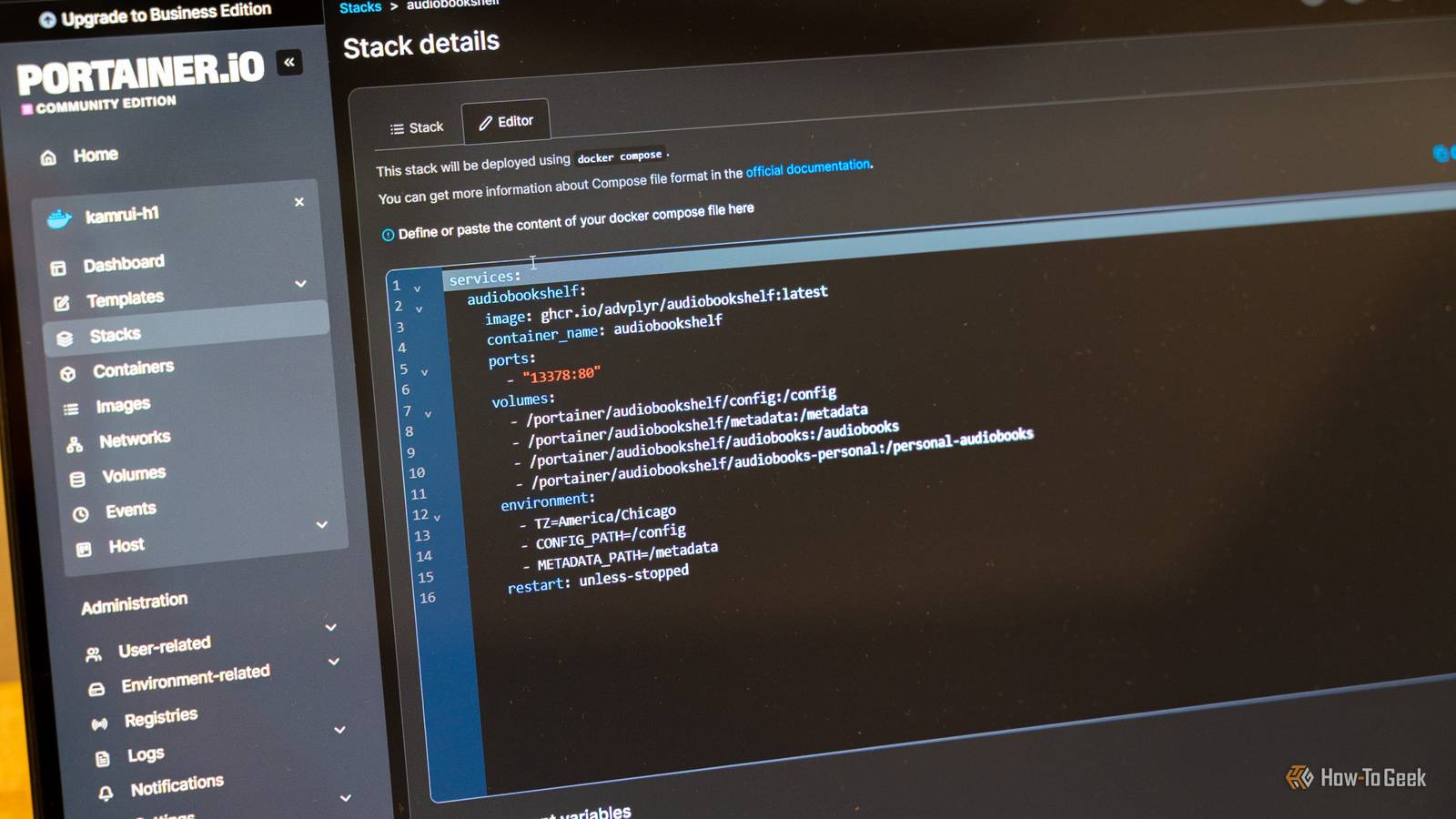
Moving from Docker to Podman Most Compose files require little to no tweaking If you want to start using Podman quickly, the podman compose command is your best bet.It allows you to use existing Docker Compose files, and of the time they'll work immediately.Sometimes they require minor tweaks, but on balance, the process is pretty easy.
Podman compose is a wrapper, so you'll need docker-compose or podman-compose installed for it to work.As a longer term solution, you can also convert Docker Compose files into Quadlets.The podlet tool, which you install separately, handles that conversion process automatically—provide a compose file, run the command, and you get functioning Quadlet files out the other side.
It doesn't support every Compose option, but it handles most of the hard parts.For container-to-container communication—a critical function for many apps and services—place your services in a single pod.Rootless Podman with Quadlets is the safer choice for most Linux homelabs Podman is slightly different from Docker, and the transition wasn't without a few hiccups.
However, the payoff was significant.I've used systemd for years, and I prefer managing containers that way to Docker's system.The rootless default behavior is a notable security improvement over the "rootful" Docker default.
And the migration process wasn't even that difficult.Most of the Docker Compose files I was using ran without a problem using podman compose.Those that didn't were either easy to fix or worked once podlet converted them into Quadlets.
Rather than commit completely, try running Docker and Podman side by side for a while to see how it goes.Besides the initial learning phase, which only lasted about 30 minutes, I haven't noticed that Podman is any more difficult to use than Docker.
Read More