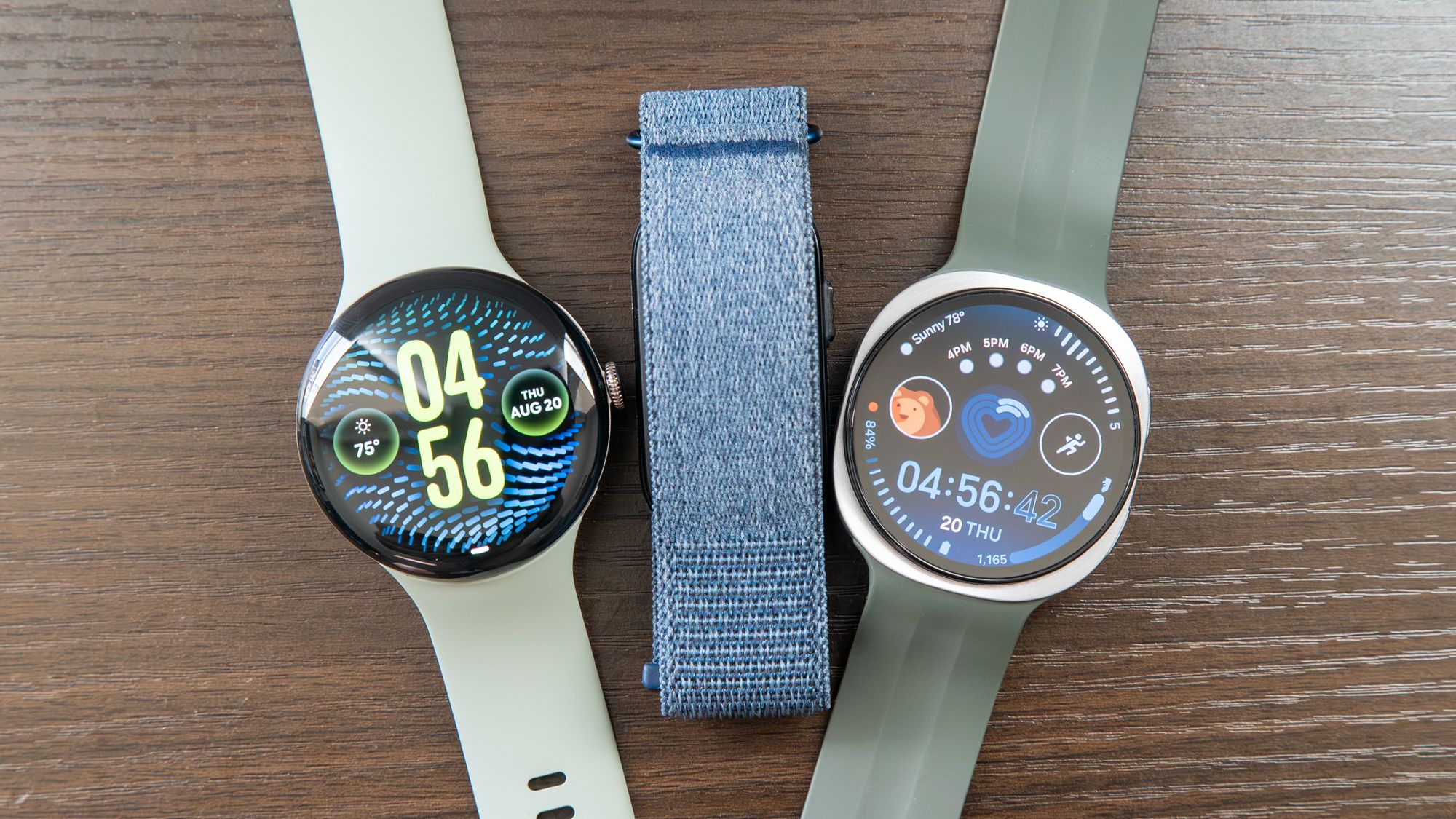
Modern smartwatches are essentially miniaturized phones on our wrists, and Samsung watches are no exception.Fortunately, if you want to enjoy that beautiful Galaxy hardware on your wrist but aren't keen on sharing loads of data with Samsung, you aren't without options.I have a Galaxy Watch 8, and here's what I'd recommend.
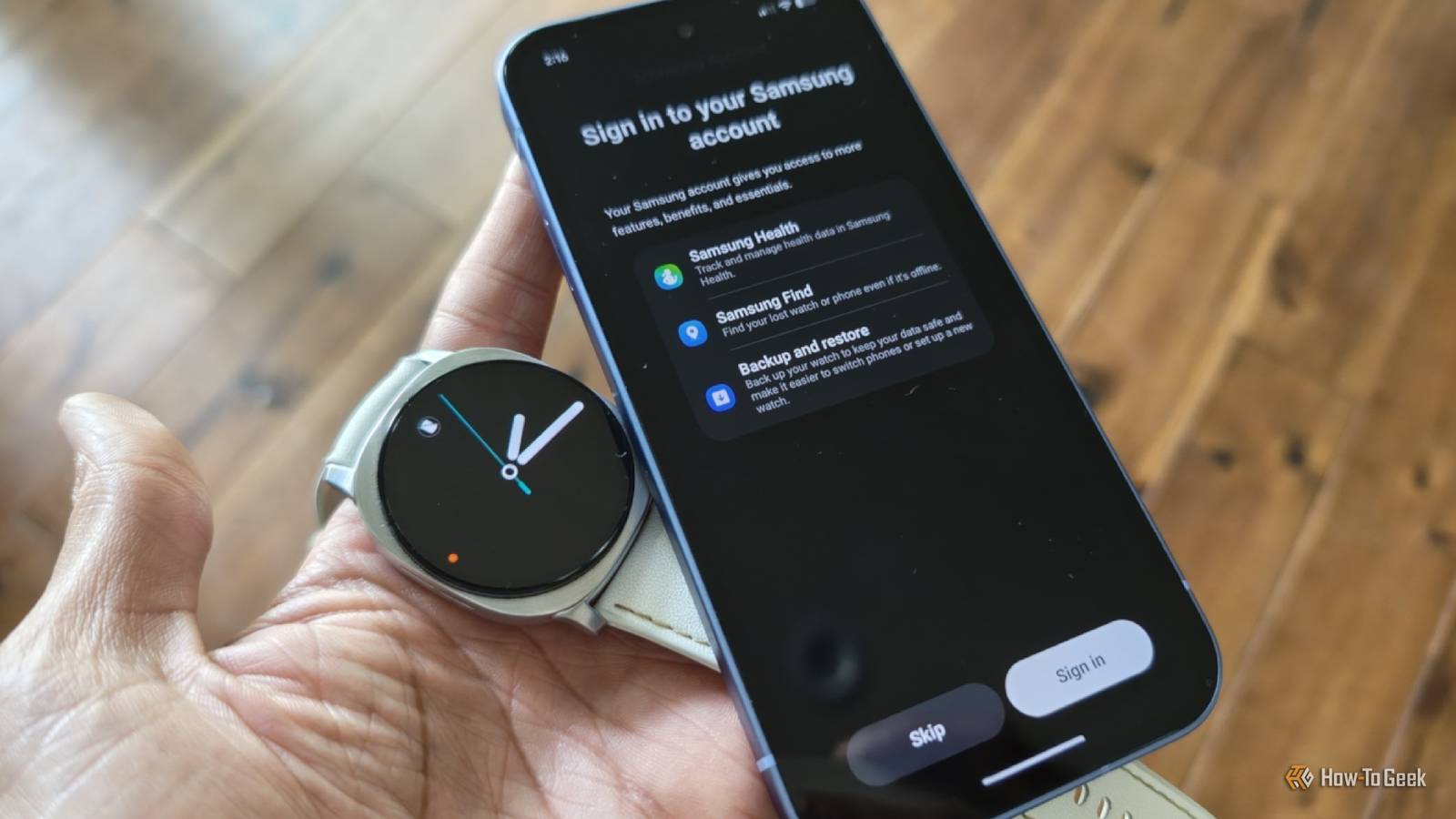
Set up your watch without creating a Samsung account Core features will still work—but you will have to sacrifice others While you do need to download the Samsung Wearable app in order to set up a Galaxy Watch, you do not need to create a Samsung account.Simply tap "skip" when prompted to sign in.Most of your core smartwatch features will continue to work, including some of the most useful ones that aren't enabled by default.
Your watch will obviously continue to tell the time.You can also create alarms and set timers.You can download whatever apps you want from the Play Store, including any Google alternatives to the Samsung features you'll have to do without.
Even many Samsung Health features will remain available.Your watch will still track your steps and monitor your sleep.It can also continue to monitor your heart rate.
The catch is that this data will only be stored offline.If something happens to your phone, then you lose your health metrics.That's a risk I've personally made peace with.
Samsung Galaxy Watch 8 Brand Samsung Operating System Wear OS CPU Exynos W1000 (5 Core , 3nm) RAM 2GB Storage 32GB Dimensions 43.7 x 46.0 x 8.6t Now thinner and more comfortable, the Galaxy Watch 8 adds new health-tracking features like sleep apnea detection and antioxidant readings.$330 at Samsung $295 at Amazon Expand Collapse Opt-out of Samsung apps and features Most things have an alternative Close Some Samsung apps will not function at all without creating a Samsung account.You need a Samsung account if you wish to monitor your home using Samsung SmartThings, which is admittedly one of the best smart home platforms out there—an easy recommendation over Google Home.
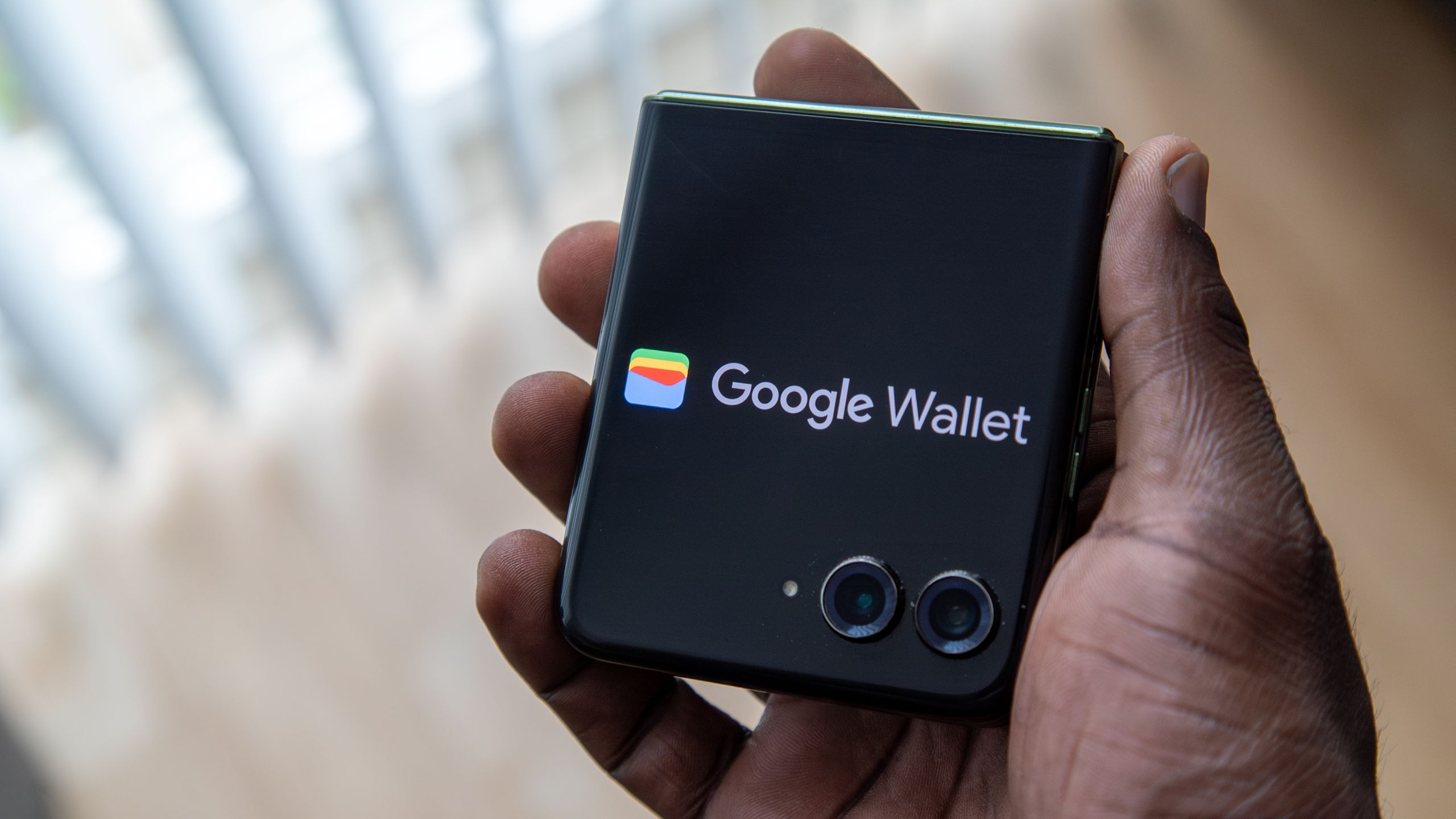
You also have to do without Samsung Wallet, which is the easiest tap-to-pay option to use on a Galaxy Watch.Fortunately, there are plenty of Wear OS apps that you can use instead.While Google Wallet is the only alternative to Samsung Wallet, there are a myriad of other smart home platforms you can control from your watch instead, such as the Wear OS apps from Home Assistant, Homey, or Google.
From my experience, though, SmartThings integration is the best on a Galaxy Watch, especially considering how well it integrates with Bixby.Life is all about trade-offs.If you want to reduce the information that Samsung collects, you'll need to avoid other apps like Samsung Notes, which I personally consider one of the best pieces of software to come pre-installed on Samsung phones.
You can use Samsung Notes privately on your phone or tablet, but if you want to sync those notes to your smartwatch, you'll need to rely on Samsung Cloud.Opt-in to end-to-end encryption Samsung can safeguard some of the information you upload, even from itself If you want privacy when using cloud storage, you need end-to-end encryption.Unfortunately, most cloud providers don't offer the option, at least not for all of your data.
Samsung Cloud isn't an exception here, but it does at least have the option to protect some of your data in this way.Samsung refers to this level of encryption as Enhanced Data Protection.Sadly, Samsung Notes does not make the list of apps that Samsung backs up with end-to-end encryption.
On the positive side, Samsung Health data does.So if you trust Samsung when it says it's protecting your information in this way, you can safely back up your steps, sleep, and heart rate information.Use your watch for fewer things The most private data is data you don't generate Why do you want a smartwatch? I primarily value the ability to quickly set timers and view the time without pulling out my phone.
These are features that could be done with old digital watches, but modern smartwatches do offer a faster and more intuitive interface to navigate.I like that I can have a separate smartwatch app dedicated exclusively to meditation, with a slightly different feature set from the timers I use for steeping tea or setting reminders.I also appreciate being able to receive notifications on my wrist.
While these notifications do need filtering to avoid information overload throughout the day, it's nice to be able to see at a glance if a chime is worth picking up my phone for.It's also a helpful way to play and pause music.I have little interest in most other apps.
I don't use my smartwatch for navigation.I don't use it to stream music.I'm not using it to peck out text-based notes on a tiny keyboard or create voice recordings.
As a result, there's very little I do on my watch that's actually of any interest to anyone anyway.How badly do you want to do everything on your watch? Prioritize battery life over perks Samsung Galaxy watches don't have the most impressive battery life.My Samsung Galaxy Watch 8 generally needs to be topped up every day, but by reducing the demands I place on it, I can eke out two.
Turning off as much health data collection as possible further reduces how many sensors need to be active, and disabling the always-on display can do wonders for the battery as well.The overriding message is this—just like when setting up your phone, pay attention, and don't merely accept all the defaults.
Read More