For years, streaming services were my go-to choice for music in the car, since they gave me the ability to listen to whatever music I want whenever I want.However, over time, I've also become disillusioned with the fact that I don't own any of the music I was listening to.I also realized that I've spent more than $1000 on streaming subscriptions over the years with nothing to show for it.
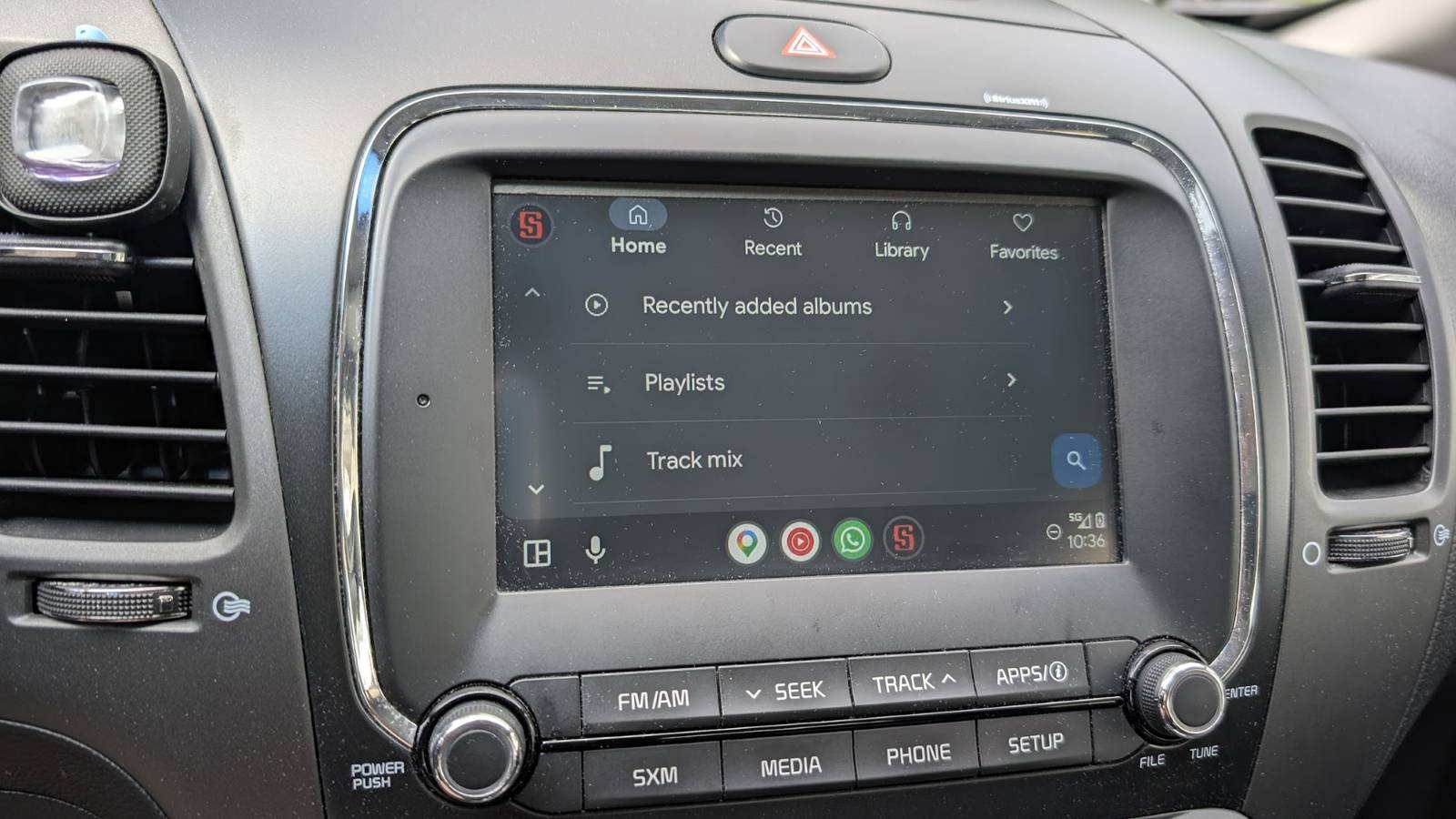
Getting a local music library working as well as the streaming equivalents isn't easy, but between one app and a Raspberry Pi, you can have a setup that rivals Spotify or Apple Music the subscription fee.Android Auto is a common weak point Most local music apps only half support Android Auto There are dozens, if not hundreds, of local music players that work brilliantly on a phone but become useless the moment you attach them to a car.They might show up in the Android Auto app drawer, but the actual integration is poor enough that they're functionally useless.
Many of them can't even communicate with Google Assistant, which forces you to manually navigate through menus while you're driving—a dangerous and often illegal situation.Related 5 Android Auto settings you should change before your next drive Tweaking these settings will make you want to drive your car way more often.Posts 6 By Ismar Hrnjicevic Full support for Android Auto means voice support When I started looking for a Spotify replacement that worked with Android Auto, I needed an app that worked a lot of manual intervention.
I needed a way to manage the queue, an easy way to browse, and proper integration with my car's media controls, so I don't have to fiddle with a touchscreen while I'm driving.Symfonium checks all the Android Auto boxes It handles voice commands, works with Android auto, and has no subscription Close After testing a dozen or so apps for Android Auto compatibility, I landed on Symfonium.It has all of the standard features you'd expect from a media player: the ability to make and manage playlists, queues, and an approachable user interface.
What makes it shine is the support for voice commands.They actually function like they should! I can tell my car to play a specific artist, skip a track, or pause the music without the app crashing or ignoring the request.It handles the basic essentials—play, pause, skip, and search—as reliably as Spotify.
Just load your music onto your phone, and you're good to go—it can even scrape the metadata for your media by itself.Symfonium isn't free, but it is a one-time $7 purchase rather than a subscription.Cutting free of another monthly subscription is well worth that price, especially since the application works very well.
Symfonium connects to my Raspberry Pi media server While you can use Symfonium as a standalone app, I've paired it with a Raspberry Pi media server so I can travel with more music than my phone can hold.Symfonium acts as the frontend—the interface I see on my phone and car screen.The music server is a Raspberry Pi running Navidrome, though any other service using the Subsonic API, or Jellyfin will also work.
My server is tucked inside the center console, powered off a USB port in the car.The phone connects to it over a local Wi-Fi hotspot the Pi broadcasts, so the whole thing works without any cellular service at all.You could get away with using a Pi Zero 2 W if you want a less expensive option.
Raspberry Pi 5 Brand Raspberry Pi Storage 8GB CPU Cortex A7 Memory 8GB Operating System Raspbian Ports 4 USB-A It's only recommended for tech-savvy users, but the Raspberry Pi 5 is a tinkerer's dream.Cheap, highly customizable, and with great onboard specs, it's a solid base for your next mini PC.$130 at Spark Fun $172 at Amazon $175 at CanaKit Expand Collapse Despite the extra setup, my Pi server has been extremely reliable.
Every once in a while, I transfer additional music from a few CDs to keep up with the newest releases that are appealing.You don't need a subscription to have music in your car When you own your files, your music won't vanish when a licensing deal expires or a streaming service decides to remove a certain artist, you just have to put in the manual effort of managing your library.The combination of Symfonium and a self-hosted server solves the Android Auto problem almost entirely.
It's not a plug-and-play solution, and if you don't like to tinker, it probably isn't for you.However, if you're willing to spend an afternoon on the initial setup, you end up with something that works just as well as Spotify in the car.
Read More