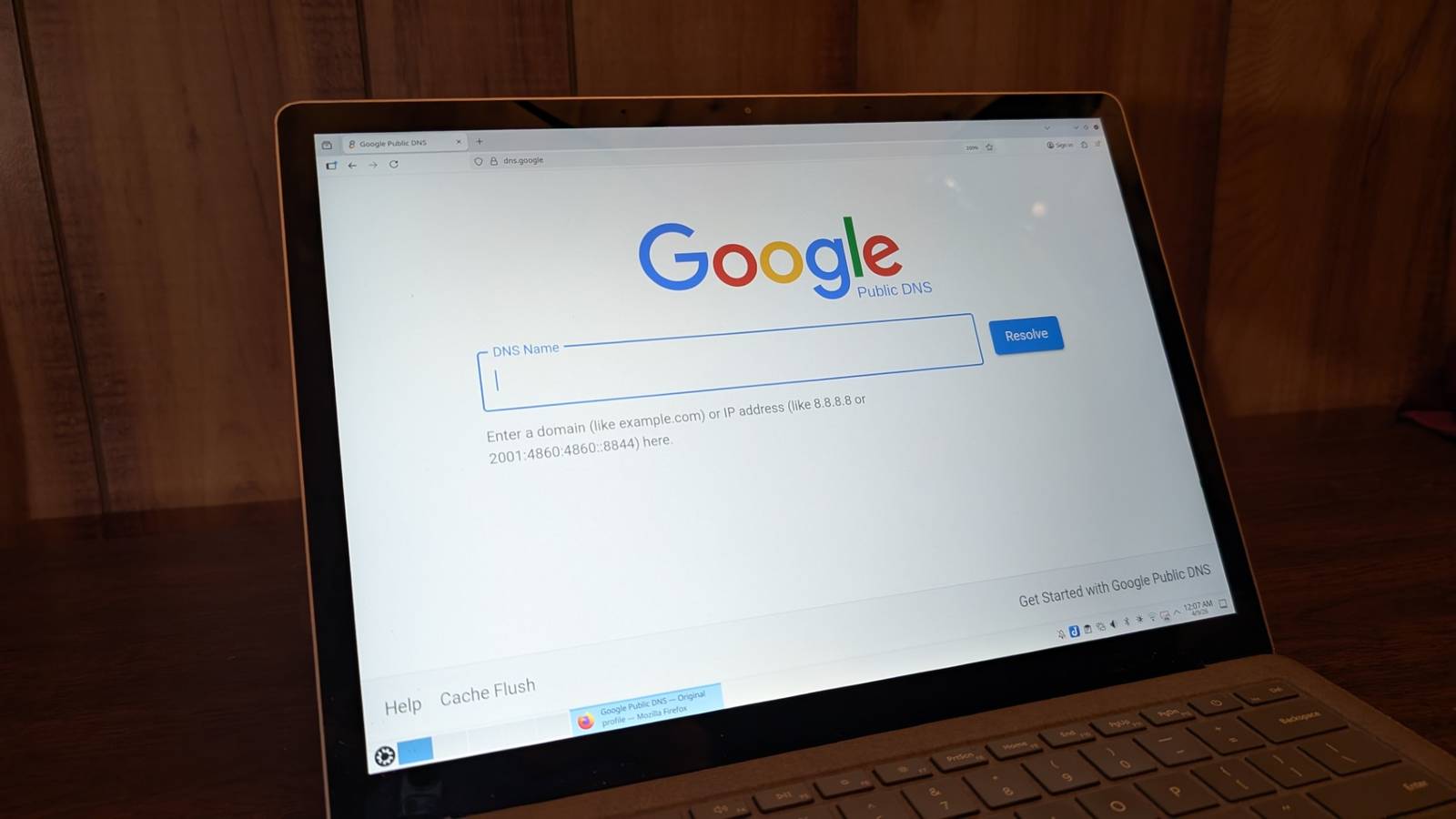
What is a DNS server? A DNS, or Domain Name System, is what helps translate human-friendly URLs into computer-friendly IP addresses.Instead of remembering a site’s long DNS IP address like Google’s 8.8.8.8, for example, we can just type in “Google” to find it.When people change their DNS, it’s usually to enhance performance, security or both. We’ll look at what to consider when switching your DNS and the best free DNS servers to do it with.
Why use different DNS servers? The main reason people switch away from their internet provider’s default DNS is to add a layer of privacy and improve connection speeds. When using your ISP’s DNS, your provider can: Track your browsing history Collect personal data Block access to certain websites You may also experience longer load times and weaker security protocols since your ISP has so many people using it at once and may fail to implement updated security protocols. This is why some users opt to switch to a third party DNS.There are both free and paid options, but they generally allow you to have more control over your privacy and network traffic. Some DNS servers have specific features that may appeal to you.If you’re a parent, using a different DNS to block specific content so your kids can’t access it is a major plus.
On the other hand, some DNS servers can also enable you to access blocked content and enhance your security with anti-malware and phishing features. Best free DNS servers of 2026 Below, we’ve listed eight free public DNS servers that can speed up your browsing experience and improve your security.The main differences between the DNS servers listed below are the query times and security features. You can always upgrade your free DNS to a premium version for enhanced features.Query time is the speed at which the DNS server receives the request from your IP address, processes it and loads the browser (e.g., how fast you can get to a website after typing it in).
A server with the lowest query time will give you the fastest browsing experience.Cloudflare and Quad9 are great free DNS servers for gaming.DNS ServerPrimary addressSecondary addressQuery time* Google Public DNS 8.8.8.8 8.8.4.4 19 ms OpenDNS208.67.222.222208.67.220.22018 ms Quad99.9.9.9 149.112.112.11222 ms Cloudflare1.1.1.11.0.0.111 ms NextDNS45.90.28.045.90.28.25514 ms Comodo Secure8.26.56.268.20.247.2013 ms OpenNIC192.95.54.3192.95.54.1Varies CleanBrowsing185.228.168.168185.228.169.16810 ms *Measured in milliseconds, query times are from testing by DNS Performance Analytics and are the time it takes a DNS to get a request for a domain name’s IP address, process it and return that address to the user’s browser.
The lower the time, the better — and faster — it is for the user.1.Google Public DNS Google’s own DNS product is also a free DNS server.
It focuses on “speed, security, and validity of results.” It only offers DNS resolution and caching — there is no site-blocking with Public DNS.Privacy: Google deletes all personal information within 24 to 48 hours (IP addresses, queries, etc).Permanently stored data is completely anonymous.
Read more about Google’s Public DNS privacy policy. Best for: Gamers and streamers 2.OpenDNS Owned by Cisco, OpenDNS has two free options: Family Shield and Home.Family Shield is good for parents who want to ensure their kids can’t access inappropriate content.
Home focuses on internet safety and performance.Privacy: OpenDNS will store your personal data until it no longer has use for it in accordance to their policy.Thereafter, your personal data will be destroyed, deleted or anonymized.
Read more about the OpenDSN privacy policy.Best for: Families and parents 3.Quad9 Quad9 emphasizes security, privacy and performance — the company was founded on the goal to make the internet safer for everyone.
It blocks malicious domains, phishing and malware while maintaining your anonymity.Quad9 is constantly expanding to new regions.Privacy: Quad9 does not collect or retain any personal data.
Learn more here.Best for: Privacy-focused users 4.Cloudflare Cloudflare’s free DNS service has unmetered DDoS Protection for Layers 3 – 7, Global CDN, a shared SSL certificate, three-page rules and unlimited bandwidth.
Currently, DNSPerf ranks Cloudflare’s 1.1.1.1 DNS the third-fastest DNS server in the world.Privacy: Cloudflare will collect and store personal data for a time period that coincides with fulfilling any legal or business purposes.Afterward, Cloudflare will either destroy or anonymize your personal data.
Read more about Cloudflare’s privacy policy.Best for: Everyday users 5.NextDNS Specializing in malware and phishing attacks, cryptojacking and more, NextDNS offers one free plan that includes unlimited devices, unlimited configurations, access to all features and community support.
There are also three paid plans to pick from.Privacy: unless requested by the user, no data is logged.In the case that data retention is required, the user is given control and full access to what is logged and for how long.
Read more about NextDSN privacy here. Best for: Malware protection 6.Comodo Secure DNS The Comodo Secure DNS cloud-based Secure Internet Gateway Gold package is free (up to 300,000 monthly DNS requests).This gets you protection from advanced threats, phishing, malware and C&C callbacks, web filtering for 80+ content categories, web access policy protection on- and off-network and real-time visibility for all connected devices Privacy: Comodo collects non-personally identifiable information, but they will not track or store it. Best for: 7.
OpenNIC At its core, the nonprofit, volunteer-run OpenNIC is an attempt to combat censorship.This free DNS server provider makes the entire web accessible to everyone.They also prevent “DNS hijacking” which is when an ISP takes over commonly mistyped URLs.
Privacy: OpenNIC does not have a centralized privacy policy, so data collection will depend on which server you’re using. Best for: Tech enthusiasts 8.CleanBrowsing This DNS-based content filtering service has free and paid options.CleanBrowsing focuses on privacy, especially for households with children and can block adult content.
Users of the free service are never tracked and paid users can opt to not be tracked.Privacy: CleanBrowsing collects and stores anonymized domain requests, but doesn’t store personal information.Read more about CleanBrowsing’s privacy policy.
Best for: Schools and families How to set up DSN servers Windows Navigate to “Settings” Navigate to “Network and internet” Select your active connection (Wi-Fi or Ethernet) Scroll down to your DNS server assignment, and click “Edit” Switch from “Automatic” to “Manual” Toggle the IPv4 switch to “On” Enter your Preferred and Alternate DNS address (e.g.1.1.1.1). Click “Save” Mac Navigate to the Apple logo in top left corner of your screen Select “System settings…” Click “Network” on left hand side Select your active connection (Wi-Fi or Ethernet) Click “Details” next to your connection Click “DNS” on left hand side Click the “+” button under “DNS servers” area Type in the DNS address you want to add (e.g.1.1.1.1) Select “OK” to save changes Restart your Mac and reconnect your Wi-Fi Features to look for in a good DNS server The world of DNS servers can be confusing, but there are a few things to check before you sign up: Pricing: Go for free options whenever possible.
Privacy: Does the DNS provider collect your data and your ISP address? Speed: How-To Geek recommends “you run a DNS benchmark to find what’s best for your connection.” Safety: If you have children accessing your internet, check for adult-content blocking.Security: Does the DNS provider you’re considering block malware, offer web content filtering and other security benefits? Free vs.premium DNS servers The main difference between free DNS servers and premium (paid) DNS servers is the level of security, performance, customization and resources you receive.
Premium DNS servers essentially offer a more extensive scope of resources, more robust security, faster performance and are well-equipped to handle larger commercial websites. Most DNS servers, like the ones we’ve listed above, have a free version with options to upgrade to a premium DNS with more features.My DNS server isn’t responding When visiting a website, you may encounter an error message like “DNS server not responding.” This error means the server failed to convert your requested website into an IP address.Usually, this error is caused by an issue with your network, internet connection, outdated browser, etc.
So, how do you fix it? Luckily, there are a few easy things you can do: Switch to different DNS Clear your Mac or Windows DNS cache Disconnect and reconnect to Wi-Fi Restart your router FAQs What does ‘DNS’ mean? ‘DNS’ stands for ‘Domain Name System.’ How do I change my DNS server? How you change your DNS server depends on what type of computer system you have, but essentially involves going into your computer settings and entering in the new DNS server address. For Apple devices, go to system preferences > Network, select a connection and click on ‘Advanced.’ Then, click the DNS tab and the ‘+’ sign, enter your new DNS server address and click ‘Apply.’ What is DNS caching? DNS cache is the temporary storage of information about DNS searches on your web browser.Think of it like your laptop’s search history where you can access all the websites you’ve been on since you last cleared your cache.It allows you to access a certain website by selecting it from the cache.
Can DNS servers fail? Yes, your DNS could stop working because of errors on either your network or the DNS server itself.If this happens, you won’t be able to access any web browser services.Usually, DNS failures are due to errors on the user’s end, like losing your internet connection or other problems with your network.
What is my DNS server? There are a few ways to find your DNS server depending on your device.For Macs, type scutil –dns | grep ‘nameserver\[[0-9]*\]’ and press Enter in your command terminal.For Windows, type ipconfig /all and press Enter.
What to read next Read more Featured What is a DNS server? Alex Sheehan — 4 min read Featured The best Wi-Fi routers of 2026 Lisa Iscrupe — 5 min read Featured What a 404 ‘page not found’ error is and ways to fix it Alex Sheehan — 3 min read Latest Monday, June 1, 2026 DNS servers are not all the same; find out which ones are the best option for you Camryn Smith — 6 min read Friday, May 29, 2026 How fast can ‘fast internet’ go? The theoretical speed limits of fiber optic, cable and DSL Camryn Smith — 6 min read Friday, May 29, 2026 How much data does Zoom use? Camryn Smith — 4 min read
Read More