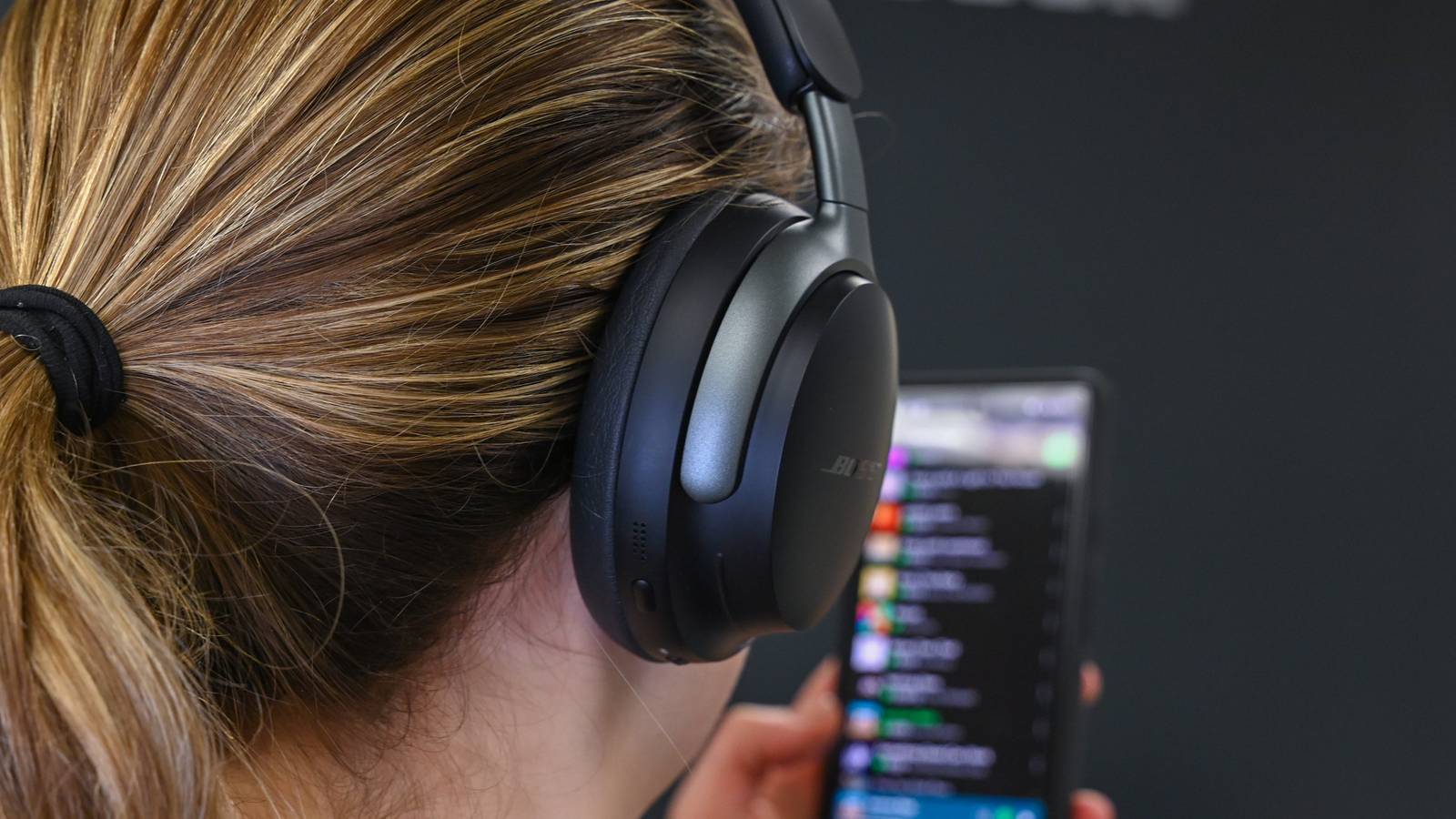
If you've got a new pair of headphones, but the sound quality is barely better than what you've got on your old pair, you're not imagining things.Android often defaults to Bluetooth settings that prioritize stability and low latency over pure sound quality, which can hold your audio back.If music quality matters to you, it's worth tweaking the settings to maximize sound quality.
At the same time, there are plenty of so-called "audio improvements" floating around on the internet that don't actually help much.In fact, they can even make things worse.Here are a few settings worth changing, along with a few you can safely ignore.
3 settings that can improve Bluetooth audio Switch to a high-quality Bluetooth codec Not all Bluetooth codecs are created equal The single most effective setting you can change on your phone to improve sound quality drastically is changing the Bluetooth codec.It’s essentially the translation layer between your phone and headphones.SBC is the lowest common denominator that works on almost any Bluetooth audio device.
It has a reasonably high maximum sample rate of 48kHz, which is considered "DVD quality," along with a maximum stereo bit rate of 512kbit/s, which is enough if you only listen to MP3 files or stream standard quality music on services like Spotify.However, if you listen to lossless audio formats like FLAC or have Spotify Lossless, SBC becomes the limiting factor.LDAC and LHDC support the highest sample rates, and you should use one of them if your headphones also support them.
Also, make sure to change their playback quality while you’re in the settings.aptX Adaptive also provides excellent bitrate.The name “Adaptive” refers to the codec’s ability to dynamically change bitrate based on current conditions, which makes it a solid set-and-forget option if supported.
Standard aptX and aptX HD are solid mid-tier codecs.AAC is primarily designed for Apple devices, so its performance varies depending on your headphones and phone, but it can provide better sound quality than SBC in some setups.To change the audio codec on your phone, connect your headphones first.
Head over to Settings and find Developer Options (you need to enable them first).Scroll down to Bluetooth Audio Codec and select LDAC.If your phone won’t let you pick it, try something else—support depends on your headphones.
Sony WH-1000XM6 Noise-Canceling Headphones $398 $460 Save $62 Battery Life Up to 30 hours Sony's WH-1000XM6 headphones feature support for the LDAC codec.The headphones have an updated microphone array for improved call quality, noise canceling, and Ambient Sound.They also boast a refined design for extra comfort during long-term listening sessions.
Bluetooth Version 5.3 Noise Cancellation ANC Weight 8.96 Ounces Colors Midnight Blue, Black, Platinum Silver Foldable Yes Dimensions 7.87 x 10.11 x 3.08 in Battery charge time 3 minutes $398 at Amazon Expand Collapse Another way to change the codec is to enable HD Audio, which tells your phone to automatically select the best available codec.Close Turn off your phone's audio enhancements Surround sound can ruin your music Your phone likely contains numerous audio enhancement features.Some common ones are virtual surround sound, which gives you a 3D audio effect when watching movies and playing games, bass enhancement that increases the low end, equalizers that dynamically pick the “best” sound profile depending on the content, and so on.
While these audio enhancements sound like a cool concept on paper, they can create problems with sound quality, especially when it comes to music.Virtual surround sound is the worst offender because music is typically recorded and mixed in stereo.When a virtual surround layer is applied over it, the software tries to "guess" where those sounds are supposed to go in a 3D space, and the end result is that it can destroy the soundstage and the artist’s original intent.
It also introduces various sound processing artifacts that can make everything sound hollow and metallic.Automatic equalizers, on the other hand, change the frequency response of your audio.This isn’t necessarily a bad thing, and you may even want to use an equalizer that takes the natural frequency response of your headphones into account to create a “corrected,” more balanced sound.
However, leaving the automatic equalizer enabled on your phone can result in a poorly configured frequency response or double-processing.To disable these various sound processing features, head over to Settings > Sound & Vibration.Scroll down to Sound Effects (or the equivalent option) and disable everything you see.
If the automatic equalizer can’t be disabled, like on my OnePlus 15, you might be able to set a custom one and flatten it completely.Close Disable background Bluetooth scanning to reduce wireless interference Make your wireless connection as unobstructed as possible Bluetooth relies on the heavily crowded 2.4GHz wireless spectrum for communication.This frequency is shared by everything from Wi-Fi routers and smart home devices to microwaves and baby monitors.
While you can’t control the whole 2.4GHz band inside and outside your house, there are some things you can do to minimize interference.A particularly important one, especially when interference is coming from your own smartphone, is Bluetooth scanning.This feature allows your phone to scan for nearby devices at any time to improve location-based services, even when Bluetooth is off, but it also adds activity in an area where you want as little interference as possible, resulting in worse signal stability between your phone and headphones.
To disable Bluetooth scanning, head over to Settings > Location > Wi-Fi and Bluetooth scanning and turn off Bluetooth scanning.Close 3 settings that won't really improve your sound Higher numbers don't always mean better sound If you’ve dived into Developer Options to change your Bluetooth codec, you might have come across the option to change the sample rate.Switching it from 44.1kHz to 192.0kHz sounds like the world’s easiest way to quadruple your sound quality, but the truth is that changing it from the system default does more harm than good.
If you try to force a higher sample rate than the music you’re playing, you’re forcing your phone to fill the data gaps with effectively nothing.Frankly, you should just leave it to your phone to negotiate the best sample rate automatically.Disabling absolute volume is a troubleshooting fix, not a sound upgrade Another common "optimization" you’ll hear about is disabling Absolute Bluetooth Volume (also known as Device volume sync on some phones), with claims that it improves dynamic range or sound quality.
This setting simply links your phone’s volume controls with your earbuds so they adjust together.In reality, disabling Absolute Bluetooth Volume is more of a troubleshooting step.It can help fix issues like inconsistent volume or clipping on certain Bluetooth devices, but turning it off won’t actually improve your headphones’ sound quality on its own.
Switching from stereo to mono doesn't improve audio quality Disabling stereo audio in favor of mono audio is yet another “magic pill” fix that some people claim improves sound quality on Bluetooth devices.Mono audio combines the stereo (left and right) channels into a single channel, and the only time it can actually be useful is when you’re using just one earbud.Audio is often mixed with stereo in mind—for example, some instruments are panned slightly to the left or right to create a wider soundstage—so switching to mono lets you hear everything through a single earbud.
However, in any other scenario, it will generally harm your music listening experience by making it harder to distinguish individual instruments and reducing the sense of space the artist intended.Related Lossless Audio Sounds Better, but You’re Not Getting the Full Experience Lossless audio is worth pursuing, but these gotchas can easily come between you and better sound.Posts By Simon Cohen The best sound upgrade is still a new pair of headphones While you can (and absolutely should) tweak your phone’s Bluetooth settings to improve sound quality, it can only get you so far.
Upgrading to a more premium pair of headphones is the most effective way to improve sound quality drastically.Besides, you can’t take advantage of advanced Bluetooth codecs if your headphones don’t support them.Samsung Galaxy Buds 4 Pro IP Rating IP57 Charging Case Included? Yes The newest Galaxy Buds4 Pro offer enhanced two-way speakers, ANC, voice detection to raise the level of ambient noise when you're having a conversation, and more.
Supported codecs SSC (Samsung Seamless Codec) HiFi, SSC UHQ (Samsung Proprietary), AAC, SBC, LC3 Bluetooth 6.1 Colors Black, White, Pink Gold Compatibility Android 12 or higher Earbud weight 5.1g Charging case weight 44.3g Max talk time Up to 4.5 hours / Total up to 20h (ANC on) Max playback time Up to 6 hours / Total up to 26 hours (ANC on) $250 at Amazon Expand Collapse
Read More