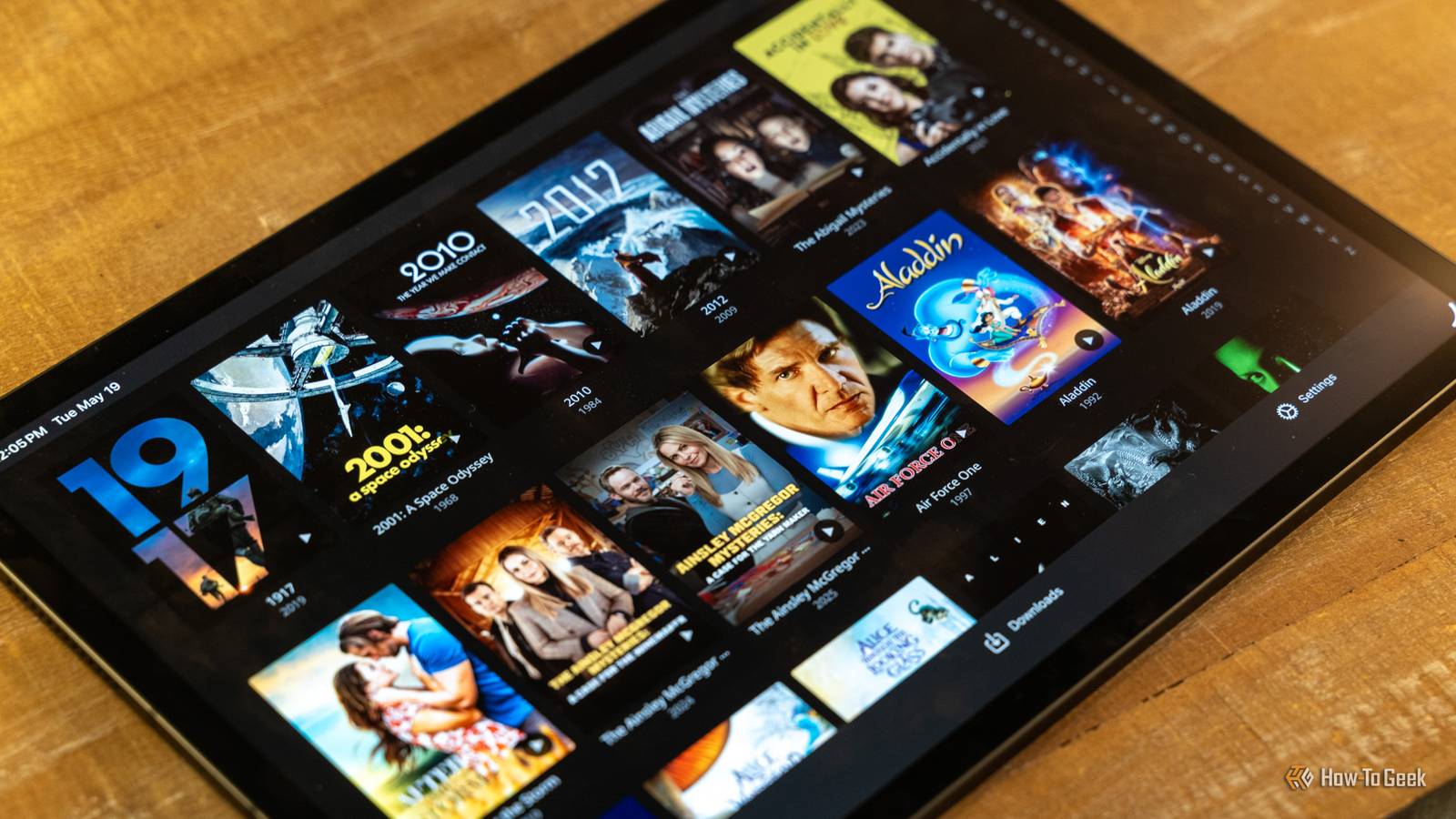
After using Jellyfin for a while, I've finally got it running how I want.But the process wasn't without a few issues, and the software comes with a steeper learning curve than Plex.Here are some of the things I wish I knew before I started using Jellyfin.
It's better with a tidy library Watch your file and folder names A common complaint from Plex-to-Jellyfin switchers is that Jellyfin isn't as good at handling metadata.It works fine most of the time, but if your library contains obscure films or random episodes of TV shows, there's every chance Jellyfin will struggle to identify them correctly.It might pull in the wrong name and artwork or not recognize it at all.
It leaves you with plenty of cleaning up to do.You can make things easier by tidying up your library before you start.Make sure your file names are descriptive, and keep your related content grouped into folders.
Not just TV shows, but different versions of the same movie.The more organized you are, the better Jellyfin's metadata matching will be.Remote streaming isn't as simple as Plex Yes, it's free.
But it takes some setup Close Remote streaming on Plex works well and is easy to set up.The downside, of course, is that you have to pay for it.That's one of the biggest attractions of Jellyfin.
You can stream your content outside of your home network for free.But setting it up is more complicated and hands-on.You're looking at either tinkering with your router settings and exposing your Jellyfin setup to the public internet or installing a compatible VPN like Tailscale.
The Jellyfin documentation can guide you through the process, but it's a long way from the plug-and-play approach you get from Plex.Some clients are better than others If you stick with the Jellyfin client, you're missing out Close When you set up Jellyfin for the first time, there's a good chance you'll head straight to the app stores on your client devices to download the official Jellyfin clients.They work okay, but you'll be missing out if you never move beyond them.
There are loads of third-party clients that address many of the limitations of the official apps.They have extra features, wider codec support, and more polished interfaces.My favorites are Moonfin, which works on pretty much every platform; Wholphin, which is great on a Fire Stick; and Streamyfin on Apple devices.
It's worth trying out a few to see which you prefer.Apple TV 4K Operating System tvOS Resolution 4K Immerse yourself in stunning 4K HDR with Apple TV 4K.Stream your favorite content with exceptional clarity and color, powered by the A15 Bionic chip.
Enjoy seamless access to apps, games, and Apple Originals, all with the convenience of Siri voice control and personalized recommendations.$199 at Apple See at Amazon $199 at Best Buy Expand Collapse Transcoding can make or break performance Choose the right hardware and settings when you transcode Transcoding is often an unavoidable part of the streaming process, whether you're using Jellyfin or Plex.This is where files that aren't natively supported on your client devices get converted in real time to a format that the hardware can handle.
It's resource-intensive, especially if you're transcoding more than one file at a time.The best option is often to convert your files into widely supported formats so that they can stream by direct play without having to transcode at all.Outside of that, choosing the right hardware can help.
An entry-level NAS, for instance, isn't cut out for heavy transcoding.You can also enable hardware acceleration in the Jellyfin settings for free, and it supports Intel, Nvidia, and Apple GPUs, among others.Plugins can be hit-and-miss They add some valuable features, but they aren't all made equal Close I love the number of plugins that are available for Jellyfin.
They can add vital functionality, letting you skip intros, manage subtitles, or even clean up a messy library.But not all plugins are equal.Some can be tricky to use, some don't work as well as expected, and some are just outright abandoned.
If there's something you want to do in Jellyfin, there's a good chance that someone has already written a plugin to do it.But before you build your entire setup around it, check when it was last updated and what the user feedback is like.Our guide to the best Jellyfin plugins will get you started.
Storage requirements grow surprisingly quickly Don't fill your drive on day one It's easy to underestimate how much storage space your Jellyfin library will need.High-bitrate media and 4K remuxes take up a lot of space, and TV libraries can grow faster than you might expect.A good setup would also leave room for backups.
In short, you want to make sure you don't fill up all your storage on day one and leave space to grow into.Adding an extra drive or moving to a larger one in the future is easier if you've planned ahead.It's generally more hands-on Getting high-quality software for free needs a trade-off somewhere Perhaps the most important thing to know when switching to Jellyfin is that it expects a greater level of hands-on input than Plex does.
Like many open-source tools, it's built by and for enthusiasts, and its approach doesn't hold up quite so well when it starts to get mainstream appeal.Updates and troubleshooting are largely your responsibility.You might find yourself opening ports or digging into the settings to find lesser-known features.
It's a long way from the "it just works" mindset of Plex, but that's the trade-off you have to accept for getting such a great piece of software for free.Jellyfin is a great Plex replacement, once you've got it working Switching to Jellyfin isn't always a totally smooth process.Not everything about it is obvious, and you need to be willing to get your hands dirty tweaking things here and there.
But if you accept that before you begin, you'll find yourself with one of the best media servers available, and you'll never have to pay a subscription again.
Read More