In a world before ubiquitous high-speed cellular data, someone came up with the idea of sticking USB flash drives into walls as a way for passersby to privately exchange files.These days, there are all kinds of security concerns surrounding the idea of trusting random flash drives, and we've largely settled on using the cloud for exchanging files—but you can still recreate private file sharing without involving the cloud.All you need is the right open source app.
What is a USB dead drop? The public, peer-to-peer file-sharing method from a time gone by Have you ever seen a USB drive sticking out of the wall? Probably not.Aram Bartholl began the Dead Drops project in 2010, inspiring others to stick flash drives into the walls of public spaces and share the location with others.Each drive is empty, except for a simple text file explaining what the Dead Drop project is all about.
Anyone is free to visit these drives, copy any files they wish, and share files of their own.You can think of them as Little Free Library boxes for the digital world.The term "dead drop" was not invented in 2010.
The name comes from a method spies use to exchange information while preserving their cover.One could drop a box of photos in a specified location, and someone else could later retrieve that box without either person knowing the other's identity.The need for a wireless alternative You shouldn't trust a random USB drive out in public I'm not going to tell you that there isn't a place for USB flash drives anymore—just the opposite.
These tiny storage drives now carry more data in less physical space, while transferring that information at faster speeds.The issue isn't the drives.It's the devices we might plug into them.
PNY Duo Link V3 9 Capacity 256GB, 512GB, 1TB, 2TB Speed 1000MB/s read, 800MB/s write Connection USB-C/A Portable Yes The PNY Duo Link V3 flash drive offers both USB-C and USB-A plugs.With USB 3.2 Gen 2 speeds, you can expect up to 1,000MB/s read and 800MB/s write speeds from this flash drive.Coming in 256GB, 512GB, 1TB, and 2TB storage sizes, this all-metal flash drive makes it easy to bring large amounts of fast storage with you anywhere.
$80 at Amazon Expand Collapse The idea behind the Dead Drops project was that you would plug your laptop into these random flash drives.First, you absolutely should not plug your laptop into a flash drive sticking out of the wall.But let's set the security concern aside, because there's an arguably bigger issue here.
While there is a personal computer that virtually everyone has on them, the laptop isn't it.Unfortunately, the solution isn't as simple as exchanging all those USB-A drives for USB-C ones that are compatible with phones.Many people are still carrying around iPhones with lightning ports, and among those phones with USB-C ports, a painful number still transfer at painfully slow USB 2.0 speeds.
Fortunately, if you want a private, cloud-free way to exchange files with others, there's a better way.It's time to use Syncthing instead The wireless, local, peer-to-peer alternative to a shared flash drive The concept behind a dead drop is remaining anonymous and offline.Cloud storage is neither of these things, so you can rule out the idea of using Dropbox or iCloud.
Apple's AirDrop and Android's Quick Share features don't require the internet and mostly solve the problem, but their default settings aren't typically anonymous, since a name like "Susan's iPhone 17" kind of gives it all away.Syncthing is an option that works regardless of operating system or device, including smartphones.You can find a version for Windows, macOS, and Linux.
Thanks to the Android app, you can even run it on a Chromebook.I'm hardly the only one on our team who uses Syncthing.My colleagues turn to Syncthing as an alternative to cloud storage and as a way to stop manually backing up photos.
I also use Syncthing in both of these ways.Syncthing works by generating a unique alphanumeric ID for each device it's installed on.Syncthing can detect other devices running Syncthing on your shared network, and you are free to share folders between these devices.
The recipient will receive a prompt asking them to verify whether they want to accept this shared folder request.From then on, these devices will sync files whenever they are on the same network.As the number of connected devices grows, you'll have files appearing in the shared folder without it being immediately obvious where the file came from.
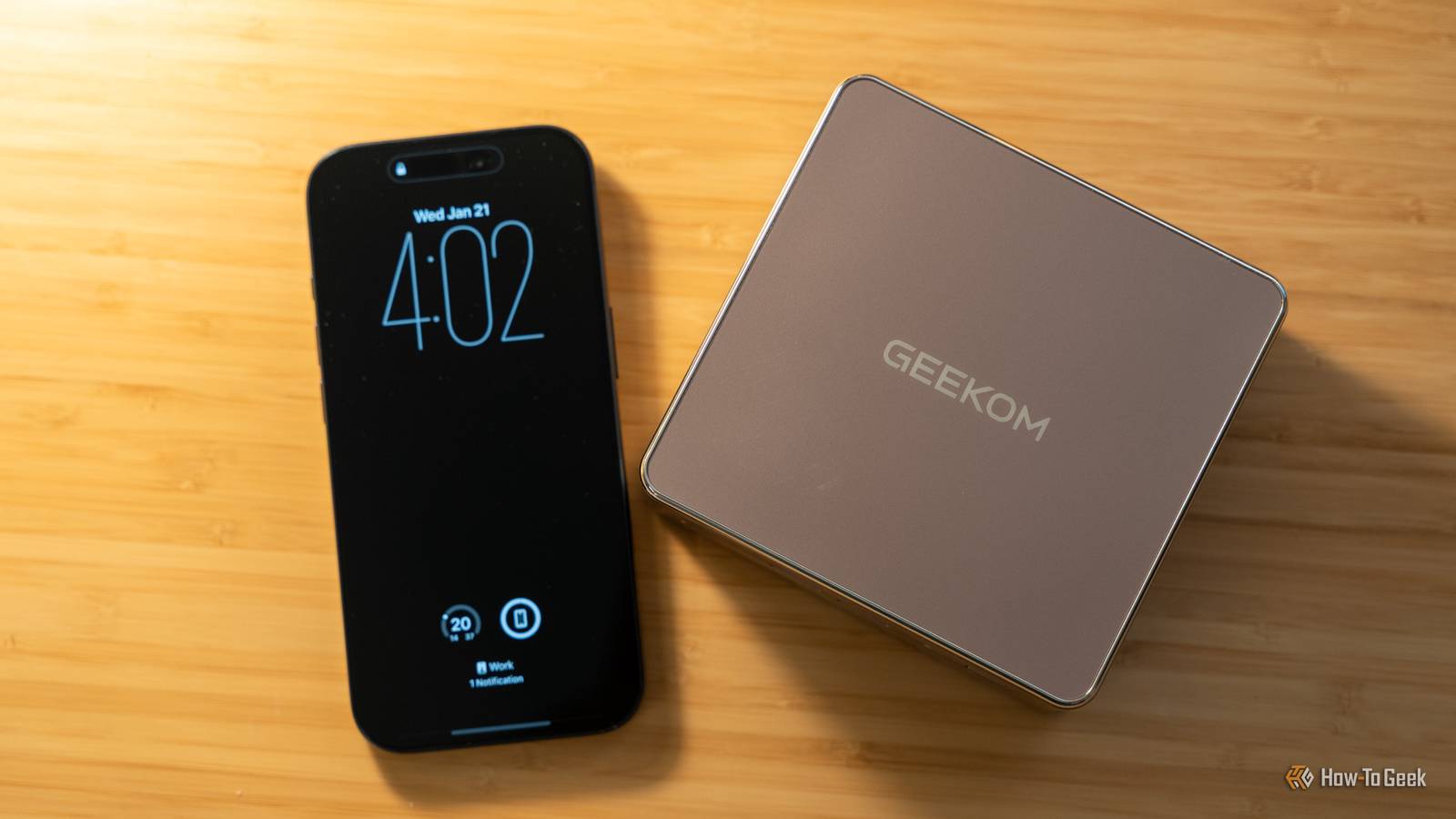
In this way, Syncthing can still preserve the semi-anonymous feeling of surprise.Syncthing is ideal for family members and roommates Keep Syncthing running on a device that's always on In my home, Syncthing is installed on an Intel NUC in my office.There is also a copy on the gaming PC in our living room that doubles as a NAS.
Whenever my phone or laptop is on the same network, they sync files with these PCs.This is a good way to make sure that my documents remain synced between devices and that any photo I take on my phone is already on my desktop by the time I'm ready to view it on a larger screen.Our home NAS also has enough storage space to run regular backups, so that a file accidentally deleted isn't necessarily gone for good.
For families, this provides a way to keep photos backed up to a shared source.It's also a way to share purchased media, like music or a library of DRM-free comics.Roommates can use a digital dead drop as a way to stay synced on their own shared photos and files.
You can then access these files in your preferred gallery apps, music players, reading apps, or document viewers without being locked down to the same service and without a company monetizing your every interaction.A dead drop doesn't have to be in public spaces It's possible to put Syncthing on an always-on device in a shared space with public Wi-Fi, but it can never fully replicate the seamlessness of a USB dead drop—someone needs to manually intervene at both ends of the sharing and receiving process.But if you really want to preserve anonymity, it's possible to exchange device IDs and folder sharing requests in whatever way works for you and your group.
Yet for shared living and working spaces with people you know, using Syncthing as a digital dead drop can be quite ideal.
Read More