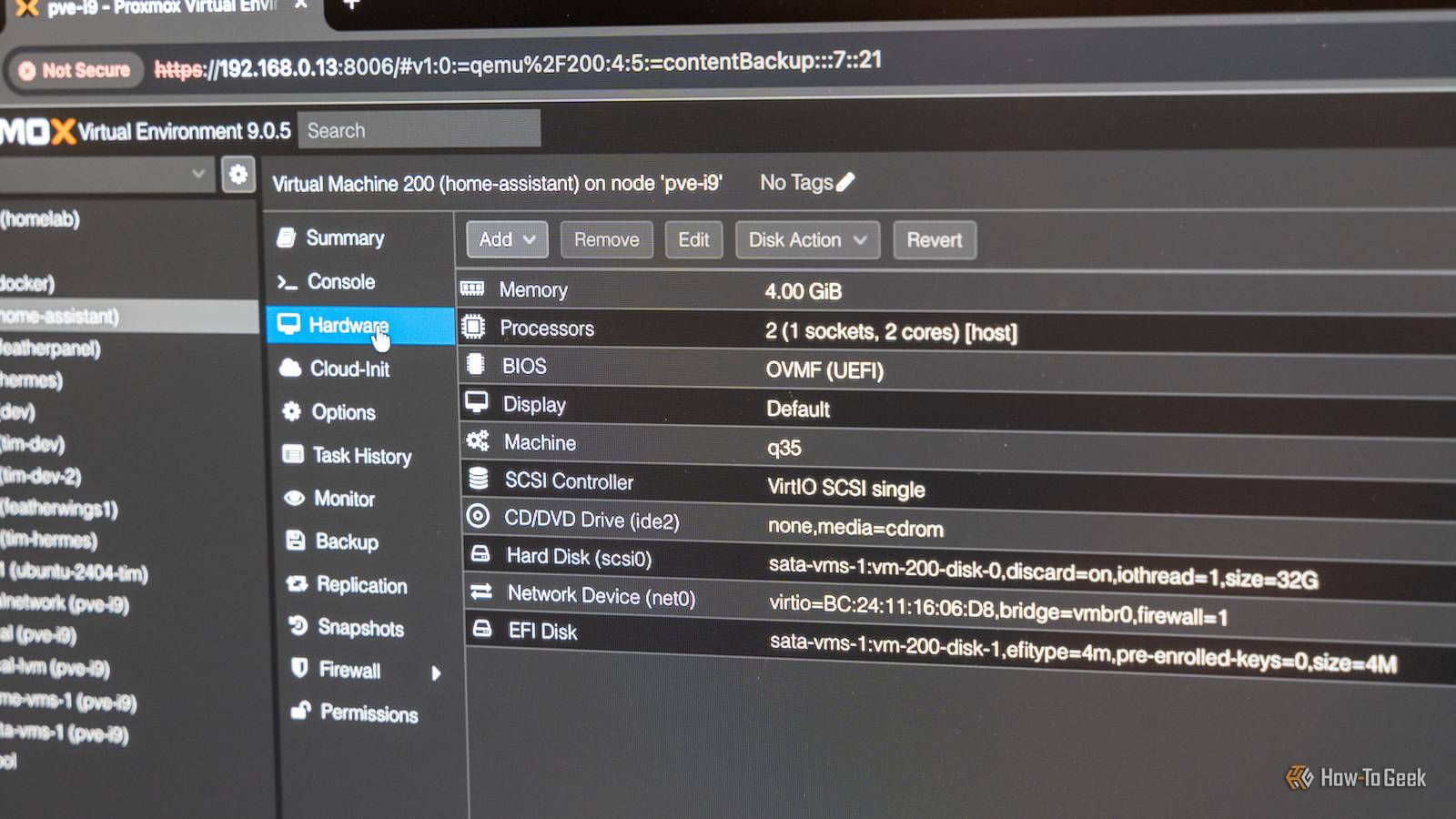
Proxmox has become the go-to distro among the self-hosting community because it is easy to use, feature-rich, and reliable.That doesn't mean it is for everyone, though.In many cases, it is a bit than you might need.
Or maybe you just don't like the subscription-gated repo.Whatever the case, here are 5 Proxmox replacements, ranging from full hypervisors to a simple container stack, that you can try.XCP-ng is the closest to Proxmox A Xen-based hypervisor with its own web console XCP-ng is an open source version of XenServer (formerly Citrix XenServer).
Like Proxmox, it is a type-1 hypervisor, but there are some important differences.Proxmox is built on Debian, while XCP-ng is built on a tiny microkernel, which loads a separate management VM called dom0.In theory, that makes VMs on the XCP-ng setup a bit less prone to crashes, since the dom0 VM can crash without taking all of the other VMs with it.
If your Proxmox distro crashes, your VMs and containers are going with it.Related How to Enlarge a Virtual Machine's Disk in VirtualBox or VMware Who doesn't love shuffling partitions around? Posts By Chris Hoffman Critically, XCP-ng doesn't support LXC containers like Proxmox does, effectively restricting you to VMs unless you launch VM to specifically house your containers—not a deal-breaker, but something to be aware of.Beyond that, XCP-ng has many of the same basic features as Proxmox.
You can create resource pools, clusters, backups, and more.Cockpit adds VM and container management to any Linux system A web dashboard that works with any Linux distro If you want a tidy dashboard going through the trouble of setting up a dedicated hypervisor OS, you could use Cockpit.Cockpit is a browser-based admin panel that gives you a convenient way to manage KVM-based virtual machines and Podman containers.
Cockpit is just a dashboard you can use to handle storage, networking, and logs.Consequently, it is very light, even compared to something like Proxmox.Its simplicity also comes with a few big limitations.
It doesn't have a built-in backup manager.It also can't handle clustering, which is significant if you have multiple PCs you want to pool together.A Podman stack skips the hypervisor Run everything in a container Close If you don't need the dedicated features that come with a hypervisor or virtual machines, you could just run a number of Podman containers instead.
By default, Podman is rootless and integrates with systemd, which makes it both secure and easy to manage.If you want a user interface, you can use Cockpit or Podman Desktop.By running Podman containers directly on the host, you remove a bit of overhead, which could be significant if you're using a mini PC or a Raspberry Pi.
Most self-hosted services are available as containers these days anyway, so the lack of VMs probably won't be a significant problem.Incus manages containers and VMs and supports clustering It is a community release of LXD If you want something that maintains Proxmox's ability to handle VMs, containers, and clusters without as much extra, Incus is a reasonable choice.Incus LTS provides years of support, which means you don't have to go through the upgrade process as frequently as you do with Proxmox.
Proxmox roughly follows the support window of the mainline Debian release.Incus is fairly command-line heavy compared to Proxmox.It does have a web interface, but it is fairly minimalist.
Harvester brings enterprise When you need a big cluster at home If you need to combine multiple different PCs into one unified system, Harvester is a good choice.Proxmox is fully capable of clustering, but it involves a fair amount of setup.You need to configure Ceph for shared storage, you need to account for availability, and you have to set up some kind of sync.
Harvester combines Kubernetes, VM support, and distributed storage all into one neat package.Of course, all of this comes with a downside: the hardware requirements.Harvester requires at least 32GB of RAM per node in the cluster, which makes it wasteful if you only have one or two PCs.
It also makes it a poor fit for any low-power device you're trying to turn into a home server.Kubernetes also introduces some complexities of its own that are only worth it if you can actually use it.Pick based on what you actually run Ultimately, your hardware will make a lot of these decisions for you.
A low-power device means that Cockpit, Podman, or XCP-ng are your best options, since they're relatively light.If you have multiple machines and want a fancy cluster setup without messing with Ceph, then you should look into Incus and Harvester.Both are quite capable, but Harvester is designed for capable PCs.
Don't try building a Pi cluster with it.
Read More