Jellyfin is one of the best free, open-source media servers out there.It allows you to stream your movies, shows, and audiobooks without requiring a subscription.The only downside is setting it up manually.
It can be pretty tedious; there are a number of moving parts you need to install and configure.Fortunately, there is a one-line installer script that handles almost everything in the background.You just need to run it and make a few choices.
Jellyfin is the best media server for self-hosters Your own media with no subscription tiers Close Out of the box, Jellyfin supports movies, TV shows, music, and audiobooks—basically everything Plex does.Unlike Plex, of its features are included for free.You don't need a subscription or costly lifetime license to use for remote streaming or hardware transcoding.
By its very nature, Jellyfin is both private and secure.Your data only exists on your server, and there are no ads or trackers.It doesn't require any specific hardware either.
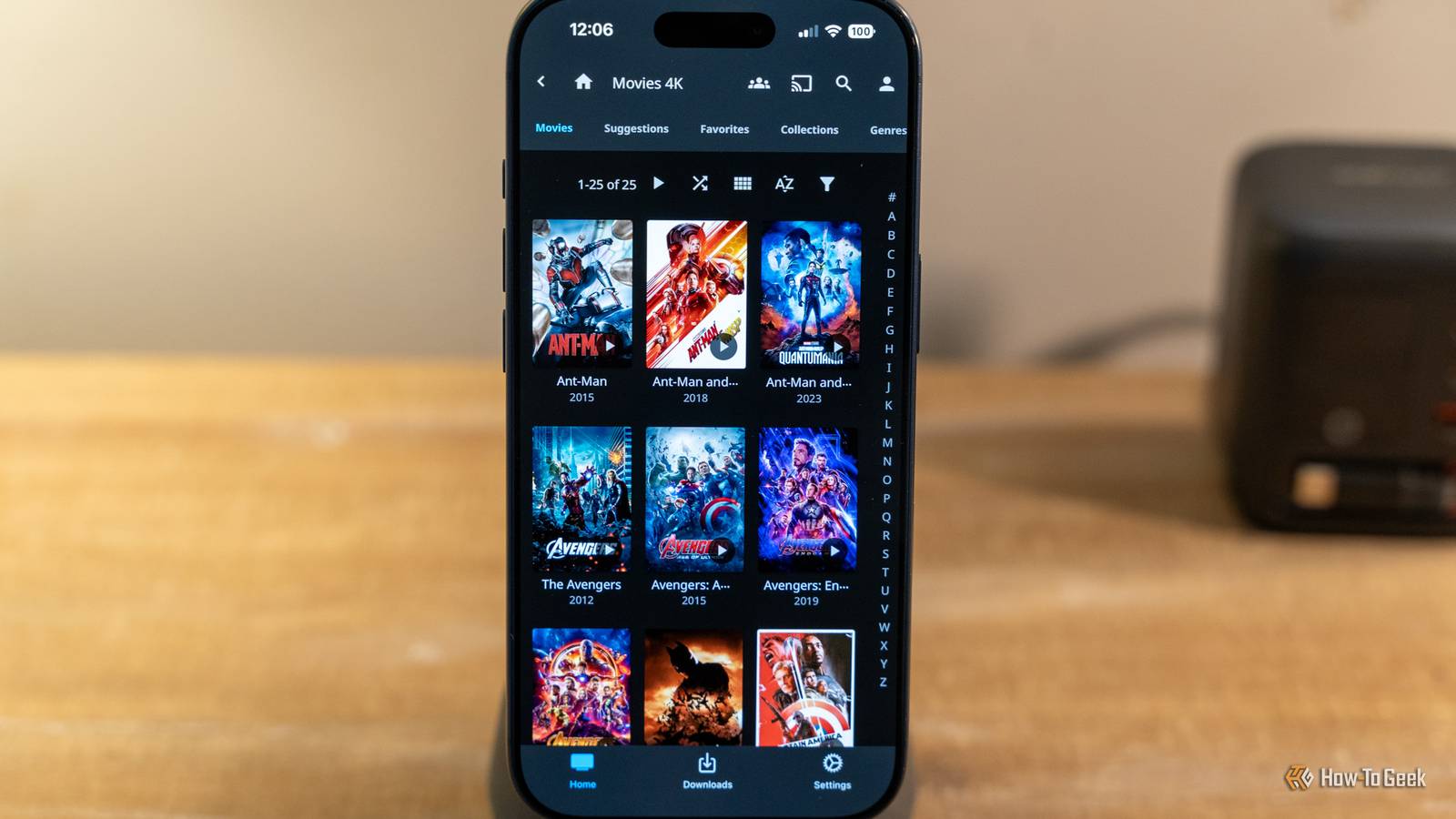
I've run a Jellyfin server on a Raspberry Pi 4, an old gaming PC with a Ryzen 1600x, and a cheap laptop.They all worked quite well.From there, I was able to watch content from the server on my TV, phone, and any device with a web browser.
Installing Jellyfin the easy way One script adds Jellyfin's official repository, installs the server, and runs it Close The automated script does a few things.First, it identifies which Linux distro you're running and what type of CPU you have.It'll work with most Debian distros, including Ubuntu and Raspberry Pi OS.
If it fails to detect it automatically, you'll need to pick the distro that is closest to the one you're actually using.It also performs a few essential safety checks to make sure your setup isn't likely to run into issues.For example, if your system doesn't have enough free space available on the drive (which is a common problem on small VMs or containers), it'll prevent you from installing Jellyfin before you fix the low-storage issue.
I've found 16GB is usually sufficient for Jellyfin so long as there is another drive available to store media and metadata.From there, the script installs the prerequisites and installs the server, web server, FFmpeg, and then verifies that the service has actually launched.It should also display your server's IP address.
Write that down, you'll need it later.Future updates can be downloaded via apt upgrade rather than a re-run of the script or a manual patch.Open the web address and finish the wizard Close Once the script finishes, you should be able to connect to your new Jellyfin server from any other device on the same network.
Open your browser, then enter http://(YourIPHere):8096 in the address bar.If you don't know your Jellyfin server's IP address, you can run ip a on the Jellyfin server itself to get it.You can also access your router and view the connected devices to find it.
The setup wizard will prompt you to create a user and direct you to the dashboard, where you can specify the location of your media The service runs as a Jellyfin user, and you may run into a permission issue if you just transfer files to the Jellyfin server without granting the Jellyfin access to the files and folders in question.While you're in the dashboard, check your playback settings to enable hardware transcoding if your GPU supports it.Beware fake installer scripts You should only use an installer script for Jellyfin if you find it on the Jellyfin website or the official Jellyfin GitHub.
There are an unfortunate number of impostor scripts out there that are effectively malware.Their specific actions vary, but I've encountered scripts that do everything from uploading your data to downloading a virus.Related This third-party app turned Jellyfin into my favorite music player Spotify who? Posts 1 By Jordan Gloor You can't even rely on whether your Jellyfin server actually works as an indicator either.
As often as not, malicious scripts do actually install the desired application, so the unwary self-hoster thinks everything has gone well.When in doubt, you can always give ChatGPT or Claude the script first and have them evaluate it for safety.They're not perfect, but they'll catch the most obvious attempts to circumvent your security.
They're also adept at pointing out legitimate mistakes in scripts that, while innocently intended, are nevertheless dangerous.Don't run random scripts you find on the Internet without auditing them.Your security isn't worth the potential convenience.
One script gives you a media server in less than 10 minutes The installation script itself is also quite small.If you wanted to audit it manually, you could very easily ensure it isn't doing anything you don't approve of.This specific script is designed for Debian-based Linux distros; if you're using Windows, there is a conventional installer that streamlines the process too.
Read More