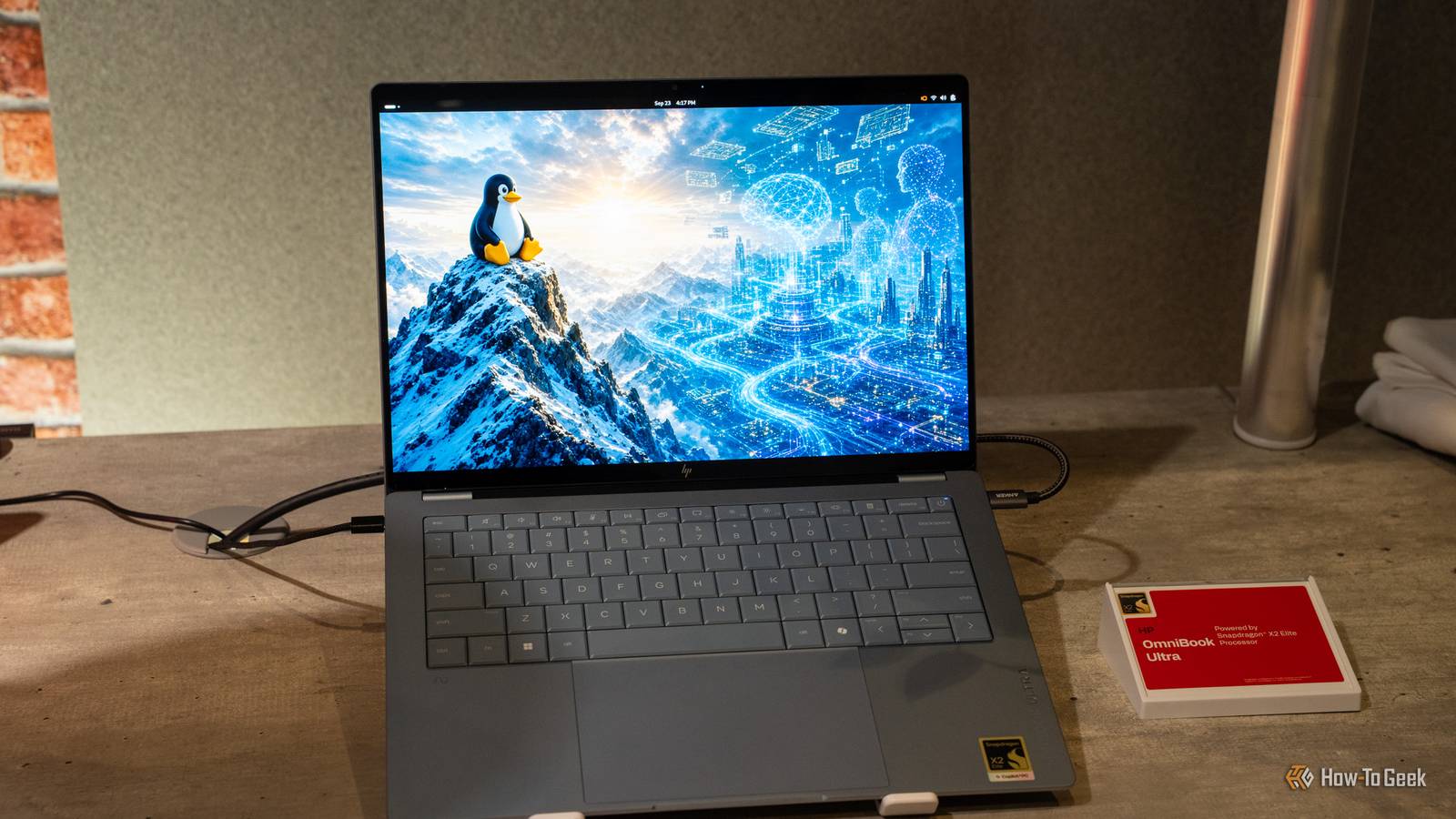
For years, downloading an ISO was the first step to running Linux.Today, most installations begin elsewhere: in virtual machines, cloud platforms and automated pipelines.Here's why the good ol' installer image is losing ground, how cloud-ready images are threatening to replace it, and where the ISO still earns its place.
Why ISOs are slowly fading The installer image no longer defines how Linux arrives Close For decades, ISOs were the main way to get into Linux.You downloaded a file, wrote it to a disc or a USB stick, booted from it and clicked through an installer.That ritual, as easy or hard as users found it to be taught a generation how the OS worked, but it's now shrinking.
The first problem we have here is the audience.A pretty large portion of Linux systems today are virtual machines, containers ,and cloud instances that nobody sets up by hand.Servers are created using scripts, templates and orchestration tools, and an installer wizard that asks a person to pick a time zone during a multi-step setup has no place in that workflow.
The second problem is the hardware.Optical drives disappeared from laptops years ago, and many machines now offer nothing but USB for removable media.Flashing a stick is easy enough, but it remains a manual step in a process that should take seconds.
Also, we have the problem of age.An ISO is a snapshot frozen on release day.By the time someone uses it, many packages may already be outdated, so the first thing a fresh installation does is download a long list of updates.
Point releases and refreshed images soften this, but the model stays the same: ship a large file, install it, then patch it.The installer itself has also become a burden.The ISO has to carry a live environment, drivers, language packs, and installer logic all at once, and several distributions have overhauled their installers in recent years just to keep up.
Meanwhile, alternatives keep growing.Immutable and image-based distributions treat the operating system as a versioned image rather than a pile of individually installed packages, and many projects publish ready-to-run disk images for virtual machines and single-board computers.The ISO is not dead, but it is no longer the default way Linux reaches a machine, and fewer people meet it with every passing year.
Why cloud is taking over Prebuilt images and automation replace manual installation Cloud images flip the traditional process on its head.Instead of installing an operating system onto an empty disk, you start with a disk that already has one.Distributions such as Ubuntu publish minimal, preinstalled images, typically in formats like qcow2 or raw disk images, that include cloud-init and are designed to boot straight into a working system.
An ISO means a traditional installation with every option chosen by hand, while a cloud image boots with the operating system already in place.The key behind all this is cloud-init.On first boot, it reads the configuration supplied by the platform, known as user data, and applies it.
That can mean creating users, injecting SSH keys, setting the hostname, installing packages, running commands, and expanding the root filesystem to fit the disk.The same image can become a web server, a database host or a build machine depending on the instructions it receives, and nobody has to sit in front of a screen while it happens.A single image can be cloned hundreds of times, and every copy starts from an identical, known state.
Tools such as Terraform, Ansible and Packer slot naturally into this approach, so infrastructure becomes something defined in files and reviewed like code rather than something assembled by hand.And when a system drifts or breaks, replacing it with a fresh copy is often faster than repairing it.The same thinking runs through containers, where a base image is pulled from a registry in seconds, and through developer tools that distribute Linux environments as prebuilt images.
Even for individual users, tools that write a ready-made image to a memory card or drive have made the installer step feel optional.Many providers now recommend cloud images for most users because they deploy faster and are easier to automate.Is there still an argument for ISOs? Bare metal and offline installs keep the ISO alive Despite its shrinking role, the ISO still does things that cloud images cannot.
The clearest example is physical hardware.A laptop or desktop with an empty drive needs an installer that can detect devices, partition disks, set up encryption and configure a bootloader.Here, cloud images aren't really useful, and we don't really have an offline alternative to them yet.
Dual-boot setups, custom partition layouts and unusual storage arrangements all depend on that interactive process.Even cloud providers acknowledge this, pointing to ISOs for custom partitioning, specific configuration choices, and operating systems that have no cloud image available.The live environment is another strong argument.
Many ISOs boot into a full desktop without touching the disk, which lets people test hardware compatibility, try a distribution before committing to it, or rescue a broken system.For newcomers, that try-before-you-install experience remains one of the friendliest ways into Linux, and no cloud image replicates it.Offline and restricted environments also keep ISOs relevant.
Air-gapped networks, secure facilities and places with poor connectivity cannot rely on pulling images and packages from the internet.A self-contained installer that can be verified with checksums and signatures, then carried on removable media, is still the most dependable option there.Some ISOs also include enough packages to complete an installation without network access.
Finally, the ISO is often part of the supply chain behind the images that replaced it.Cloud images and custom templates are frequently built or tested from installer media, and administrators who need a nonstandard base image may still start with one.Utilities that let a single USB drive hold many ISOs have kept the format convenient for technicians.
So the honest answer is yes, but the argument is narrower than it used to be.The ISO has moved from the default entry point to a specialist tool for particular jobs.The ISO fades as the cloud image rises The ISO remains useful for bare metal, rescue work and offline installs, but it is no longer how most Linux systems begin.
Prebuilt images, cloud-init and automation made installation a background task, and that shift will keep pushing the installer from the center of Linux to its edges.
Read More