Building a home media setup used to be a no-brainer because you owned the hardware and files, and you didn't have to pay just to listen to music you already bought.Plex used to be that easy, but now it feels like you have to pay a third party to reach files on drives you bought, on a network you maintain.It's time to stop giving away money to a middleman and pick an alternative.
Plex started charging you to listen to files you already owned Plex makes you pay just to listen away from home Plex Media Server is normally the go-to for anyone hosting their own media at home.Your computer, NAS, or home server can handle the storage and processing, while Plex is the software that lets you play it.Most people liked it for the remote access and lack of fees, but those days are over.
Plex now has subscriptions and ads, even for the basics.You cannot stream video remotely unless you pay for a subscription.It's hard to trust any company when this kind of thing is so normal now.
You either pay recurring fees to reach files on drives you own, or your media is basically stuck at home.People who spent real money on home server setups are now being asked to pay just to use their own files while they're away.Every price hike makes it harder to justify staying, and it may seem like you have no other options, but you do.
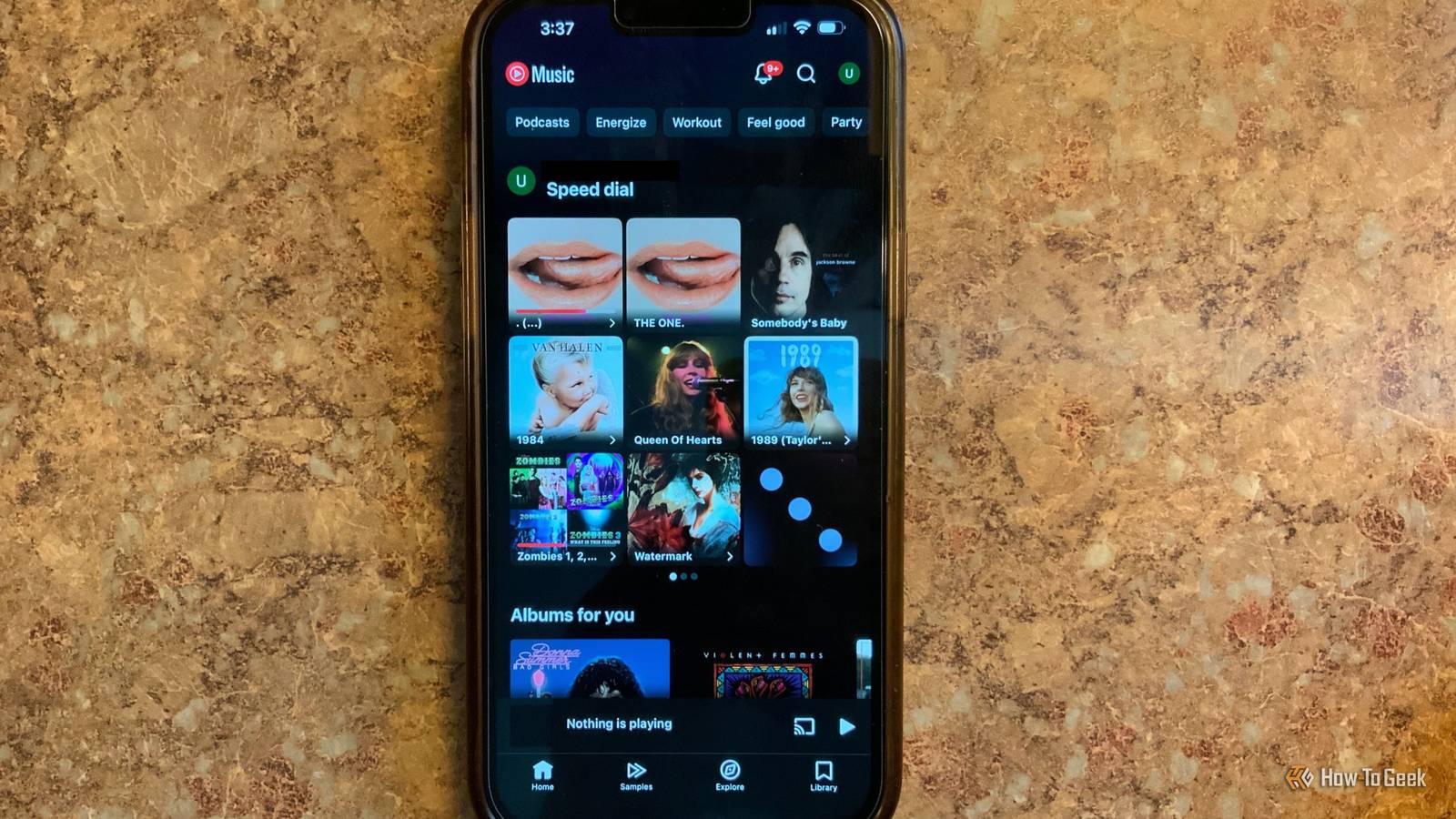
Google lets you store your music library online without paying How you can upload your songs to YouTube Music without paying Close Google lets anyone with an account upload their personal music collection to the cloud for free.You do not need a YouTube Music Premium subscription.The catch is you can only upload through a desktop browser at music.youtube.com.
The mobile app doesn't support uploads at all, which is a little annoying.You can either drag audio files onto the page or click your profile picture and pick "Upload music." It handles common formats like FLAC, M4A, MP3, OGG, and WMA.Google processes everything in the background and shows a confirmation message when the upload finishes, though it may take some time for songs to appear in your library.
The storage limit is pretty generous too, which is a huge win if you have a big library.Up to 100,000 songs at no cost.After processing, your tracks show up under an "Uploads" section in your library on both the website and the mobile app.
The bigger advantage here is that YouTube Music saves you money on the setup itself.With a self-hosted Plex setup, streaming away from home meant keeping a PC or NAS running around the clock, managing hard drives, paying for the electricity, and dealing with your home internet's upload speed limits.Getting secure remote access working usually meant messing with port forwarding, reverse proxies, relay servers, and other things that choked your stream quality.
YouTube Music runs on Google's infrastructure, so you don't need to maintain a real home server.Google handles the storage, processing, backups, and delivery on its end.You also get fast loading, smooth streaming even on mobile data, and you don't have to open up your home network to the internet.
The best part is that YouTube Music doesn't have the paywall issue that made me hate Plex to begin with.You don't pay a cent to upload or listen to your own music.Even on a free ad-supported account, you can stream your uploaded music remotely and play it in the background all without a monthly fee.
Since your uploads sit in a private locker only you can access, Google doesn't drop ads into your personal music or put any streaming restrictions on it.You give up audio quality and control when you switch There are real downsides to switching Plex plays your files back exactly as recorded, so you'll get FLAC, WAV, AIFF, and more with no changes.YouTube Music doesn't do that.
Everything you upload gets re-encoded by Google down to 256kbps AAC or Opus, even if you started with a 24-bit master.You lose detail you can actually hear, like high-end shimmer and the sense of space in a mix.If your files were already compressed, you're compressing them again, which is much worse.
Getting your music back out is a pain too.There's no download button or export tool in the app.You have to go through Google Takeout, which can take hours or days.
What you get back is a pile of ZIP files, and you're not always going to get your original folder structure.Playlists come back as CSV spreadsheets, not audio files.And anything you upload sits in its own section, separate from the rest of the catalog.
Then there's the trust issue with Google over time.The company has a habit of killing services, and Google Play Music is the obvious example.If they change terms or shut it down, your library goes with it.
A copyright flag or account problem on any connected Google service could lock you out with no warning.If you'd rather stay off the cloud entirely, Jellyfin and Kodi are both free and open source.Jellyfin does remote streaming with full lossless audio and no subscription.
Kodi is more of a local player, but it's extremely customizable.Either way, your files stay yours.There are more alternatives to Plex If you're comfortable with the uncertainty and don't need bit-perfect playback, the free upload tier covers most of what Plex charges for.
If my recommendation isn't for you, don't just go back to Plex.Jellyfin is free, and it's pretty easy to pick up if you already know Plex.YouTube Music Subscription with ads No, plans are ad-free Live TV No YouTube Music seamlessly integrates with YouTube, allowing you to access over 100 million titles.
It comes with a 30-day free trial, and even its free tier supports skippable ads.Price Included with YouTube Premium ($14/month; $8/month for students) or $11/month standalone ($5.50/month for students) Visit YouTube Music Expand Collapse
Read More