Wi-Fi 7 is the latest and greatest Wi-Fi technology you can buy as I write this, but it's still an expensive upgrade.Particularly when you consider that Wi-Fi 5 and Wi-Fi 6 are perfectly serviceable in a world where Gigabit fiber has only recently become more common across the world.But, if you're still struggling to get good, strong Wi-Fi coverage in your home, you might be thinking that upgrading to Wi-Fi 7 will solve your problem.
Unfortunately, whatever coverage issues you have, Wi-Fi 7 is unlikely to make any difference.Wi-Fi 7 doesn't magically make Wi-Fi signals travel farther We all obey the laws While each generation of Wi-Fi has made this technology dramatically faster, more reliable, and efficient, it hasn't done much to increase the range of these devices.In the end, radio energy is still subject to the laws of physics.
The frequency of the signal determines how well it penetrates walls and other solid objects.Close The 2.4GHz band is great at punching through walls, but the frequency is too low to offer the same speeds as the 5GHz band.However, at this high frequency, the signal has trouble with range if there are solid objects like walls in the way.
Wi-Fi 7 has made these individual bands much faster than previous generations, when you're in range.However, the primary way to boost the range is to increase the transmission power on both ends.There's a practical limit to this, so, in practice, swapping out a Wi-Fi 6 router for a Wi-Fi 7 router will improve performance in just about any area except signal strength.
The 6GHz band is actually the worst place to expect a coverage breakthrough It's going in the wrong direction for range Wi-Fi 6E and Wi-Fi 7 both add a third 6GHz band that really pushes up the maximum performance of the technology.However, as you've probably already figured out, an additional GHz of frequency can have an even harder time penetrating floors and walls.So, ultimately, only devices with a clear line of sight will benefit from 6GHz speeds.
The further you move away from the router, the more it has to fall back on the slower 2.4GHz band to keep the signal going.Related 5 simple network mistakes that are secretly killing your internet speeds Your router is probably in the worst spot in your house Posts 1 By Patrick Campanale MLO doesn't turn your router into a long-range Wi-Fi machine It's firing on all cylinders, but the gas tank is the same Wi-Fi 7 uses MLO (Multi-Link Operation) to efficiently orchestrate hopping between all three bands, and using them in tandem to really max-out how fast you can push data wirelessly.However, even this tech does nothing to actually increase the actual range of the three bands.
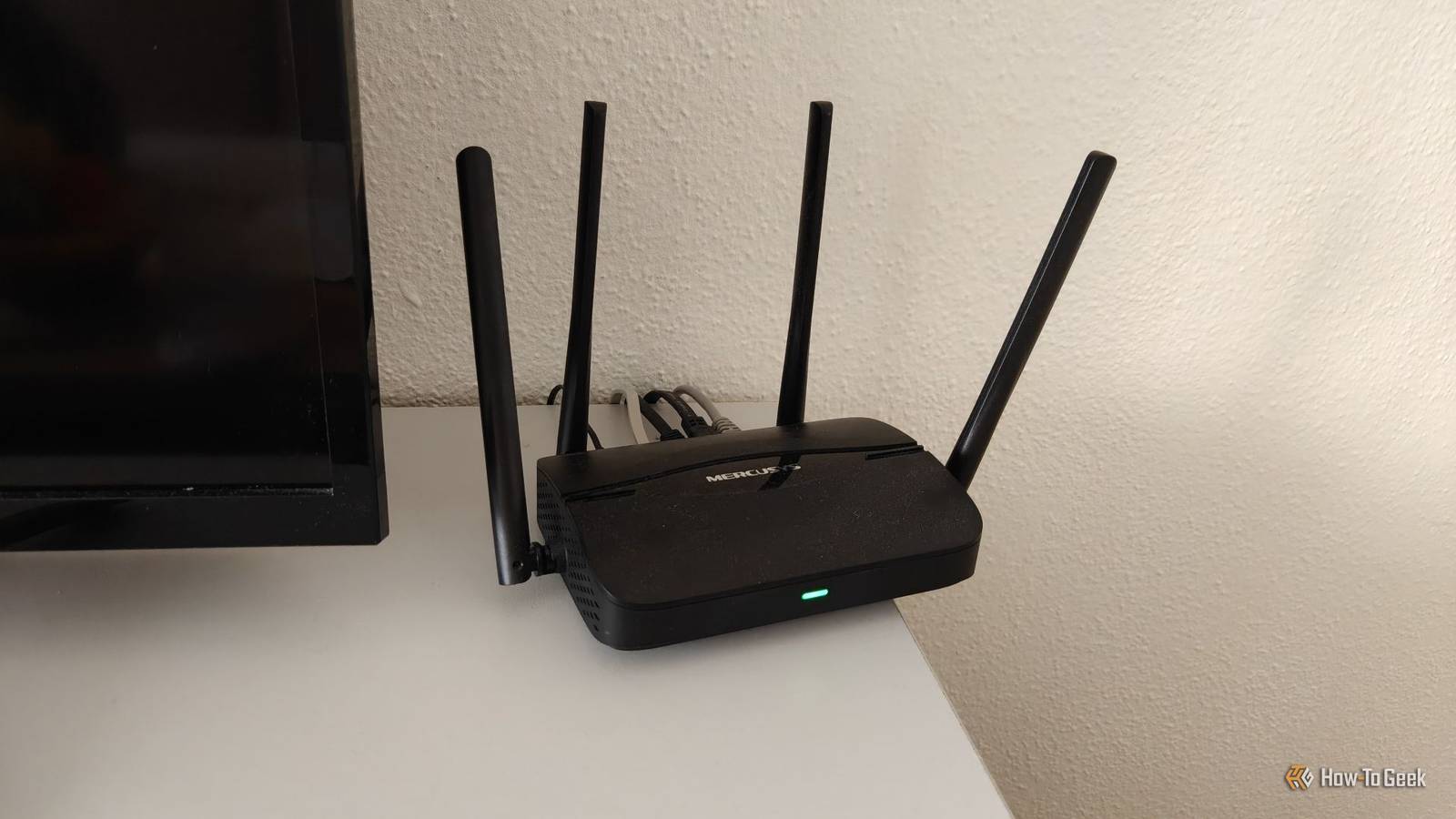
Frequency and transmission power are going to limit coverage no matter what.There are some new tricks to clean up the signal so that you can get better performance when the signal is weak, but the improvement is marginal.TP-Link Dual-Band BE6500 Gaming Router Supported standards 802.11.be, 802.11ac, 802.11ax, 802.11g, 802.11n Speeds 6500 Megabits Per Second The TP-Link Archer GE400 is a Wi-Fi 7 gaming router with two 2.5GbE ports, strong wired and wireless performance, and gaming-focused features designed to reduce latency and keep busy home networks running smoothly.
Security WPA-PSK, WPA2-PSK, WPA3 $220 at Amazon Expand Collapse A great Wi-Fi 6 or 6E router can still cover your house just as well Most people don't need to pay more While Wi-Fi 7 has started going down in price, I still don't think most people should buy it.I'm holding on to my Wi-Fi 5 mesh system because it gives me great coverage with three mesh pods, and I don't really need more than the 200–300 Mbps of bandwidth I get for Wi-Fi devices.Anything that needs more speed is connected to Ethernet instead.
If you're on Wi-Fi 5 and you have Internet faster than 1Gbps, or run local network apps that can use something like 2.5GbE, then it might be worth upgrading to Wi-Fi 6 or 6E.The only real difference there is that Wi-Fi 6E adds a 6GHz band, but that only matters if you have Wi-Fi 6E or 7 devices.Else it means nothing.
The jump from Wi-Fi 5 to Wi-Fi 6 is sizable, and probably faster than you need.This is a great time to buy this mature networking gear too.If coverage is your problem, buy more access points—not a faster Wi-Fi generation In the end, there's only so much you can do to improve your Wi-Fi coverage.
There are plenty of traditional Wi-Fi signal-boosting tips, or you can try some wacky homemade antennas.Even a colander from your kitchen could help.However, once you've stopped playing around, the most direct solution is to have multiple Wi-Fi access points throughout your home or, ideally, a mesh router system.
As long as each mesh unit in the network is within good signal range of at least one other unit, you're going to get exceptional performance and coverage.Some mesh systems use a dedicated wireless backhaul solution to link to each other, which does not interfere with Wi-Fi bands.Most will also allow you to use Ethernet as backhaul.
For example, you could drill a hole in your ceiling to feed an Ethernet cable to the next floor, connected to a separate mesh unit, with its own signal center.As you move about your home, the mesh units automatically hand off to one another.You don't need Wi-Fi 7 technology to get excellent coverage, so concentrate on the real problem before you spend a chunk of change on the wrong solution.
Read More