Fast internet is pretty much a basic necessity these days, and if you don't have it, it'll cause you grief every single day.Sometimes, the fix is getting a better plan, but you should always do the troubleshooting work first to make sure that's really what you need.Most of the items in this checklist are free, the rest are cheap, and there's a chance you'll fix your problem without a plan upgrade.
Or, if the upgrade is necessary after all, checking off this list will ensure you can take full advantage of it.Run a wired speed test first If you haven't measured it, you can't fix it Close The first thing to rule out is your home network.There's always a chance your router is giving you the speed you want, but your Wi-Fi is getting in the way.
The way to check is by grabbing your laptop and plugging it straight into your router with an Ethernet cable.Run a speed test, jot down the number, and then unplug and head to whatever room feels slowest.Then, yes, you guessed right, run that test again.
If the wired result is close to what you pay for and the Wi-Fi one is miserable, it means your ISP is holding its end of the bargain, but your home network is doing you dirty.If both are slow, your provider (or your modem) might actually be to blame.Repeat it at a few different times of day, too, because there's a good chance you'll get completely different numbers.
Restart your gear, then update it Yes, really, but do it properly It might sound like an age-old joke, but there are a lot of things that can start to go iffy when a computer runs continuously for long periods of time.You might shut down your PC at the end of every day, but that poor router has been going for months with no break.So, do your due diligence and give the guy a chance to reboot.
This is also a good chance to check for firmware updates, because those are real important.That said, routers are supposed to run for long periods of time, so while a reboot can help sometimes, it shouldn't be a regular thing.If you find yourself rebooting every week, it's a sign that your router is on its way out.
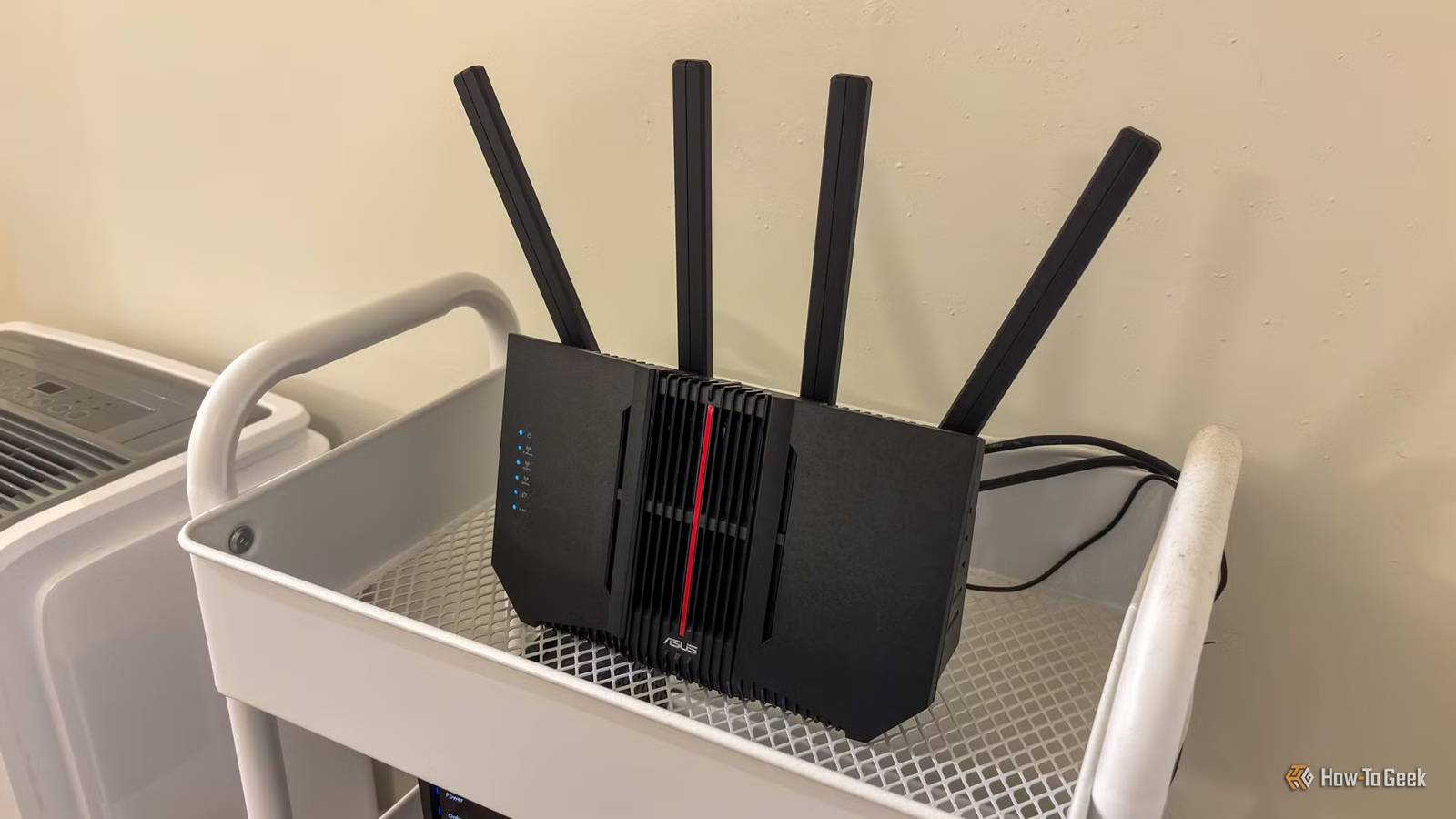
Get your router out of that cupboard It’s ugly, I know, but it needs to breathe Routers can end up in all sorts of weird places; maybe yours is right where you found it when you moved in, and you've never given it a second thought.But if it's tucked away in a closet or on the floor behind the TV, it can cause real problems.So many common home items can get in the way of the signal, so it's best to put it somewhere up high and in the open.
And this is an absolute must, even if you have to go buy a longer cable to do it.Sometimes, a few router tweaks are enough to make you downgrade your plan, which is the dream outcome here.Put your devices on the right band and channel Don't let your router decide, because it's not that smart There's an easy rule to remember when it comes to frequency bands: high-priority devices go on the high band, and low-priority devices go on the low band.
This means your phone, laptop, and handheld console belong on 5GHz, and your random smart home devices and the like should be on 2.4GHz.Your TV, desktop PC, and PS5, by the way, shouldn't be on Wi-Fi at all; get those guys wired up properly! If you live in an apartment, you also need to pay attention to channel congestion.The best thing to do is download a Wi-Fi analyzer app, see which channels are being used the most, and move somewhere quieter.
Check for bandwidth hogs and freeloaders Something in your house could be eating your speed Hopefully this search will turn up nothing, but there's a chance some stray thing you're unaware of is causing trouble.Cloud backups, file syncing, game launchers grabbing 80 GB patches, and Windows updates are all things that can slow you down at busy times.Pause what you can and always schedule big downloads for overnight.
Task Manager on Windows and Activity Monitor on Mac will show you the worst offenders.Next, do the paranoid thing and check your router’s list of connected devices.If something looks unfamiliar, change your Wi-Fi password, switch to WPA3 if your router supports it, and reconnect only what you trust.
Check your cables, ports, and link speed One old cable can do a surprising amount of damage If you're not a full-on enthusiast, there's a good chance that you see all cables as the same.If it's got the right pluggy thing on the end, it must do the job.But not all cables are made equal, and an old Cat5 cable (not Cat5e) in the wrong place can hold you to 100Mbps, no matter what plan you’re on.
Check the text printed on the cable, and if it’s ancient, replace it.It’s a cheap fix, and it’s a surprisingly common reason gigabit plans deliver 100Mbps.Another thing to check is what speed your PC negotiated with the router.
On Windows, look under Settings > Network & internet > Ethernet.If a gigabit connection shows up as 100Mbps, try a different port or cable, because your Ethernet adapter may be negotiating itself down.Test for bufferbloat, not just raw speed Laggy calls usually aren’t a bandwidth problem Choppy video calls and laggy games can bother you even when you've got plenty of Mbps.
The real culprit is often bufferbloat: your router lets a big upload or download clog its queue, and everything time-sensitive gets stuck waiting in line.Run a bufferbloat test (Waveform has a free one) and watch your latency under load.If it shoots way up, a faster plan probably won’t help much, but turning on QoS or SQM in your router settings can.
This is exactly why a regular speed test doesn’t tell the whole story.Look at your bill and call your ISP Bring receipts to avoid the script If there is a problem with the service your ISP is providing, you'll need the numbers to prove it.For example, if your wired tests keep showing numbers below what you pay for, especially in the evenings, call your provider with your log of dates, times, and results.
Most ISPs won't do anything to help you find the real problem, but if you go to them with the problem already figured out, they have to fix it.While you’re on the phone, ask whether you’re on an outdated plan or renting an old modem.Sometimes the better deal costs the same as what you’re paying now.
It's dumb, but it's just how these services work.More speed isn’t always the answer Paying for a faster plan is the easy fix, and sometimes it’s the right one.If your wired speeds already max out your plan, but your household is still fighting over bandwidth, go for it.
But there's always a chance that your “slow internet” turns out to be a router in a closet or a cable from 2009.So, fix those first, and then think about the upgrade.Related 6 networking upgrades that are a giant waste of money for most homes I’m a tech enthusiast, and I’ll never buy these 6 expensive networking devices again Posts 15 By Monica J.
White
Read More