Two years ago, I refused to use AI in any way, shape, or form.Today, I use it heavily, but not necessarily in the ways you might think.I don't use AI to for me, but I have definitely turned my $100 ChatGPT Pro subscription into a virtual assistant for my small business.
Here are three projects that have justified my subscription, and I can't wait to find more ways to continue justifying it without increasing what I spend.Automating my YouTube video workflow Automatically generated chapters, link reminders, and more Close When I'm not writing for How-To Geek, I'm making videos for my maker-focused YouTube channel.While I love making the videos, I hate all the admin work that goes along with it.
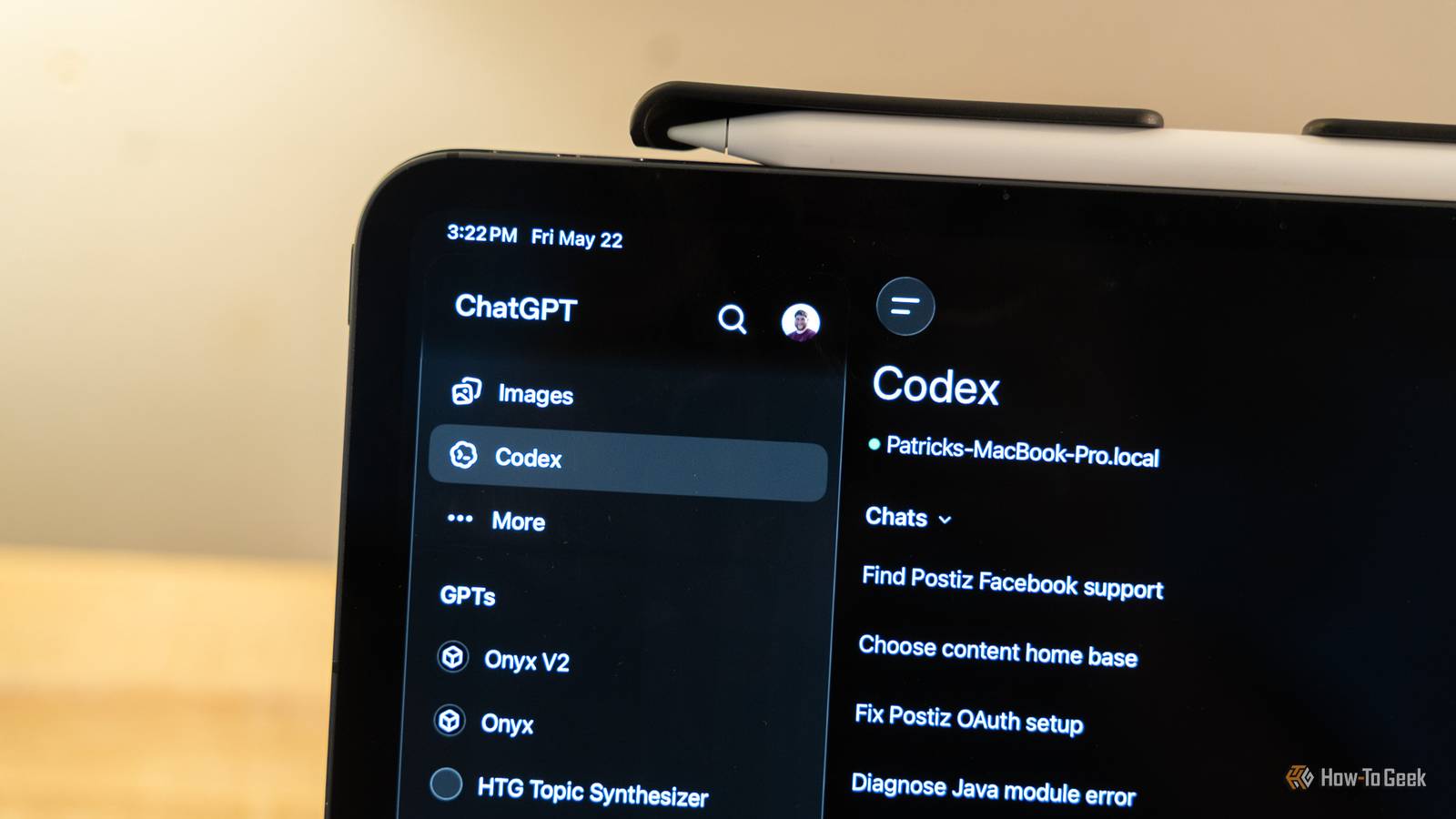
The biggest headaches for me were always coming up with titles (based on winning patterns from the analytics of my channel), remembering what links I was supposed to include in the video, and coming up with the chapters.I started using Codex to help with YouTube, and it's been revolutionary.I built a custom skill to handle my YouTube video processing, and it's actually super simple to use (but does a whole lot on the backend).
For starters, all I have to do is invoke the skill and feed it the exported video.It gets all the context it needs from the transcript of the video, which is the first thing it does.It runs a local model on my MacBook Pro paired with whisper-cli to transcribe the video.
Once it has the transcription ready, it generates about 10 title ideas for me, the description (where it pulls all the links for products I mention in the video), creates chapters with titles and timestamps, and generates a list of tags for me.In this instance, I've basically turned Codex into a virtual assistant for me.Many people will pay hundreds of dollars a month to hire a virtual assistant (a real person working remotely), but I simply can't afford that.
However, what I can afford is using a subscription I'm already paying for to accomplish the same tasks, and it does a fantastic job at it.Catching typos or capitalization errors in my writing Sometimes Raspberry Pi and Raspberry PI look the same when reading over my own writing I write a lot of articles here at How-To Geek.On the conservative side, I'd say I write tens of thousands of words per month easily, if not far more than that.
So, it's inevitable that my eyes occasionally glaze over when re-reading what I've written when doing an editing pass.So, I've used Codex to build an editor and proofreader for my stuff.I still go through all of its suggestions manually, and it is programmed to never auto-apply anything that it finds.
However, I've noticed that I often write "Raspberry PI" instead of "Raspberry Pi" in a post.If you missed the issue, then you're in the same boat as me.A lowercase i and a capital I, when reading through something you wrote, are very difficult to see.
Codex has no problem spotting that problem (and many others) when it reads through an article, though.It also helps me in various other ways with editing to catch other typos or errors.One time, I had written "Disk Station Manager" when talking about Synology, when it's supposed to be "DiskStation Manager" and it caught that and pointed it out to me.
It's not groundbreaking by any means, but it is far better than normal spellchecking because Codex has the ability to look up obscure things (like DiskStation Manager) to see how it's supposed to be worded, and it has drastically increased my productivity for things like copy editing my own work.Parsing YouTube and Google Analytics Analytics parsing is a skill of its own that I simply don't have Since I run my own small business, I have to look at analytics to see what works, what doesn't, and figure out what those numbers mean.The problem is, I have no idea what most of those numbers mean.
I'm not an analytics (or numbers) guy, even though I to deal with them.Codex, on the other hand, is definitely both an analytics and numbers guy.While I always double-check its work, Codex can easily parse any analytics I send it and break it down to a level that is easy for me to understand.
I wear too many hats, as it is in the different businesses I either run or work in, so having something like this on hand is definitely great.The best part is, I can ask Codex specific questions about the analytics, and it can give me better insights.Then, I can also ask it for suggestions on what to with those analytics.
Since I've started doing this, my YouTube channel has grown substantially faster, and it's far easier to understand what's going on behind the scenes than ever before.ChatGPT+ What's included? Unlimited conversations, faster response speed, priority access, and more Brand ChatGPT ChatGPT's AI-supported assistance gets even better with a paid subscription; it Plus tier offers enhanced features including unlimited conversations, faster response speed, priority access, and more.Try for Free Expand Collapse Codex is a great virtual assistant, not a brain replacement Here's the thing: many people use AI to basically replace their own brain and have it think for them.
That's not how I use it at all.I have a very specific way that I use AI, and that's to use it like an assistant.If I had the funds to hire an actual employee, I would have that employee doing the same things that I mentioned above.
I'd have my employee get my YouTube video ready to publish; I'd have them double-check my writing, and I'd have them deep-dive into how analytics work.I just can't afford that yet.What I can afford, though, is a $100 per month ChatGPT Pro 5x subscription.
It has definitely paid for itself in the increased productivity I get from it, and I'm only scratching the surface of how it can improve my workflows.
Read More