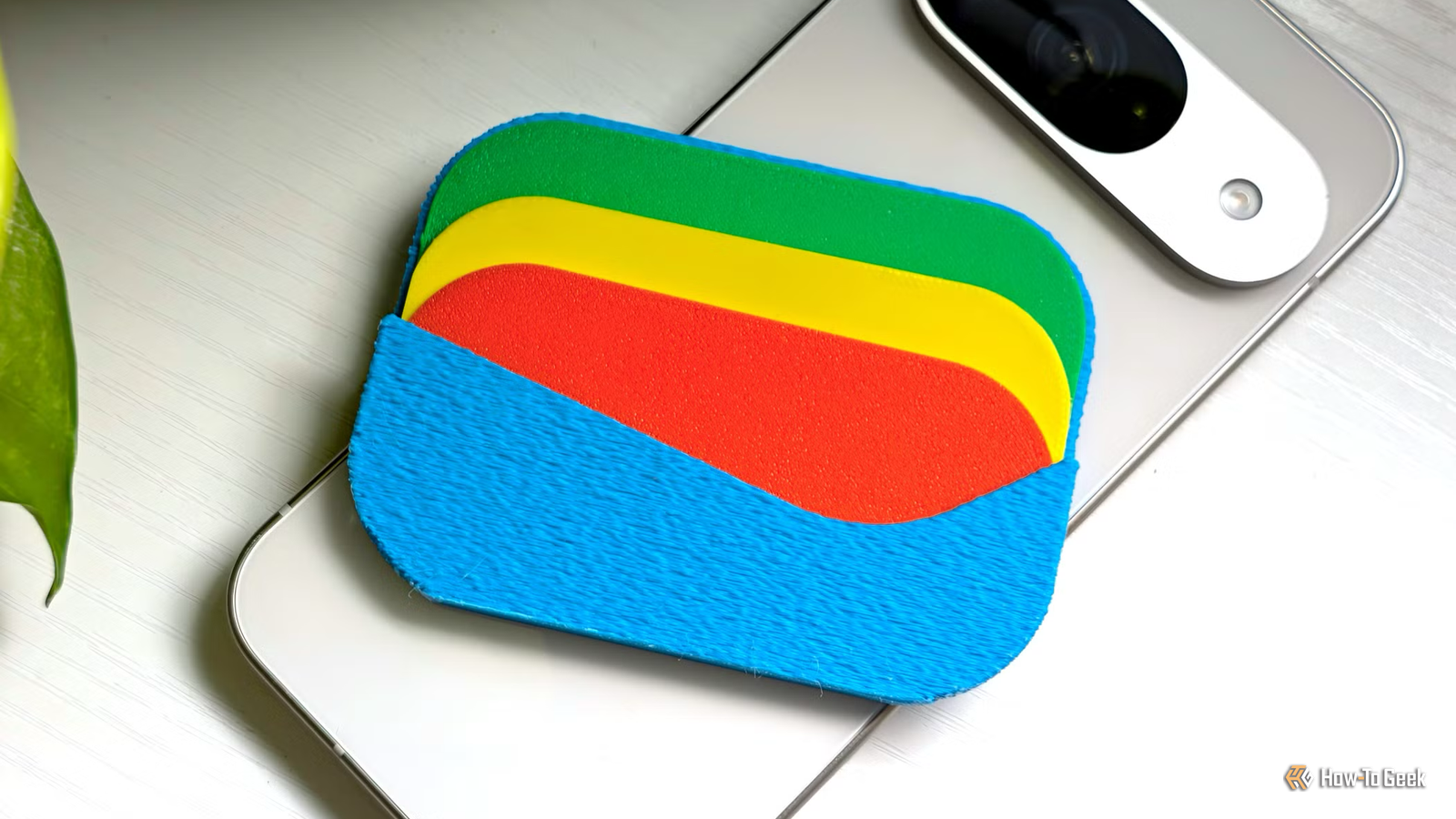
In today’s fast-paced world, who still carries cash? Let me tell you a secret: I do.I love having a few notes in my wallet instead of carrying a bunch of cards.It's comforting to know I have cash on hand whenever I need it.
Add How-To Geek on Google Add as Preferred Source Follow on Google Discover That doesn’t mean I avoid digital payments, though.I use Google Wallet for quick payments, loyalty cards, and tickets.It’s convenient, but some of its features get on my nerves.
A few settings add little value to my experience, so I prefer switching them off.Here are four I’d happily do without.Google Wallet doesn’t need to share everything Keep my passes to myself Close I don’t need my saved Wallet passes appearing across every Google service.
I use it for boarding passes, event tickets, and loyalty cards, but I’d rather keep all that information in one place.Google Wallet has a feature called Use passes across Google that lets other Google services, including Maps, Calendar, and Chrome, access pass information.I understand why some people might find that useful, but I don’t need my passes popping up across different apps.
I already know where to find them when I need them.If I’m looking for a boarding pass or a loyalty card, I’ll open my Wallet myself.I don’t need Google to make that decision for me through its other apps.
To turn it off, open Google Wallet, tap your profile picture, and head to Your data in Wallet.Go to Manage passes data and switch off Use passes across Google.Wallet doesn’t belong on my lock screen One less shortcut to worry about I like keeping my lock screen clean, so I don’t see the point of having Google Wallet sitting there all the time.
I already have enough shortcuts and notifications competing for space.Besides, I usually unlock my phone before making a payment anyway.When I’m out shopping or picking up groceries, I’d rather open my Wallet when I actually need it than have another shortcut staring at me every time I check my phone.
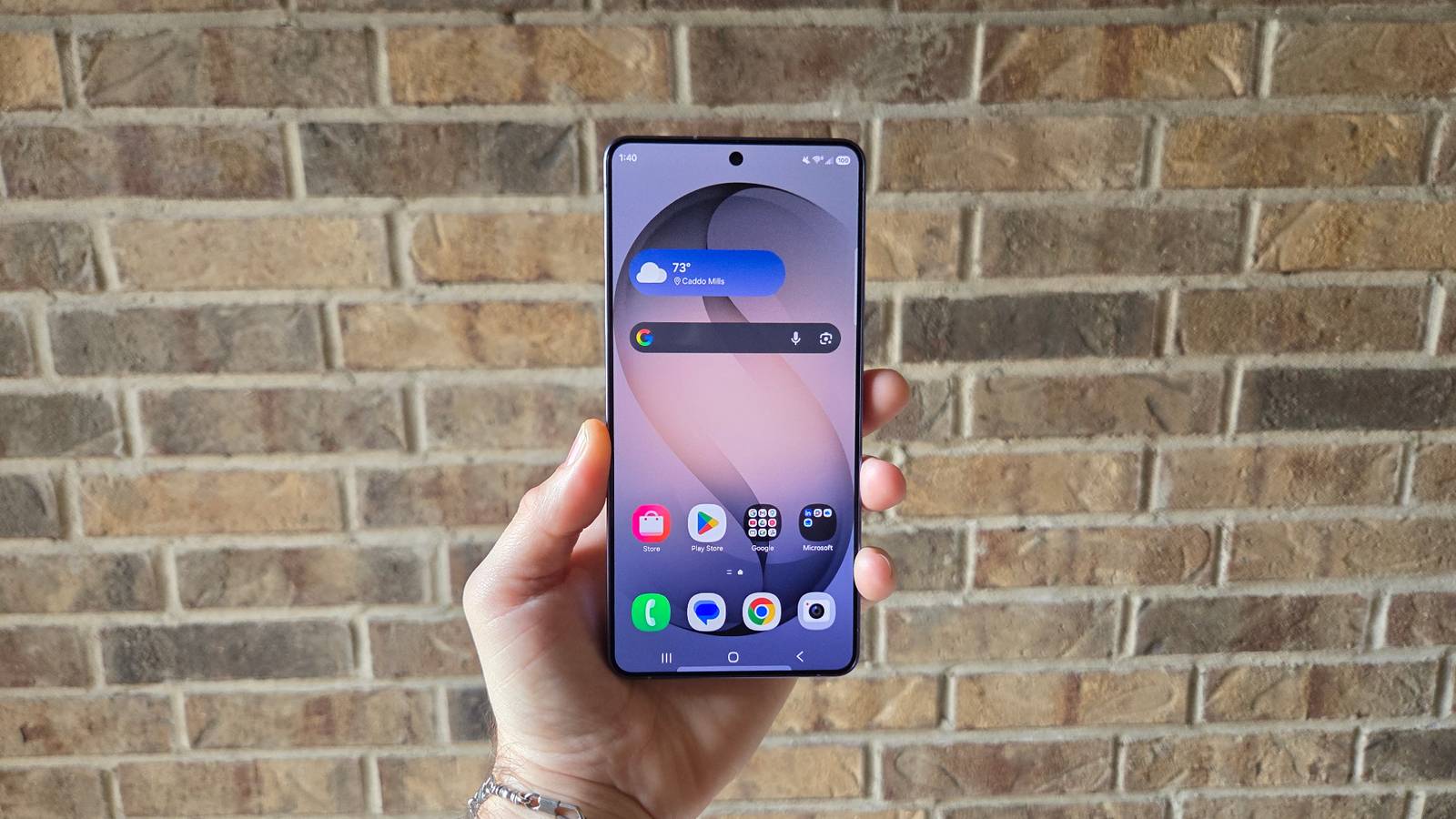
If you feel the same way, you can remove the shortcut from your lock screen.On Samsung phones, go to Settings -> Lock screen and AOD -> Edit lock screen, tap the Wallet shortcut, and replace it with another app or remove it.Removing the lock-screen shortcut doesn’t disable contactless payments.
I can still unlock my phone and tap it on a compatible payment terminal without opening Google Wallet.Wallet notifications I don’t need Stop the unnecessary alerts I don’t need Google Wallet interrupting me every time there’s an update about a pass or card I’ve saved.I mostly use my Wallet for payments and occasionally pull up a loyalty card when I’m shopping.
I don’t need reminders about every little change, offer, or update, especially when I’m busy doing something else.My phone already gets enough notifications from WhatsApp, Gmail, and other apps, so I’d rather not add more noise.I prefer opening my Wallet when I need it instead of having it constantly ask for my attention.
You can manage these alerts from your phone’s settings.Open Google Wallet -> Profile picture -> Wallet settings -> Manage Wallet notifications.Check the available notification categories and switch off the ones you don’t want, while keeping important payment-related alerts enabled.
Google Wallet knows enough about me already Turn off Wallet personalization I use Google Wallet because it saves me from digging through my bag for the right card, not because I want Google to study how I shop.I have loyalty cards and other passes saved there, but I don’t need Wallet to use that information to tailor my experience.I’d rather decide what I see instead of having an app guess what might interest me based on my activity.
It’s one of those settings I don’t think most people bother checking, but I prefer having a little more control over my data.To turn it off, tap your profile picture in Google Wallet and head to Your data in Wallet, where you’ll see Manage passes data.Switch off Personalization within Wallet.
Related Google Wallet vs.Samsung Wallet: Which Should You Use? It depends.What's in your wallet? Posts 13 By Bertel King I like my Wallet simple One thing I’ve learned from using digital payment apps is that convenience shouldn’t come at the cost of control.
I don’t mind trying new features, but I also don’t want an app making too many decisions for me.Whether it’s deciding which notifications I receive or how my information gets used, I’d rather have the final say.That’s also why I occasionally revisit settings after an app update.
New features can be useful, but not all of them deserve to stay enabled.Google Wallet is handy enough without every extra feature turned on.A little time spent adjusting its settings can make the everyday experience much less annoying.
Related These are the 5 Google Wallet settings I change on every Pixel phone Make the app faster, more accessible, and more private.Posts 6 By Andy Betts
Read More