Smartwatches are, well, , but that doesn't mean other watches are dumb.For example, mechanical watches don't require batteries at all — they operate purely through a tightly wound spring.You can give your Galaxy Watch the same vibe in a few simple steps.
Of course, we can't change the inner workings of a Galaxy Watch.We can, however, flip a few toggles and make some aesthetic changes to approximate the look and feel of a mechanical watch.And you don't have to give up the smart features to do it.
Make it sound like a real watch Skeuomorphic audio A mechanical watch is full of moving parts that keep it ticking, and these inner workings are not completely silent.It's not loud enough to hear all the time, but when you hold a mechanical watch to your ear, you can hear the ticking.For as long as I can remember, Samsung Galaxy Watches have included a toggle in the Sound settings called "Ticking." As you would expect, it enables a mechanical watch-like ticking sound from the watch face.
However, it's not supported by all watch faces (more on that later).Enable it by going to Settings > Sounds and vibration > System sounds > Ticking.Close Keep the screen on all the time Real watches don't turn off Here's a simple, common-sense thing to do: enable the always-on display.
Let's face it, a real watch doesn't have a display.The clock is visible at all times, whether you're looking at it or not.Thankfully, Galaxy Watches have gotten very good at conserving battery while the always-on display is enabled.
If you already charge your watch every night, you very likely won't notice any difference in daily usage.Combined with the next tip, you may even battery.Head over to Settings > Display > Always On Display.
Close Related Here's why using the Always-on Display on a Galaxy Watch actually saves battery Everyone knows devices use more battery when screens are on—pushing pixels on a high-resolution display isn’t easy.But what if I told you enabling the always-on display on a Samsung Galaxy Watch could bring better battery life? Sounds wrong, but it’s true.Posts 18 By Joe Fedewa Prioritize manual interaction Fewer gestures and touches Let's save some battery and make your watch feel a bit more mechanical at the same time.
Most modern Galaxy Watches have a dedicated low-power co-processor for the always-on display.The primary processor is only activated when the display is woken up.Limiting how often the primary processor powers on improves battery life.
To do that, you'll want to disable "Raise wrist to wake." For our purposes, it also happens to make the watch feel a tiny bit less digital.To take it to the next level, you can disable "Touch screen to wake" as well, which means you'll need to press the physical buttons to wake the screen.Both of these toggles can be found at Settings > Display.
Close The right watch face makes all the difference Look for the key characteristics While technically not a "setting," a watch face is essential for selling the mechanical look as best as possible.I mentioned that the ticking sound is not supported by all watch faces.There are a couple of other characteristics to look for in a watch face as well.
First, I wasn't able to find many third-party watch faces that support ticking.However, you can use the "Ticking Sound Wear" app to add the sound to any face.Most of Samsung's analog faces work with the ticking sound.
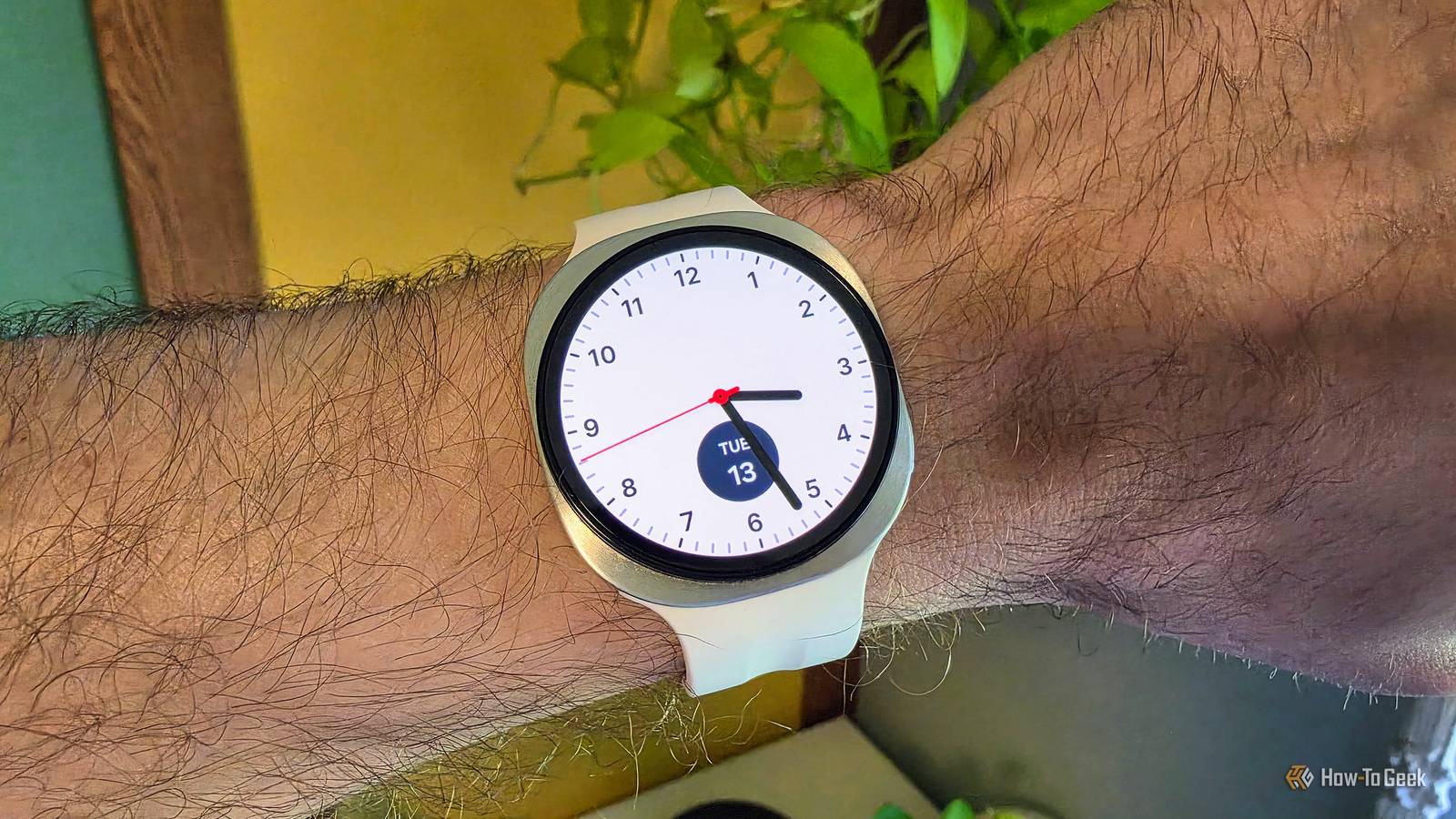
The one I'm using in the photo at the top of this post is called "Simple Classic." The second thing to look for in a watch face is a sweeping second hand.This is a key characteristic of mechanical watches.While non-mechanical analog watches move the second hand one tick at a time, a mechanical watch moves it in a constant, smooth motion that doesn't jump or stutter.
Some watch faces include a toggle to enable this, others do it by default — Simple Classic also has it.Do the best with what you've got Look, I get it: No one is going to mistake a Galaxy Watch for a mechanical watch.There are obvious advantages to wearing a smartwatch, but they have a very different aesthetic.
This isn't about fooling anyone.The goal is to simply make your Galaxy Watch feel just a bit more analog.You may even save some battery in the process, which is always a good thing.
Samsung Galaxy Watch 9 Operating System One UI 9.0 Display Size 1.34 Inches $380 at Samsung See at Amazon Expand Collapse
Read More