Whole-home Ethernet sounds like the perfect home networking upgrade.In theory, having wired network access in every room seems like the best way to keep everything fast and stable.However, it’s often more effort and cost than most homes actually need, and in many cases, a single access point in the right location is all you really need.
Whole-home Ethernet sounds better than it actually is You don't need cables in every wall Having the option to plug in an Ethernet cable in every room around the house sounds like the ultimate dream upgrade for home networking, but in reality, it's not practical for most people.Unless you're building from scratch and can plan structured cabling ahead of time, retrofitting finished walls with Ethernet quickly becomes disruptive, expensive, and labor-intensive.There is one exception where you can get close to whole-home wired internet for cheap—if your home is already wired with coaxial cables, you can use MoCA adapters to turn those existing lines into a solid wired network without opening any walls.
Outside of that scenario, running Cat6 cables through every room doesn’t really make sense.ScreenBeam Bonded MoCA 2.5 Network Adapter Ports Ethernet, Coax Speed 2.5Gbps This ScreenBeam MoCA adapter lets you turn existing coax wiring into a high-speed wired network without running new Ethernet cables through your walls.It’s one of the few practical ways to get “whole-home wired” performance in an existing house without the cost and hassle of full rewiring.
$170 at Amazon Expand Collapse Even then, most people don't actually need Ethernet everywhere.Wired devices tend to cluster in one or two rooms, like a living room or home office, while the rest of the house runs on Wi-Fi.Pick one room where an access point makes the most sense Focus on where you actually use your internet For most setups, you get nearly the same benefits by running a long Ethernet cable to a well-placed access point in the room that matters most.
For instance, you can run a single Ethernet cable from your main router or modem to an access point in your home office.From there, you can plug in nearby devices like your desktop PC, laptop, TV, NAS, console, printer, and anything else with an Ethernet port.Figure out which room an access point would make the most sense in, and then go from there.
You might have to move a few devices that were in different rooms to the one with the access point for this project, but that's a small price to pay.What you get in return is a less congested wireless network and a better, more reliable, and often faster connection to your devices.Don't forget that your primary router can still serve as its own main network hub.
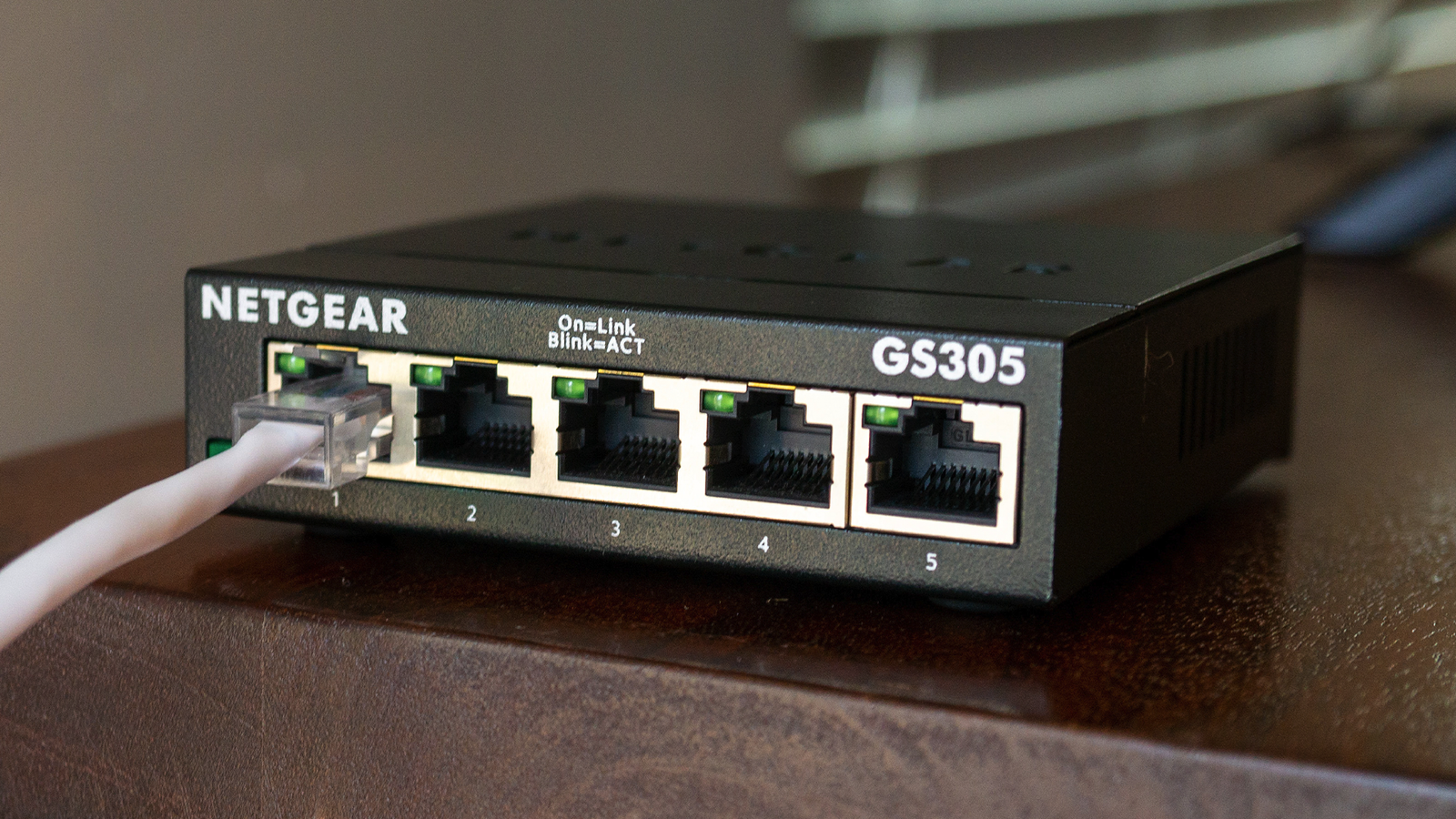
You can place the main router in your living room to connect your console and TV to it, and then run your Ethernet cable from there to the access point on the other side of the house.And if you're wondering which device you should use for that access point, most of the time, an old router that you've got lying around is your best option.While a simple switch can turn one Ethernet cable into multiple ports, a router can do that as well, while also giving you the option to use its wireless capabilities.
Because it relies on wired backhaul rather than wireless, its wireless connection will generally perform better than a wireless repeater, which has to share or retransmit its connection.You can use the same SSID (network name) and password, or set up a separate wireless network, which is ideal if your AP is upstairs or far away from the main router.Even decade-old routers often support access point (AP) mode out of the box, which makes the setup as simple as connecting the Ethernet cable from the main router to a LAN port.
If it doesn't, and you want a geeky solution, you could flash OpenWRT on the old router if it's supported.Alternatively, just use one of the other ports and set up a static IP.Subscribe for practical home-networking tips in our newsletter Learn how to make smarter wiring choices: subscribe to the newsletter for practical home-networking guidance, clear tradeoffs, device recommendations, and step-by-step setup ideas that help you pick the right access point or wiring approach for your house Get Updates By subscribing, you agree to receive newsletter and marketing emails, and accept our Terms of Use and Privacy Policy.
You can unsubscribe anytime.This project might still require you to do some drilling, but it's way easier to drill a single hole through a wall than to route cables and install a bunch of wall plates.StarTech.com Cat6 Ethernet Cable Brand StarTech.com Length 125ft This extra long StarTech Cat-6 cable is a high-quality Ethernet cable that supports up to 10Gbps data transfer speeds.
Cable Type Copper Connector Type RJ45 Category Cat 6 Speed 10Gbps Color Orange $46 at Amazon Expand Collapse Enjoy better internet without rewiring your house A simple setup that delivers big gains You don't need to drill holes and run cables through every wall to enjoy the benefits of a mostly wired home network.A single Ethernet run to a strategically placed switch or old router in AP mode already gives you a fast, reliable connection where it matters most.For most homes, this simple setup provides most of the benefits without having to go through a full-blown renovation project.
And the best part is that you still get the convenience of Wi-Fi everywhere else.Related Your old router is faster than mesh Wi-Fi if you wire it correctly You don't need a $300 mesh Wi-Fi system (the ultimate home network fix is already sitting in your closet) Posts 1 By Goran Damnjanovic
Read More