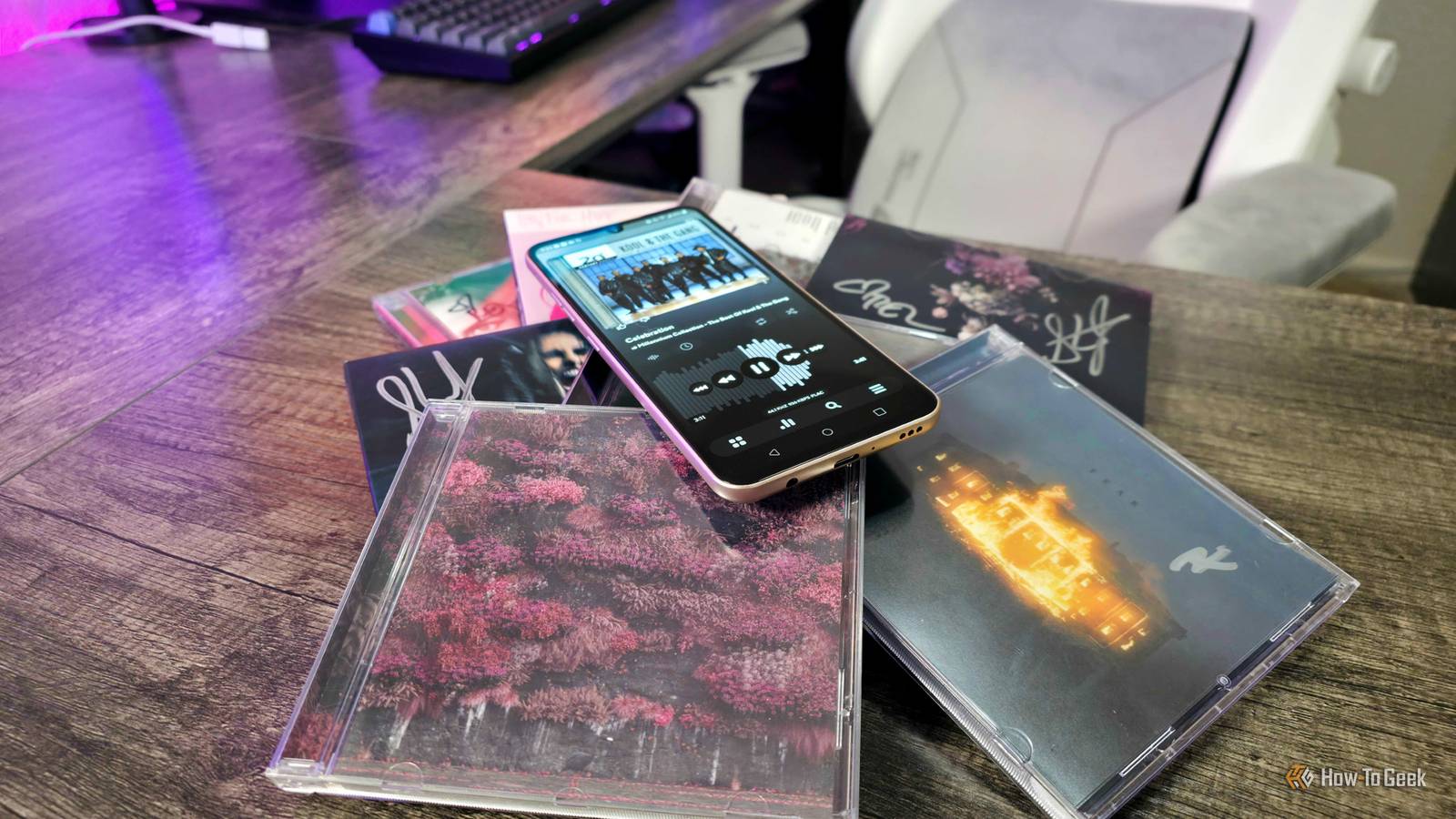
Cassettes, CDs, even vinyls (despite their recent resurgence in popularity) — physical media that you can hold and confidently pronounce as yours has unfortunately become a rarity in the modern world.The digital landscape is one of temporary consumption and conditional ownership, and convenience alone can't make up for the downsides.I, for one, largely agree with the dwindling population of increasingly vocal physical media defenders with movies and video games...
but with music? We can have our cake and eat it, too.I have collected a plethora of albums over the years, and I can transform my ancient Android smartphone into a digital-only music player that guarantees my ownership, delivers excellent audio quality, and enjoys equal digital conveniences compared to streaming platforms like Spotify or TIDAL.Related CDs solved every problem vinyl had, but that's exactly why they'll never come back The audio CD shines twice as bright, but burned half as long.
Posts 47 By Sydney Butler Own your music, no subscription necessary It's hard to truly own anything in a digital world, but you can with music With so much of entertainment moving to streaming services, we increasingly own less and less of the movies, TV shows, video games, and music we consume.Even platforms that allow us to purchase are really "lending" their content to us with a limited license.There are plenty of cases of people's access to movies and video games being revoked, either through account-level restrictions or content becoming unavailable on that platform.
That's why uncompromised physical media is important, but it is a little easier to enjoy your music with all the conveniences of digital without dealing with Digital Rights Management, or DRM.DRM-free music means you those files, and can download them, use them, and move them as you see fit — as long as you don't attempt to copy and resell those files (with physical CDs, you can resell the original but copies you make).The two ways you can begin building your own digital music library are to shop at DRM-free marketplaces, or to rip the music off the CDs you own that lack DRM protections (some CDs unfortunately do have DRM, but the vast majority of my collection doesn't).
For the former, I suggest platforms like Bandcamp for independent artists, and 7Digital or HDTracks for a larger catalog of more popular artists.While I have chosen TIDAL over Spotify for my streaming needs and praised the platform for its industry-leading revenue splits with artists, music you purchase from TIDAL is DRM-protected.If it's legal where you live, you can also rip the music from your owned CDs using any USB-powered CD player, a computer, and software like Windows Media Player or something more specialized like Exact Audio Copy or dbPowerAmp.
This approach will take time and effort, especially if your CDs aren't in perfect condition, or you need to repair any metadata like lost album art, but you can make use of the physical media you already own.Whichever approach you take, I recommend opting for lossless files whenever possible, ensuring your music is of the highest quality and clarity.Compressed music like MP3 is generally fine for streaming and Bluetooth, but can lose details and introduce unwanted noise.
FLAC is the gold standard for lossless, uncompromised audio, and all the sources I mentioned offer it.If you rip from CDs, you can do so in FLAC at 16-bit/44.1KHz, which is the perfect level of quality for most people and setups, but digital storefronts can offer even higher quality 24-bit files (if, for some bizarre reason, you need 32-bit quality or higher — which you don't — you'll need to seek out entirely uncompressed and unreasonably massive WAV files).If you need to compress your music to save storage space, I recommend the AAC format instead of the classic MP3 files we all know.
AAC is compressed like MP3 is, but does a far better job preserving the original quality of the audio at practically the same level as a CD.Just invest in quality early; that way you won't find yourself with regrets if you ever invest in a more premium setup to enjoy your music — and I can speak from experience that building your own library of music is a gateway to becoming an audiophile.Always have a backup or three for your digital music collection.
If you thought my FLAC library seemed small in these screenshots, it's because SD cards and anything else using flash memory naturally degrade over time, and my microSD card coincidentally bit the dust while preparing for this article.Fortunately, I have cloud-synced backups, so nothing was lost (and I handpicked a few albums to showcase).Make use of that ancient phone lying around Breathe new life into the phones most people forgot about One of many advantages of building your own digital music library is that you can copy or move it to any device you want, but it can also be a great excuse to turn an old Android phone lying around into a dedicated FLAC music player.
I actually already wrote about how I use my six-year-old LG V60 ThinQ for hi-fi music listening, thanks to its premium design, microSD card slot, excellent headphone jack with a superior digital-to-analog converter (DAC), and reasonable pricing on the secondhand market.It doesn't need to be the LG V60, of course — any Android phone can get the job done, especially ones that still rock the microSD card slot and headphone jack duo that has become so rare in modern smartphones.There are also Digital Audio Players, or DAPs, if you're really serious about having a dedicated, audiophile-centered music player in your life...
but most people don't need to go that far (I certainly didn't).With a dedicated music player, you can remove all the unwanted non-music distractions, and you'll still keep your primary phone's storage clear for apps, games, photos, and more.Just set up your music library and its metadata/tags the way you want, load it all onto a microSD card big enough to handle it, and slot it into that older Android phone you may already have lying around.
The only other step you need to consider is which music app to choose—and how you plan to customize it.Related 10 reasons a hi-fi system is still worth buying The only way to do your music justice.Posts 4 By Sydney Butler Full control — choose the music app best for you Countless options that will give you more power than Spotify Close Back when I only listened to the music I owned, I relied on BlackPlayer EX to play the thousands of songs I had collected.
That app isn't what I'd recommend anymore, personally, but there's a surprising number of excellent local music playing apps on Android's Google Play Store.Just to name three, you can check out: Poweramp, AIMP, and Musicolet.Poweramp is the most powerful of the three with a 64-band parametric equalizer, absurd levels of interface and library customization, support for a ton of audio file types and devices (including DACs), and a modern design and feature set.
It's an impressive app, but you'll have to make a one-time purchase to own it and use all its features forever (you get a 15-day free trial to try the app out first).AIMP is another fantastic choice, as a completely free and shockingly capable local music player with a classic interface, support for cloud storage platforms like OneDrive, and even the ability to tune into internet radio stations.It's also the only one of the three that has native Android and Windows versions, if you want to use the same app across platforms.
Finally, there's Musicolet, another completely free music player that prides itself on being offline.Yes, Musicolet cannot connect to the internet at all, if you're privacy-conscious, but it means it also can't automatically fetch metadata like album or artist art (so you'll have to do that yourself).Otherwise, it's another wonderfully powerful app with a beautiful interface and more features than you can count.
Whichever music app you choose, the same thing will be true: you'll be given more control over how the app looks and functions, and over how your library is organized and played, than modern streaming platform like Spotify or TIDAL.The freedom to customize everything to your heart's content is one of the best parts of building your own digital music library.An old-new way to listen to your favorite music I'll be the first to admit that I use TIDAL to stream music more often than I access my own library of music at this point, but I still that collection, and the hundreds of albums I meticulously collected will be mine forever.
There's something really special about that feeling, and while it may be a lot more work to grow, maintain, and access your music library compared to picking a random playlist in Spotify, it's worth the effort.If you have an old Android device lying around and a desire to actually own your music, give it a try for yourself.
Read More