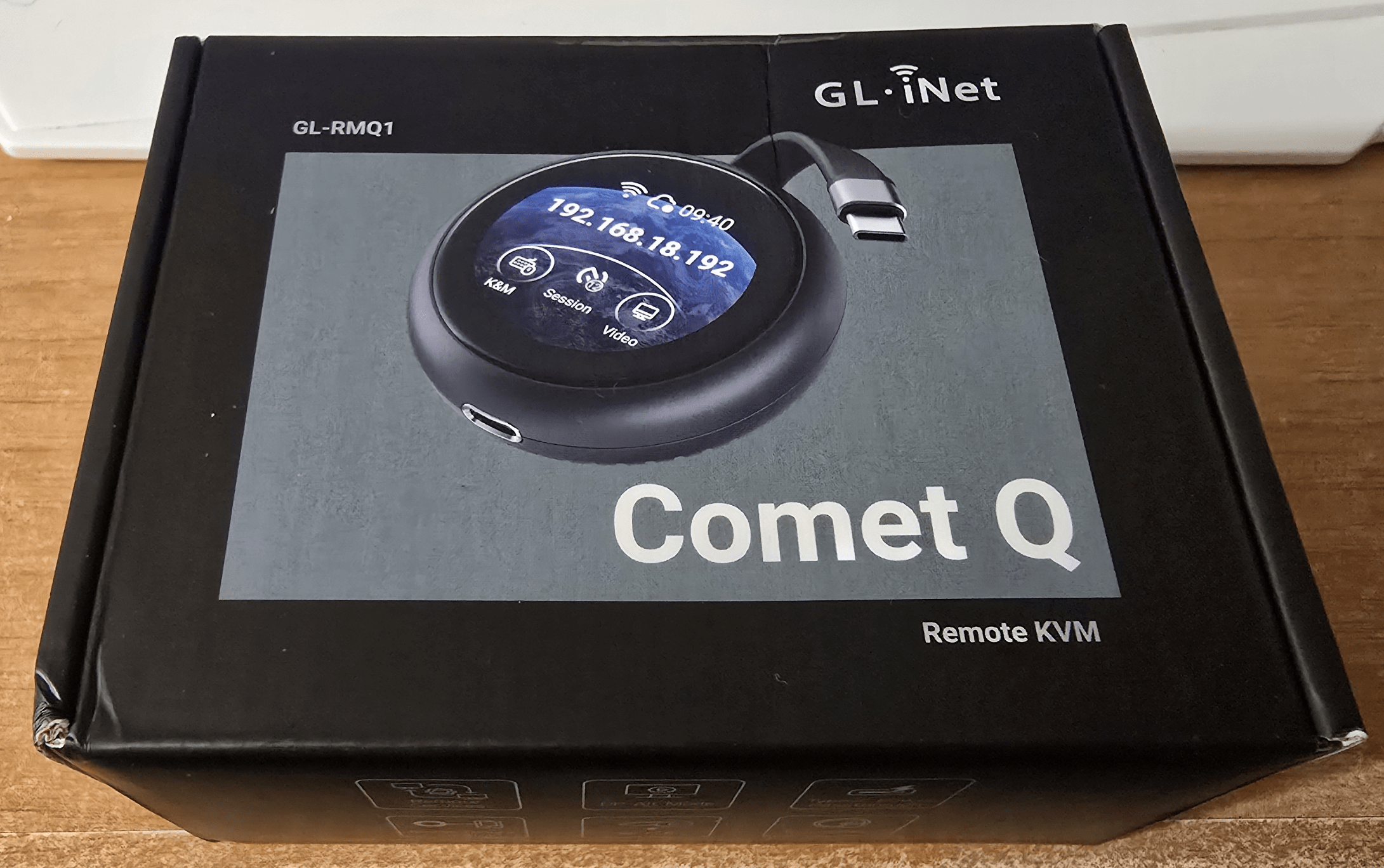
Regular viewers will know I reviewed several KVMs a while back and now I have the very new Comet Q from GL-iNET.The Comet Q is WEIRD.All you get in the box is the round, black Comet Q, a rubber surround and instructions.
This tiny device has a nice touch screen.No Ethernet connections, no HDMI, the unit has a USB-C input and an auxiliary USB-C pass-through (to provide power to the target device).Video is via DP Alt mode only – no HDMI.
The Comet Q uses WiFi 6.A wonderful start in which it asked me which SSID to connect to, directly from it’s own colour screen – and that worked just fine….it then produced an address on my network and I left the unit plugged into USB on my mini-PC which is in a cupboard and which runs my home automation… and that’s where it started to go wrong initially but bear with me – I am using preliminary software.
I didn’t use any kind of extension lead… just a USB-C to USB-A adaptor.From my main PC I could talk to the unit – but it could not see any kind of DP Alt Mode video coming from home Home Assistant box.That will be an issue with the box, not the Comet-Q.
How do I know the mini-PC is working? Because I already control it using a JETKVM KVM from my PC (hdmi connection) – so no worries there….Next step – bring the Comet Q back into my office and plug it into my Samsung S24 Ultra phone to see if I can remote into THAT.My phone immediately responded that it was connected to an external display – good start.
That’s my phone you see in the photo below – and I know the display is correct as I often connect it to an external monitor.Initially I could not get the mouse to work – but that’s a setting – switch to “relative mouse movement”.I like the Comet Q – the picture quality even on my 5Ghz Wifi 7 router is good but not perfect using the current up to date Alpha software on the Comet Q.
Sound and mouse work just fine.I’m continuing a conversation with Sonoff who have asked me to try the new BETA software.Meanwhile the more I get into this the more fun it gets – clipboard copy-paste works just fine.
This is a fine addition to my arsenal of remote access hardware – just a shame my Home Assistant PC doesn’t support “DP Alt mode” but aside from that the Comet Q is marvellous.More when I get the latest software updates.
Read More