The most exciting part of 3D printing is the actual printing process.Watching your desktop factory do its thing is exhilarating, and I, for one, never get tired of watching that print head zoom around.Ironically, the actual printing process is the least important thing, depending on your point of view.
It's out of your hands at that point, so the success and quality of your print really depends more on what happens outside that print volume than inside it.At least as far as your contribution to the process is concerned, this is what's really important.Designing (or choosing) the model Garbage in, garbage out Any final 3D print starts life as a model, and if you have a bad model then you'll have a bad print.
Most people print models they find online.Which means you're treating your printer as a vending machine for other people's models.Not that there's anything with that, but you still need to be careful about the quality of the models you pick.
Have a look at the comments and results of other people who've printed that same model, and also check if someone else has released a "fixed" or improved version.Good 3D models are often the result of iterative improvements from an entire community, and it's easy to download and print an older version that has serious issues.Of course, there's nothing stopping you from refining the models you find online.
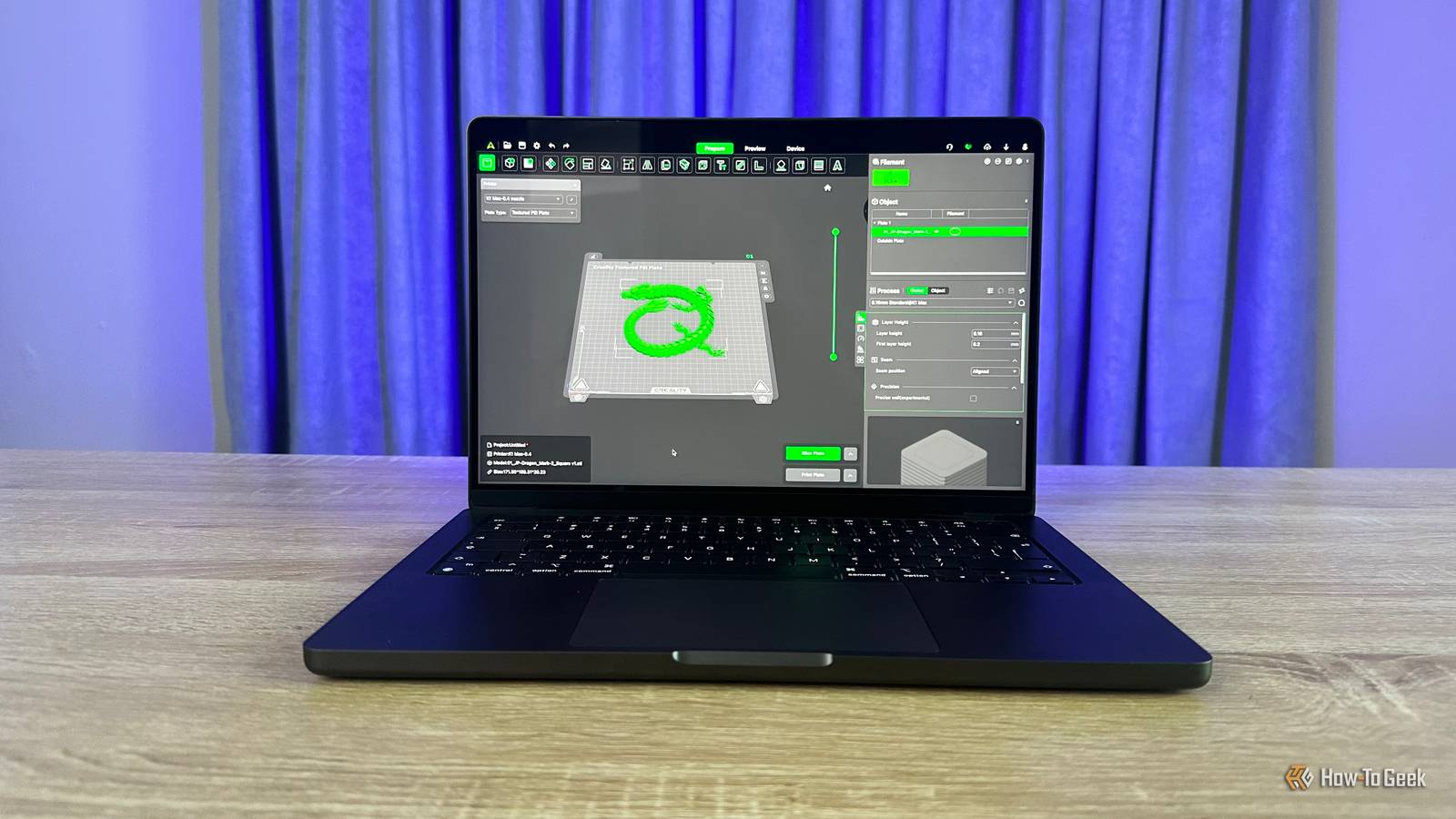
You can use free 3D modeling software to alter and improve what someone else started.Eventually, you could be modeling things that fit your exact needs from scratch.Slicing the model Where the rubber hits the road A "slicer" is an application that converts 3D model data into the actual instructions that the printer will follow to create the object.
3D printers aren't actually all that smart.Modern models do have some ability to think for themselves during a print to avoid certain issues, but all the actual hard work happens in the slicer.Close Since the printer will only do what the slicer tells it to (unless that violates some safety measure that would damage it), it stands to reason that it's your slicer and slicer settings that really have the biggest impact on print quality.
The slicer has a profile for your printer, which tells it the exact parameters of your machine's abilities.Based on this and the settings you provide according to your preferences, it comes up with the Gcode that the printer will follow.Modern slicers also run a simulation of how the print should go, which allows you to spot major issues pre-emptively.
Preparing and managing filament It's of material importance Ultimately, your 3D print has to be made of something, and in the case of FDM (Fused Deposition Modeling) systems, that material is some type of filament.The variety of filament types is now staggering.Most people will, of course, be fine with standard PLA or ABS filament, but even there it's easy to make the mistake of buying filament that's too cheap.
The cheapest filaments often have consistency issues, and can lead to clogging and other annoying problems requiring more maintenance.All to save less than five dollars on a roll of plastic, which hardly seems worth it.Even the best quality filament still needs to be prepped and handled correctly.
Don't crack the vacuum seal on a roll of filament if you aren't ready to start using it, and if you're not going to use all of it, and it's going to stand for a while, you'll need to dry it before using it again.Wet filament can result in popping and sizzling as the material is extruded, and lead to under extrusion, rough textures, and weak layer adhesion.Investing in a filament dryer is a good idea if you have filament usage habits that leave it vulnerable to absorbing moisture from the air.
SUNLU FilaDryer S4 Brand SUNLU The SUNLU FilaDryer S4 filament dryer is designed to actively dry up to four filament rolls at one time.There are digital controls on the side where you can choose what temperature you want it to run at and what type of filament you're drying.There are even filament guides out both sides of this dryer so you can feed filament directly into your 3D printer while it's drying.
$140 at Amazon Expand Collapse Post-processing and finishing The final touches When the print head stops moving, you are not done! All 3D models can benefit from post-processing and finishing.There are numerous tricks to improve 3D prints and all it takes is some time, patience, and a few materials.You've probably seen the results of 3D printing without ever imagining that what you saw came from a plastic filament roll.
Over the years, the 3D printing community has come along in leaps and bounds, creating methods, sharing them, and refining them.So now you can make something that looks like a professional VFX studio or a mass-production factory made it for lots of money, when in reality it costs a few dollars and an afternoon.Sanding, vapor-smoothing, painting, and using flush-cutters to perfectly remove every mark from 3D print supports are the basics.
These days, multi-material machines also offer the option of using water-soluble filament for support.Which means that after you take your print out of your printer, you can dip it in water and watch those supports melt away.Just don't leave it soaking for too long!
Read More