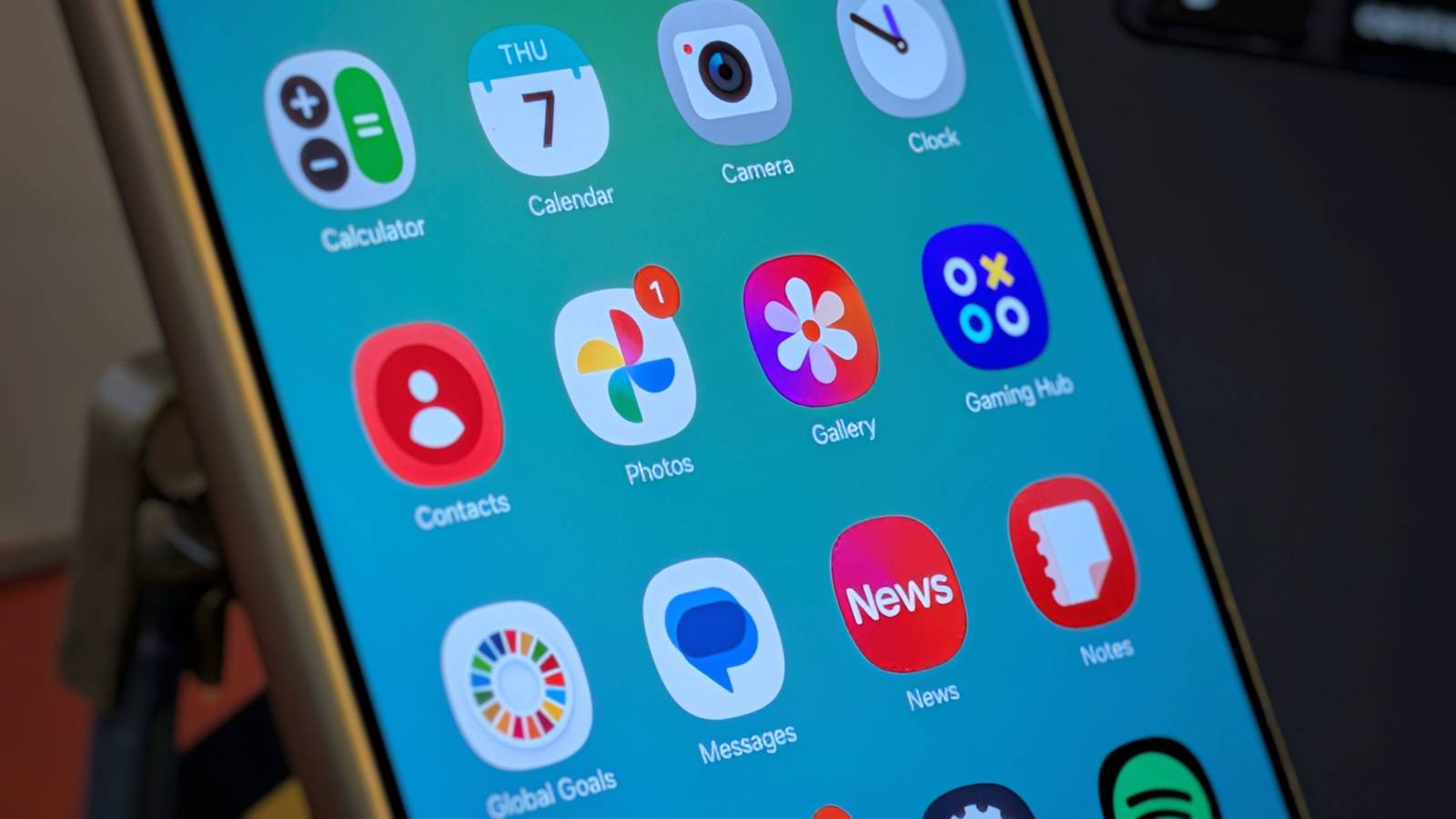
I generally tend to prefer Samsung apps over Google's, so I'm not typically one of the people who consider the pre-installed Galaxy apps to be "bloatware." Still, Samsung's software isn't perfect, and there are default apps that even I feel compelled to swap out.Samsung Gallery Replace with Photo Studio Pro Samsung Gallery is capable of far more than you think, and I'm a fan.I find it vastly preferable to Google Photos, and it's one of the best default gallery apps you will find on an Android phone.
I've been happy to use it.But Samsung Gallery isn't just a photo viewer.It's also a photo editor, and it's this component that still leaves me in need of an alternative.
You see, Samsung Gallery is actually a remarkably competent photo editor, but it lacks one key specific feature that I need, and that is the ability to resize images to a precise size.Samsung Gallery will let you resize an image to be 50% smaller, for example, but it won't let you resize an image to be exactly 1920 by 1080 or wherever your specific requirements might be.Unfortunately, this one feature means that I end up turning to an alternative photo editor for virtually all of my photo editing needs, since it makes little sense to hop back and forth between two separate apps.
I instead use Photo Studio Pro.This is an app that you can get for $50 upfront, but it's also one of the many apps you get as part of Google Play Pass.Since I already have a Google Play Pass subscription, it doesn't cost me any extra.
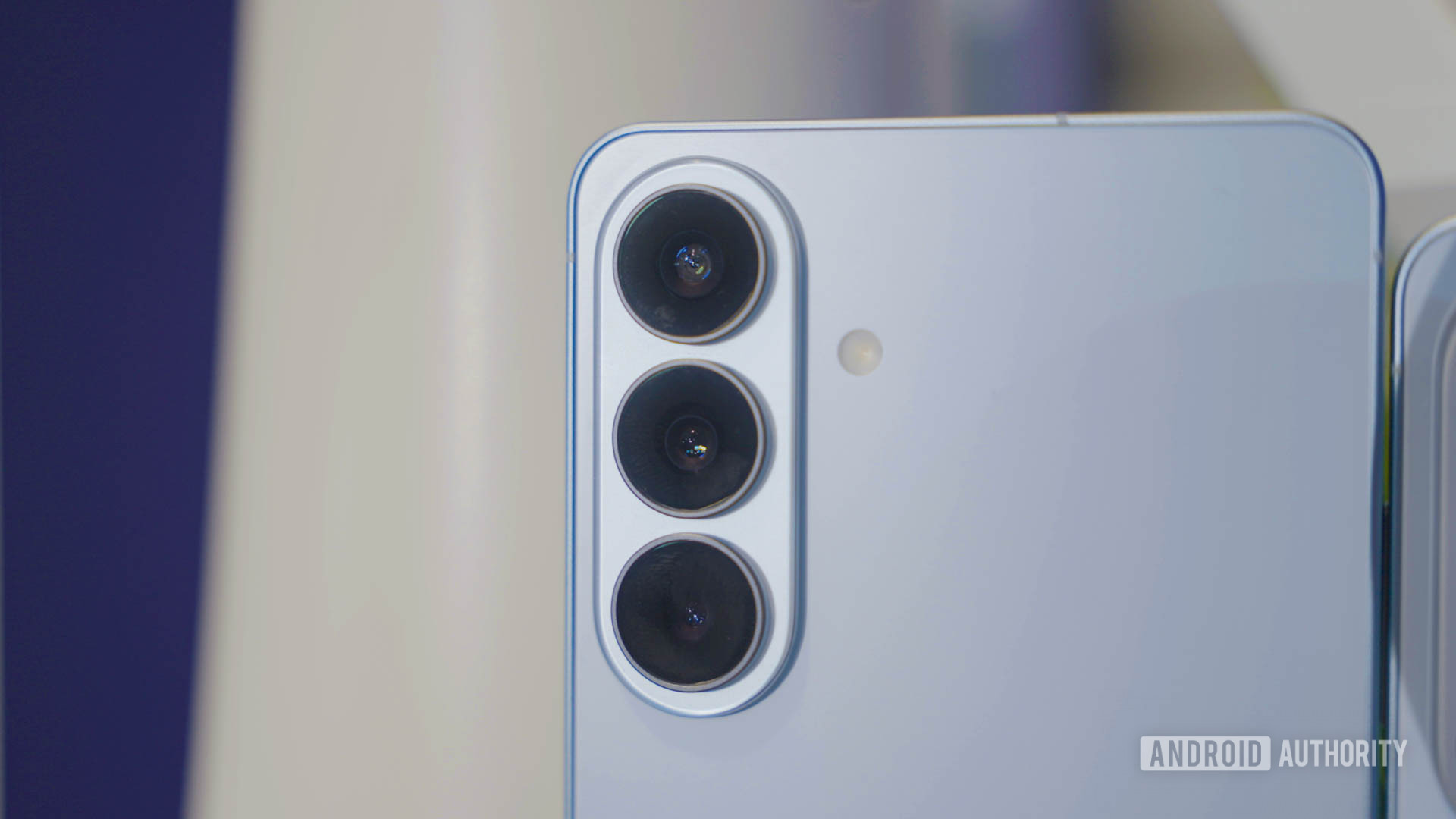
I'm someone who does most of my professional work from my phone, and when it comes to photos, this one app checks all the boxes.How is my workflow possible? For starters, you need a book-style foldable phone, and that's a type of device that Samsung pioneered.While the competition has caught up, this app still feels absolutely at home on a device like Samsung's Galaxy Z Fold 7.
Samsung Galaxy Z Fold 7 Brand Samsung RAM 12GB Samsung’s thinnest and lightest Fold yet feels like a regular phone when closed and a powerful multitasking machine when open.With a brighter 8-inch display and on-device Galaxy AI, it’s ready for work, play, and everything in between.$2000 at Samsung $2000 at Amazon Expand Collapse Samsung Pass Replace with Proton Pass Like iPhones and Google Pixels, Samsung phones come with a built-in password manager.
It's called Samsung Pass.Yet just like any other phone or computer, I don't stick to the default option—I already have a preferred password manager that I trust far more.My preference is Proton Pass.
This password manager is part of the Proton suite of end-to-end encrypted, privacy-focused apps.Most of them are also open source, and I am able to download the Proton Pass app from F-Droid.It comes with the same perks as a default password manager, meaning I can automatically insert passwords when I'm logging in to my various apps.
This makes Proton Pass one of the first apps I install on any new phone, Samsung ones included.Samsung SmartThings Replace with Homey Samsung SmartThings is a great smart home hub.It was the first one I ever used, and I had a great experience with it.
The Bixby voice assistant was also top-notch, allowing me to control my smart home from my phone and my smart watch alike.I can even access it from my Samsung Frame TV.Thing is, SmartThings is a cloud-based smart home platform.
Samsung offers it for free because the company wants access to the data they get from seeing how you use your home.I have built an all-Matter smart home.Matter operates locally and is private by design.
Those advantages are lost if the smart home hub controlling them is based in the cloud.Instead, I seek out local-based smart home hubs.I've installed Home Assistant, but I've come to prefer Homey.
Homey is a smart home hub I can recommend to everyday people with confidence that it will work.It comes with a smartphone app that works just fine on a Samsung phone.Galaxy Store Replace with F-Droid There isn't much point to opening up the Galaxy Store.
Now that Samsung's apps are almost all available from the Play Store, including the beloved Good Lock customization tool, the only real reason to open the Galaxy Store is for themes and icons.I'm not someone who thinks that we should get all of our software through the Play Store.I like alternative app stores, but the Galaxy Store just isn't a great one.
Instead, I download F-Droid.Deals Unlock Mobile Deals: Save on Phones, Foldables & Apps Explore Phones & Mobile deals for big savings on smartphones, foldable handsets, mobile app subscriptions, photo-editing tools, password apps and must-have accessories.Compare discounts, bundle offers and trade-in credits to optimize value before you buy.
Deals Explore Phones & Mobile Deals F-Droid has been around since the earliest days of Android, but there was a long time where the apps there weren't of comparable quality to what was available in the Play Store.That has changed.There are now many Material 3 Expressive apps on F-Droid that match or surpass their closed-source alternatives.
Not only that, but a growing number of these open-source apps aren't available in the Play Store at all.This list could get longer While I used to be a big fan of Samsung software, I'm not quite fond of all of the changes made as part of Samsung One UI 8.5.I'm not crazy about how some of my favorite Samsung apps now look or the increased AI integrations.
There's a growing likelihood that if I rewrite this article in a year or two, there will be even more apps I do away with.
Read More