Smart plugs are often dismissed as little more than a cheap way to remotely control lamps or switch on your coffee maker before you even get out of bed.But they're capable of much more than that, and one of their most useful applications is right there—in your homelab.I gave my home server a remote power button A remote reset doesn't require enterprise hardware Close My home server/NAS is actually an old laptop that I repurposed.
I unplugged the 10-year-old battery to avoid even the tiniest possibility of a fire hazard and run it straight off the charger.Luckily for me, the laptop's BIOS has a "Wake on AC" option, which essentially means the laptop can turn on automatically when it detects power.And since a smart plug can cut or supply power to the charger, it essentially gives me remote control over my home server.
My little laptop runs quite a few self-hosted services, and since we're in the middle of a heatwave, it sometimes overheats and freezes to the point that none of my apps work anymore.Because of this, I have to do a hard reboot almost every day, and being able to do it remotely thanks to the smart plug has massively added to the convenience.It's worth noting that I currently control the server's smart plug through the cloud because Home Assistant runs on the same machine, so it would be no good for Home Assistant to control the plug when the server itself freezes.
However, once I eventually migrate Home Assistant to a second device, I could easily set up an automation that reboots the server if one of its services is unavailable for more than 15 minutes.Backup drives only turn on when they need to A backup is much safer when it's hard to catch online I have an externally powered desktop hard drive connected to my laptop, which effectively turns the device into a NAS.Since the storage is permanently connected to the NAS, ransomware or other malware could potentially encrypt or delete my backups along with everything else.
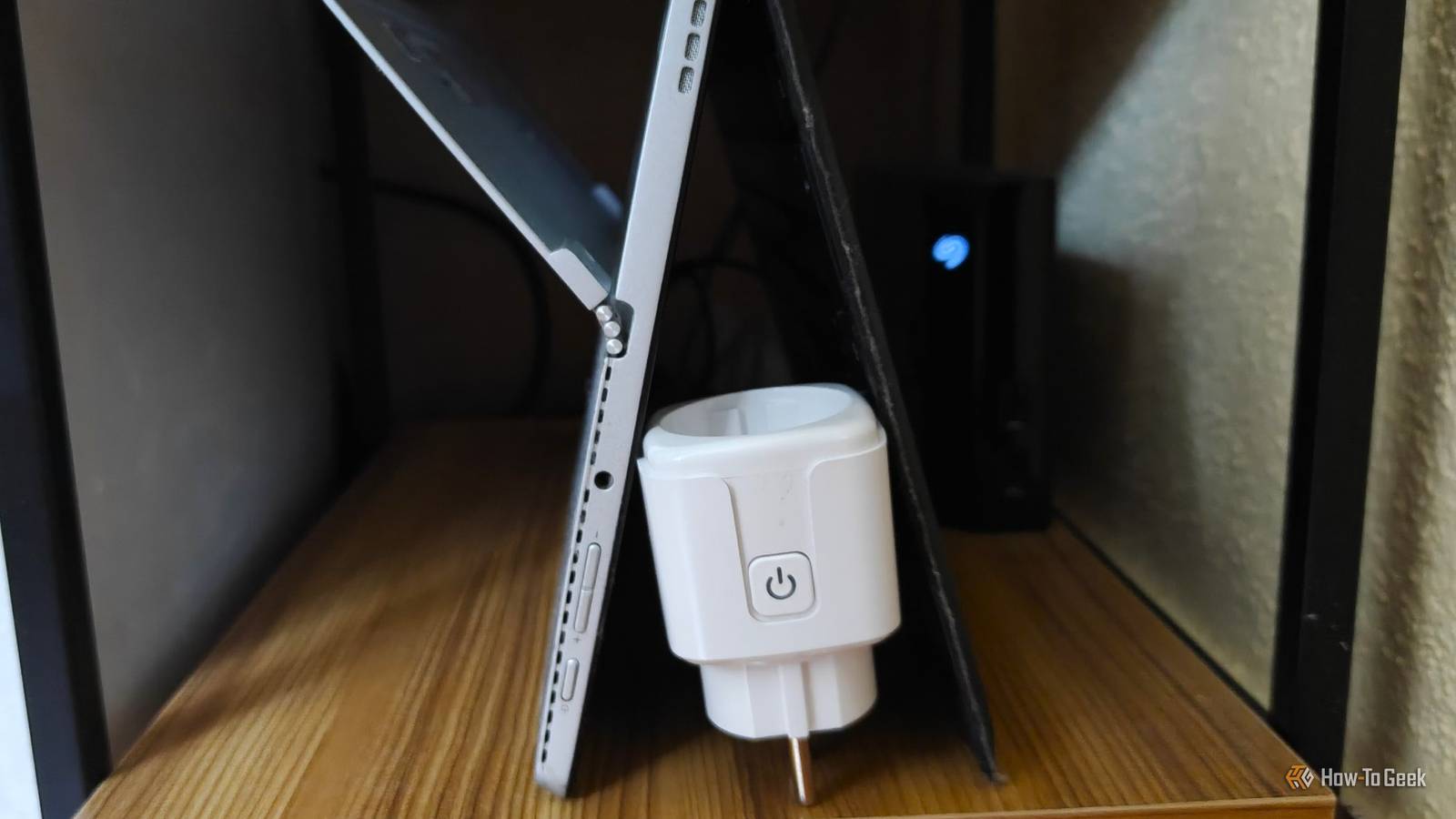
To fix this, I've plugged the hard drive's power adapter into a smart plug, which gives me a way to physically disconnect it when I'm not using it.I can turn the drive on when it's time to make a backup, then turn it off again afterward, keeping my data much safer when I'm not using it.Automatically recover a PoE switch if it goes down No need to drive home if the security cameras are unavailable A Power over Ethernet (PoE) setup offers one of the most convenient ways to set up security cameras, doorbells, and other IoT gadgets.
A single cable running from the PoE switch to a device can handle both data and power.However, this setup also creates a single point of failure should the switch ever freeze unexpectedly.Although it's relatively rare, it can happen—and the last thing you want is to have someone check on your home just because the switch went down and took all your security cameras with it while you're on vacation.
Thankfully, you can avoid this issue by plugging the PoE switch into a smart plug.Just make sure your router doesn't depend on the switch to work, and as long as your smart plug remains accessible, you'll have an easy way to power-cycle the switch if it goes down.And if you want to take it a step further, you can set up a Home Assistant automation to monitor your security cameras.
If more than one goes down at once, that could indicate a switch failure, allowing the smart plug to automatically trigger a power cycle.Related Stop plugging these 5 devices into smart plugs (the dangers are real) Convenience isn't worth the risk.Posts 4 By Adam Davidson I can finally monitor my homelab's power draw Learn how much it costs to run One of the most criminally underrated features of smart plugs is their ability to monitor power draw.
A home server's power draw fluctuates throughout the day depending on what it's doing.Most of the time, my server sits idle, but when I'm actively streaming shows, transferring files, and having Immich back up a day's worth of images, the usage spikes.A smart plug can continually monitor this power draw and give me a realistic picture of my power consumption over the day, week, and month, giving me a much better idea of how much my server actually costs to run 24/7.
I made my modem reboot itself ISP modems aren't as reliable as they should be My gracious ISP handed me a more-than-a-decade-old modem/router combo as part of my welcome package.Although I only use it as a modem in Bridge Mode and have a separate Wi-Fi 7 router, the old modem sometimes freezes without warning, killing my connection in an instant.Of course, it's not always the modem to blame—my ISP has decent uptime, but even it sometimes has to perform unscheduled maintenance or repairs.
But I'm not leaving anything to chance, which is why I've plugged my modem into a smart plug that I can turn off and back on remotely without having to move the TV console out of the way to access the modem's power adapter.This is another thing I should probably automate through Home Assistant by having the server ping Cloudflare and Google and then reset the modem if neither responds for more than five minutes.Related 7 neat things you can do with an energy monitoring smart plug Go beyond simple on-off functionality with power consumption triggers.
Posts 2 By Tim Brookes A cheap smart plug can solve a surprising number of problems Although I've mentioned quite a few genuinely useful scenarios where a cheap smart plug can offer convenience, data, and help with troubleshooting, I'm just scratching the surface.On top of isolating backups, recovering devices from failures, and monitoring equipment, smart plugs can be automated to do almost anything you want: turn on and shut down 3D printers after a print finishes, power homelab nodes only when there's work to do, turn off a NAS when nobody is connected, and so on.At the least, it's a super cheap way to add remote power management to devices that need it!
Read More