One of the tech industry's worst-kept secrets is that smart TVs spy on us.There are countless articles and videos online discussing it, as well as plenty of guides on how to fix it while maintaining the smart functionality of your TV.Well, unfortunately, some new independent research strongly suggests the problem is much worse than we thought, and that the methods we use to stop it while retaining smart TV functionality may not actually work.
Your smart TV or streaming stick knows more about what you watch than you think It's really creepy once you know Close We've known for a while that smart TVs have ways of spying on us, but recent online discussion has shed light on the true extent of how much and how far it actually goes.A feature built into many smart TVs called ACR (Automatic Content Recognition) lets your smart TV or streaming stick sample the contents of your screen, collect the data, and report back to the manufacturer.As if that weren't already creepy enough, the worst part is that it can run in the background even if you're not watching content through the smart TV's built-in apps, such as from your console, PC, or Blu-ray player.
We were aware of this issue to some extent, but the recent investigative deep dive on LG smart TVs done by Gamers Nexus sheds light on just how far this truly goes.There's way too much in that 2-hour, 15-minute video and follow-up videos for me to cover here, but the long and short of it is that Gamers Nexus says its testing found LG TVs capturing audio through the built-in microphones in the TV and remote and tracking what you watch.LG has disputed the claims about ambient audio recording and says its voice-recognition features only process audio when activated by the user.
As LG's own execs best put it, they "own the glass." The TVs also use network scanning to recognize surrounding Wi-Fi SSIDs, signal strengths, and even MAC addresses of other people's devices, and that's on top of storing metadata from devices on your own network.All in all, we're talking about gigabytes of data being collected and sent back to the manufacturer.LG is the focus of Gamers Nexus' particular investigation, but many other brands have the technical capabilities to do this and use them, with RTINGS making a particularly notable example with Roku.
It's worth noting that on many smart TVs, ACR is technically disabled by default, but the TV presents it in a neat package during setup that prompts many users to just hit OK on all the terms, services, and features.So, the TV can keep collecting data until you dig into the TV's settings to disable it manually.Unfortunately, disabling ACR won't stop the spying problem entirely.
As shown in Gamers Nexus' video, the TV triggers a snapshot and sends a final package of data when you opt out of ACR.And even with ACR disabled, the TV has other ways to send telemetry and even derive an ID based on the MAC address.It just never ends.
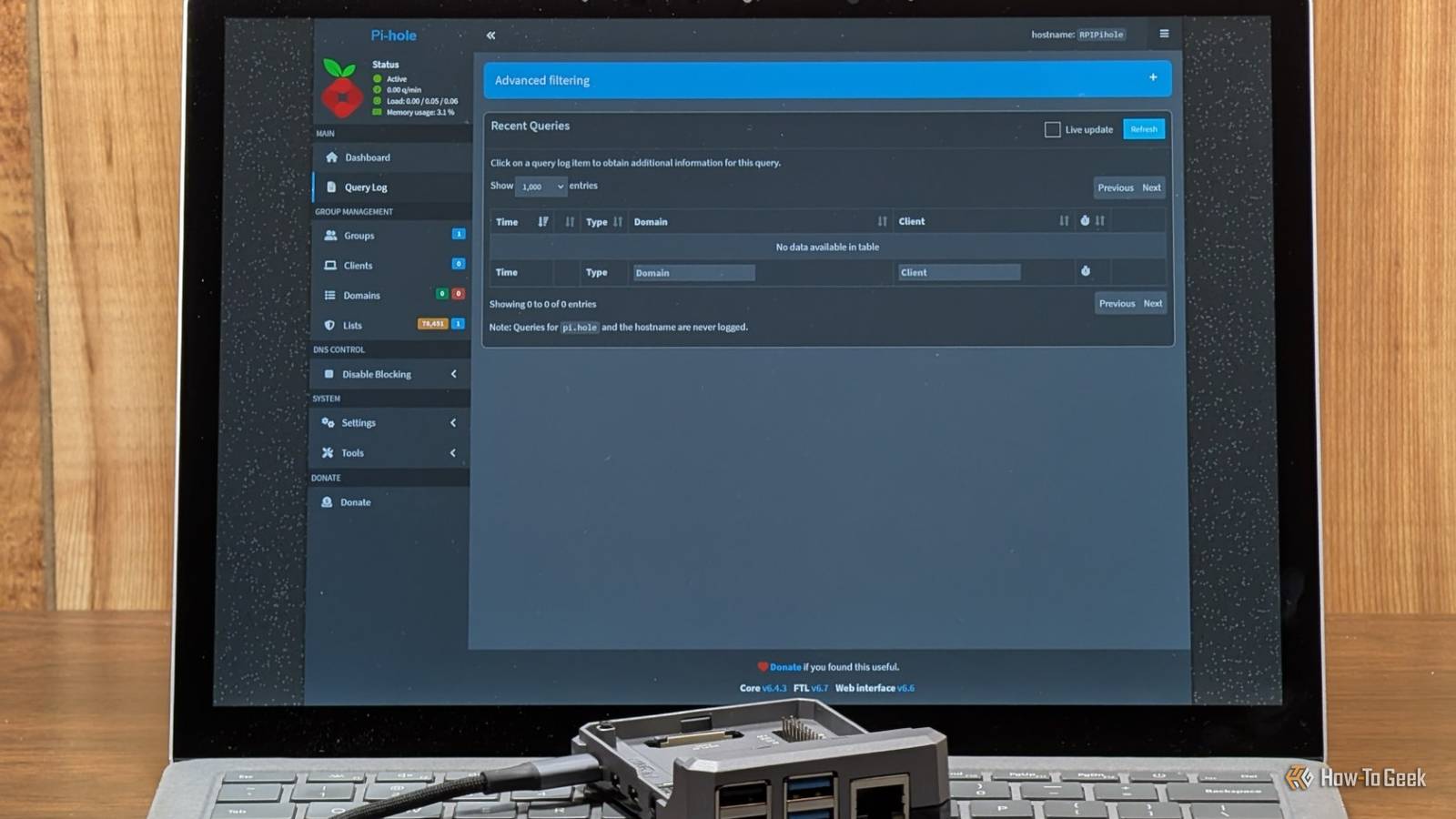
DNS sinkholes like Pi-hole can’t always keep your smart TV spy-free Your TV has ways around Pi-hole Self-hosted DNS filters like AdGuard Home and Pi-hole are often touted as the be-all, end-all of internet smart home privacy and security.While they can block a considerable amount of smart device chatter with the right configuration, or even block access to specific domains completely, they're ultimately just the DNS resolver for your network.The problem is that any device can circumvent that by using its own hardcoded DNS provider, completely bypassing your custom DNS filters.
For instance, if your TV is hardcoded to always use Google Public DNS (8.8.8.8), you won't even see those DNS queries in the query log of your DNS sinkhole.Pi-hole has no way to redirect those requests because they never reach it in the first place.This creates a false sense of security: you block everything you can on your smart TV, and if the TV uses a mix of DNS configurations, maybe even see some traffic flowing to and from it in your Pi-hole logs.
You think that you managed to outsmart the manufacturer, but all this time the TV could be resolving its own domains through Google's public 8.8.8.8 DNS and then connecting directly to the manufacturer's servers without your knowledge.A firewall on your router can shut down the hardcoded DNS It's easier said than done While Pi-hole on its own can't do much to prevent devices from using hardcoded DNS, a properly configured firewall can.What works in our favor here is that smart TVs generally use conventional DNS over port 53, which means a simple port 53 NAT redirection rule may be all it takes to force smart TV DNS requests back into your Pi-hole.
However, just to get this firewall set up, you need a fairly capable router or run custom router firmware like OpenWrt, which is already far more than what the average person is willing to go through just to stop their smart TVs from spying.Also, if the smart TV's hardcoded DNS is particularly aggressive, it may not just fall into line and accept your Pi-hole's answers.Instead, it could stop working properly or continue retrying connections to its own DNS server.
Moreover, a port 53 rule won't do anything for port 443 (DNS-over-HTTPS).Blocking or redirecting that kind of DNS bypass requires additional firewall rules, and getting too aggressive can break the smart capabilities you're trying to preserve.The easiest way to make your TV private is to keep it offline A dumb display is a safe display While you could spend a few days trying to figure out a way to selectively block your smart TV's telemetry, a much easier solution is to just disconnect it permanently.
Unfortunately, as Gamers Nexus' research has shown, this won't necessarily stop the TV from collecting data entirely.It can continue collecting certain data and potentially send it the second you connect it back online, so it really has to stay permanently offline.This essentially means you'd have to forgo all of the smart TV's capabilities, as well as any potential software updates that may fix bugs or add features.
This then turns the TV into a regular display that you can use with the devices you actually trust.I keep my PC connected to my TV and only use it like that.If it's a living room PC, you could watch shows through a gaming console, mini PC, or maybe even connect your media box or a USB drive to watch content directly.
Or perhaps you could try your hand at building your own media center.Worst-case scenario, you could just connect a laptop when you want to stream content.We shouldn't have to trade our privacy for a smart TV A common saying that you've likely heard around tech, particularly with smart TVs, is that if something is free, you're the product.
Smart TVs aren't technically free, but most budget models are sold with razor-thin margins.Manufacturers more than make up for that through services, advertising, and selling or using the data they collect about you.That's part of the reason why "dumb" TVs have practically disappeared from the market altogether.
But we as consumers shouldn't have to make the choice between a cheap smart TV that collects our data and not having any smart features at all.We should start advocating for dumb TVs to come back, and for smart TVs to keep the features we want at a slightly higher price while fully respecting our privacy.Related I stopped trusting my smart TV, so I made it dumb again Smart isn't always wise.
Posts 1 By Adam Davidson
Read More