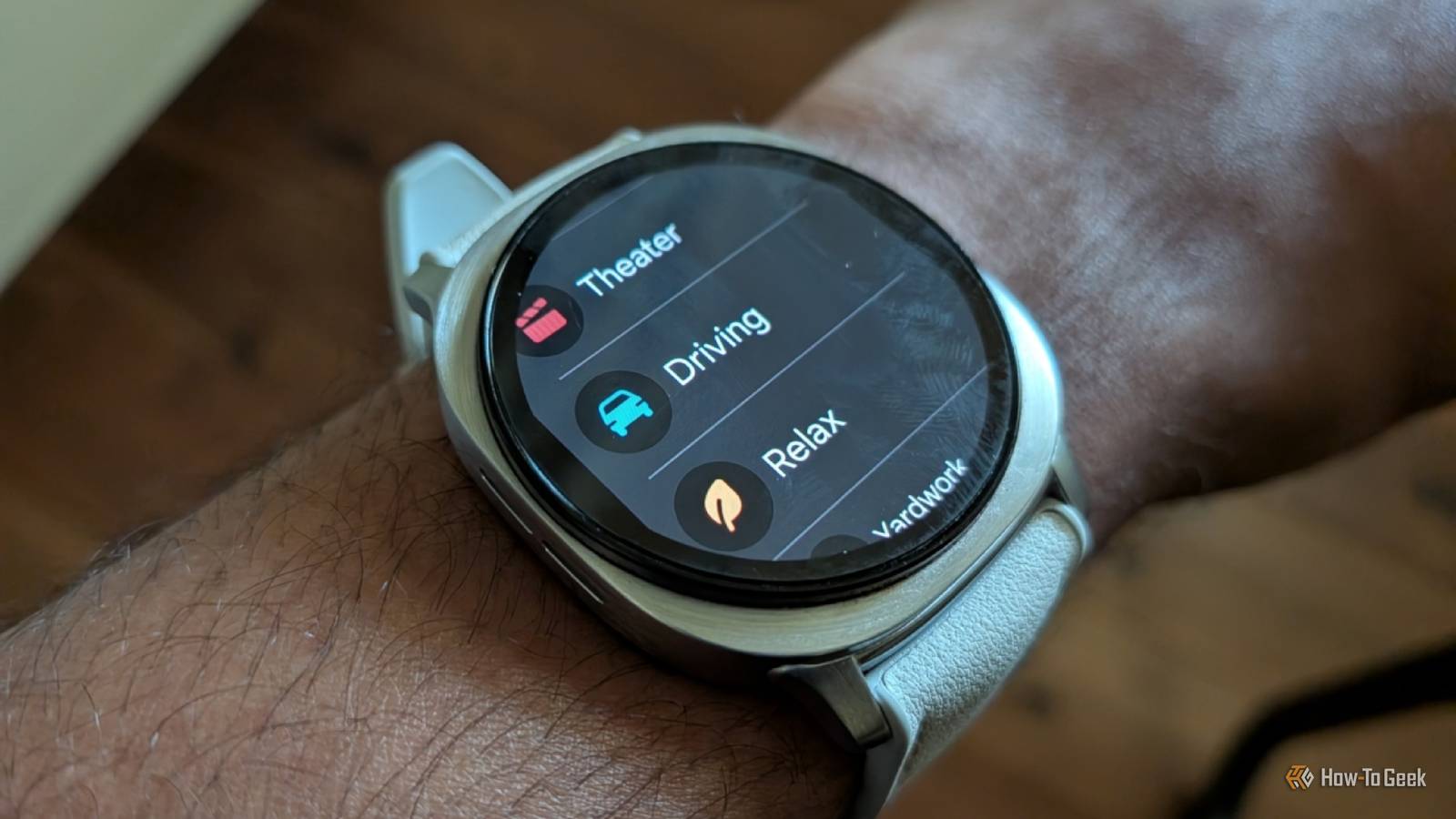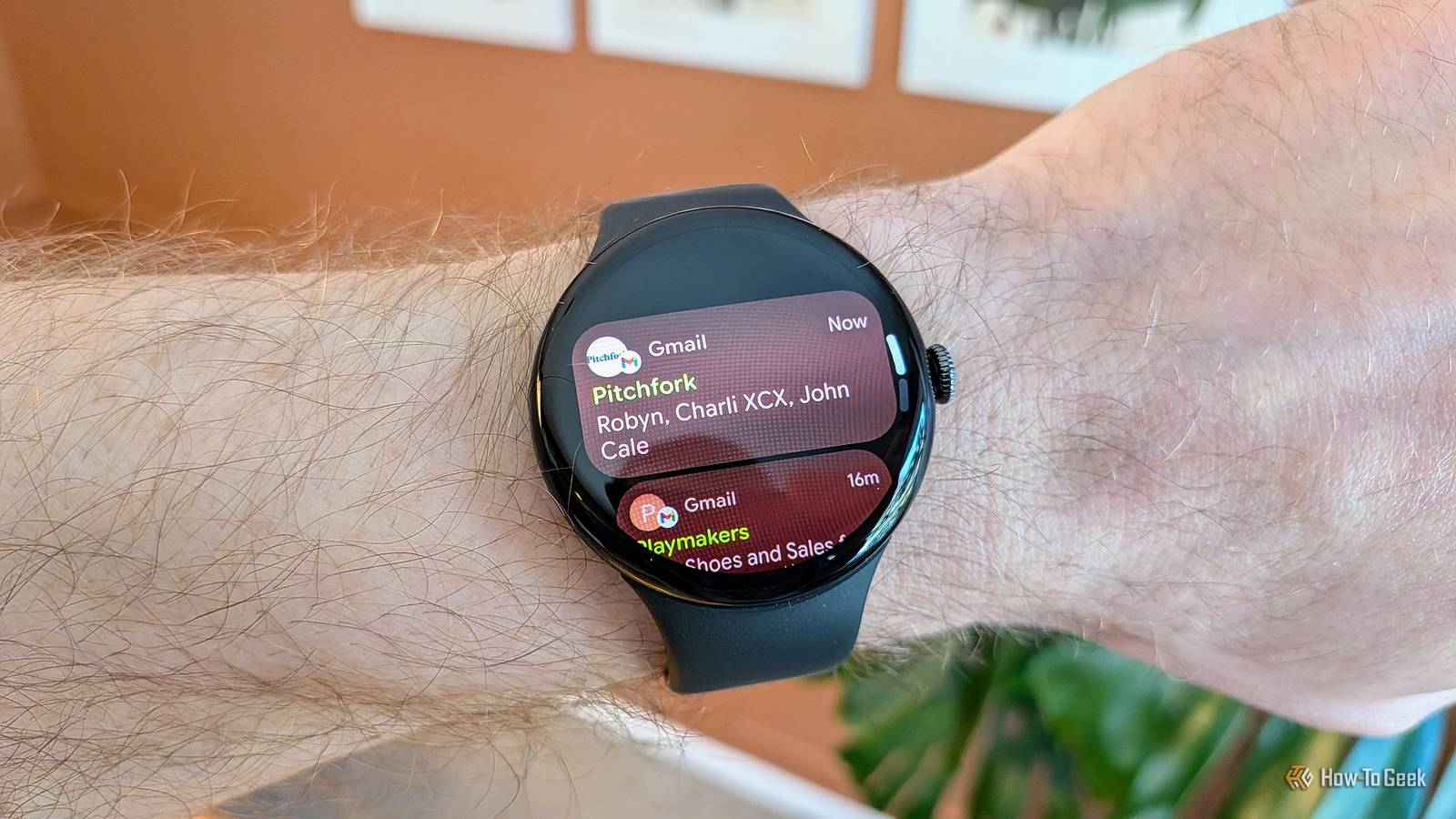
I don’t know about you, but the main reason why I wear a smartwatch is for notifications.It allows me to pull out my phone less often, which is always a good thing.On my Pixel Watch, though, there was one setting that made the experience more cumbersome than it could be.
Now, the Pixel Watch series has several exclusive features that you won’t find on other Wear OS watches, but the one I’m talking about today is pretty universal.However, it’s almost never enabled by default, and that’s true for the Pixel Watch as well.I want to see notifications on my Notification Machine One of the first things I enable Out of the box, a Pixel Watch handles notifications in much the same way as a phone.
That means the watch will either vibrate or sound an alert, but not wake the screen.I prefer this approach on phones, because it’s usually not directly in front of my face anyway.My Pixel Watch, on the other hand, lives on my wrist.
There’s nothing between my eyeballs and the watch—no pocket, bag, or even a lock screen.When I feel the vibration or hear the alert of a notification, I can usually immediately check my watch to see what’s happening.In the Pixel Watch app, there’s a section titled “Show new notifications.” By default, it’s set to “On wrist raise.” Once a notification arrives on your watch, it doesn’t pop up and wake the screen until you lift your arm to look—even if “tilt to wake” is disabled.
This is a good idea in theory, but it fails on two counts.Related Your Smartwatch Is Only as Annoying as You Make It Smartwatches provide quick access to notifications and shortcuts, but it can be too much of a good thing.That's why some people are going back to simpler "distraction-free" analog watches.
You shouldn't blame the smartwatch for your bad habits.The story is similar to what has happened with smartphones.Some people have turned to "minimal phones" as a way to "disconnect" from all the distractions that come with smartphones.
The phone isn't really the problem, though, and neither is your smartwatch.Posts By Joe Fedewa First, in my experience, it doesn’t always show the full notification when I raise my wrist.Sometimes, it only shows the app icon at the bottom of the screen, and then I have to swipe up to see it.
Second, a common complaint among smartwatch wearers is that the display often doesn’t turn on fast enough or at all with “tilt to wake” gestures.That makes it even less useful.All of this boils down to one thing: I’m wearing my watch for notifications—show me notifications.
See notifications immediately on a Pixel Watch It doesn’t hurt battery life very much As I said, I’m almost always able to immediately look at my watch when I get a notification.So, the display might as well already be on when I do it.That’s what the “Immediately” option in the “Show new notifications” section does.
Rather than waiting for me to raise my wrist, a new notification wakes the screen right away—even if “tilt to wake” is disabled.I don’t have to wait for a gesture to be detected or swipe on the screen at all.This setting can be enabled from the watch itself or the companion app on your phone.
On the Pixel Watch, go to Settings > Apps & notifications > Notifications > Show new notifications > Immediately.In the phone app, go to Notifications > Show new notifications > Immediately.Close Google doesn’t enable this by default because it can use more battery, but that’s never been an issue for me.
If you’re concerned about the potential battery impact, make sure to enable “Mute notification from phone.” This ensures notifications won’t wake up your watch screen when you’re actively using your phone.At the end of the day, this is one of those things that I have more to say about why it doesn’t make sense than why I like it.This is simply the default behavior I would expect, and toggling it on feels like putting things in order.
Related Your Pixel phone is always scanning—disable these two settings to add hours of battery life Pixel phones are always doing a lot in the background.Some things are obvious—like weather apps grabbing your location—but others aren’t as upfront.Even worse is when seemingly simple features have a bigger impact on battery life than we know.
That’s the case with two extremely basic features found on every smartphone: Wi-Fi and Bluetooth.Both are doing more than you might realize in the background, especially when you’re not actually using either one.Doing something about it improved battery life on my Pixel phone.
Posts 5 By Joe Fedewa
Read More