Are you ready for some projects to try out on your Raspberry Pi this weekend? Today, I’m showing you software projects that you can tackle before Monday comes, like setting up Pi-hole, organizing your documents, and even creating your own media streaming platform.Raspberry Pi 4 Model B Brand Raspberry Pi CPU Cortex-A72 (ARM v8) With the Raspberry Pi 4 Model B, you can create all kinds of fun projects, and upgrade gadgets around your home.Alternatively, install a full desktop OS and use it like a regular computer.
$38 at CanaKit See at Amazon Expand Collapse Block ads and monitor network traffic with Pi-hole Do you know how often your smart bulbs call home? Have you ever wondered what actually goes on inside your home network? That’s exactly what Pi-hole is designed to help with.As a DNS server, you can make it so all of your devices have to go through Pi-hole before getting out to the internet.It’s pretty easy to set up.
Just install Pi-hole on your Raspberry Pi, point your router’s DNS at the Pi-hole IP address, and you’re up and running.After that, there’s plenty of configuration you can do to add websites to an allow or block list, customize the upstream DNS server, and more.The main reason most people run Pi-hole is to block ads—and it’s great at that.
Pi-hole is also fantastic at monitoring traffic.When I first switched my DNS to Pi-hole, I found that there were services on one of my computers that were phoning home when I thought it was fully uninstalled.It turns out I missed a few key components of those apps, and they were still calling home.
I also see how many of my smart home devices call home and how frequently they make the call.With Pi-hole, it just takes a single click to block those calls to whatever server they’re going to.If you’re running Home Assistant for local smart home control, then your smart plugs really don’t need to be able to call out to a server in China anymore.
Pi-hole simply lets you take full control of your home’s network.If you’re not running Pi-hole yet, you need to be.It can even run on a Pi Zero 2 W with ease.
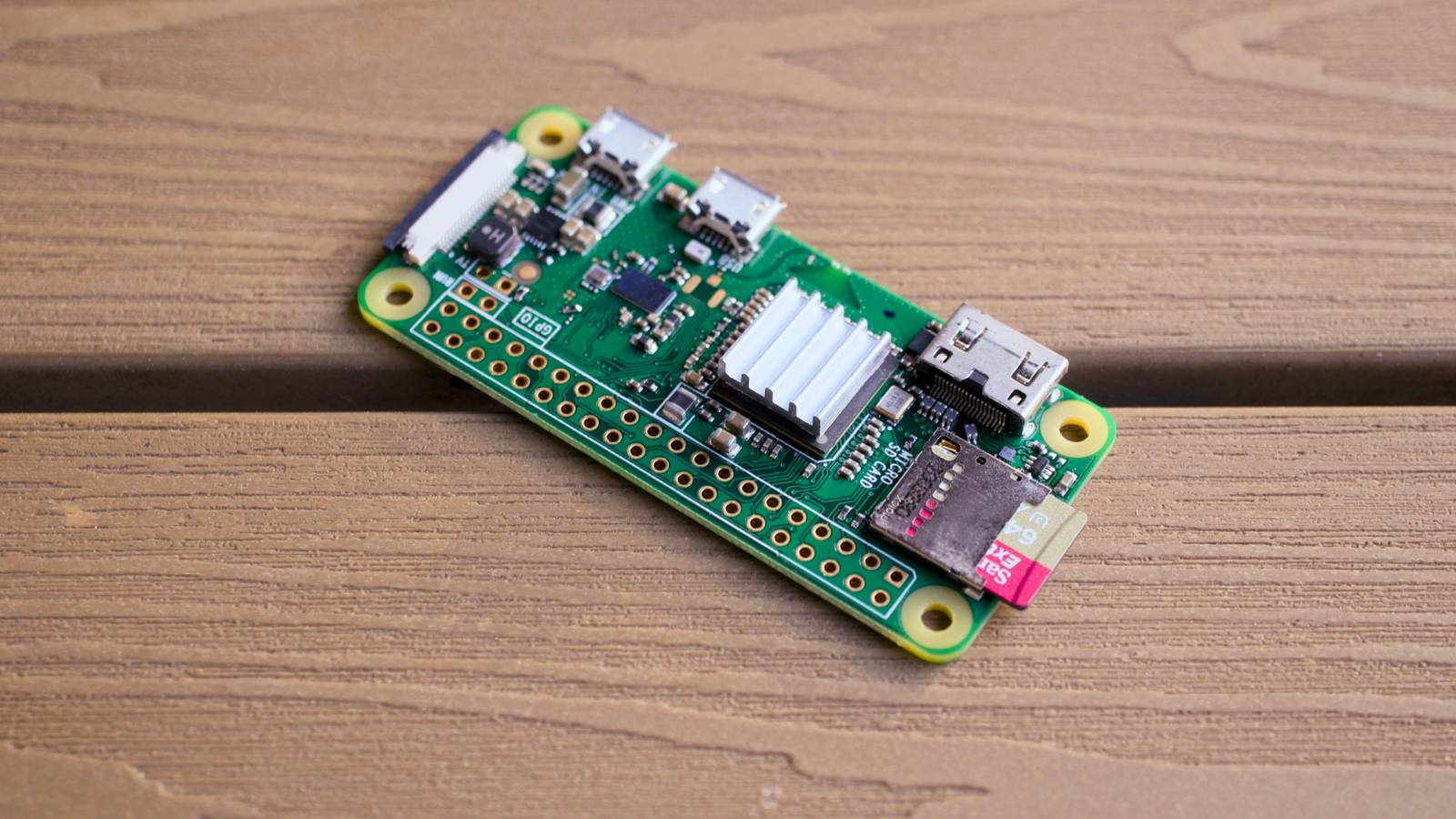
Raspberry Pi Zero 2 W Brand Raspberry Pi CPU Quad-core 64-bit ARM Cortex-A53 The Raspberry Pi Zero 2 W is super tiny and super affordable, but it packs enough computing power for a variety of DIY projects.You can use it to create a handheld retro gaming console, for Klipper/Mainsail, a super compact home or media server, and more. See at Amazon See at adafruit $16 at CanaKit Expand Collapse Organize documents and go paperless with Paperless-ngx Scanning docs has never been this organized before Years ago, I was a Neat Scanner user.I didn’t own a Neat Scanner, but I used the software extensively.
Being able to scan documents in, categorize them, and use OCR to search the documents, was really awesome.At some point, Neat became a very expensive piece of software, and I just stopped paying for and using it.Since then, I’ve never actually found a solid replacement—until Paperless-ngx.
With Paperless-ngx, you get all the benefits of a document organization software without any of the cost.Everything runs locally on your Pi, including the OCR models.This means that you can scan, upload, categorize, and index documents without the need for any external services.
Paperless-ngx can be installed in a number of ways, but my favorite is using Docker.It’s simple and will get you up and running in minutes.So, if you have a big pile of papers that needs to be organized, don’t file them in a drawer or store them on Google Drive—scan them into Paperless-ngx, organize them, and make them searchable.
Your future self will thank you.Ditch the streaming fees with Jellyfin Be your own streaming boss Are you tired of streaming services removing your favorite TV shows just when you were finally ready to watch them? Your Raspberry Pi is actually the perfect answer to that problem.With software like Jellyfin, you’re able to easily create your own media streaming service hosted right in your own home.
Jellyfin is completely free to use, and it also even supports hardware transcoding (if your hardware offers it).While I wouldn’t recommend using a Pi if you plan to do a ton of transcoding, direct play from a Pi is perfectly reasonable.One thing to note is that Jellyfin recently removed the ability to leverage hardware transcoding on Raspberry Pi 5.
The Pi 5 can definitely still handle transcoding, it just happens on the CPU instead of the dedicated transcoding hardware, meaning you won't get quite the same performance as before.Subscribe for Raspberry Pi projects, guides, and tips Explore hands-on Raspberry Pi projects like Pi-hole, Paperless-ngx, and Jellyfin; subscribe to the newsletter for practical, step-by-step guides, configuration tips, troubleshooting advice, hardware notes, and other maker project ideas.Get Updates By subscribing, you agree to receive newsletter and marketing emails, and accept our Terms of Use and Privacy Policy.
You can unsubscribe anytime.Simply install Jellyfin, plug an external hard drive in, and start watching your favorite content.You’ll want at least a Pi 4 b for this in order to get USB 3.0 speeds for the external hard drive.
A Pi 5, with its PCIe lane, is an even better option, as you can turn that into a full-on NAS.No matter which way you slice it, the Pi is the perfect starter server for your media library.It's small, compact, and can handle just about anything you throw at it.
Jellyfin OS Windows, Linux, macOS, Android, iOS, Fire TV, Roku OS, WebOS, Xbox, Price Free Jellyfin is the volunteer-built media solution that puts in control of your media.Stream to any device from your own server, with no strings attached.Your media, your server, your way.
Get started for free Expand Collapse The Raspberry Pi is such a cool little device.Every week, I find new ways to use it that I never knew of before.This week’s roundup of projects focuses on self-hosted services, but the Pi is so much more capable than just hosting some movie files or blocking ads.
In fact, if you want to spend more time on a project (and tinker a good bit more with both software and hardware), there are quite a few projects that I personally want to do whenever I get more time.One project that I want to try is a smart mirror, but that requires way more time and resources than I have to devote to a project right now.
Read More