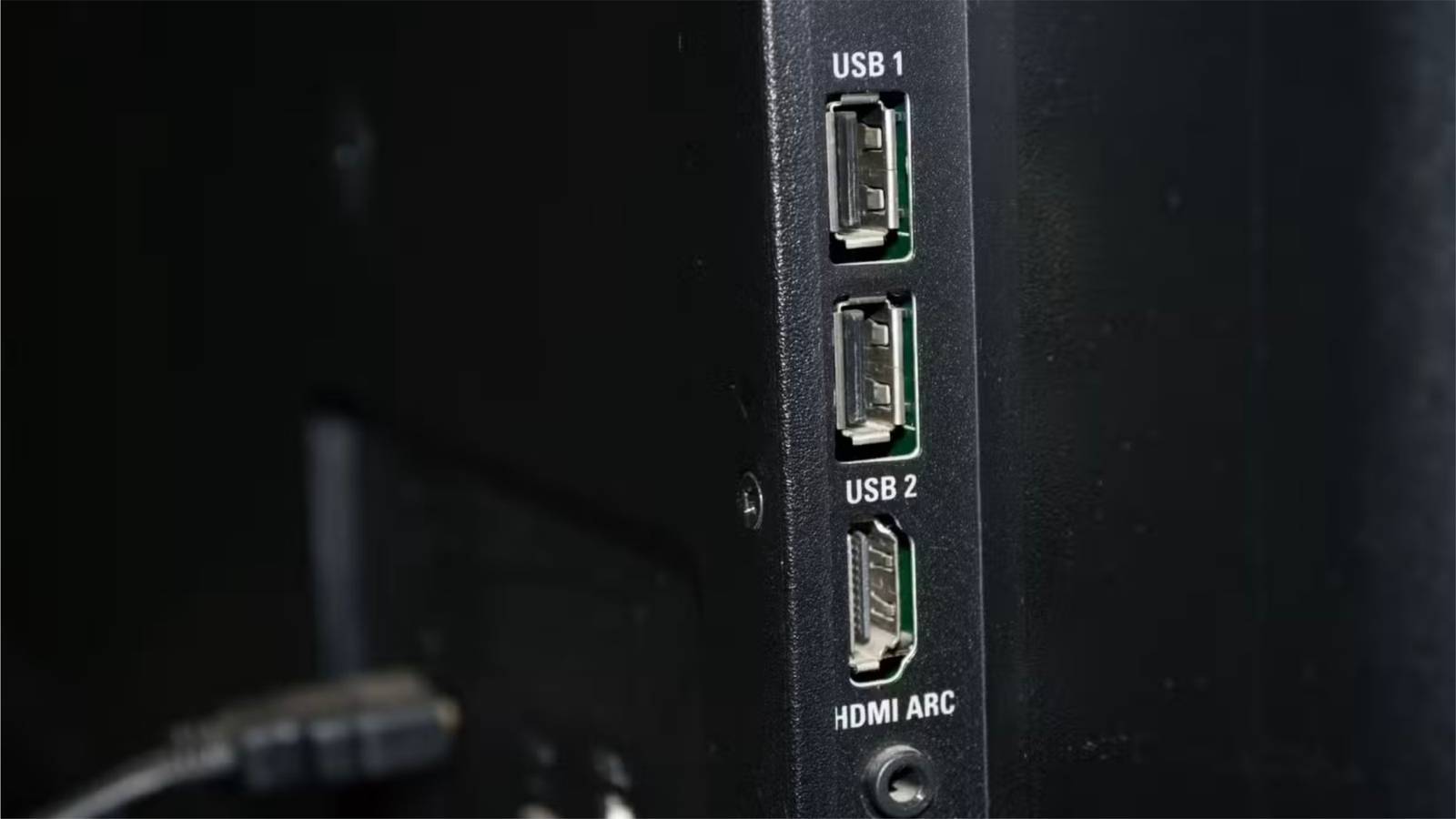
Modern TVs are smart, meaning all you need to do is plug them in and turn them on.Most of the setup involves downloading the streaming services you subscribe to and signing in to them.Yet, if you turn the TV around, you’ll notice several ports on the back—not just HDMI ports.
One of them is a USB port.While it’s easy to overlook, the USB port is actually useful and supports several accessories worth using.The downside of the USB port While the port functions like other USB ports, there is one important difference: it is not always powered.
As a result, accessories plugged into the port may not stay on or receive power at all times.This is because the USB port draws power directly from the TV.If the TV is turned off, the port won’t be powered.
Due to this, the USB port may only supply power when the TV is on, unless the model supports power in standby mode.Since a USB port’s power behavior can vary by model, you shouldn’t assume your TV supplies power in standby mode.On the TV I’ve used, there is no standby power for the USB port; it only powers on when the TV is on.
Additionally, standby mode does not output much power when in use.It is significantly lower than the power the port delivers when the TV is on, typically ranging from 0 to 2.5 watts, depending on the TV model.It's why I do not use my TV’s USB ports for smart home accessories, such as cameras, or for charging devices when they are not in use.
However, I do use a USB-C cable plugged into the TV to charge my iPhone 16 Pro Max while I work out, since I know the TV will be on and supplying power during that time.You should also not plug in any accessory that acts as a smart home hub.For example, my HomePod mini functions as a home hub, and while it sits next to my TV, it is not plugged into it because it needs to remain powered at all times.
Apple HomePod Mini Connectivity Bluetooth, Wi-Fi Voice Assistant Siri Buttons Play/Pause, Touch, Volume Wireless capabilities Yes Weight 0.76 The Apple HomePod Mini is a Siri-enabled smart speaker for those invested in the HomeKit ecosystem.Compact and discreet, the HomePod Mini is available in five different colors, too.$99 at Apple $99 at Best Buy $99 at Staples Expand Collapse Apple iPhone 16 Pro Max The iPhone 16 Pro Max is a battery powerhouse.
It offers unparalleled longevity among iPhones and outperforms most of its competitors.See at Apple Expand Collapse Even though a TV’s USB port varies in power when the TV is off, there are still accessories that make sense to plug into it.1 Streaming devices One of the most common accessories plugged into a TV is a streaming device.
They’re an easy way to add features your TV may not have or to improve the ones it does.Even though most TVs today are smart, that doesn’t mean they offer the best user experience.In practice, many built-in systems can feel slow or buggy.
Apple TV 4K Operating System tvOS Resolution 4K Audio codecs Dolby Atmos RAM/storage 64GB or 128GB Connectivity Wi-Fi or Wi-Fi and Ethernet Immerse yourself in stunning 4K HDR with Apple TV 4K.Stream your favorite content with exceptional clarity and color, powered by the A15 Bionic chip.Enjoy seamless access to apps, games, and Apple Originals, all with the convenience of Siri voice control and personalized recommendations.
$129 at Apple $135 at Amazon $130 at Best Buy Expand Collapse Roku Streaming Stick HD Dimensions 3.7"L x 0.8"W x 0.5"H Connective Technology Wi-Fi Operating System RokuOS The Roku Streaming Stick HD features HD streaming and live TV support with a sleek HDMI streaming media player form factor.The included remote can control your TV's volume, and the Roku app store has thousands of apps to browse through.Plus, it natively supports platforms like Netflix, Disney+, Apple TV+, Prime Video, and more.
Expand Collapse Personally, I’d much rather use the interface on a Roku Streaming Stick or an Apple TV than rely on the software built into my LG TV.The experience is smoother and more reliable overall.Streaming devices usually plug directly into a TV’s HDMI port, but like any electronic device, they need power.
This is where the USB port can be useful.However, not all streaming devices can draw power from a USB port.For example, the Apple TV must be plugged into an outlet to operate.
On the other hand, streaming sticks, such as Roku's, can plug into the TV’s USB port and draw power directly from it.This is convenient and, as advertised, eliminates the need for an extra outlet or power brick.This works because streaming sticks don’t need power all the time.
They’re only in use when the TV is on, so the USB port will have power whenever the stick is operating.Older generations of the Google Chromecast worked the same way, drawing enough power from the TV’s USB port.However, Chromecast is no longer sold; it has been replaced by the Google TV streaming box.
Google TV Streamer 4K Dimensions 6.4in x 3in x 1in Wi-Fi Yes Ethernet Yes Ports HDMI Operating System Google TV Experience stunning 4K streaming with Google TV Streamer.Enjoy seamless access to your favorite apps, shows, and movies with a powerful, easy-to-use interface.Elevate your entertainment with voice control, personalized recommendations, and smooth performance in vibrant Ultra HD.
$100 at Amazon Expand Collapse Google Chromecast 3rd Gen A streaming device that doesn't require a remote.All you need is a phone and you can cast a multitude of movies, TV shows, and music from streaming apps.Expand Collapse Google Chromecast with Google TV (4K)- Streaming Stick Entertainment with Voice Search - Watch Movies, Shows, and Live TV in 4K HDR - Snow Get Google's Chromecast dongle with the latest Google TV experience.
Expand Collapse Even though you can plug the Google TV into a TV USB port, it won’t receive enough power.The box requires a 7.5W power supply, while most TV USB ports output only 2.5W to 4.5W, depending on the model.2 LED lights If you’re like me, you enjoy adding a little color to your gaming or home theater setup.
One of the easiest ways to do that is with LED lights.They’re a simple way to light up a room, based on your personal preference, or even to match the content displayed on the screen.While you can use them at any time, they work best when paired with your TV, making them one of the best accessories to plug into the TV’s USB port.
The colors they produce are better suited to gaming and viewing environments, enhancing what’s on screen rather than serving as your room’s main light source.Not every LED light setup supports USB power.Some of mine need to be plugged directly into an outlet, while others can run straight from a USB port on the TV.
What’s great about LED lights is that they don’t need much power and don’t require any boot-up time.The moment they receive power, they’re ready to shine.Daybetter LED Lights Providing an immersive experience on a budget, this TV backlight is easy to install and can be controlled via the included remote or smartphone app.
See at Amazon Expand Collapse Nexillumi LED Lights These affordable TV backlights are immersive, easy to use and install, and come in a range of sizes so you can use them for your TV or computer monitor.See at Amazon Expand Collapse Govee Smart LED Strip Lights, 16.4ft WiFi LED Light Strip Work with Alexa and Google Assistant, 16 Million Colors with App Control and Music Sync LED Lights for Bedroom, Kitchen, TV, Party, Holiday This Wi-Fi compatible strip sports RGB LEDs to give you colorful light that isn't harsh on the eyes.At 16.4 feet, the strip should stretch across most rooms.
Expand Collapse Plugging your LED lights into the TV’s USB port enhances your setup and keeps everything cleaner, with cables routed neatly behind the television and out of view.It eliminates dangling wires running from the TV down to a wall outlet, making the entire setup look more polished and intentional.3 External drive While you may use the port as a power source, it can also be used for media playback.
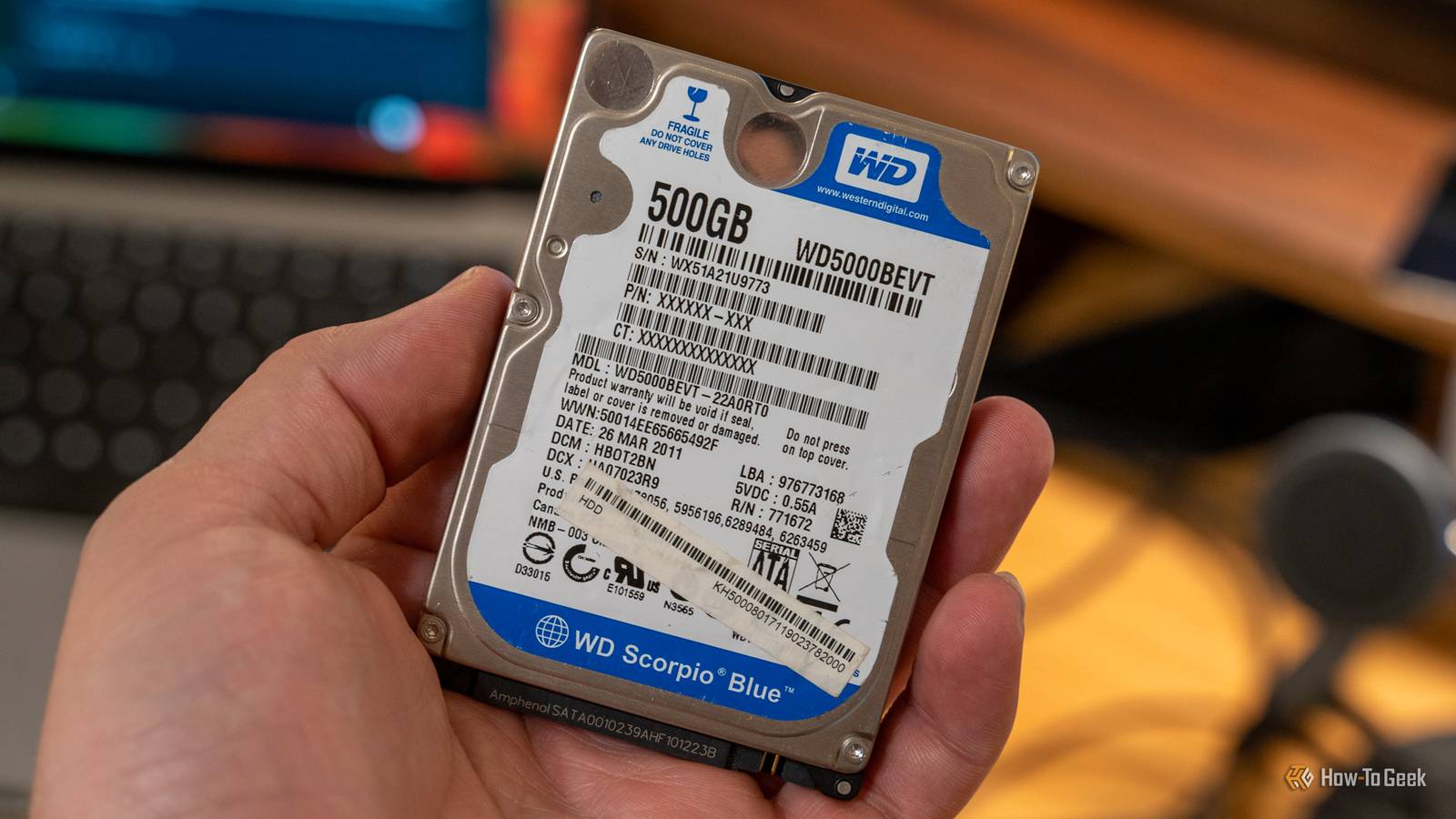
By plugging in an external drive, such as a flash drive, you can access stored media and play it directly on your TV.Subscribe to our newsletter for smart TV USB ideas Get hands-on TV USB advice - subscribe to our newsletter for practical guidance on powering accessories, choosing compatible devices, and neat setup tricks that keep cables tidy and features working when the TV is on.Get Updates By subscribing, you agree to receive newsletter and marketing emails, and accept our Terms of Use and Privacy Policy.
You can unsubscribe anytime.Usually, the TV itself has a built-in media player that can play music, videos, and images from a connected drive.In some cases, you can also download a third-party media player from the TV’s app store, which could support a wider range of file formats.
This is a great option if you want to show photos and videos from a recent trip or keep something playing in the background during a party or event.While technologies like AirPlay make it easy to cast media to a TV, not every TV supports them, making USB media playback a worthy alternative.The USB port on your TV can be used in a variety of ways, as long as the accessory you’re connecting supports it.
It’s an easy way to power devices that only need to be used when the TV is on.If a low-power accessory uses a USB connector, it’s likely to work with the port.For example, you could plug in a small fan that turns on when the TV powers up or a candle warmer that automatically switches on to set the mood when you start watching.
While small, the USB port is a simple, low-effort way to make your TV setup more personalized and polished.
Read More