You probably have a lot of old hardware that has outlived its usefulness.And if you're desperately looking for storage in these dire times of price hikes, you might be pleasantly surprised.Here's three places where you can find storage you can then re-use on your PC—all without spending a dime.
DVRs Streaming services have largely replaced traditional cable and satellite television setups, so millions of these set-top boxes have been relegated to closets or electronic recycling bins.However, the core function of a DVR is to record and store hundreds of hours of high-definition video, which requires a substantial, robust internal hard drive.So if you're wondering if there's a hard drive in there, the answer is probably yes.
Most DVRs manufactured in the last decade contain standard 3.5-inch desktop hard disk drives, typically ranging from 500 gigabytes to 2 terabytes in capacity.These drives are engineered specifically for continuous, demanding read and write cycles, making them incredibly durable and reliable for long-term personal data storage.Extracting the hard drive from a DVR is generally a straightforward process requiring only a standard Phillips-head screwdriver.
Of course, depending on the DVR, it can vary.Once the outer casing is removed, the drive is easily identifiable and can be disconnected from its standard SATA power and data cables.Because cable companies and manufacturers utilize proprietary, closed operating systems, the hard drive will not be immediately readable when plugged directly into a standard Windows or Mac computer.
The drive contains a specialized file system and heavily encrypted video files that cannot be accessed or viewed.To repurpose the drive, you must connect it to your computer—either internally or via an external USB drive enclosure—and use your operating system's disk management utility to completely wipe the existing partitions.By initializing the disk and formatting it to a standard file system like NTFS or exFAT, you instantly gain a massive amount of free, enterprise-grade storage perfect for backing up photographs, archiving important documents, or serving as a secondary drive for a desktop computer.
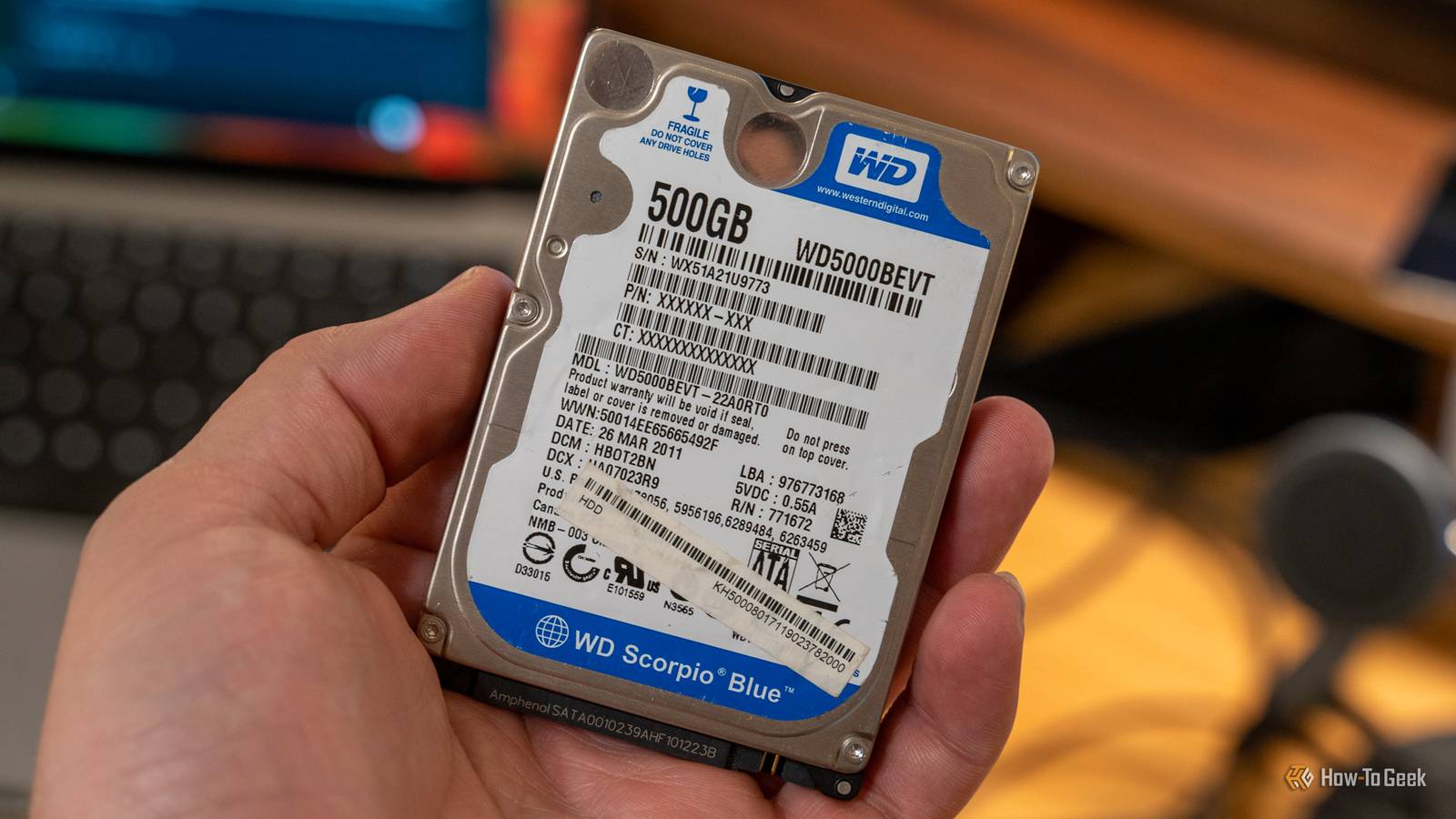
Old laptops When a laptop reaches the end of its usable life due to a cracked screen, a degraded battery, or a failed motherboard, the internal storage drive usually remains in perfect working condition.Old laptops are practically a guaranteed source of highly portable, valuable storage.Depending on the age of the machine, it will contain either a mechanical 2.5-inch hard disk drive or a much faster solid-state drive.
Devices from the early 2010s often feature mechanical drives ranging from 320 gigabytes to 1 terabyte, while slightly newer models might yield solid-state drives that offer incredible read and write speeds.Rather than letting the entire machine gather dust, harvesting the storage drive gives you a powerful tool for everyday data management without spending a dime on memory.Removing a drive from an aging laptop is typically simpler than dismantling a desktop or a household appliance.
Most older laptops feature a dedicated access panel on the bottom chassis, secured by one or two small screws, allowing you to slide the drive out of its SATA connector in mere seconds.Once removed, this bare drive can be transformed into a highly versatile portable hard drive with a minimal investment.By purchasing a basic 2.5-inch USB enclosure, which usually costs just a few dollars, you can house the extracted drive safely in your PC.
Simply slide the drive into the enclosure, plug it into your current computer via USB, and you have an instant external hard drive.After transferring any old personal files you wish to keep, you can format the drive to create a clean slate.Because laptop drives are specifically designed to withstand the physical movements associated with portable computing, they make exceptionally rugged external drives for moving large files between computers.
Seagate BarraCuda 2TB See at Amazon Expand Collapse Old game consoles Home video game consoles from the seventh and eighth generations, including the PlayStation 3, PlayStation 4, Xbox 360, and Xbox One, heavily relied on standard physical storage to install massive game files, download updates, and save player progress.As gamers upgrade to the current generation of hardware, these older systems are frequently discarded or sold for pennies.Subscribe to the newsletter for hands-on storage hacks Want more do-it-yourself ways to reuse old tech? Subscribe to the newsletter for step-by-step guides on harvesting drives from DVRs, laptops, and consoles, plus practical tips for reformatting and putting that storage back to work.
Get Updates By subscribing, you agree to receive newsletter and marketing emails, and accept our Terms of Use and Privacy Policy.You can unsubscribe anytime.The thing is, though, both Sony and Microsoft utilized standard, off-the-shelf 2.5-inch SATA hard drives for these consoles, identical to the ones found in traditional laptop computers.
Capacities typically start at 250 gigabytes for older systems and easily reach 1 terabyte for the later models, representing a significant amount of reusable digital real estate.Sony designed their PlayStation consoles with user-upgradability in mind, meaning the hard drive is housed behind a simple plastic cover and secured with a single branded screw, making extraction completely effortless.Microsoft's consoles require slightly more effort to disassemble the outer plastic shell, but the underlying drive is still a standard SATA component.
Once removed, these drives behave exactly like any other computer hard drive, but they do require a brief software intervention before they become usable.Game consoles format their drives using highly specific, proprietary file structures to prevent piracy and tampering, meaning a Windows or Mac computer will not recognize the drive immediately upon connection.By opening your computer's partition manager, you can delete the multiple hidden partitions created by the console's operating system and reformat the entire drive into a unified, accessible block of storage.
These drives can then be installed into a desktop PC or placed in an external USB enclosure for portable use.
Read More