Lossless Scaling often gets framed as cheap frame generation.It's true: It costs $7, and it can do incredible things, such as bringing your old Nvidia GTX 1060 GPU out of retirement for the purpose of being a second GPU.But there's a lot more that this cheap tool can do for you, and if you already have it, chances are that you're massively underutilizing it—I know I was.
Use Lossless Scaling as a universal upscaler This is the only tool that can do that for you.Each GPU vendor has its own take on upscaling.Nvidia's DLSS is perhaps the most widely recognized (no wonder, what with that market share), but AMD's FSR and Intel's XeSS exist as vendor-specific alternatives.
But what do you do when playing games that don't offer any of those? Well, this is where Lossless Scaling comes in handy.Lossless Scaling lets you render games below your monitor's native resolution, then upscale the final image so you can claw back performance without tanking clarity.It really gives some older, less beefy GPUs a major boost.
Simply run the game in windowed or borderless mode, then set it to a lower in-game resolution.Next, pick an upscaler inside LS and scale the window back up to your display.Play retro games Getting them to work is always a challenge, but this helps.
I'm basically the human embodiment of nostalgia, so I love going back to all the games that populated my childhood.Of course, with modern hardware, compatibility issues are widespread.You have to wrestle certain games to even be installed, but even when you get past that stage through brute-forcing or emulators, you might still end up trapped in some low-res hellscape, where the game looks nothing like what it's supposed to look like.
Well, LS is handy for that, too.Lossless Scaling is designed to scale content that wasn't made for modern resolutions.As long as the game can be run in windowed or borderless mode, LS can probably help you make it look better and adapt to your resolution.
The big win is how it treats pixel art.LS specifically points to Integer and xBR as ideal for pixel art titles, so you're not stuck with blurry modern scaling that smears clean edges.Unlock higher fps in games that don't let you Elden Ring, I'm talking about you.
It doesn't matter what kind of monster PC you own; if the game can't go above 30 or 60 fps, your PC can't do anything about it.Elden Ring comes to mind.It's one of my all-time favorite games, but it really feels bad to play it at 60 fps when I know I could be getting so much more.
Sure, some mods can remove the cap, but instead of toying around with mods (some of which might be against the terms of service), you can fix the problem with Lossless Scaling.LS can't truly "uncap" the game engine.But the LSFG mode can generate intermediate frames so the visual frame rate you see on screen can effectively double, or even triple, despite the game itself still running at the original cap.
You're essentially adding extra frames between real ones, which is exactly what tech like Nvidia's DLSS does.There can be some artifacting, so be mindful of that.Give videos a major boost It's not all about gaming.
This is one that many people don't think about too often.You don't have to use LS for games; you can use it to upscale videos, too.LS can scale video playback in supported browsers and media players, as long as you're watching in a windowed or borderless mode.
It's great for YouTube videos, movies, and anime, and for the latter, it even has Anime4K as an option.If you have an Nvidia GeForce RTX GPU, you can also achieve similar results directly through the built-in alternative.RTX Video can apply its AI effects to video played in VLC and the latest Chrome, Edge, and Firefox browsers.
You'll have to enable it in the Nvidia Control Panel First, though.Subscribe to our newsletter for Lossless Scaling tips Get our newsletter for deeper Lossless Scaling workflows, practical GPU pairing guides, video-upscaling tricks, and step-by-step ways to boost older hardware—plus related upscaling and GPU optimization coverage you can act on.Get Updates By subscribing, you agree to receive newsletter and marketing emails, and accept our Terms of Use and Privacy Policy.
You can unsubscribe anytime.So which should you use? RTX Video is the cleaner first stop when it's supported in your playback app, because it's purpose-built for video and has its own quality and GPU utilization controls.Lossless Scaling is the flexible fallback when RTX Video is not available in your setup, or when you specifically want filters like Anime4K, and you do not mind scaling the whole window.
ASUS TUF Gaming GeForce RTX 5070 12GB Graphics RAM Size 12GB Brand ASUS Architecture NVIDIA Blackwell The ASUS TUF Gaming GeForce RTX 5070 12GB graphics card is designed to take your gaming setup to the next level.As the latest from NVIDIA, you're getting PCIe 5.0 compatibility, HDMI and DisplayPort 2.1 ports, NVIDIA Blackwell architecture, and DLSS 4 technologies packed into this mid-range GPU.$600 at Amazon $600 at Best Buy $600 at Newegg Expand Collapse Combine it with a second GPU Get the most out of Lossless Scaling.
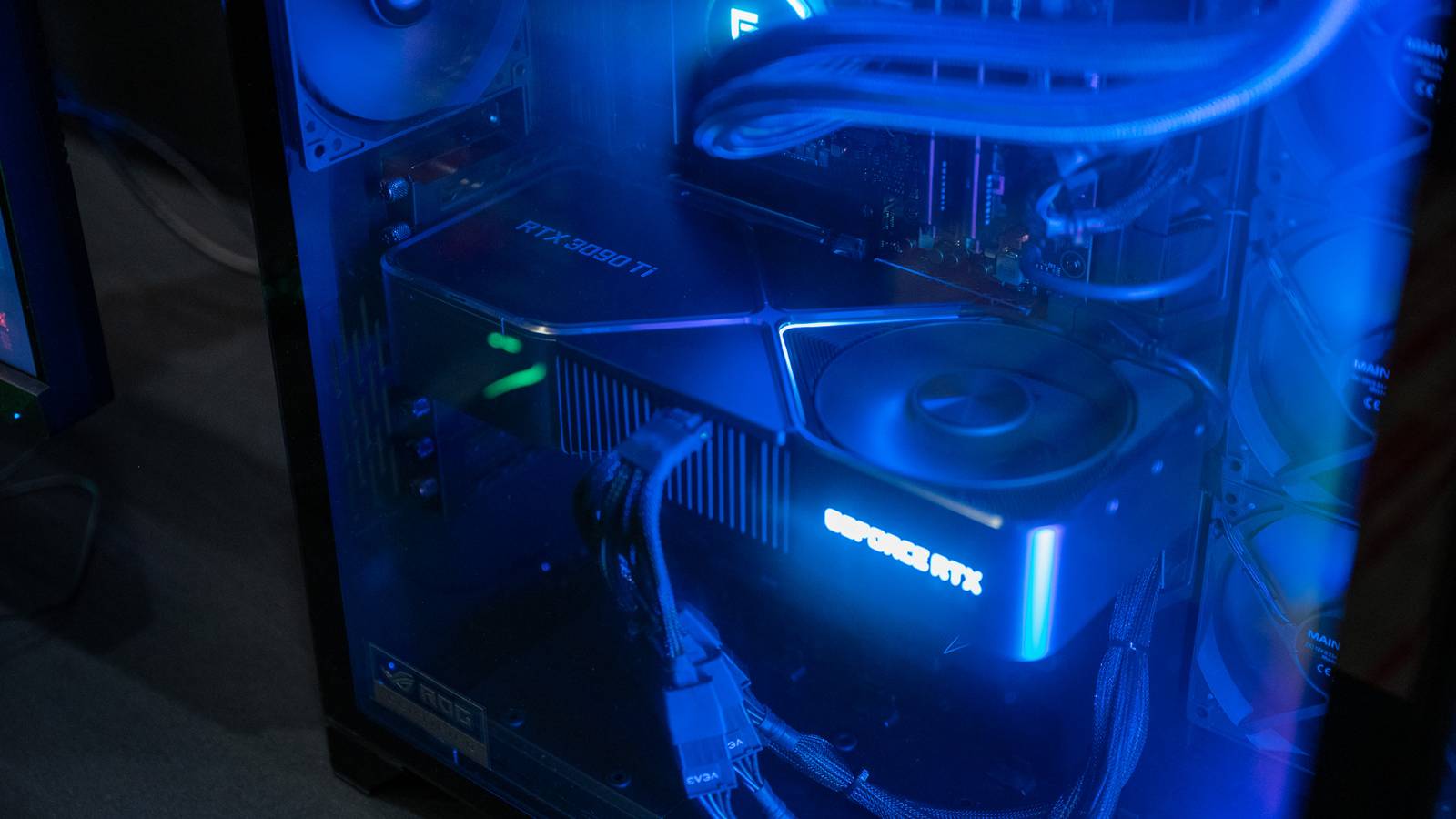
Many thought that the days of running dual GPUs were long left behind, but AI workloads and frame generation have brought them back.With Lossless Scaling, you can offload the scaling and frame generation to a second GPU, leaving your main graphics card free to do more heavy-lifting than it normally would be capable of.Conceptually, it's simple.
Your main GPU focuses on rendering the game, and the spare card handles the extra work that LS adds on top.This is not SLI, and it's not the same as combining two GPUs for raw rendering power.It's more like delegating some stuff to a second, often older graphics card.
The catch here is that it's still a hardware upgrade.You need a PCIe slot to plug the GPU into; your PSU needs extra power headroom; your coolers need to be ready to run two GPUs instead of one.On the other hand, you can get away with two rather budget-friendly GPUs like this and get some high-end performance out of them.
Lossless Scaling is truly the PC gamer's (and user's) gift that keeps on giving.For just $7, it opens up a world of possibilities without locking you to a specific GPU manufacturer's software stack.Check it out and explore; there's a lot that you can do with this unassuming app.
Read More