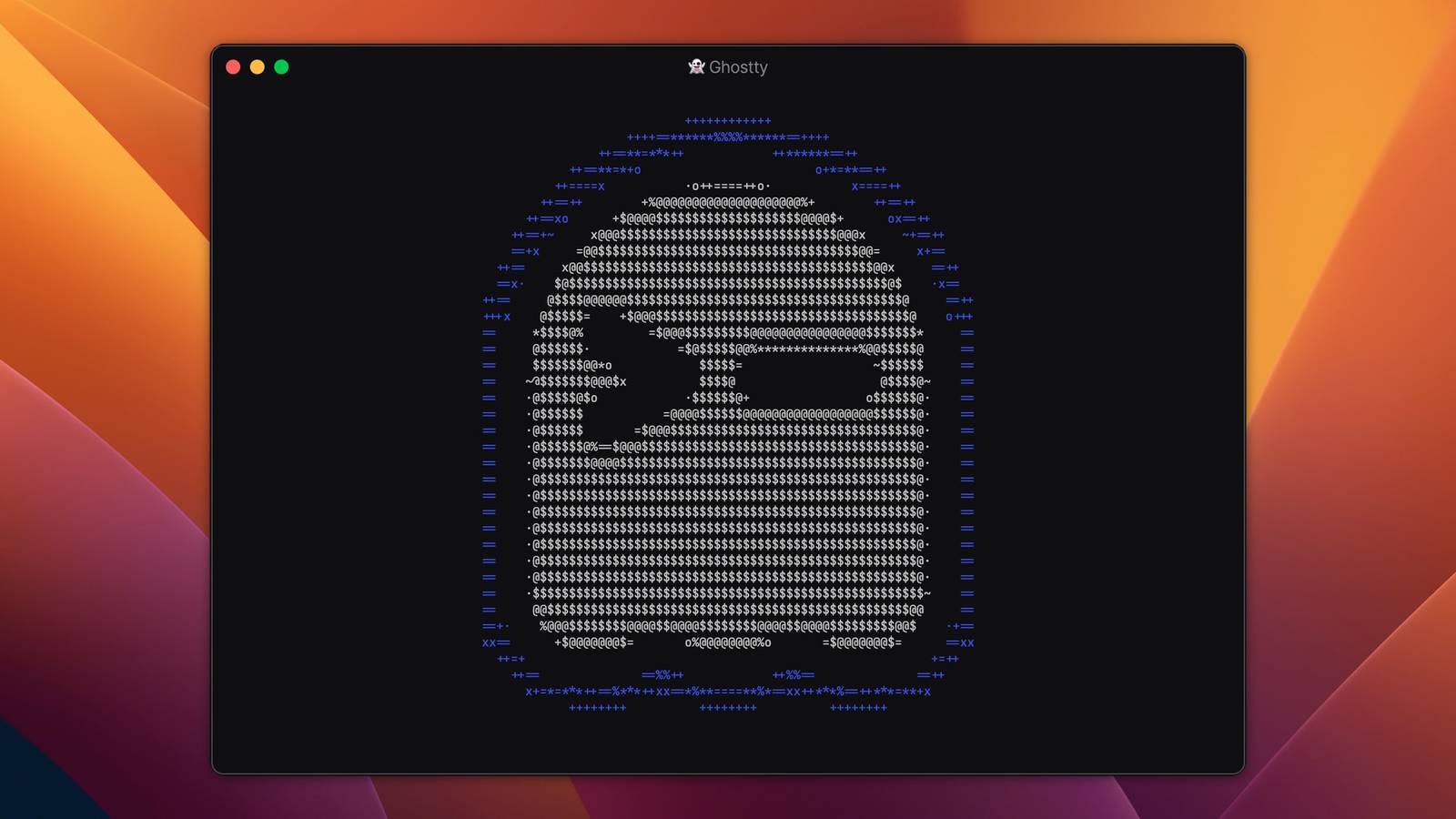
Your Mac or Linux machine might already have a terminal emulator, but replacements like Ghostty can give you more features and extensive customization options.Ghostty version 1.3 has now arrived with improvements to searching, clipboard, macOS integration, and much more.The most significant improvement in this release might be scroll back search, which allows you to search through your entire terminal session history.
The default binding is Cmd+F on Mac or Ctrl+Shift+F on other platforms, and on Mac and Linux, the search bar can be dragged to any of the four corners of the terminal window.The release notes explained, “Search is implemented using a dedicated search thread that operates concurrently with terminal I/O.The thread grabs the terminal lock in small time slices to make forward progress on searching while minimizing impact on I/O throughput or rendering.
If you do not use search, or you close the search bar, the search thread exits and does not consume any resources.” Ghostty also now has native scrollbars across all platforms.By default, the operating system decides if the scrollbar should be visible or not, but you can also change that behavior with the new scrollbar setting.You can also now click inside the shell to move the cursor, like a normal text field, as long as it’s supposed by the shell.
That works natively with Fish (v4+) and Nutshell (v0.11+), with more limited support in other shells using Ghostty’s injected integration.This update also adds push notifications when a long-running command finishes.This is disabled by default, but you can set it up based on the window focus status and command length.
For example, you could be alerted when a video conversion in ffmpeg is completed, but only if the Ghostty window is in the background and the conversion was running for more than 30 seconds.Ghostty also now saves rich text formatting when you copy text to the clipboard.That way, text colors and other attributes can appear when pasting into Google Docs, Microsoft Word, TextEdit, LibreOffice, or any other rich text editor.
You can turn it off, though, if you always want plain text.There are also some performance and stability improvements, including a fix for a memory leak when using Claude Code.The team explained, “Thanks to asciinema, we received ~4GB of public terminal recording data to analyze and optimize Ghostty's performance.
[…] Using this data, we improved I/O processing considerably, lowering the time it took Ghostty to replay everything in the dataset from minutes to tens of seconds.” Ghostty 1.3 has a few more improvements just for Mac.There’s now built-in AppleScript support, so you can automate text input, window and tab management, and other functions in Ghostty from AppleScript automations.You can also now reorder window splits on macOS, and update notifications are now less-intrusive notifications at the bottom corner of the window.
You can download Ghostty from the official website.It’s available for macOS 13 or later, or any modern Linux distribution, and you can check out the source code on GitHub.Source: Ghostty (documentation, GitHub)
Read More