Malware is an ever-present threat, but there are still some places where you don’t expect to see it pop up.Recently, potentially harmful files have been found lurking in downloads from some of the web’s biggest 3D printable model repositories.Here’s what you need to know, how to spot them, and the basic precautions that will keep you safe.
Malware found on MakerWorld and Printables The existence of malware on both MakerWorld and Printables has been reported by eagle-eyed Reddit users on both the r/MakerWorld and r/Printables subreddits.This has happened before with exploits reported back in 2025 and 2024, though this latest threat seems to take a different approach.One such download flagged on MakerWorld contained a ZIP file, a BLEND (editable 3D model) file, a Windows EXE file hiding a script for AutoHotkey, and a text file explaining how to “use” the download.
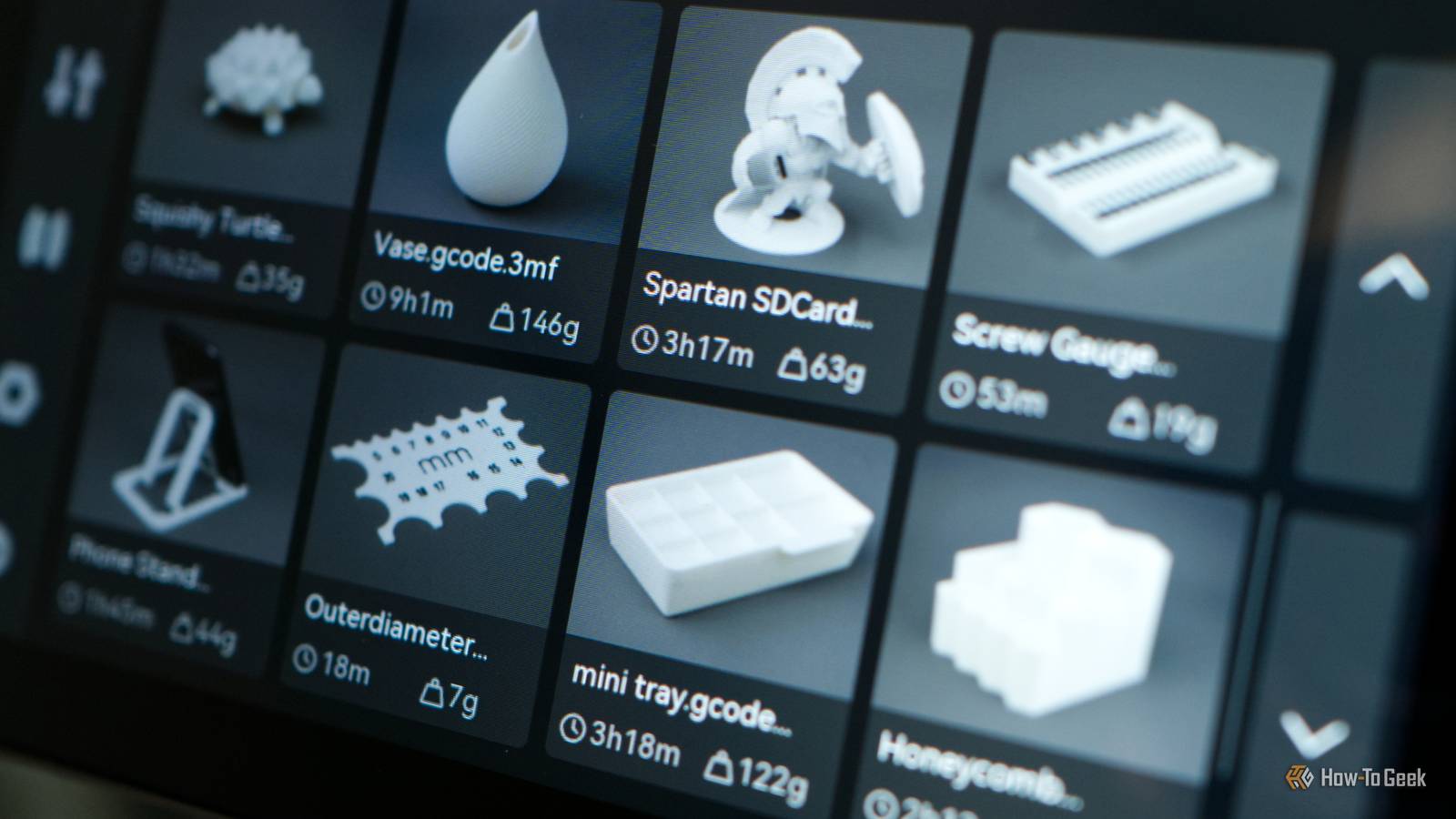
Interestingly, no STL or 3MF file was provided with the download.STL and 3MF files are typically what you expect to find when downloading a model for printing.These files open in your slicer software and are sent over to the printer for reproduction.
Some users also choose to include BLEND files, which are editable Blender documents.This makes it easy for others to make changes to the model where necessary.The absence of STL and 3MF files should itself be treated as a red flag, since it requires that you use the contents of the download to create your own.
This can lead to you compromising your computer in order to get a file format that you can send to the printer.Windows users targeted via compromised BLEND files On the upside, this latest attack doesn’t attack the printer itself but rather the computer that downloads the model.This is a good thing since most of us are used to taking precautions when opening file downloads.
The examples posted on Reddit appear to only target Windows users, which is common for malware on account of the platform’s popularity.That’s not a reason to let your guard down as a Mac or Linux user, since we should all maintain a healthy level of suspicion when downloading anything.These downloads depend on the compromised BLEND file to extract a hidden payload, which then runs a PowerShell script, before finally presenting the user with a file that appears to be a converted model.
This process essentially tricks the user into installing malware without realizing anything is wrong.While the example on MakerWorld relied on an executable, the presence of a compromised BLEND file is also concerning.In the Printables example, this file contained a malicious Python script that executed if the “Auto Run Python Scripts” setting is enabled.
It places an LNK file in your Windows startup folder, so that the malware runs every time Windows restarts.These mechanisms could be used to install all manner of malware on your system, from keyloggers and remote access trojans to ransomware that holds your machine hostage.It’s another reminder to always be vigilant, even if you believe the source can be trusted and the files couldn’t possibly be harmful.
Basic security precautions will protect you Above all else, never run random executable (EXE) files that you have downloaded unless you absolutely trust the source.Websites like MakerWorld and Printables can be used by anyone, and while the vast majority of these files are perfectly safe and do exactly what you’d expect, you should still exercise caution.Subscribe to the newsletter for 3D model malware coverage Join the newsletter for focused coverage of threats like malware in 3D model repositories, plus clear guidance on spotting suspicious downloads and practical precautions to protect your computer and printing workflow.
Get Updates By subscribing, you agree to receive newsletter and marketing emails, and accept our Terms of Use and Privacy Policy.You can unsubscribe anytime.The same goes for opening random BLEND files.
You should expect downloads from sources like this to include 3MF or STL files, not just Blender documents.If you’re going to open these files, you should prevent scripts from running automatically by opening Blender and clicking Edit > Preferences > Save & Load and unchecking “Auto Run Python Scripts” (which is thankfully disabled by default).As for spotting the files, be suspicious of any model download that lacks an STL or 3MF file in the initial download, or one that includes an executable file and a set of instructions that explain how to generate your model.
Other things to watch out for include models that don’t make a lot of sense within the context of 3D printing, descriptions that appear automatically generated, and very new accounts.If you suspect something is up, you can report the models to the repository.In addition to watching out for malware, 3D printer owners should also master a few basic maintenance tasks.
Read More